
NovaStar Receiving Cards
Replacing a receiving card or building new LED cabinets? Start here. These small boards sit inside the cabinet and tell the LED modules what to show.
Showing 1–24 of 61 results
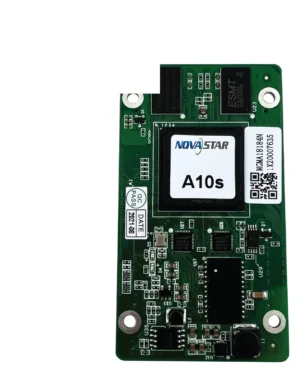
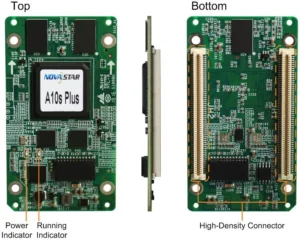
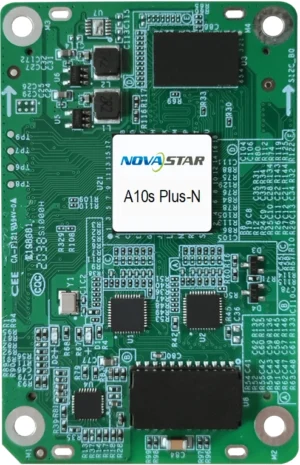
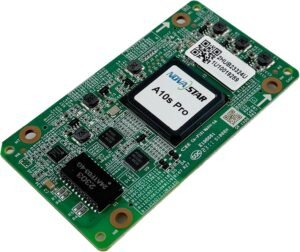
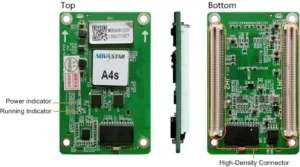
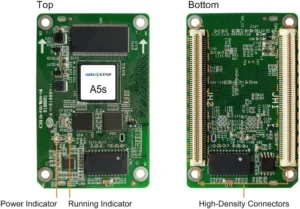
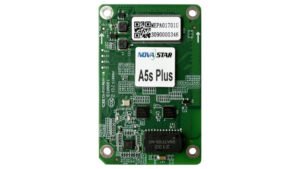
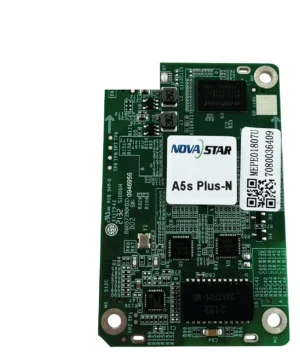
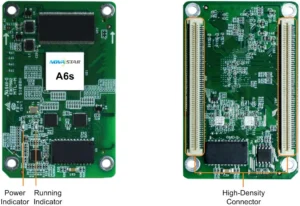
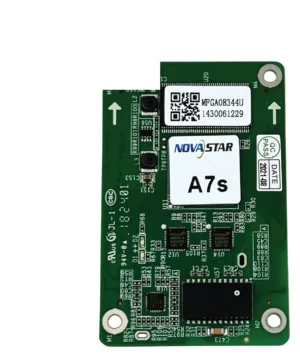
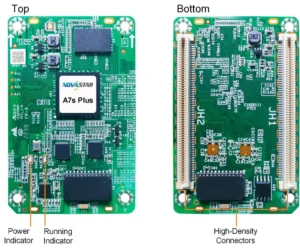
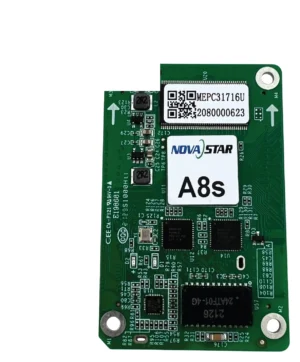
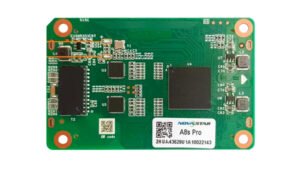
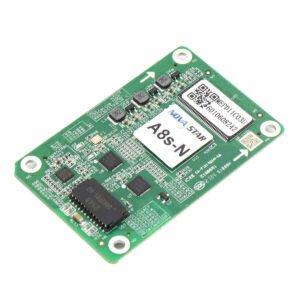
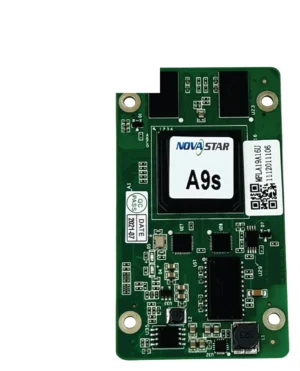
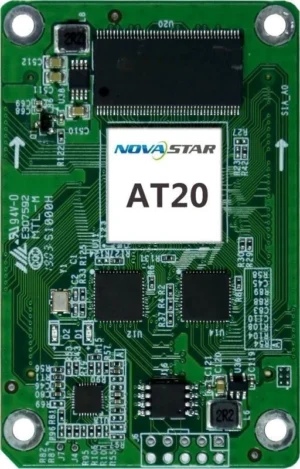
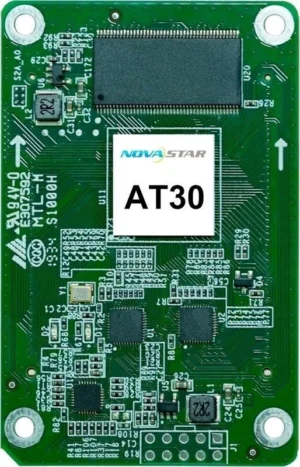
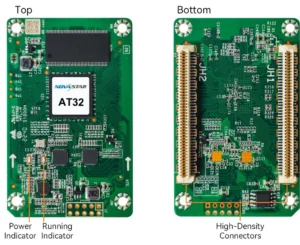
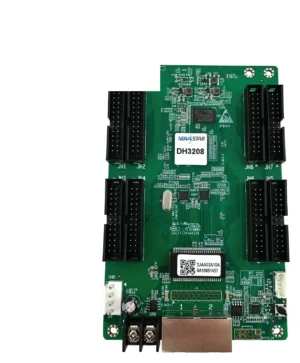
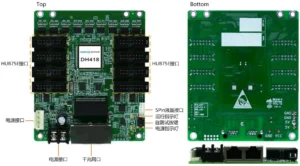
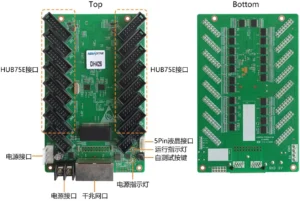
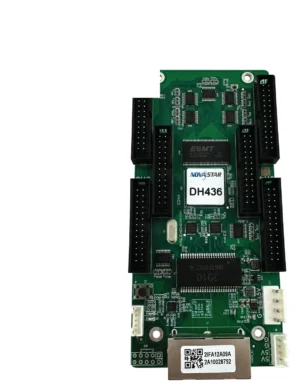
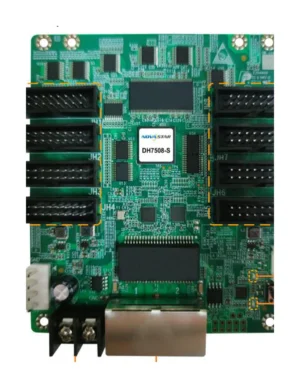
What is a NovaStar receiving card?
Simply put, this is the small board inside each LED cabinet.
It takes instructions from the controller and tells the LED modules inside the cabinet what to show. For a replacement, it must match the cabinet already installed. Two cards that look similar may not work the same way.
NovaStar receiving card model comparison
Find your current card first. Then check the cabinet resolution, LED module connection and controller before choosing a replacement.
| Model | Catalog price | Availability | Pixel Load | Connector / Interface | Scan / Refresh | Calibration | Compatible System |
|---|---|---|---|---|---|---|---|
| A8s-N | $73 | In stock | 512×384@60Hz | 22bit+ via Image Booster (64x grayscale improvement) | |||
| A7s Plus | RFQ | By quote | • For PWM driver ICs, the maximum load capacity per card is 512×512@60Hz • For common driver ICs, the maximum load capacity per card is 512×384@60Hz | ||||
| A10s Pro | $109 | In stock | 512×512@60Hz | 22bit+ via Image Booster (64x grayscale improvement) | |||
| A5s Plus | $38 | In stock | 512×384@60Hz | 18bit+ (improves LED display grayscale by 4x) | |||
| A4s | RFQ | By quote | |||||
| MRV210-4 | RFQ | By quote | |||||
| MRV328 | RFQ | By quote | 256×256@60Hz (PWM driver ICs) | ||||
| MRV412 | RFQ | By quote | 512×512@60Hz (PWM driver IC) 512×384@60Hz (common driver IC) |
How do you choose the right NovaStar receiving card?
If you are replacing a card, the goal is simple: buy the one that works in the cabinet you already have. Follow these steps before looking at newer models.
Read the model number on the card already inside the cabinet. A clear photo of both sides is even better.
Tell us the cabinet size and how many pixels it has. The replacement card has to fit that cabinet, not just look similar.
The card also needs to work with the controller that sends the signal to the wall.
Save the old card label, cabinet details and configuration files. They make future repairs much easier.
Complete your LED control system
The receiving card is only one part inside the cabinet. The controller sends it the signal, and fiber equipment may carry that signal over a long distance. These links help you check the full path.
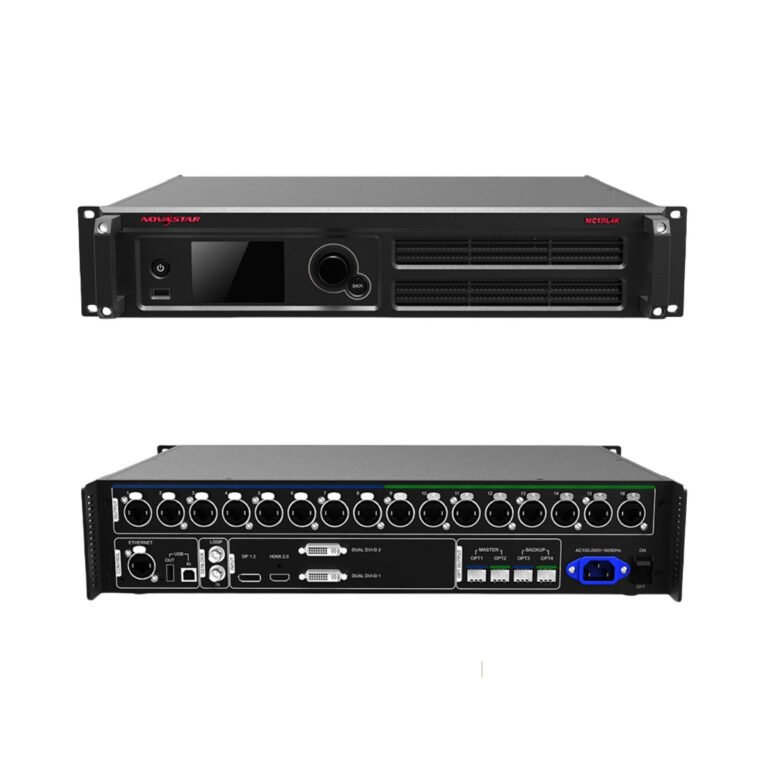 ControllersBrowse sending controllers that deliver the finished signal to the LED cabinets.
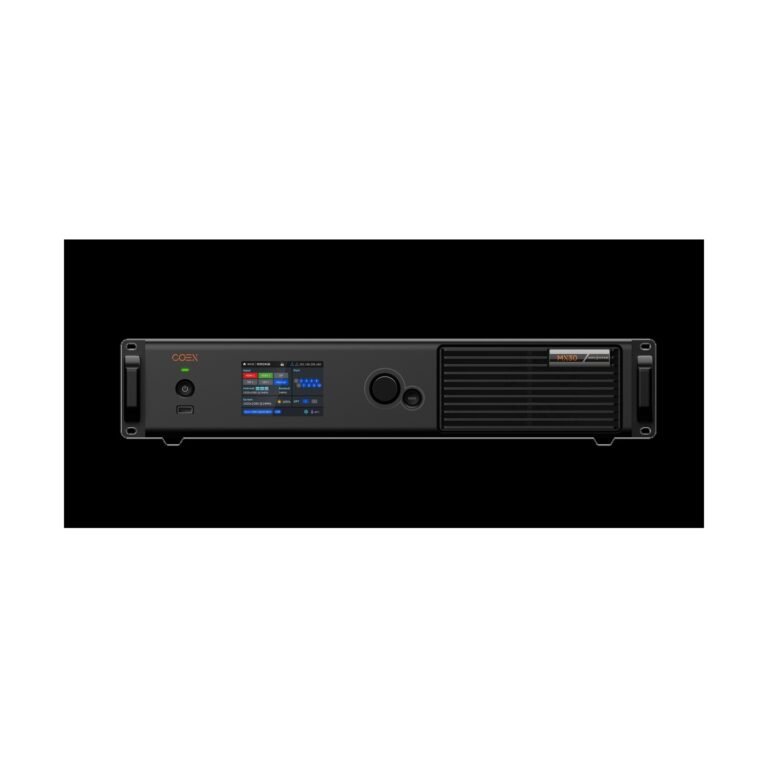 COEX SeriesExplore the integrated platform for coordinated processing, sending and receiving cards.
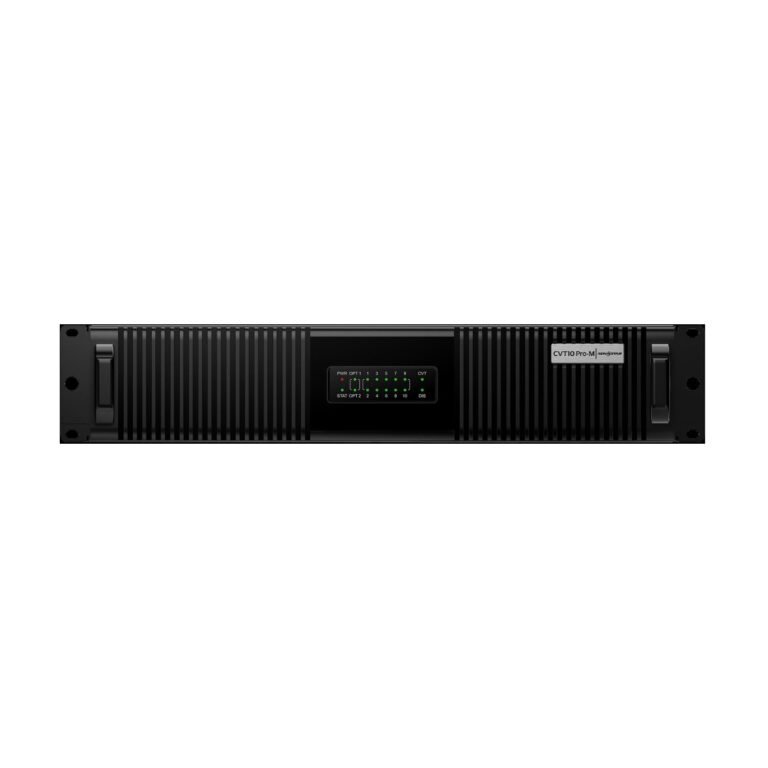 Fiber ConvertersPlan the optical link when distance, routing or redundancy calls for fiber.
NovaStar receiving card manuals, datasheets and software
Open the datasheet when you need to compare the old card with a possible replacement or share the cabinet details with an installer.
NovaStar receiving card FAQs
These are the questions people ask us most when a cabinet needs repair, replacement or expansion.
How do I choose the right receiving card for my LED module?
Start with the current card label and cabinet details. Do not choose a replacement only because the connector or size looks similar.
Can 1G and 5G receiving-card systems be mixed?
Some receiving-card systems use different signal types and cannot be mixed freely. Send us the controller model and cabinet details before changing to another card family.
Which receiving cards work best with COEX controllers?
COEX equipment works as a matched system. If your wall uses COEX, send the current controller or processor model and cabinet details before ordering a new receiving card.
What cabinet details should I confirm before ordering?
Send a photo of the current card and cabinet label, the cabinet resolution, controller model and a short note about what you are repairing. We can check the replacement direction before you order.