
NovaStar AV Over IP Encoders and Decoders
Need to send video across a network instead of one direct cable? This category covers the equipment that sends and receives that video.
Showing all 3 results
What is AV over IP for LED display systems?
Simply put, it moves video from one place to another through a network.
It sends video or control signals across a network. One unit sends the signal onto the network, and another unit receives it where you need it. It is useful when the source and display are far apart or need flexible routing.
AV over IP model comparison
List where the video starts and where it needs to go. Then check the video quality you need, whether you need keyboard and mouse control, and what your network can handle.
| Model | Catalog price | Availability | Role | Video | Network | KVM | Latency |
|---|---|---|---|---|---|---|---|
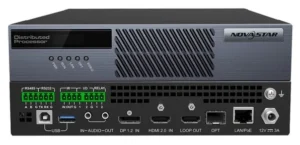
| MG420 | $1,198 | In stock | AV over IP encoder | 1x DP 1.2 and 1x HDMI 2.0 in, one active at a time | 1x Gigabit LAN with PoE 802.3AT, 1x 1G OPT backup | 1x USB Type-B to the source PC | 60 ms or less, encoder to decoder |
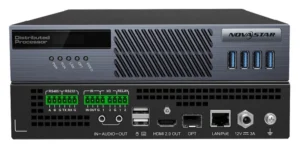
| MG421 | $1,370 | In stock | AV over IP decoder, KVM or screen node | 1x HDMI 2.0 out to 4Kx2K@60Hz | 1x Gigabit LAN with PoE 802.3AT, 1x 1G OPT backup | 4x USB 3.0 front, 2x USB 2.0 rear | 60 ms or less, encoder to decoder |
| MGT1000 | $1,940 | In stock | All-in-one decoder, LED sending built in | None; sources arrive over the network | 1x Gigabit LAN and 1x 1G OPT in, 10x Gigabit LED out to 6.5M pixels | No; USB ports reserved | 60 ms or less, encoder to decoder |
How do you choose the right AV over IP endpoint?
AV over IP is easiest to plan when you draw the route first: where video starts, where it needs to go and what network sits between them.
Write down every camera, computer or other source that needs to send video.
Write down every screen, processor or room that needs to receive the video.
Make sure the network has enough capacity for the number and quality of video streams you need.
If someone needs a keyboard and mouse at the far end, include that when you choose the equipment.
Complete your LED control system
AV over IP can move a video signal from the source to a media server, switcher, processor or LED wall. These links help you see what happens before and after the network route.
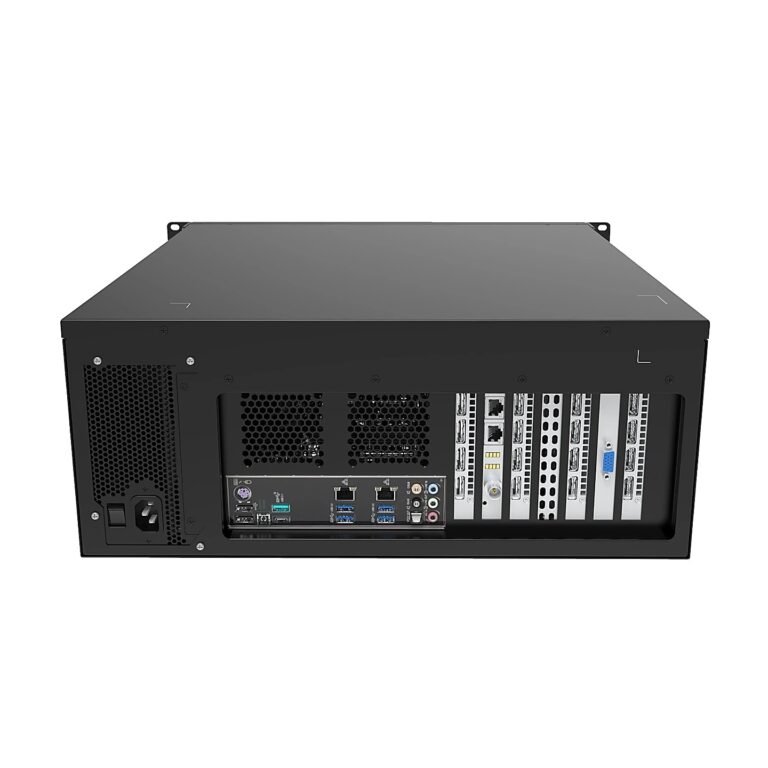 Media ServerExplore the content and multi-output layer of a production workflow.
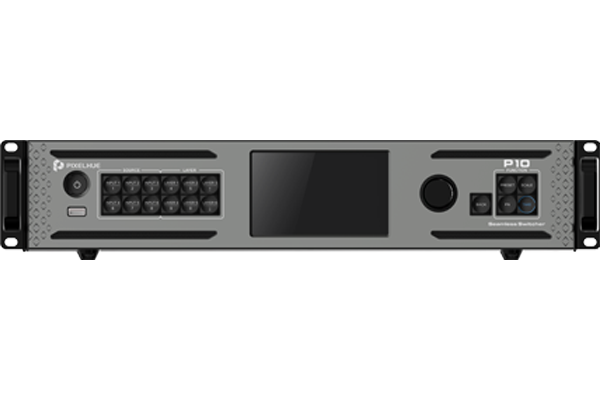 PixelhueCompare live switching tools for source, preview and program workflows.
 Manuals, datasheets and softwareOpen the documents and software resources needed for setup and review.
AV over IP manuals, datasheets and software
Use the product documents to check which unit sends video, which unit receives it and what the network needs to support.
AV over IP FAQs
These questions cover the basic planning steps before you put video onto a network.
Do I need an encoder, decoder or both?
An encoder sends video onto the network. A decoder receives it at the other end. Many projects need both, so list every starting point and destination first.
What network switch features are needed for AV over IP?
The network needs enough capacity for the video quality and number of streams you plan to send. Treat the network as part of the video system, not just a cable.
How much bandwidth should I plan for?
To plan network capacity, start with the video quality and number of streams you need at the same time. Share those details before choosing equipment.
When does KVM matter in an AV over IP system?
Remote keyboard and mouse control matters when someone needs to operate a computer from another room. Check for that need early because not every video setup includes it.