
NovaStar Fiber Converters
Need to carry an LED control signal farther than a normal cable can reach? Fiber converters connect the controller or processor to the screen over fiber cable.
Showing all 15 results
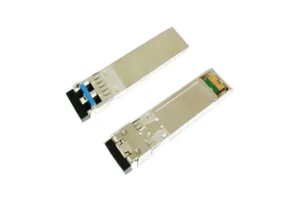
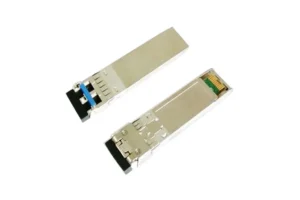
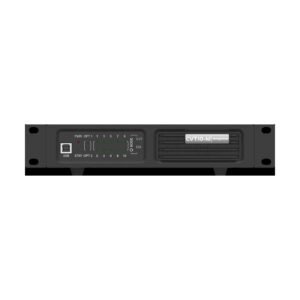
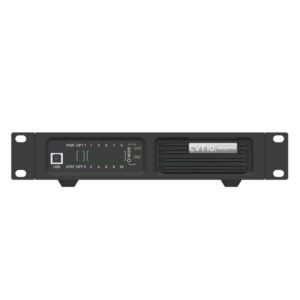
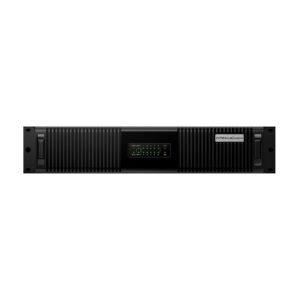
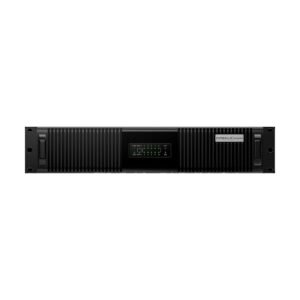
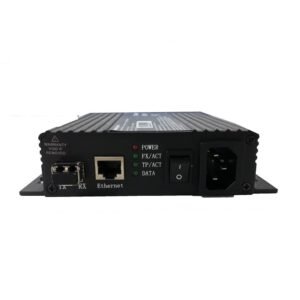
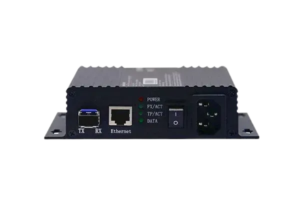
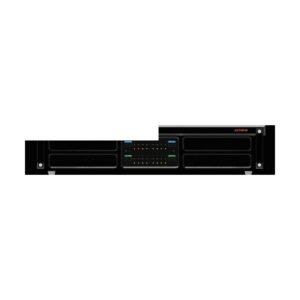
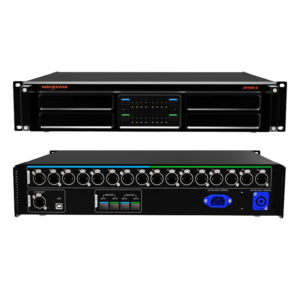
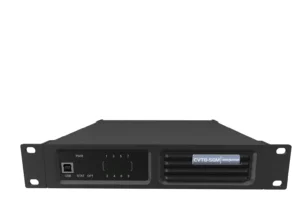
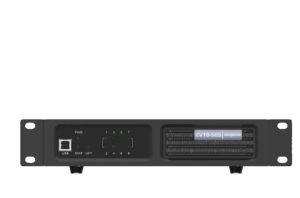
What is a NovaStar fiber converter?
Simply put, it lets the control signal travel farther over fiber cable.
It lets the LED control signal travel over fiber cable instead of a standard copper cable. Use one when the controller is far from the screen, the cable route is difficult, or the system needs a backup link.
NovaStar fiber converter model comparison
Check what sits at each end of the cable, how far the signal must travel and whether you need one path or a backup path.
| Model | Catalog price | Availability | Fiber Ports | Ethernet Ports | Transmission | Power | Dimensions |
|---|---|---|---|---|---|---|---|
| CVT10PRO-M | $2,137 | In stock | 10x Gigabit Ethernet ports | 10 km | 100-240V~, 50/60Hz, 1.5A | 482.6 mm × 88.1 mm × 280.0 mm | |
| CVT10PRO-S | $2,137 | In stock | 10x Gigabit Ethernet ports | 10 km | 100-240V~, 50/60Hz, 1.5A | 482.6 mm × 88.1 mm × 280.0 mm | |
| CVT8-5GS | $4,029 | In stock | 8x 5G BaseT Ethernet (5 Gbit/s each) | 10km | 100-240V~, 50/60Hz, 1.5A | 254.3 mm × 50.6 mm × 290.0 mm | |
| CVT8-5GM | $3,277 | In stock | 8x 5G BaseT Ethernet (5 Gbit/s each) | 100m (OM3) / 150m (OM4) | 100-240V~, 50/60Hz, 1.5A | 254.3 mm × 50.6 mm × 290.0 mm | |
| CVT10-M | $1,150 | In stock | 10x Gigabit Ethernet ports | 10 km | 100-240V~, 50/60Hz, 0.6A | 254.3 mm × 50.6 mm × 290.0 mm | |
| CVT10-S | $1,150 | In stock | 10x Gigabit Ethernet ports | 10 km | 100-240V~, 50/60Hz, 0.6A | 254.3 mm × 50.6 mm × 290.0 mm | |
| CVT320 | $176 | In stock | 1x Gigabit Ethernet | 20km | AC 100-240 V, 50/60 Hz, 0.35 A | 149.0 mm × 135.0 mm × 38.0 mm | |
| CVT310 | $147 | In stock | 1x Gigabit Ethernet | 300m | AC 100 V to 240 V, 50/60 Hz, 0.35 A | 149.0 mm × 135.0 mm × 38.0 mm |
How do you choose the right NovaStar fiber converter?
Fiber converters are chosen as a pair. You need to know what is at each end of the cable before you choose either one.
Write down the controller or processor at one end and the display-side equipment at the other.
Confirm how far the cable must travel and where it will run through the building or venue.
The fiber type and connector need to match the equipment at both ends.
For an important wall, decide whether you need a second signal path before choosing the number of ports.
Complete your LED control system
Fiber converters bridge the long cable run. The controller or processor feeds one end, and receiving cards or other display equipment receive the signal at the other end.
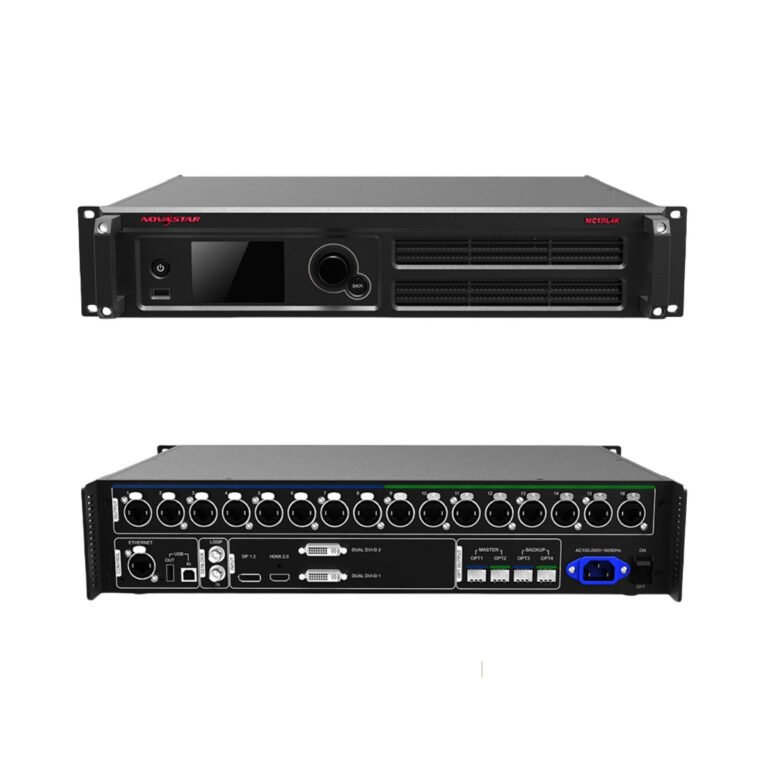 ControllersBrowse sending controllers that deliver the finished signal to the LED cabinets.
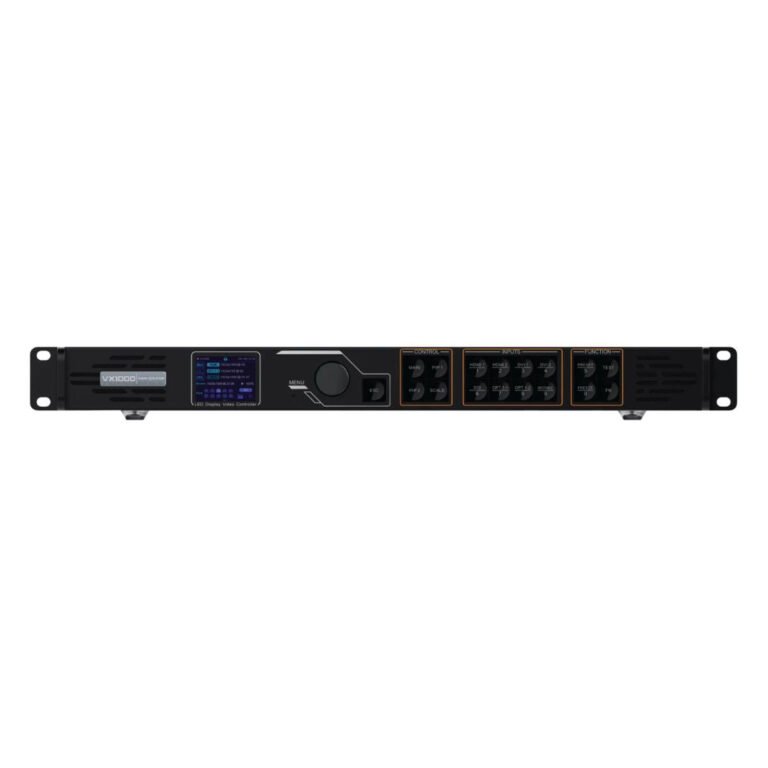 Video ProcessorsExplore the related equipment for this LED display workflow.
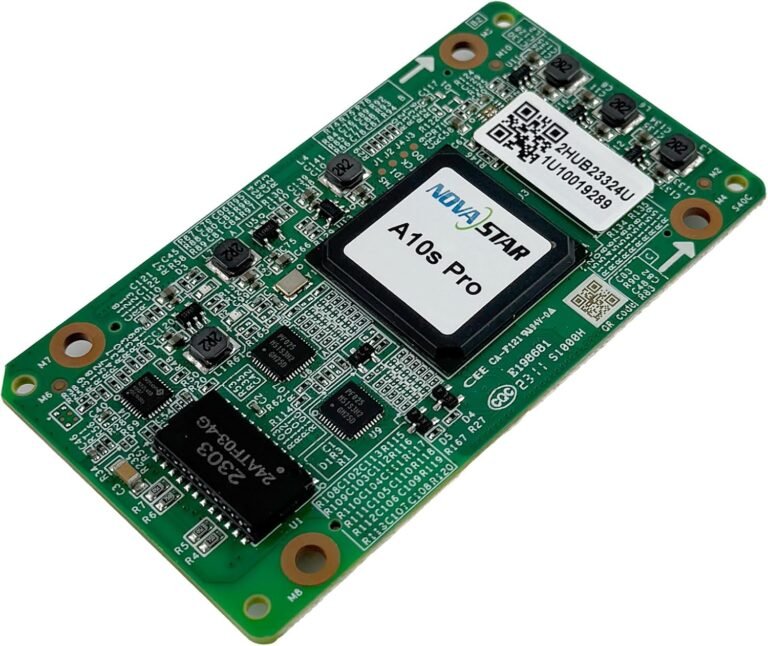 Receiving CardsMatch the cabinet-side card to the display configuration and control system.
NovaStar fiber converter manuals, datasheets and software
Use the diagrams and manuals to check the two endpoints, fiber cable type and connection order before you build the run.
NovaStar fiber converter FAQs
These questions help buyers make sure the fiber link will match the rest of the LED system.
When does an LED wall need fiber conversion?
Use fiber when the controller is far from the display, the cable route is difficult or the project needs a backup signal path.
How do I choose port count and fiber mode?
The correct fiber type and connector depend on the equipment at both ends. Send the model numbers and cable details before ordering.
Can fiber converters add backup paths?
The number of ports depends on how many signal paths the wall needs. A simple wall may need one, while a larger wall or backup design may need more.
What cable and distance details should I confirm?
Send the controller model, display-side hardware, fiber type, distance, number of paths and backup needs. We can help check the converter pair.