
NovaStar Taurus Multimedia Players
Need an LED screen to play scheduled content without someone operating it all day? Taurus players are made for that job.
Showing 1–24 of 25 results
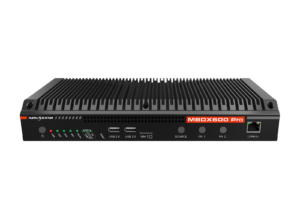
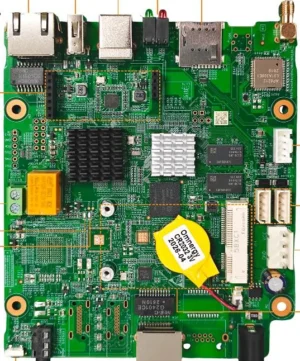
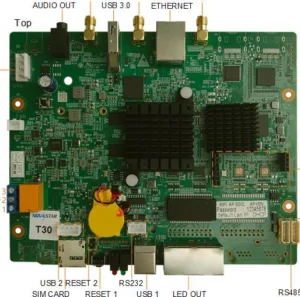
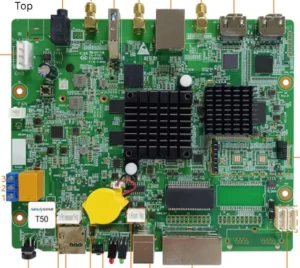
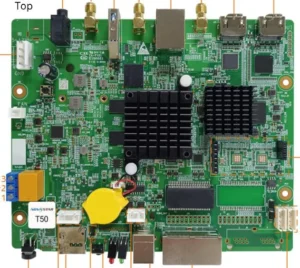
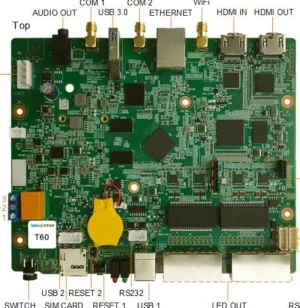
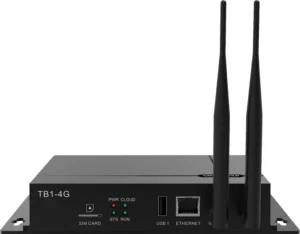
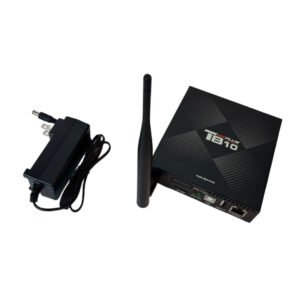
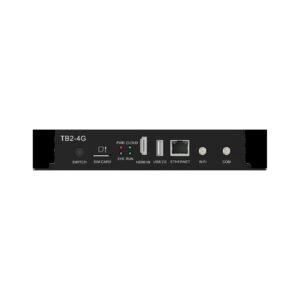
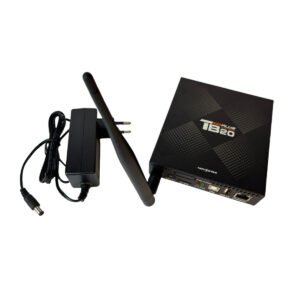
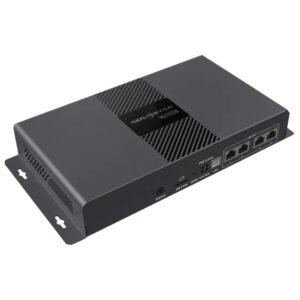
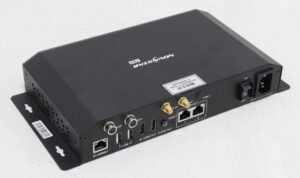
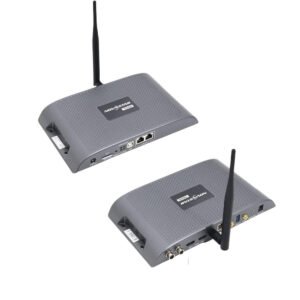
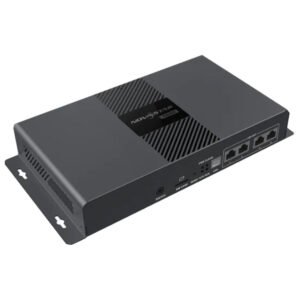
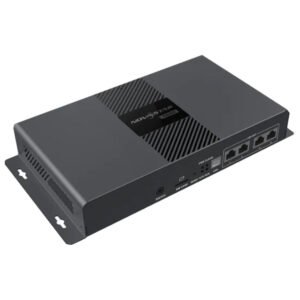
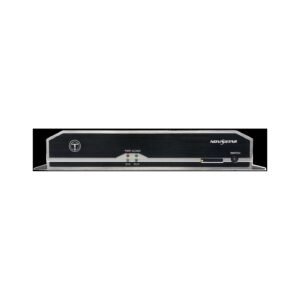
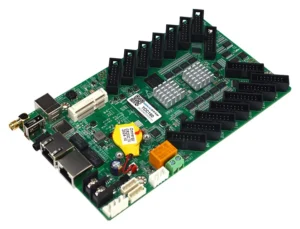
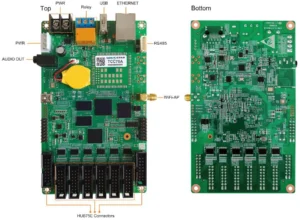
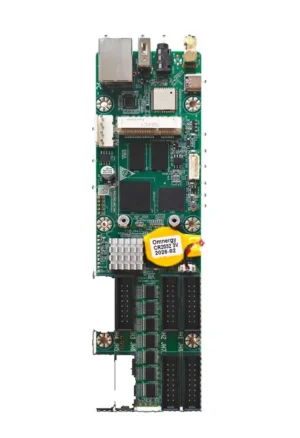
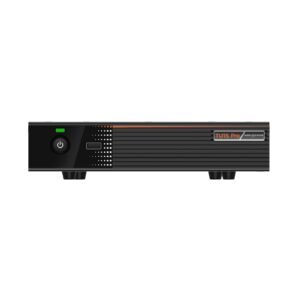
What is a NovaStar Taurus multimedia player?
Simply put, Taurus is a player that runs content on an LED screen.
It stores or receives content, plays it on a schedule and sends it to the LED display. It is a good fit for signage that runs on its own, rather than a live event where an operator switches between many sources.
NovaStar Taurus model comparison
Check the screen size first. Then choose how you will upload content: directly at the screen, through a network or with a remote management account.
| Model | Catalog price | Availability | Output Capacity | Storage | Network | Software | Dimensions |
|---|---|---|---|---|---|---|---|
| TU20 Pro | $1,075 | In stock | 4 GB | 211.7 mm × 185.0 mm × 50.6 mm | |||
| TU15 Pro | $669 | In stock | 4 GB | 211.7 mm × 185.0 mm × 50.6 mm | |||
| TB60 | $528 | In stock | 2,300,000 pixels - Maximum width: 4096 pixels, maximum height: 4096 pixels - Non-standard resolution | 1 GB | • Android 11 operating system software • Android terminal application software • FPGA program | 274.3 mm × 139.0 mm × 40.0 mm | |
| TB50 | $488 | In stock | 1,300,000 pixels - Maximum width: 4096 pixels, maximum height: 4096 pixels - Non-standard resolution | 1 GB | • Android 11 operating system software • Android terminal application software • FPGA program | 274.3 mm × 139.0 mm × 40.0 mm | |
| T50 | $365 | In stock | 1,300,000 pixels - Maximum width: 4096 pixels, maximum height: 4096 pixels - Non-standard resolution | 1 GB | • Android 11 operating system software • Android terminal application software • FPGA program | 165.0 mm × 146.4 mm × 21.2 mm | |
| TB30 | $304 | In stock | 650,000 pixels Maximum width: 4096 pixels, maximum height: 4096 pixels • 2x Gigabit Ethernet ports O | 1 GB | • Android 11 operating system software • Android terminal application software • FPGA program | 274.3 mm × 139.0 mm × 40.0 mm | |
| TB40 | $269 | By quote | 1 GB | • Android 11 operating system software • Android terminal application software • FPGA program | 238.8 mm × 140.5 mm × 32.0 mm | ||
| T30 | $259 | In stock | 650,000 pixels Maximum width: 4096 pixels, maximum height: 4096 pixels • 2x Gigabit Ethernet ports O | 1 GB | • Android 11 operating system software • Android terminal application software • FPGA program | 165.0 mm × 146.4 mm × 21.2 mm |
How do you choose the right NovaStar Taurus player?
A Taurus player is chosen around the way the screen will run every day. Think about content, screen size and network access before comparing models.
Choose whether someone will upload files at the screen, send content through a network or manage it from a remote account.
The player needs to handle the total size of the LED screen it will feed.
Check whether the location has the network connection needed for remote updates or management.
Make sure the person who manages content has the right software, login details and access to the player.
Complete your LED control system
Taurus is the part that plays the content. Accessories can help with installation, while manuals and software help the person who will set up and update the screen.
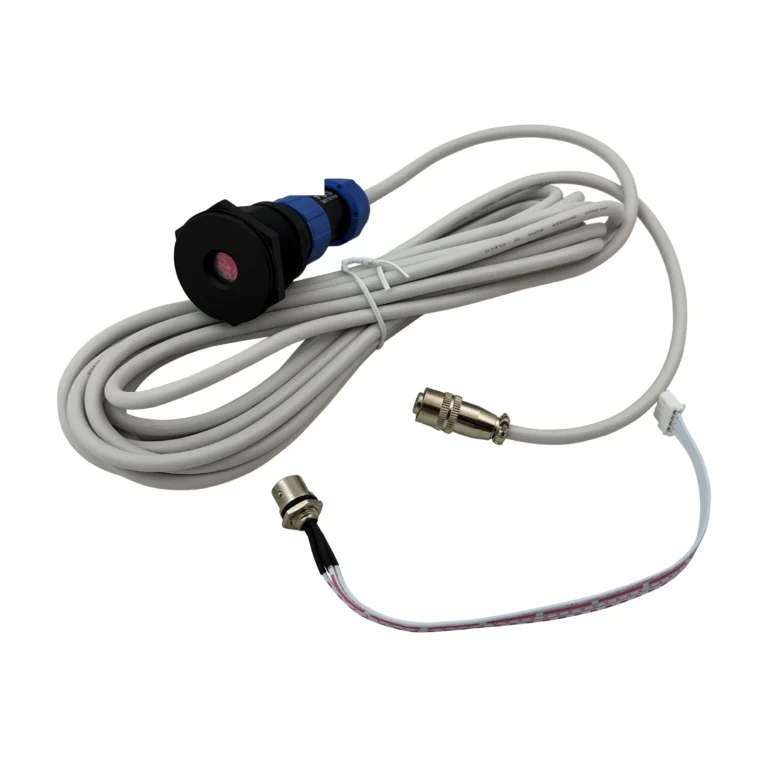 AccessoriesFind supporting hardware for installation, power, monitoring and integration.
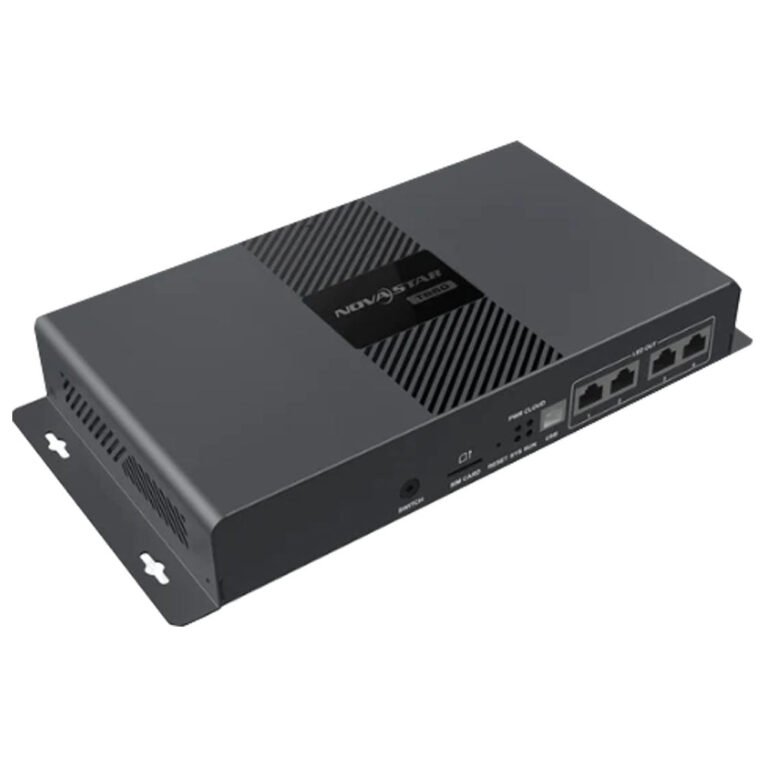 Media PlayersReview playback options for content-led display installations.Manuals, datasheets and softwareOpen the documents and software resources needed for setup and review.
NovaStar Taurus manuals, datasheets and software
Use these documents to check how the player is set up, how content is loaded and which software is needed before installation.
NovaStar Taurus FAQs
These are the questions buyers ask when they need an LED screen to run scheduled content on its own.
Which Taurus player should replace an older TB model?
Start with the old player model, screen size and the way content is managed today. Do not choose a replacement only because it has a newer TB name.
Do Taurus players use ViPlex, VNNOX or both?
Do not assume every Taurus player uses the same software or account setup. The local catalog confirms that TB8 works with ViPlex; for any replacement, send the old model and current setup so the software path can be checked.
What network options matter for outdoor signage?
For an outdoor screen, check whether the site has a reliable network connection, how content will be updated and who can access the player after installation.
What should I check before replacing a Taurus player?
Send the screen size, old player model, how content reaches the screen, network details and installation location. We can help narrow the choice.