
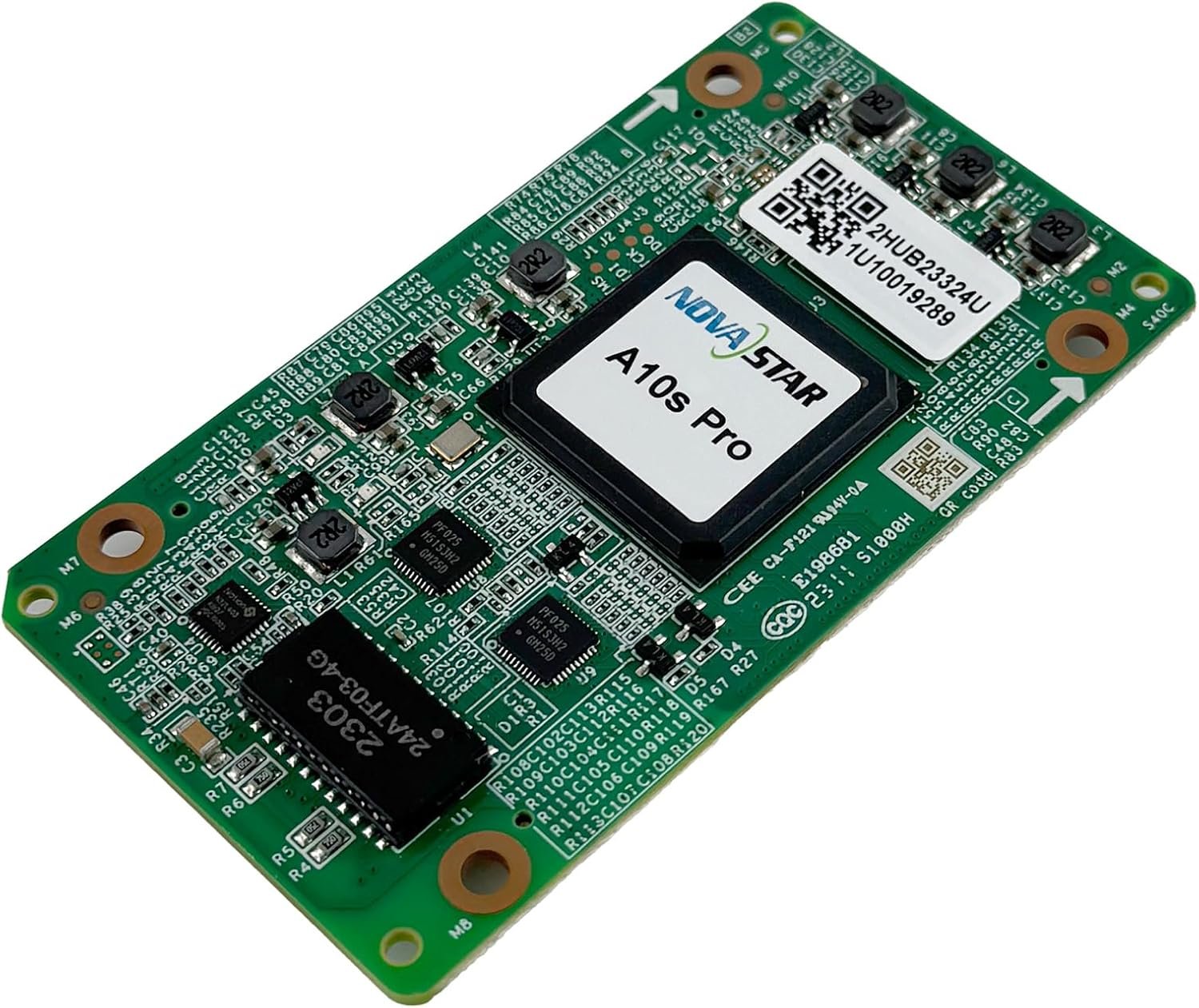
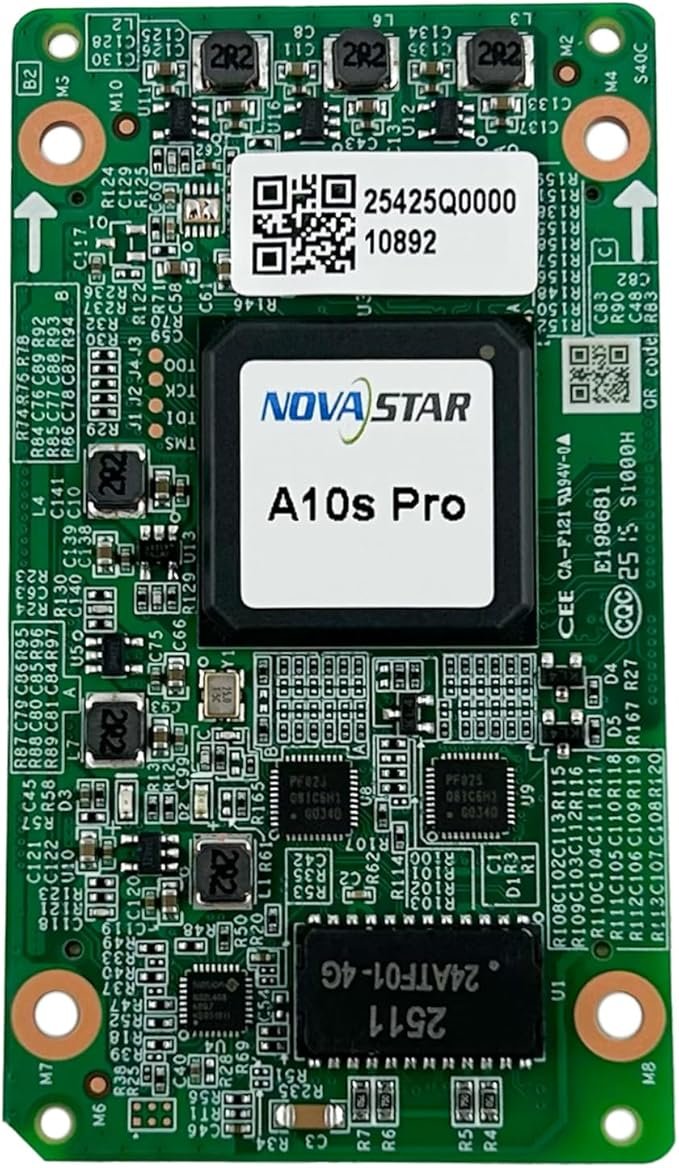
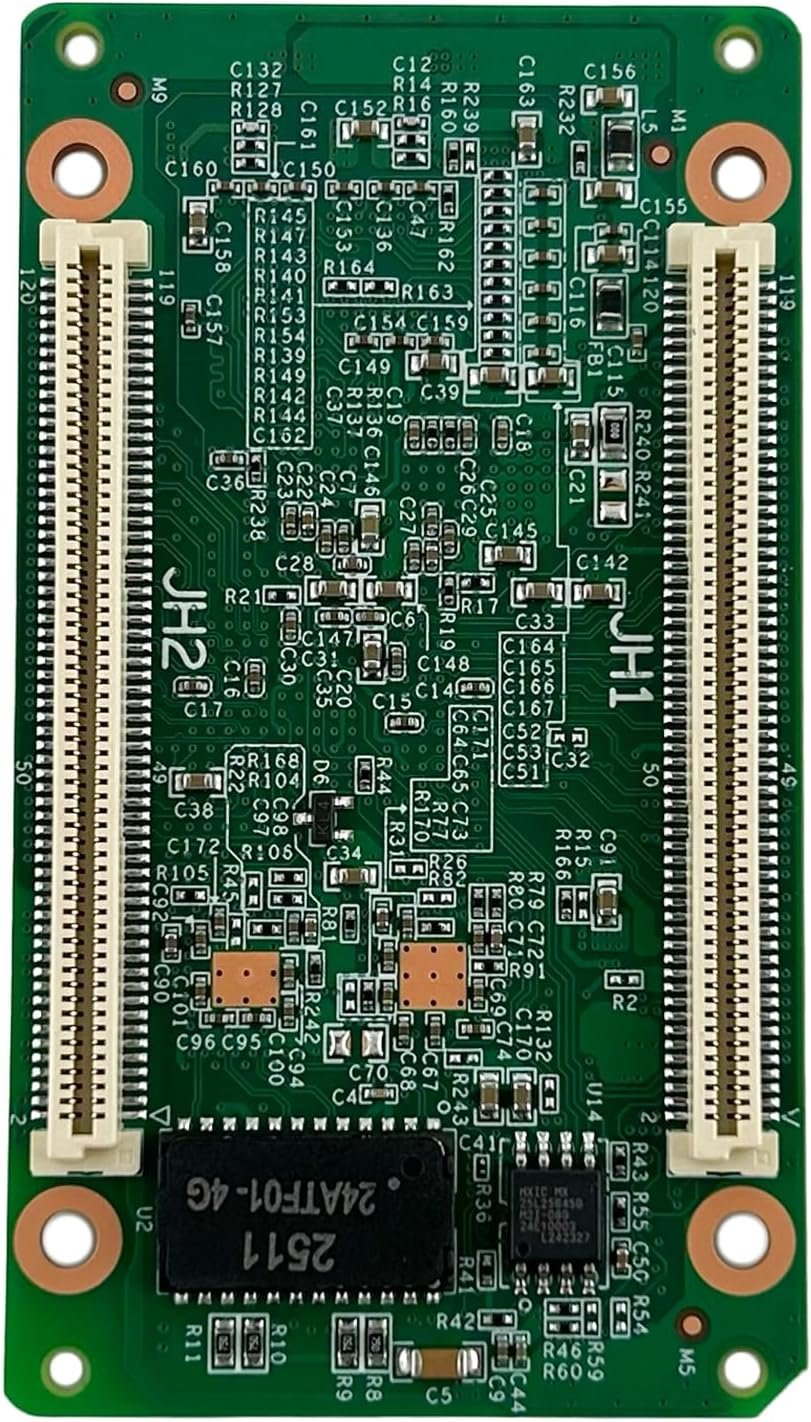
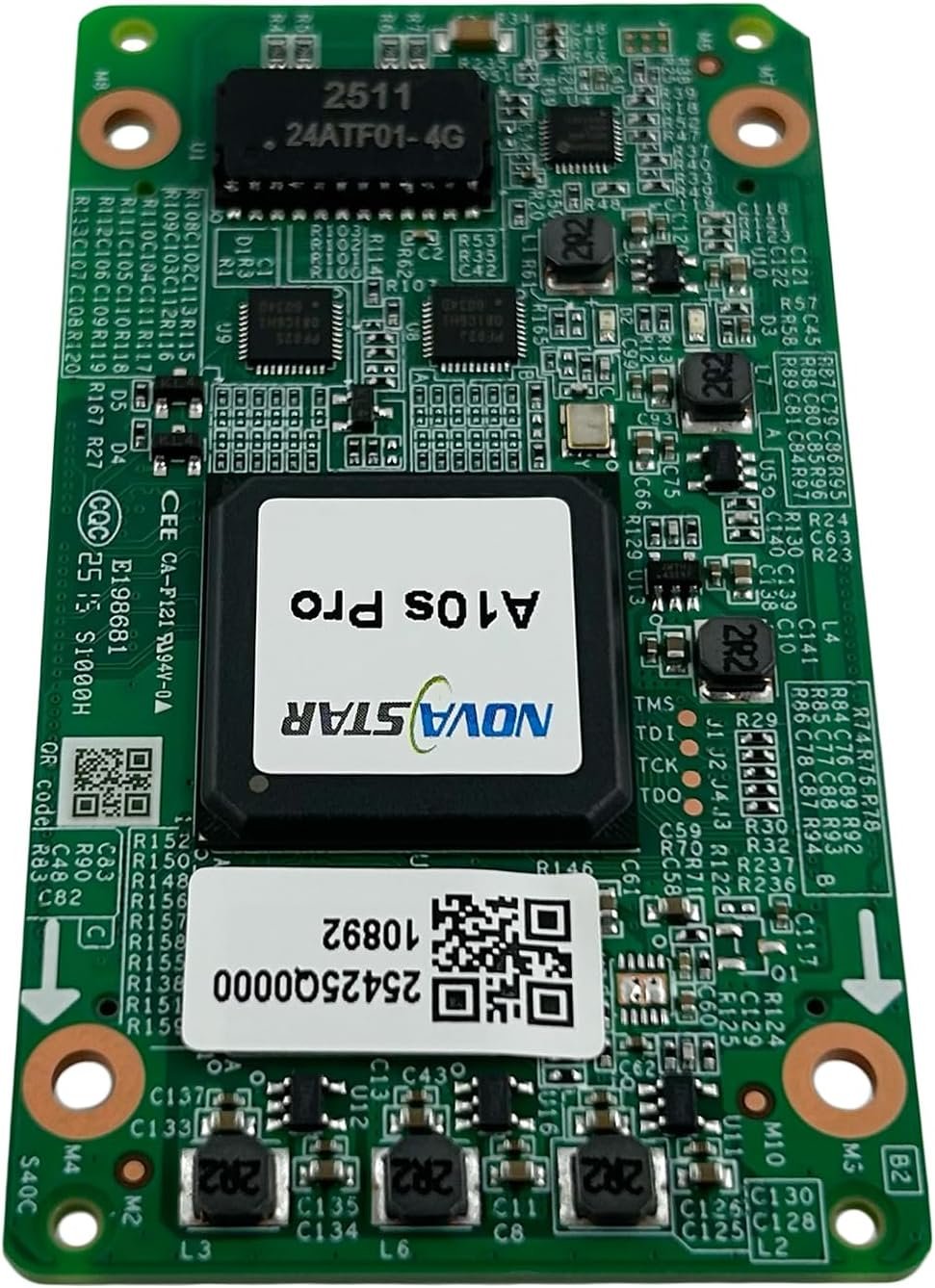
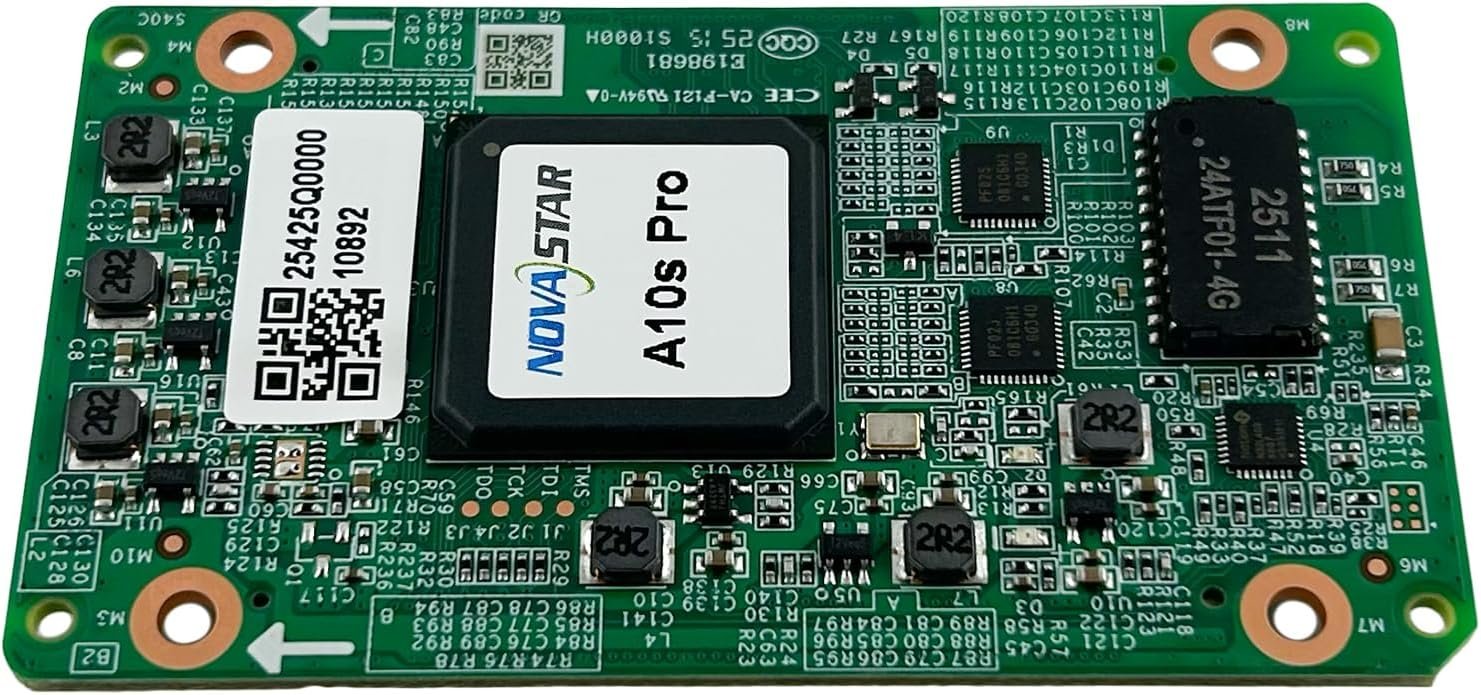
What is the NovaStar A10s Pro receiving card?
The NovaStar A10s Pro is the receiving card inside a compatible LED cabinet. It takes the image data sent by the controller and turns it into the signals for that cabinet’s LED modules. Choose it when a new cabinet needs the A10s Pro board and NCP package, or when the wall will be filmed and needs the card’s camera-focused functions.
The card has an 80.0 × 45.0 mm footprint, a 3.8–5.5 V input range and a cabinet-specific NCP package. Those details matter before the feature list: a card that is the wrong shape, voltage range or cabinet file is not a safe replacement, even if it powers up in the cabinet.
A10s Pro key features
A camera test that starts with shared timing
When a camera sees scan lines or flicker, Shutter Fit gives the A10s Pro a way to match the display to the camera shutter. It works only when the controller and camera share the same Genlock source, so it is a tool for a tested camera system, not a switch that fixes every wall by itself.
Changing frame rates without treating every feed alike
Frame Rate Adaptive 3.0 can follow supported input frame rates from 23 to 240 Hz. That matters when a studio or live production moves between formats, but the module driver IC and the controller path must also support the setting.
A cleaner low-brightness image when the cabinet is built for it
At low brightness, a wall can show uneven gray steps or one module that looks lighter than its neighbors. Full-grayscale calibration and the A10s Pro image tools address those problems only with the compatible cabinet, driver IC and NovaStar calibration equipment.
Cabinet settings that stay with the cabinet
An NCP package keeps the A10s Pro configuration and supported cabinet data together. Save the original NCP with the wall records before a replacement or firmware change; a blank card cannot tell you how the cabinet was originally mapped.
NovaStar A10s Pro specifications
Use these values to check the cabinet drawing, source bit depth and control path before ordering. The visible result still depends on the module driver IC, scan, NCP and supported controller settings.
| Load at 8/10-bit | 512×512 at 60 Hz with PWM driver ICs |
|---|---|
| Load at 12-bit | 512×256 at 60 Hz with PWM driver ICs |
| Module data | Up to 32 parallel RGB groups or 64 serial groups expandable to 128 |
| Input voltage | DC 3.8 V to 5.5 V; 5.0 V recommended |
| Rated current / power | 0.8 A / 4.0 W |
| Dimensions | 80.0 × 45.0 × 8.6 mm |
| Fitted hub-board spacing | 5.0 mm; NovaStar recommends a 5.0 mm copper pillar |
| Operating environment | −20°C to +70°C; 10% to 90% RH, non-condensing |
| Certifications | RoHS and EMC Class B |
A10s Pro camera, xR and broadcast applications
Choose the A10s Pro when the LED wall will appear on camera and the cabinet maker has designed the whole signal path for it. Shutter Fit needs a common Genlock source for the controller and camera; Frame Rate Adaptive 3.0 also depends on the selected driver IC and controller settings. With those conditions in place, the camera crew has settings they can test instead of trying to hide a problem after the wall is installed.
Module scan, refresh behavior, camera shutter angle and source format still decide what the lens sees. The A10s Pro gives a filmed LED wall more controls, but the completed wall needs a camera test before anyone promises a result.
Where the A10s Pro fits
Virtual production stages
A Genlock-based camera system, matching module scan and a validated Shutter Fit setup give the A10s Pro a clear role in an xR cabinet build.
Broadcast backdrops
For a wall that stays in the camera frame, the card supports a planned path for frame-rate changes, image matching and capture testing before the broadcast day.
Fine-pitch studio screens
Where a viewer or lens can see low-gray unevenness, the A10s Pro can be specified with the matching calibration equipment and cabinet data.
Changing-frame-rate productions
Live shows and studio feeds that move between documented frame rates can use Frame Rate Adaptive 3.0 after the driver IC and controller path are confirmed.
A10s Pro 8-bit, 10-bit and 12-bit loading capacity
The A10s Pro can cover a 512 by 512 PWM cabinet at 8-bit or 10-bit. At 12-bit, the documented height falls to 256 pixels. That is the capacity change most likely to affect a cabinet quote: a 512 by 512 layout that begins as one card at 10-bit needs a different card map at 12-bit.
| Example cabinet map | 8/10-bit PWM source | 12-bit PWM source | Planning result |
|---|---|---|---|
| 512×512 | Within the documented one-card maximum | Too tall for one A10s Pro | Split the cabinet across cards or change the source/cabinet plan |
| 512×256 | Within the documented one-card maximum | Within the documented one-card maximum | One card can cover this cabinet map at either source depth |
| 384×256 | Within the documented one-card maximum | Within the documented one-card maximum | Leaves room to validate scan and data-group assignment |
Do not add individual Ethernet-port figures together to overstate the card capacity. Confirm source bit depth first, then the cabinet’s module data groups, scan and completed NCP package. Those conditions decide whether the theoretical load is usable in the cabinet you are buying.
A10s Pro NCP file and COEX controller compatibility
A new A10s Pro cabinet normally ships with an NCP package made for that cabinet. It can hold the card configuration, firmware and other supported cabinet data in one managed file. Keep the original NCP with the cabinet records, because it is the file that tells a replacement card how that exact cabinet is wired and tuned.
Use VMP to manage an A10s Pro cabinet in a COEX system. With an MCTRL, H or VX controller, NovaLCT 5.5.0 or later can send the NCP instead. Either way, use the cabinet’s supplied package; a random RCFGX file or an NCP from another screen can leave the modules scrambled, mirrored or incorrectly calibrated.
The same rule separates the A10s Pro from a 5G CA50E cabinet. The card, controller family and cabinet package must match. One card cannot turn a 1G cabinet into a 5G system.
A10s Pro vs A8s Pro and CA50E receiving cards
If your cabinet was built for an A10s Pro, replace it with the same model and its original NCP. For a new cabinet, choose the A10s Pro when camera synchronization or its image tools are part of the brief; choose another card only when the cabinet maker has designed the hub board, controller path and cabinet package for that card.
| Model | Choose it when | Confirm before ordering |
|---|---|---|
| A10s Pro | The cabinet is designed for A10s Pro and the wall will be filmed, used for xR or needs its supported image tools. | The A10s Pro NCP, source bit depth, camera/Genlock plan and cabinet hub board. |
| A8s Pro | The cabinet is designed for A8s Pro and needs its 40 parallel RGB-group data path. | The exact cabinet interface, driver IC and whether the camera-specific A10s Pro features are actually required. |
| CA50E | The cabinet is part of a 5G COEX design with the matching 5G controller and package. | The complete 5G controller, fiber and cabinet path. It is not a one-card upgrade from A10s Pro. |
Changing the receiving card can also change the cabinet wiring, configuration file and control hardware behind the wall. Match all three before changing models.
A10s Pro datasheet, VMP and firmware resources
Use the datasheet to check hard limits. Use VMP and the cabinet’s original NCP package to operate a COEX screen. Before a firmware change, keep the known-good cabinet package and verify the card PCB and module chips against the exact release information; a newer file is not automatically right for a working wall.
NovaStar A10s Pro FAQ
What does the A10s Pro receiving card do?
It sits inside a compatible LED cabinet, receives the image data mapped by the control system and sends the assigned pixel data to the cabinet modules through the matching hub board.
Is the A10s Pro a 1G or 5G COEX receiving card?
It belongs to the 1G COEX receiving-card path. A 5G COEX cabinet uses a different receiving-card and controller architecture, such as the CA50E with its matching 5G system.
How many pixels can one A10s Pro load?
With PWM driver ICs, NovaStar lists up to 512 by 512 at 60 Hz for 8-bit or 10-bit video, and up to 512 by 256 at 60 Hz for 12-bit video.
Why does A10s Pro capacity change at 12-bit?
Higher source bit depth increases the data requirement. For the documented PWM load, that reduces the maximum height from 512 pixels at 8/10-bit to 256 pixels at 12-bit.
Does Shutter Fit remove every camera line on an LED wall?
No. It is a camera-oriented display function that needs a shared Genlock reference for controller and camera. Module scan, driver IC, source format, refresh settings and camera shutter angle still need to be tested together.
What is the NCP file for an A10s Pro cabinet?
It is the cabinet package used for an A10s Pro COEX cabinet. Keep the NCP supplied for the exact cabinet, because it contains the configuration path the screen was built around.
Can I replace an A10s Pro with an A8s Pro?
Only when the cabinet maker has confirmed that exact cabinet for the A8s Pro. The two cards have different capability and cabinet-file requirements. Match the installed card model and retain its NCP for a straightforward replacement.
What should I save before an A10s Pro replacement?
Keep the supplied NCP package, exact card identification and cabinet records. If a working wall must be changed, preserve its known-good configuration and image data before the old card is removed.
Can I request A10s Pro volume pricing or Net 30 terms?
Yes. Quantity pricing and eligible Net 30 terms are available for A10s Pro orders. Send the model and quantity so we can review the order requirements with you.
Is the A10s Pro covered by a 3-year manufacturer warranty?
Yes. Every A10s Pro supplied through our authorized US NovaStar channel carries three years of serial-tracked manufacturer coverage.
Reviews
There are no reviews yet.