
NovaStar COEX Series Controllers and Cards
Building a large LED wall? COEX brings the processor, sending equipment, fiber and receiving cards into one system.
Showing all 22 results
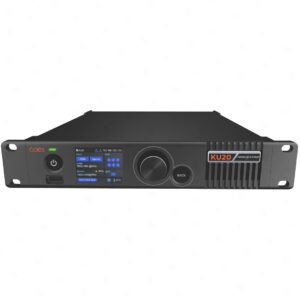
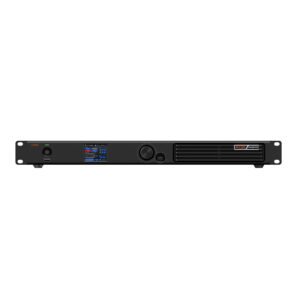
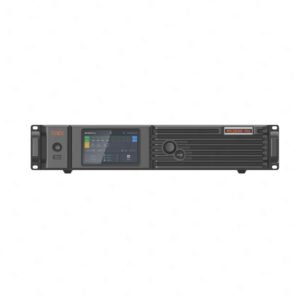
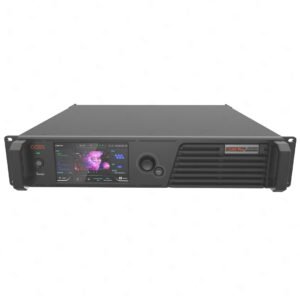
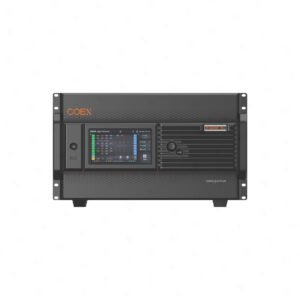
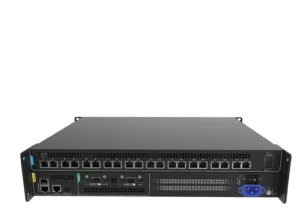
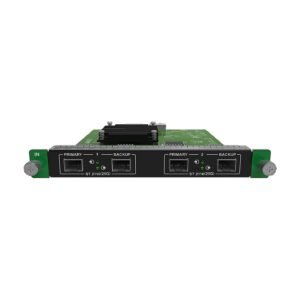
What is the NovaStar COEX Series?
Simply put, COEX is a complete control system for a larger LED wall.
It brings the main control parts of a larger LED wall together: video processing, sending, fiber links and receiving cards. The parts are chosen to work as one system, not as separate boxes picked at random.
NovaStar COEX Series model comparison
Start with the screen size and the video sources. Then check the fiber connection and the receiving cards inside the cabinets.
| Model | Catalog price | Availability | Max Load | Inputs / Slots | Outputs | Latency / Sync | Software |
|---|---|---|---|---|---|---|---|
| KU20 | $927 | In stock | 3.9 million pixels | 1x HDMI 1.3 with loop through (up to 8 devices per loop) | 6x Gigabit Ethernet (hot backup), 1x 10G optical, 1x HDMI loop, 1x SPDIF audio | 0 frame (<1 ms) with no load penalty; 0-2 selectable additional frames | 2.0-inch LCD + knob, 2x Gigabit Ethernet control ports, VMP software; cascade up to 20 units |
| MX30 | $2,584 | In stock | 6.5 million pixels | 1x HDMI 2.0, 1x HDMI 1.4, 1x DP 1.1, 2x 3G-SDI (HDMI/SDI with loop through) | 10x Gigabit Ethernet (hot backup), 2x 10G optical, 1x SPDIF audio | 0 frame (<1 ms); Send-Only mode trims 1 frame; 0-2 frames selectable | 3.5-inch TFT + knob, 2x Gigabit Ethernet control ports, VMP software; 128 presets |
| MX20 | $1,667 | In stock | 3.9 million pixels | 2x HDMI 1.3, 1x 3G-SDI (all with loop through) | 6x Gigabit Ethernet (hot backup), 2x 10G optical, 1x SPDIF audio | 0 frame (<1 ms); Send-Only mode trims 1 frame; 0-2 frames selectable | 2.0-inch LCD + knob, 2x Gigabit Ethernet control ports, VMP software; 128 presets |
| MX40 Pro | $8,868 | In stock | 9 million pixels | 3x HDMI 2.0, 1x DP 1.2, 1x 12G-SDI (HDMI/SDI with loop through) | 20x Gigabit Ethernet (hot backup), 4x 10G optical (20-/40-port mode), 1x SPDIF | 0 frame (<1 ms) with no load penalty; 0-2 frames selectable | 3.5-inch TFT + knob, 2x Gigabit Ethernet control ports, VMP software; 128 presets |
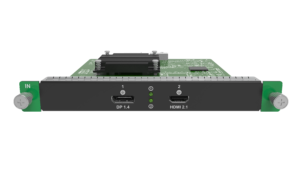
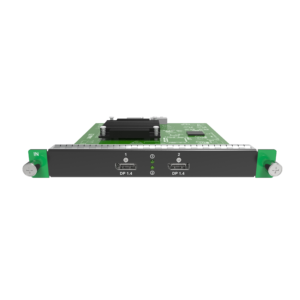
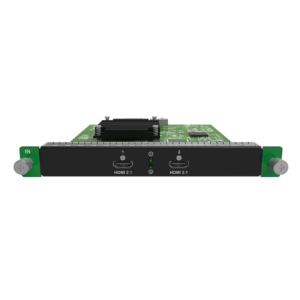
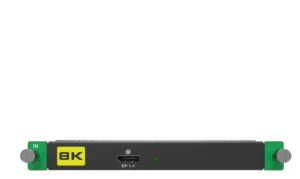
| MX6000 Pro | $8,600 | In stock | 141 million pixels | 8x (choice of 4K, 8K, and VoIP input cards) | 8x (1x40G fiber or 4x10G fiber output cards) | 0-frame (less than 1 ms) minimum processing latency, without load reduction | |
| CX40 Pro | $8,048 | In stock | 9 million pixels | 2x HDMI 2.0 (with loop through), 1x DP 1.2, 2x 12G-SDI (with loop through) | 6x 5Gbps Ethernet ports, 1x 40Gbps optical port, 1x SPDIF digital audio | 0 frame (<1 ms) in Send-Only mode; 1 frame in All-In-One mode; 0-2 frames additional latency selectable | |
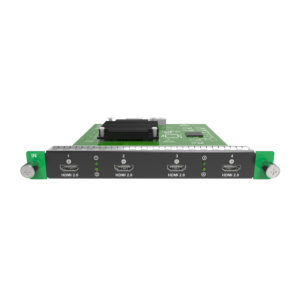
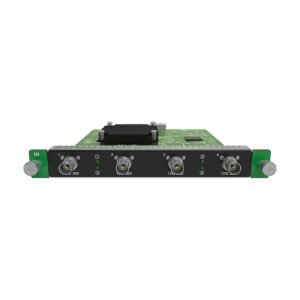
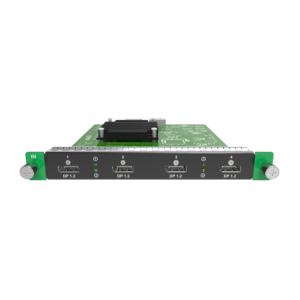
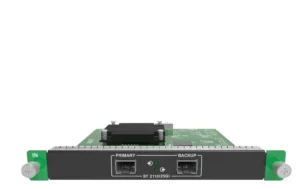
| MX2000 Pro | $4,417 | In stock | 35.38 million pixels (up to 17.69M per output card) | 4K (4x HDMI 2.0 / 4x DP 1.2 / 4x 12G-SDI), 8K (2x HDMI 2.1 / 2x DP 1.4 / 1x DP 1.4 8K@60Hz), or ST 2110 VoIP (25G / 100G) | 4x10G fiber (1G, with CVT10), 1x40G fiber (5G, with CVT8-5G), or 8x5G Base-T | 0 frame (<1 ms) with no load penalty; 0-2 frames selectable | 5-inch IPS touchscreen + knob, 2x Gigabit Ethernet control ports, VMP software; 128 presets, cascade up to 20 |
| SP60 Pro | RFQ | By quote | 100-240V~, 50/60Hz, 1.5A | 20x Gigabit Ethernet ports |
How do you choose the right NovaStar COEX system?
COEX works best when you plan the whole LED wall at once. Start with the screen, then work back through the video source, control equipment and cabinets.
Add up the total pixels in the LED wall. This tells you how much control equipment the system needs.
List the cameras, computers or other sources that need to connect to the wall.
Choose receiving cards that belong to the same COEX system as the sending equipment.
If the rack is far from the wall, plan the fiber path and any backup route before ordering hardware.
Complete your LED control system
COEX is the middle of a larger setup. Receiving cards sit in the cabinets, while media servers or other video equipment can feed the system from the front end.
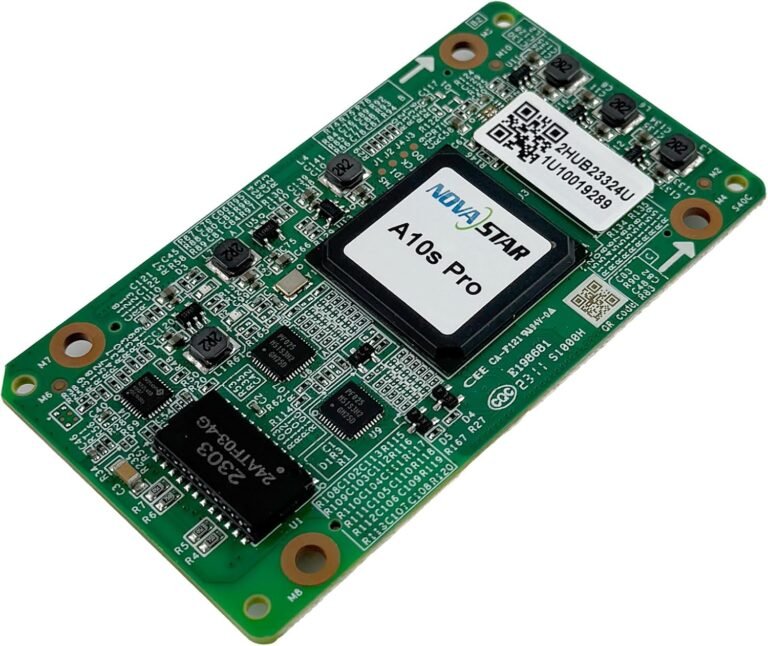 Receiving CardsMatch the cabinet-side card to the display configuration and control system.
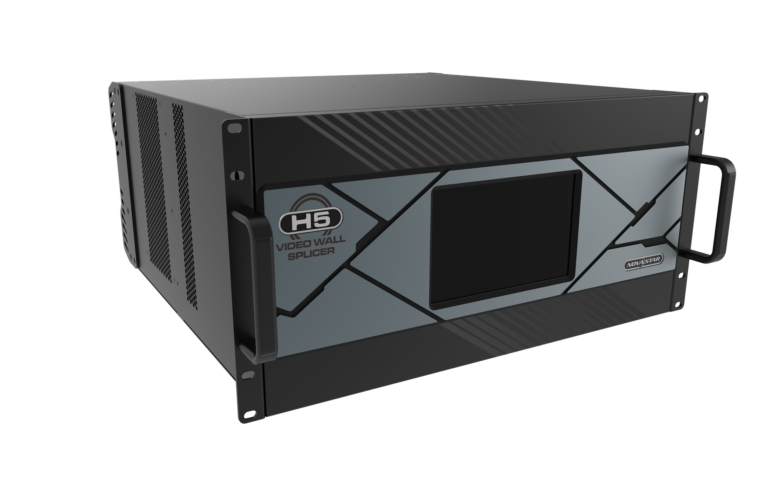 H SeriesSee modular chassis options for larger input, output and window layouts.
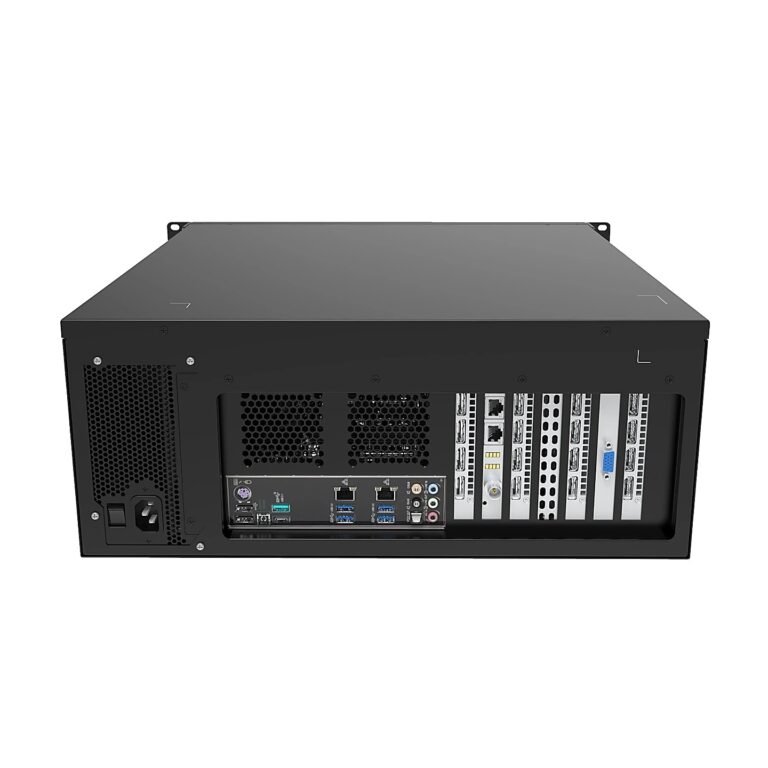 Media ServerExplore the content and multi-output layer of a production workflow.
NovaStar COEX manuals, datasheets and software
Use these documents to check the available inputs, card options, fiber connections and setup steps before you choose a COEX system.
NovaStar COEX Series FAQs
These questions help buyers decide whether COEX is the right direction for a larger LED wall.
When should I move from a classic controller to COEX?
Choose COEX when the wall needs a planned system with higher capacity, fiber links and matched receiving cards. A simple wall with one ready video signal may only need a basic controller.
Which receiving cards should I use with COEX?
Do not choose COEX receiving cards on their own. They need to match the rest of the COEX system and the LED cabinets they will sit in.
What software is used for COEX setup?
VMP is the software used with compatible COEX equipment. It helps set up and manage the system after the hardware has been chosen.
How should I plan input and output cards for a COEX system?
List every video source that needs to come in and every LED output the system needs to feed. Then check the chassis or sender has the right cards and ports for that list.