
NovaStar LED Video Processors
Need an LED wall to show video from a laptop, camera or media player? This collection includes NovaStar video processors that resize the image, switch sources and add simple layouts when needed.
Showing all 17 results
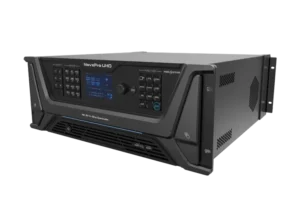
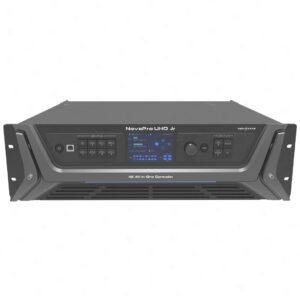
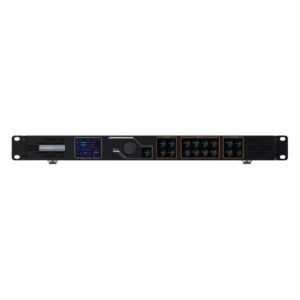
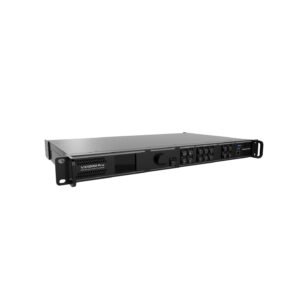
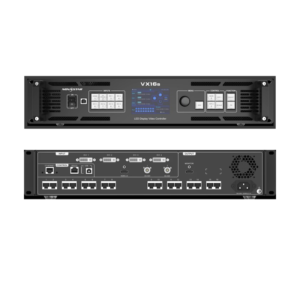
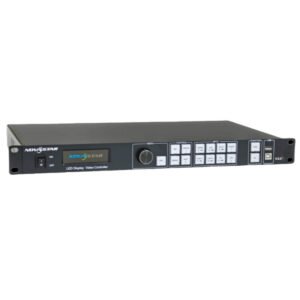
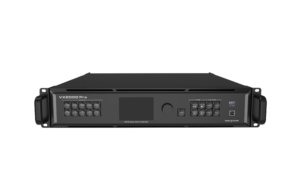
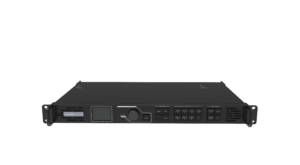
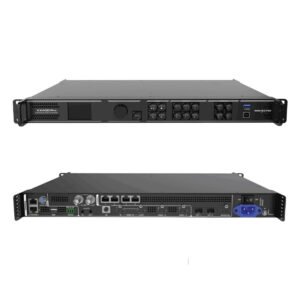
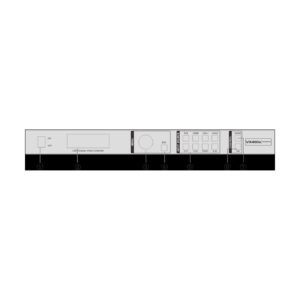
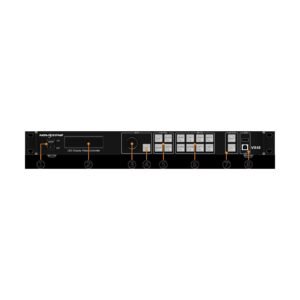
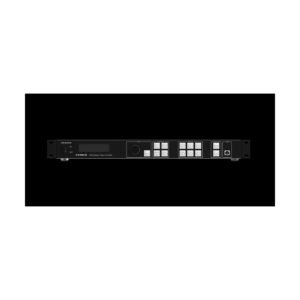
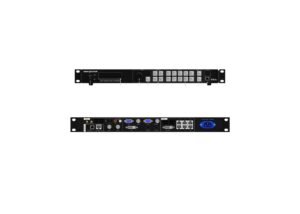
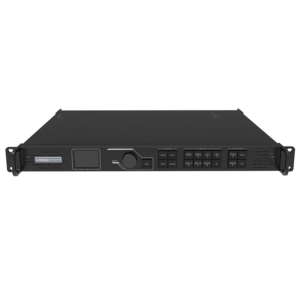
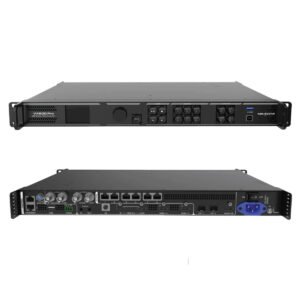
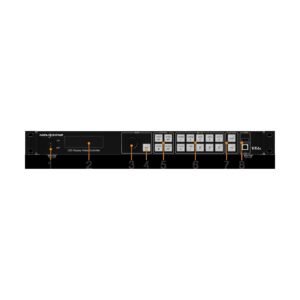
What is a NovaStar LED video processor?
Simply put, a video processor helps your LED wall show your video the right way.
It takes video from a laptop, camera, media server or other source and makes it fit the LED wall. It can also switch between sources or show more than one image at a time. Choose a processor when the video needs this kind of handling before it reaches the wall.
NovaStar LED video processor model comparison
First check the size of your LED wall. Then check which devices you need to connect and whether you need one image, multiple images or source switching.
| Model | Catalog price | Availability | Max Load | Outputs | Inputs | Layers / Windows | Software |
|---|---|---|---|---|---|---|---|
| VX1000 | $2,067 | In stock | 6.5 million pixels (max 10,240 px wide, 8192 px high) | 10x Gigabit Ethernet ports | 2x HDMI 1.4, 2x DVI (HDMI 1.4), 1x 3G-SDI (each with loop); self-adaptive OPT 1 fiber input | 3 layers with adjustable size, position and priority | NovaLCT and V-Can; front-panel LCD + knob; USB and light-sensor connectors; cascade up to 4 units |
| VX600 | $1,444 | In stock | 3.9 million pixels (max 10,240 px wide, 8192 px high) | 6x Gigabit Ethernet ports | 2x HDMI 1.3, 1x DVI, 1x 3G-SDI (each with loop); self-adaptive OPT 1 fiber input | 3 layers with adjustable size, position and priority | NovaLCT and V-Can; front-panel LCD + knob; USB and light-sensor connectors; cascade up to 4 units |
| VX400 | $1,291 | In stock | 2.6 million pixels (max 10,240 px wide, 8192 px high) | 4x Gigabit Ethernet ports | 2x HDMI 1.3, 1x DVI, 1x 3G-SDI (each with loop); self-adaptive OPT 1 fiber input | 2 layers (main + PIP) with adjustable size, position and priority | NovaLCT and V-Can; front-panel LCD + knob; USB and light-sensor connectors; cascade up to 4 units |
| VX2000 Pro | $4,064 | In stock | 13 million pixels (max 16,384 px wide, 8192 px high) | 20x Gigabit Ethernet ports + 4x 10G optical ports + 1x HDMI monitoring + 1x 3D connector | 1x DP 1.2, 2x HDMI 2.0, 4x HDMI 1.3, 1x 12G-SDI (loop), 1x USB 3.0; self-adaptive OPT 1/2 fiber input | 12x 2K x 1K layer resources (build layers as 4K x 2K, 4K x 1K or 2K x 1K) | NovaLCT, Unico (client + web), VICP app, front-panel knob, RS232; optional remote; cascade up to 5 units |
| VX4S | RFQ | By quote | 2.3 million pixels | 4x Gigabit Ethernet LED outputs | 2x CVBS, 2x VGA, 1x DVI, 1x HDMI, 1x DP, 1x SDI | ||
| VX16s | $3,442 | In stock | 10.4 million pixels (max canvas 16384 x 8192) | 16x Gigabit Ethernet, up to 650,000 pixels per port | 2x 3G-SDI, 1x HDMI 2.0, 4x single-link DVI | 3 independent layers + 1 OSD: 1x 4Kx2K main + 2x 2Kx1K PIP | V-Can and NovaLCT software, front-panel TFT + knob; RS232 central control |
| VX600 Pro | $1,444 | In stock | 3.9 million pixels (max 10,240 px wide, 8192 px high) | 6x Gigabit Ethernet ports | 1x HDMI 2.0 (loop), 2x HDMI 1.3, 1x 3G-SDI (loop), 1x USB 3.0; self-adaptive OPT 1 fiber input | 6x 2K x 1K layer resources (build layers as 4K x 2K, 4K x 1K or 2K x 1K) | NovaLCT, Unico (client + web), VICP app, front-panel knob, RS232; optional remote; cascade up to 5 units |
| VX1000 Pro | $2,067 | In stock |
How do you choose the right NovaStar LED video processor?
To find the right processor, answer these four simple questions before you compare model numbers.
Add up the total pixels in your LED wall. The processor needs to handle that screen size and have enough Ethernet ports to feed it.
Write down every laptop, camera or media player you need to connect. Then make sure the processor has the right ports.
If you want a logo, a second video or picture-in-picture, choose a model that can show several images at once.
For live events, look for controls and saved settings that make the system easier to use on show day.
Complete your LED control system
A processor sits in the middle of the setup: video comes in from your source, then the finished image goes toward the LED cabinets. These links help you choose the other parts of that path.
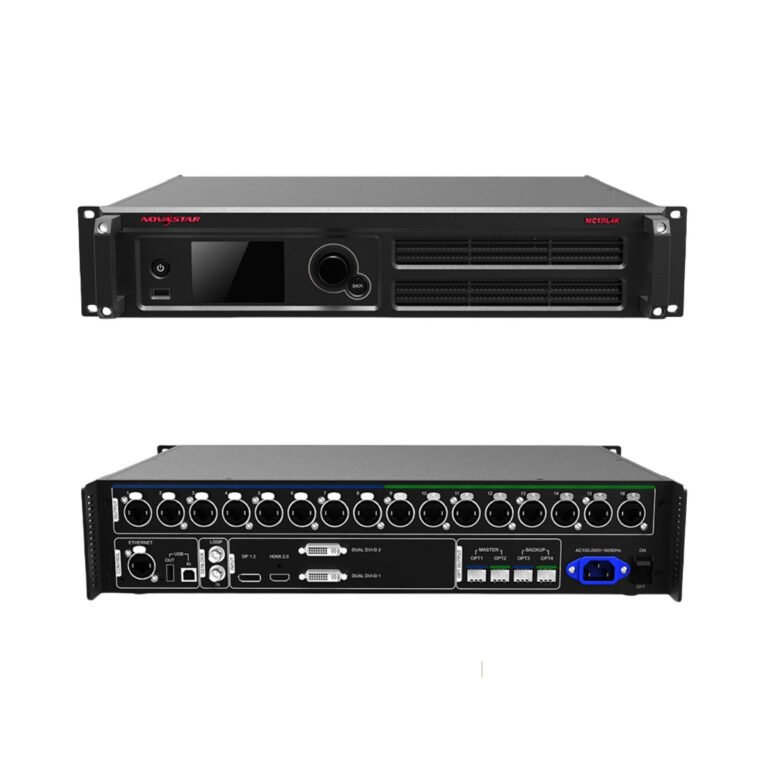 ControllersBrowse sending controllers that deliver the finished signal to the LED cabinets.
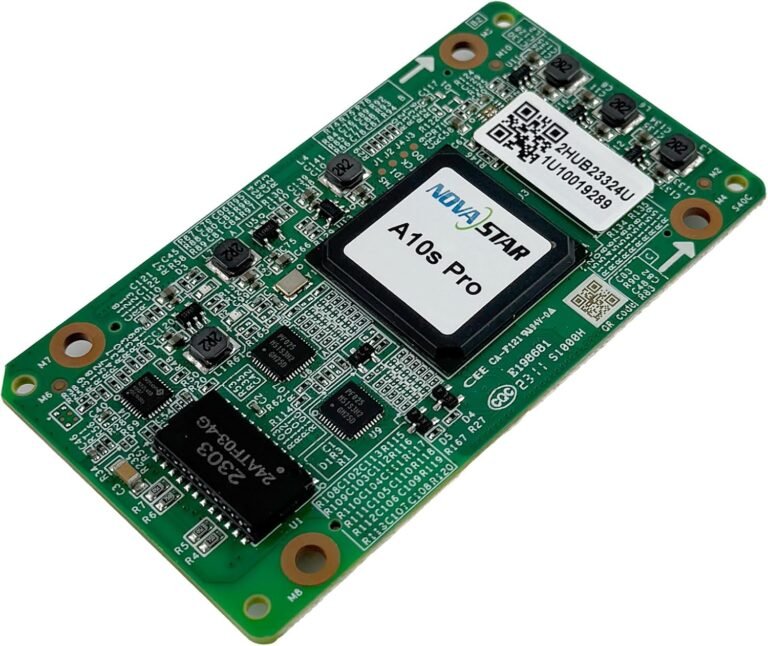 Receiving CardsMatch the cabinet-side card to the display configuration and control system.
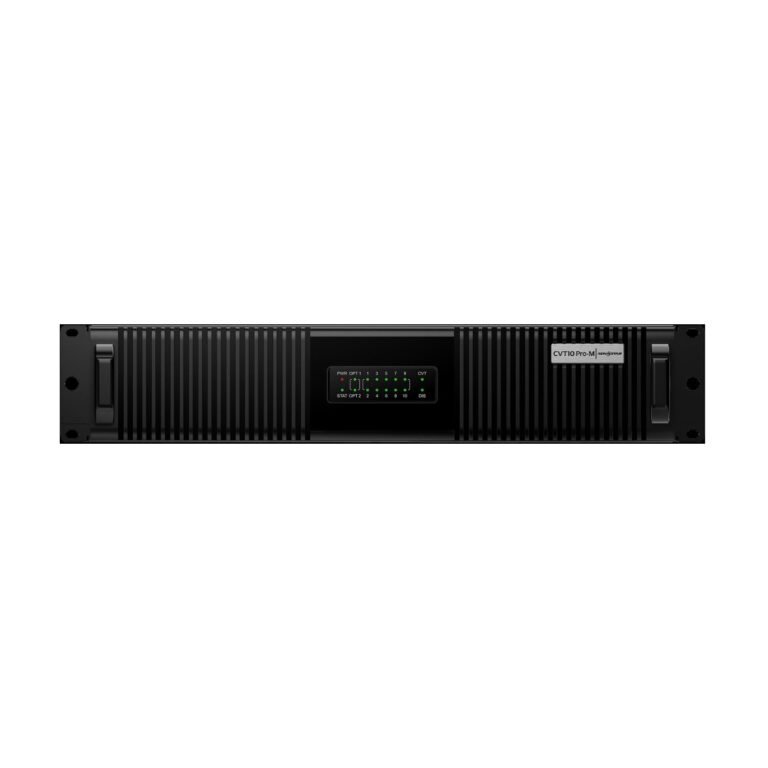 Fiber ConvertersPlan the optical link when distance, routing or redundancy calls for fiber.
NovaStar video processor manuals, datasheets and software
Use these documents to double-check the input ports, screen-size limits and setup software before you order.
NovaStar LED video processor FAQs
These are the questions buyers most often ask before choosing a video processor.
Do I need a video processor or only a controller?
Choose a video processor when you need to resize the picture, switch between sources or show more than one image. If you already have one ready-to-play video signal, a sending controller may be enough.
Which NovaStar video processor is best for a mid-size LED wall?
Start with your screen size, then check how many Ethernet ports you need. After that, choose the ports and picture features that match the equipment you will connect.
Which models support layers, switching or PIP?
Some models can show more than one image at a time. If you need a logo, a second video or a small picture on top of the main image, check that feature before you buy.
What details should I send for a compatibility check?
Send the screen resolution, cabinet count, receiving-card model and a list of the devices you want to connect. We can use that to check the processor setup before you order.