
Pixelhue Presentation Switchers
Running a live show with cameras, laptops or other video sources? Pixelhue switchers help you choose what goes to the LED screen.
Showing all 8 results
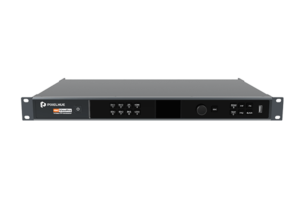
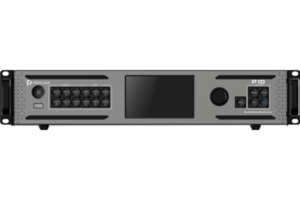
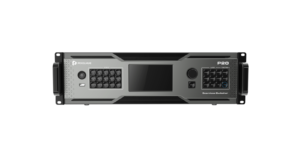
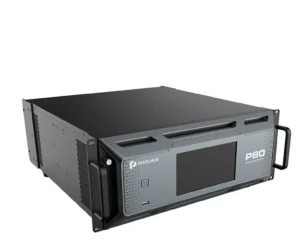
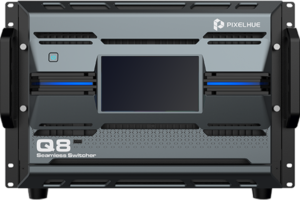
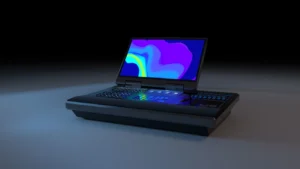
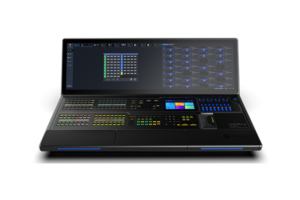
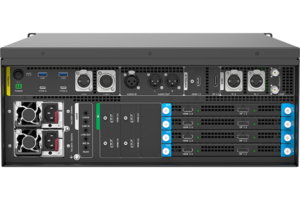
What is a Pixelhue presentation switcher?
Simply put, it helps an operator choose what goes live on the LED screen.
It lets a live operator choose which camera, computer or other source goes to the screen. It is useful when the show needs preview, program output, smooth transitions or more than one image at a time.
Pixelhue presentation switcher model comparison
Count your video sources first. Then check the live and preview outputs, the transitions you need and where the final video signal goes next.
| Model | Catalog price | Availability | Inputs | Outputs | Layers | Control | Use Case |
|---|---|---|---|---|---|---|---|
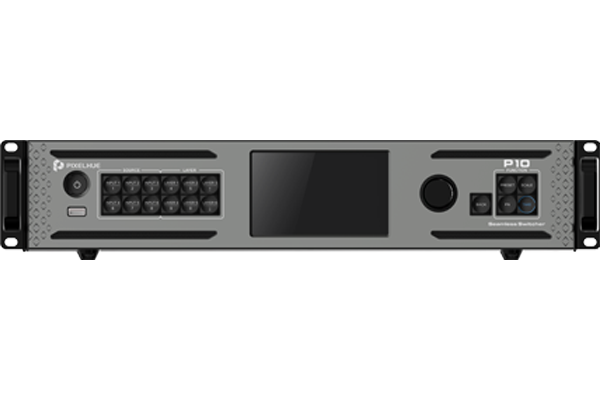
| P10 | RFQ | By quote | 4x DP 1.2 / HDMI 2.0 selectable input groups | 1x 4K x 2K at 60 Hz | Up to 6 dual-link layers or 3 4K layers | ||
| P20 | RFQ | By quote | 8x DP 1.2 / HDMI 2.0 selectable input groups | Up to 2x 4K x 2K at 60 Hz | Up to 12 dual-link layers or 6 4K layers | ||
| U5 Pro | RFQ | By quote | AC 100-240 V, 6 A, 50/60 Hz | ||||
| U5 | RFQ | By quote | AC 100-240 V, 6 A, 50/60 Hz | ||||
| 4K ViewPro | RFQ | By quote | 2x, up to 4K x 2K at 60 Hz, 4:2:2 10-bit | 1x HDMI 2.0, 1x DP 1.2, 1x 12G-SDI and 1x dual DVI | |||
| Q8 | RFQ | By quote | Up to 48x 4K through 6 input cards | Up to 16x 4K through 4 output cards | Up to 32x 4K in switcher mode | U5/U5 Pro, PixelFlow and Stream Deck | |
| X400 | RFQ | By quote | 2 | Up to 6x 4K or 24x 2K | Unlimited layers and programs in Pilot MS3 | Pilot MS3 | |
| P80 | RFQ | By quote | Professional Video Product |
How do you choose the right Pixelhue presentation switcher?
Pick a switcher based on what the operator needs to do during the live show. Start with the sources, then the screens and the way you want to move between them.
Count the cameras, laptops and other video sources that may be used during the show.
Count the LED screen, preview monitor and any other place that needs a video feed.
If the operator needs to check the next source before it goes live, make sure the system has a preview output.
Check where the final video goes next: a processor, media server or AV over IP system.
Complete your LED control system
Pixelhue sits near the start of a live show. It chooses the source, then sends the finished video to the processor, media server or network route that feeds the LED wall.
 Media ServerExplore the content and multi-output layer of a production workflow.
 AV Over IPPlan network-based video transport between the source and the display.
 Manuals, datasheets and softwareOpen the documents and software resources needed for setup and review.
Pixelhue manuals, datasheets and software
Use the manuals to check the input ports, output ports and operator controls before choosing a live-production switcher.
Pixelhue presentation switcher FAQs
These are the questions buyers ask when they need one person to manage several video sources during a live show.
Which Pixelhue switcher is right for live production?
Start with the number of sources and outputs in the show. Then check whether the operator needs to preview the next source before it goes live.
What do PGM, PVW, presets and layers mean for buyers?
PGM means the video that is live on the screen. PVW means the video the operator is checking before it goes live. Some switchers also save common screen layouts for quick use.
How should Pixelhue connect with media servers or AV over IP?
Pixelhue can send its finished video to a media server or an AV over IP system when those are part of the larger show setup. Check the connection between each step before ordering.
What inputs and outputs should I confirm before buying?
Send the source list, output list, preview needs, any picture-in-picture needs and the equipment that receives the final video. We can help narrow the switcher range.