
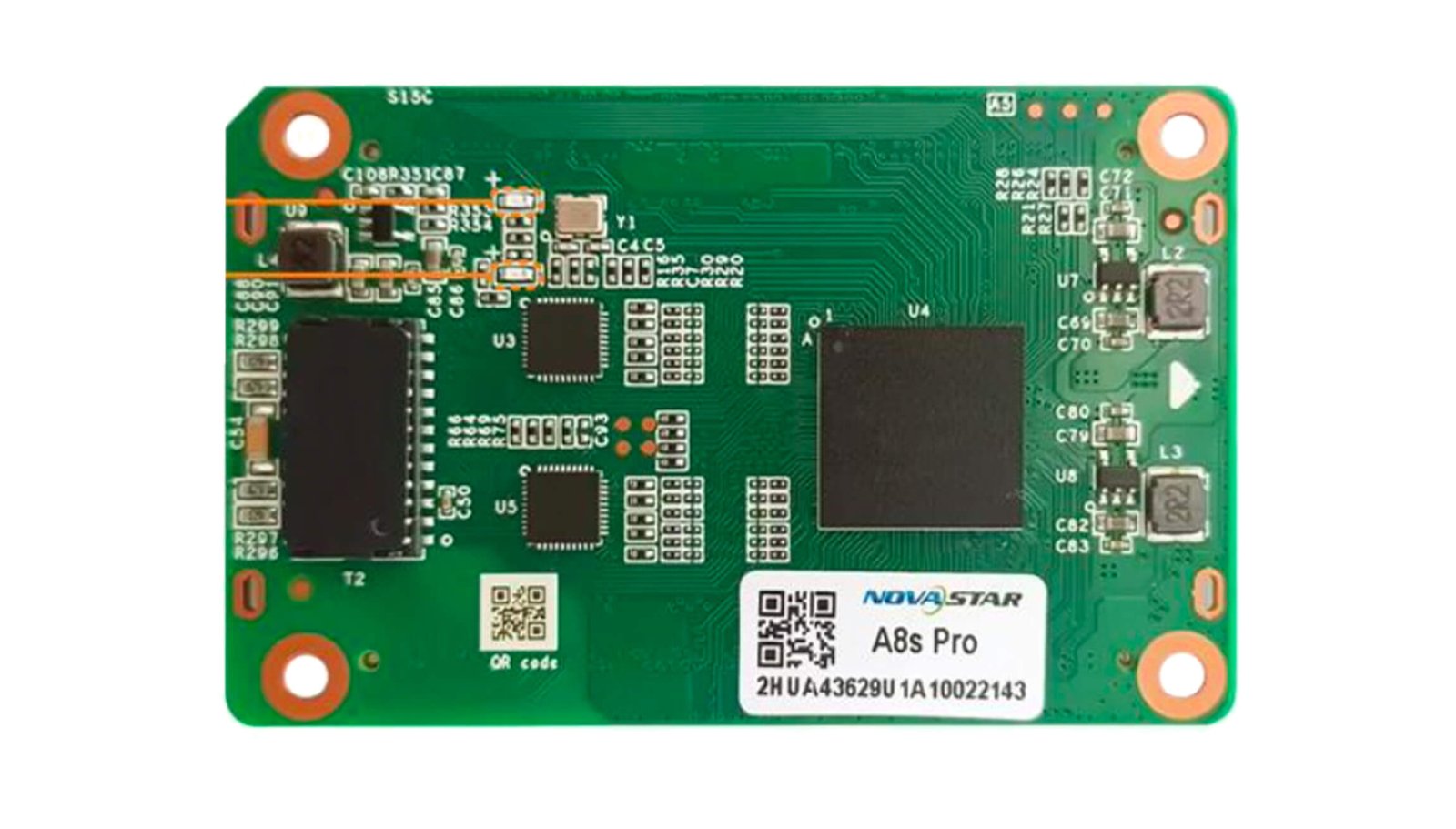
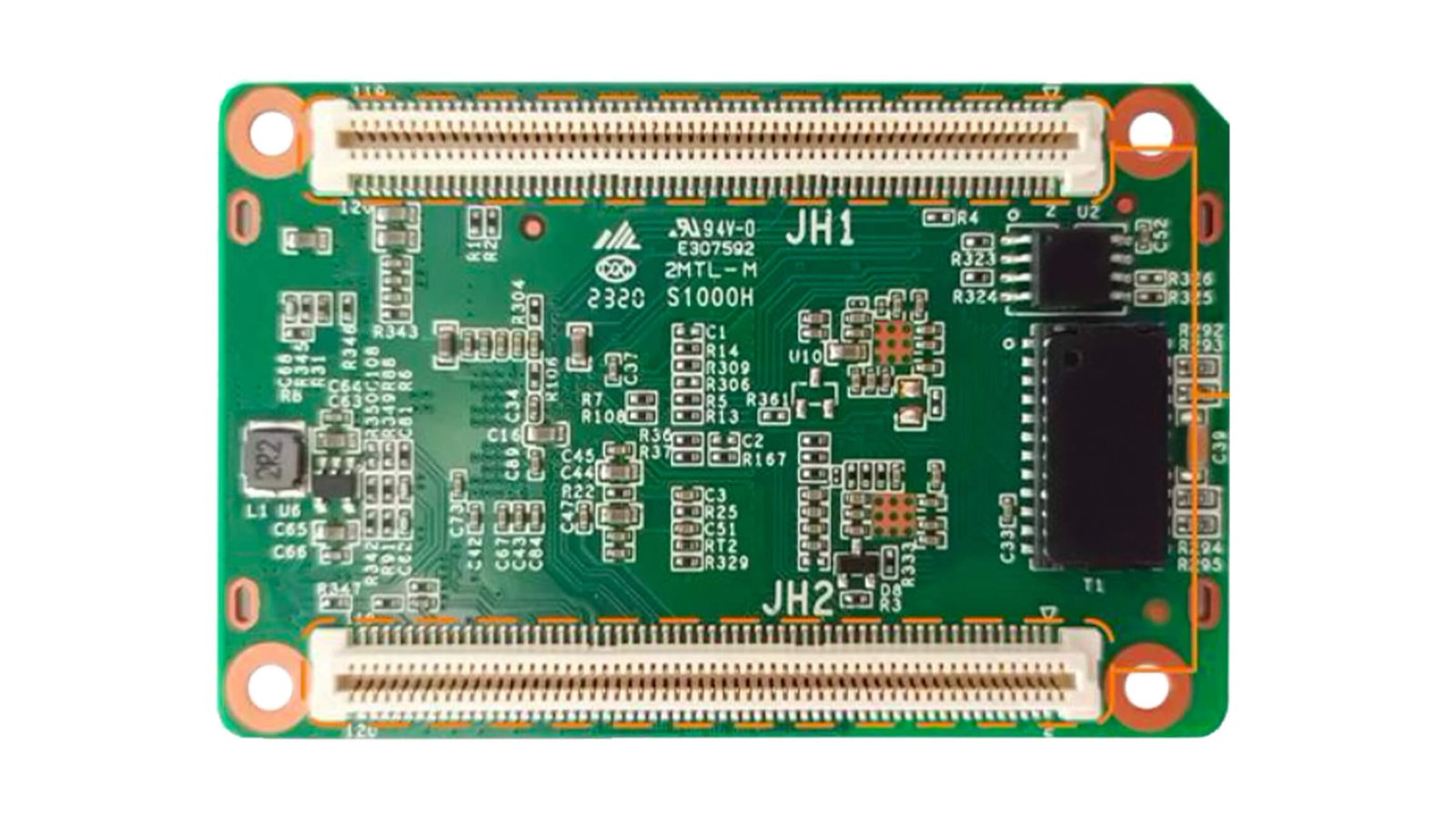
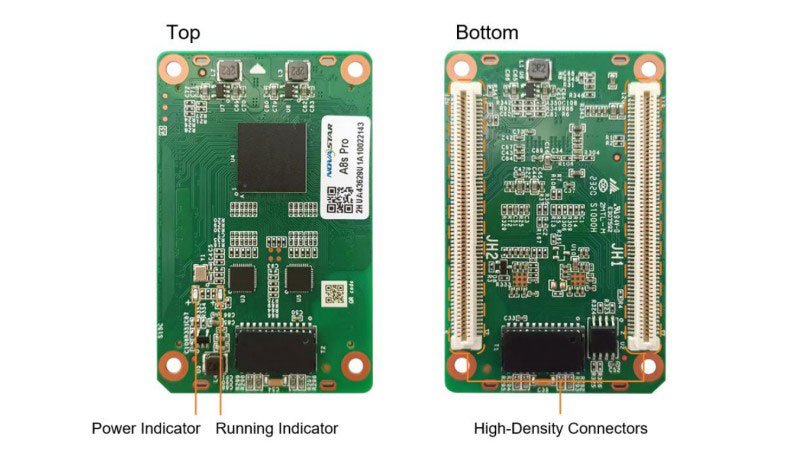
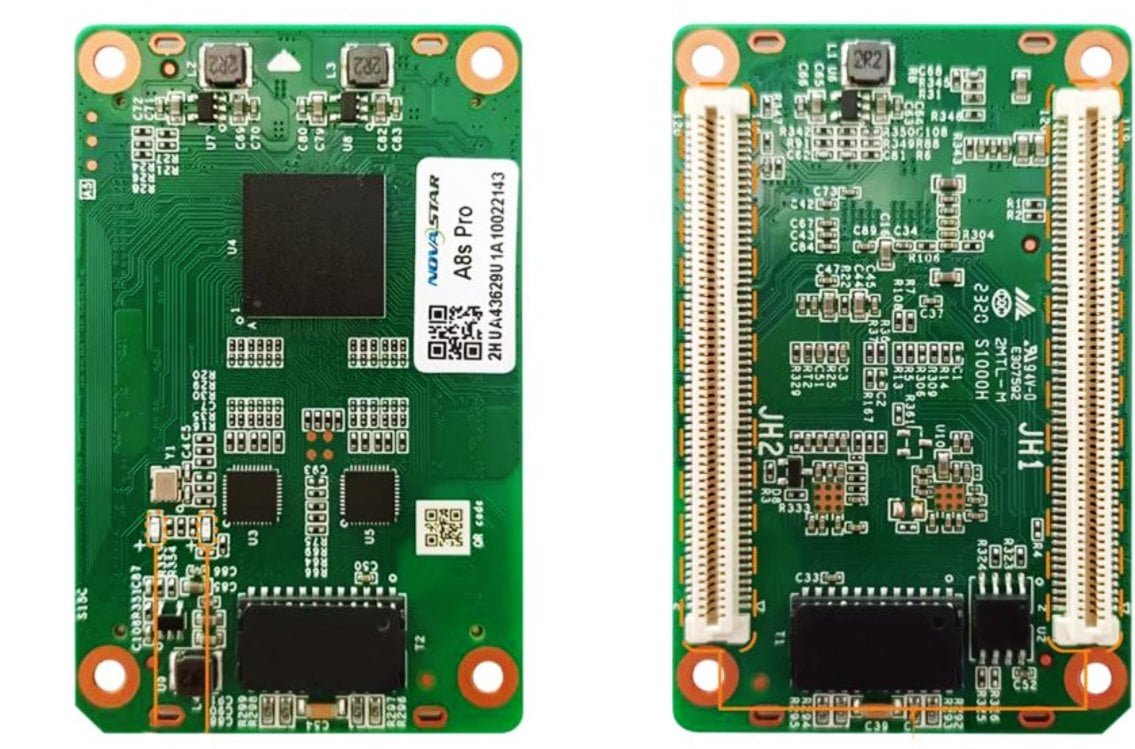
What is the NovaStar A8s Pro receiving card?
The NovaStar A8s Pro is the receiving card inside an LED cabinet. It takes the image data mapped by the controller and sends the assigned pixels to that cabinet’s modules through the matching hub board. It is designed for cabinets that need a 70.0 mm by 45.0 mm card, up to 512 by 512 pixels at 60 Hz, or more module data groups than a common 32-group receiving card can provide.
The 40 parallel RGB-group limit usually decides the purchase. A cabinet can be under the A8s Pro pixel limit but still need this card because its modules use more than 32 groups.
The reverse is also true: a 32-group cabinet does not gain a better image merely because an A8s Pro is installed. Start with the module and hub-board data path, then use HDR, calibration or rotation when the rest of the cabinet is already a match.
A8s Pro key features
When 32 RGB data groups are not enough
The A8s Pro handles up to 40 parallel RGB groups, 64 serial groups expandable to 128, or 30 groups of 4-LED sub-pixel data. If the module needs more than 32 parallel groups, a 32-group card is ruled out even when its pixel limit looks large enough. That is a cabinet wiring decision, not a setting that software can add later.
A more even close-view LED wall
Dark gradients, warm cabinets and bright cabinet joins stand out on a fine-pitch wall viewed up close. The A8s Pro provides calibration and thermal-compensation functions for a compatible cabinet, driver IC and NovaStar calibration system. The card alone cannot correct a mixed module type or an incorrect cabinet file.
HDR and low latency with the right signal path
The A8s Pro can pass HDR10 or HLG when the source, controller, driver IC and content use the same format. Its low-latency path can reduce delay to one frame only with a driver IC that has built-in RAM. Check those conditions before you specify either feature for a live camera or performance screen.
Portrait and angled cabinet layouts
Standard 90-degree rotation suits a portrait cabinet arrangement. A screen mounted at a custom angle needs free rotation, which adds SmartLCT and an MCTRL R5. A vertical display and a free-form display are different system decisions.
NovaStar A8s Pro specifications
These are the values that decide the first cabinet and electrical fit. Confirm the module driver IC, scan type, hub-board connector layout and saved configuration before treating the table as a final replacement approval.
| Maximum resolution | 512×512 at 60 Hz |
|---|---|
| Module data | Up to 40 parallel RGB groups, 64 serial groups expandable to 128, or 30 groups of 4-LED sub-pixel data |
| Input voltage | DC 3.8 V to 5.5 V; 5.0 V recommended |
| Rated current / power | 0.5 A / 2.5 W |
| Dimensions | 70.0 × 45.0 × 8.3 mm |
| Fitted hub-board spacing | 5.0 mm; NovaStar recommends a 5.0 mm copper pillar |
| Operating environment | −20°C to +70°C; 10% to 90% RH, non-condensing |
| Certifications | RoHS and EMC Class B |
A8s Pro cabinet compatibility and card-count planning
One A8s Pro can cover a 512 by 512 cabinet with 262,144 pixels at the published limit. That is only the first check. The module data count, scan method, blank pixels and hub-board design still decide whether one card can run that cabinet.
| Example cabinet map | Pixels | Initial A8s Pro check |
|---|---|---|
| 512×512 | 262,144 | At the documented ceiling; validate scan, data groups and hub-board mapping before using one card. |
| 512×384 | 196,608 | Below the headline pixel maximum; still confirm the module interface rather than assuming capacity settles the fit. |
| 384×384 | 147,456 | Leaves pixel headroom, but headroom does not replace the module data-group check. |
Check the module data path before the pixel total
If the module needs 33 to 40 parallel RGB groups, a 32-group card is ruled out even when the cabinet has fewer pixels than its advertised maximum. If it needs 30 groups of 4-LED sub-pixel data, that is a different interface question again. Ask the cabinet maker for the module driver IC, scan method, group count and hub-board drawing. Those four details turn a capacity quote into a real compatibility answer.
Replacing an installed A8s Pro
For an existing wall, match the exact A8s Pro label and the original hub board. The same 70.0 × 45.0 mm outline does not prove another card shares the pinout, data path or cabinet configuration. Keep the working program and cabinet file before a swap; they are the records that stop a replacement cabinet from coming up scrambled or incorrectly mapped.
A8s Pro applications
Dense module data paths
Cabinets whose modules need 33 to 40 parallel RGB groups, where a standard 32-group card cannot map every LED data line.
One-card 512 × 512 cabinets
Square cabinet layouts that fit the published 512 × 512 ceiling after the scan, hub board and module data groups are checked.
Fine-pitch indoor walls
Close-view screens where module joins and uneven dark tones need the compatible calibration and cabinet data to stay less noticeable.
Portrait LED layouts
Cabinets mounted vertically with 90-degree rotation, or custom-angle screens that also use the required MCTRL R5 and SmartLCT path.
A8s Pro vs A8s-N and A10s Pro
These three cards solve different cabinet decisions. Choose from the cabinet interface first, then from the feature the screen genuinely needs. If one A8s Pro fails in an installed wall, another verified A8s Pro is normally safer than a family change.
| Model | Choose it when | Confirm before ordering |
|---|---|---|
| A8s Pro | The cabinet needs up to 40 parallel RGB groups, a 512 by 512 map or this exact 70.0 mm card path. | The module group count, hub board and conditions for HDR, calibration or rotation. |
| A8s-N | The cabinet was designed for A8s-N and stays within its documented 32-group data path. | The exact card label and cabinet configuration; a similar outline does not make it an A8s Pro replacement. |
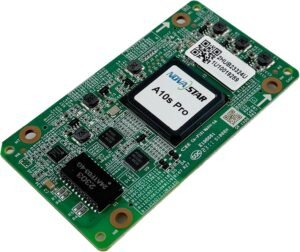
| A10s Pro | The cabinet was designed for A10s Pro and the wall needs its camera or xR functions. | The A10s Pro cabinet package, controller path and board interface. It is not a one-card upgrade from A8s Pro. |
If the need is simply to match a working A8s Pro cabinet, keep the model the same. If the brief has changed, compare the entire cabinet interface and the supported control path before changing receiving-card families.
A8s Pro datasheet, firmware and NovaLCT
The datasheet confirms physical and loading limits. For a replacement, keep both the card program and the cabinet configuration before removing a working card. The program matches the card to the module electronics; the cabinet file keeps the scan, wiring and pixel map. A newer package is not an upgrade path unless it matches the card PCB and module chips.
NovaStar A8s Pro FAQ
What does the A8s Pro receiving card do?
The A8s Pro sits inside an LED cabinet. It receives image data mapped by the controller and sends the assigned pixel data to the cabinet’s modules through the matching hub board.
What is the A8s Pro maximum load?
NovaStar lists up to 512 by 512 pixels at 60 Hz for one A8s Pro. The module data groups, scan, hub board and actual cabinet map must also fit.
Why does the A8s Pro support 40 RGB groups?
Some LED modules require more than the 32 parallel RGB data groups common to many receiving cards. The A8s Pro can support up to 40 parallel groups, so its data path can match those modules when the hub board is designed for it.
Can an A8s Pro replace an A8s-N?
Not automatically. Match the exact card label, hub-board layout, module driver IC, scan type, data groups, power rail and saved configuration before changing receiving-card models.
Does the A8s Pro support low latency?
Yes, the documented low-latency path can reduce delay to one frame when the module uses a driver IC with built-in RAM. The sender and system settings also have to support the intended signal path.
Can the A8s Pro rotate an LED image?
It supports 90-degree rotation. Any-angle rotation needs SmartLCT together with an MCTRL R5 LED display controller, so confirm that system requirement before choosing it for an angled display.
What should I save before replacing an A8s Pro?
Use NovaLCT to save the receiving-card program, parameters and calibration data, then keep the cabinet RCFGX or supported NCP file. The program and cabinet file do different things, so keep both.
Should I install newer A8s Pro firmware on a working screen?
Not just because it is newer. First confirm the card PCB and module chips against the exact package. Keep a working program and cabinet file before changing a stable screen.
What should I check before ordering an A8s Pro replacement?
Match the card label, hub board, module data groups and saved cabinet configuration. Those items matter more than a similar product-family name or matching board dimensions.
Can I request A8s Pro volume pricing or Net 30 terms?
Yes. Quantity pricing and eligible Net 30 terms are available for A8s Pro orders. Send the model and quantity so we can review the order requirements with you.
Is the A8s Pro covered by a 3-year manufacturer warranty?
Yes. A8s Pro cards supplied through our authorized US NovaStar channel include serial-tracked manufacturer coverage for three years.
Reviews
There are no reviews yet.