
NovaStar LED Controllers & Sending Cards
Choosing a NovaStar controller for a synchronous LED wall? Start with three basics: your screen resolution, your input signal, and the receiving cards inside the cabinets. This category also includes MCTRL sending boxes and MSD sending cards for projects where stable pixel delivery to the LED display matters.
Showing all 15 results
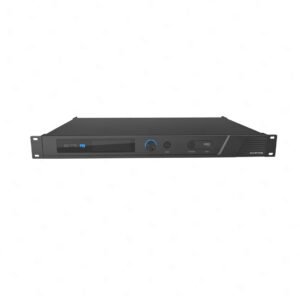
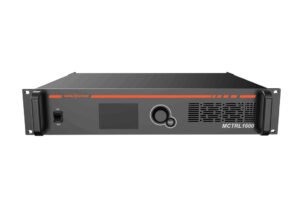
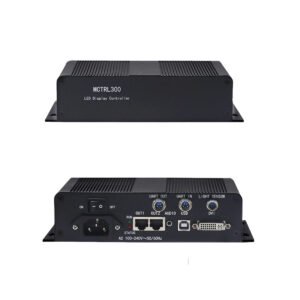
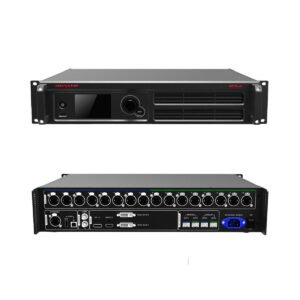
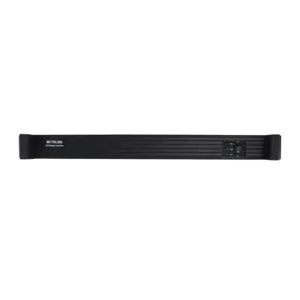
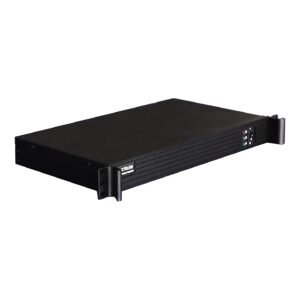
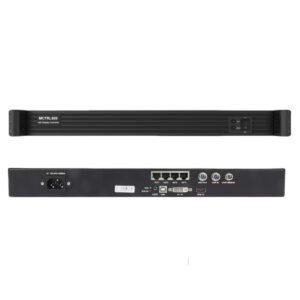
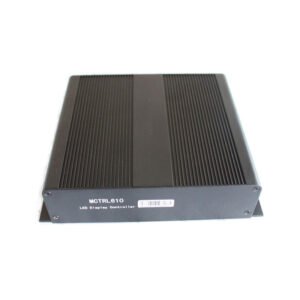
What is a NovaStar LED controller?
Simply put, it is the bridge between your video source and the LED cabinets.
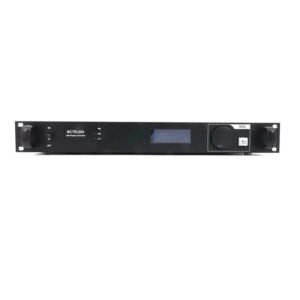
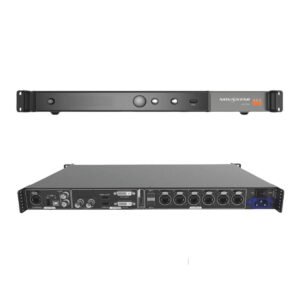
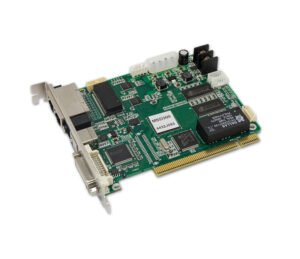
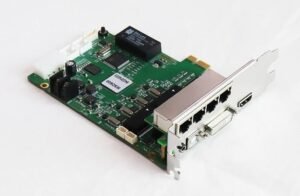
A NovaStar LED controller takes video from a computer, media player, processor or switcher, then sends mapped pixel data to the receiving cards inside the LED screen. It does not work alone: it has to match the screen's total resolution, the input signal, the number of Ethernet outputs needed, and the receiving cards already installed in the cabinets.
For a buyer, the goal is not to pick the most expensive controller, but to pick the controller that can drive the wall reliably, match the signal chain you already have, and leave enough output headroom for the installation to run smoothly on site.
NovaStar LED controller model comparison
Use this table to shortlist the models with enough load capacity, enough outputs and the input type your project needs.
| Model | Catalog price | Catalog load / outputs | Input / workflow | Best fit |
|---|---|---|---|---|
| MSD300 | $109 | 1.3 million pixel class, 2 Ethernet outputs | Single-link DVI up to 1920x1200@60Hz | Small LED walls where a basic DVI sending card is enough. |
| MCTRL300 | $187 | 1.3 million pixels, 2 Ethernet outputs | Single-link DVI controller workflow | Small screens where you want a standalone MCTRL box instead of a card. |
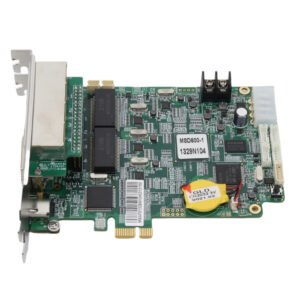
| MSD600 | $240 | 2.6 million pixels, 4 Ethernet outputs | SL-DVI, HDMI 1.3 and audio input | Mid-size walls that need HDMI/DVI flexibility at a lower budget. |
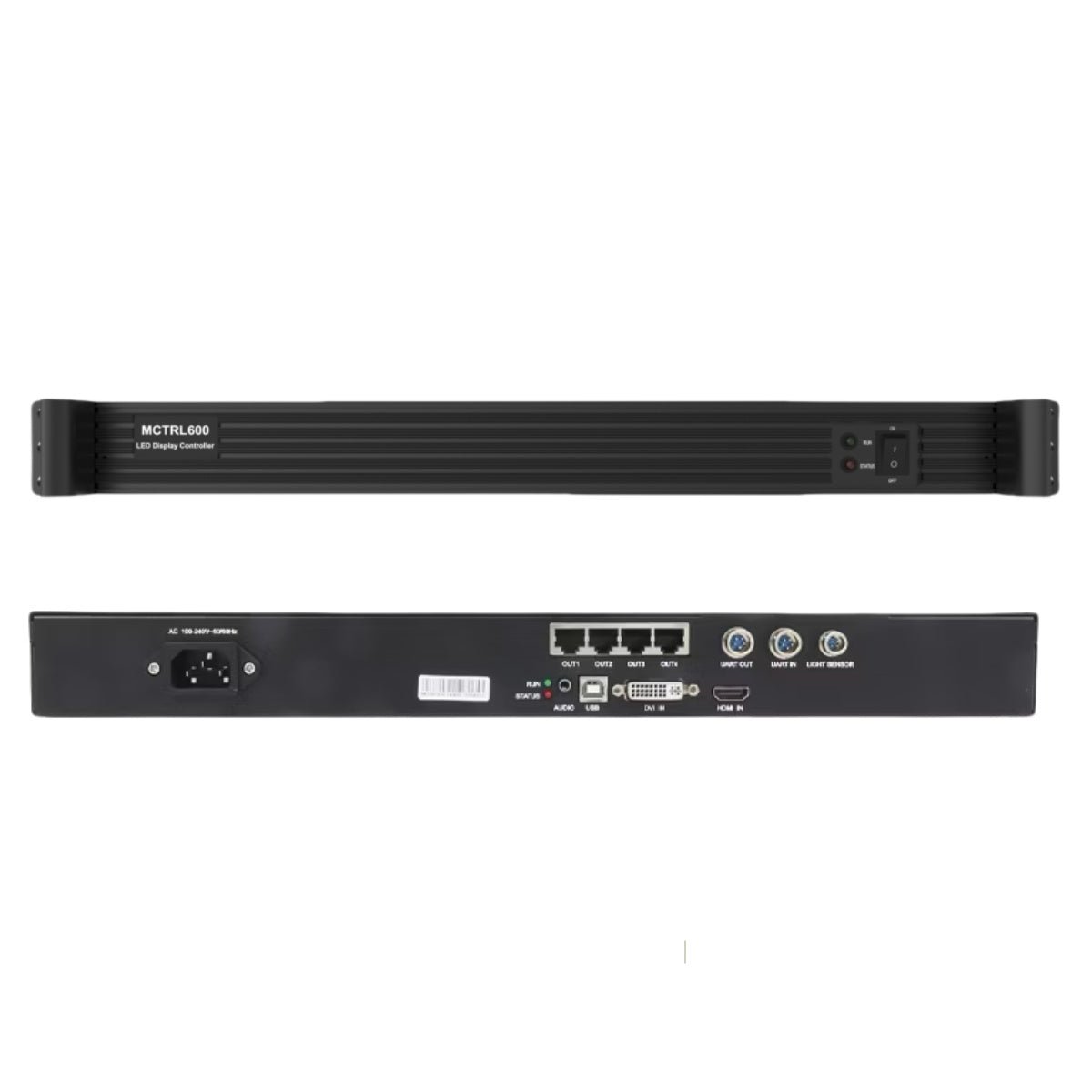
| MCTRL600 | $304 | 4 RJ45 Gigabit Ethernet outputs | DVI and HDMI 1.3 input standards | A practical starting point for many small-to-mid LED wall builds. |
| MCTRL660 | $705 | 2.3 million pixels, 4 Ethernet outputs | DVI, HDMI and audio input | Rental or fixed installs that need the familiar MCTRL workflow. |
| MCTRL660 Pro | $1,174 | 2.3 million pixels, 6 Ethernet outputs | 3G-SDI, HDMI and DVI class workflow | Projects where SDI, mirroring or fiber-converter mode can simplify the setup. |
| MCTRL R5 | $2,703 | 4.1 million pixels, 8 Ethernet outputs | Rotation-oriented controller workflow | Creative, rotated or ultra-wide screens that need easier layout control. |
| MCTRL4K | $5,288 | 8.9 million pixels, 16 Neutrik Ethernet outputs | 4K-class sending, HDR and low-latency features | Large LED walls where high load capacity and more outputs matter most. |
How to choose the right NovaStar LED controller?
Find the best controller model for your business needs based on screen size, signal type, installation environment and the control system already in the cabinets.
If your screen is around the 1.3M pixel class, start with MSD300 or MCTRL300. For 2.3M-2.6M pixel projects, choose from MSD600, MCTRL600, MCTRL660 or MCTRL660 Pro. For bigger walls, start with MCTRL R5 or MCTRL4K so you have enough output headroom from the beginning.
Use MSD300 or MCTRL300 for simple DVI jobs. Choose MCTRL600 or MSD600 when the source may be HDMI or DVI. Choose MCTRL660 Pro for SDI or fiber-converter mode, MCTRL R5 for rotation, and MCTRL4K for 4K-class sending.
Retail displays, meeting rooms and menu boards usually benefit from a simple DVI/HDMI setup. Rental, staging and broadcast jobs often need more outputs, SDI, mirroring or loop-through. Large venues and ultra-wide screens should start with MCTRL R5 or MCTRL4K.
Before you buy, check the model manual and software notes. It helps the installer prepare for rotation, custom resolution settings, or an older controller that may need a current replacement.
Do you need a controller, video processor or COEX system?
Use this section to decide what role you need in the LED control chain. Some projects only need one device; larger systems may use a processor before the controller, or move to COEX when the whole control platform is built around NovaStar VMP.
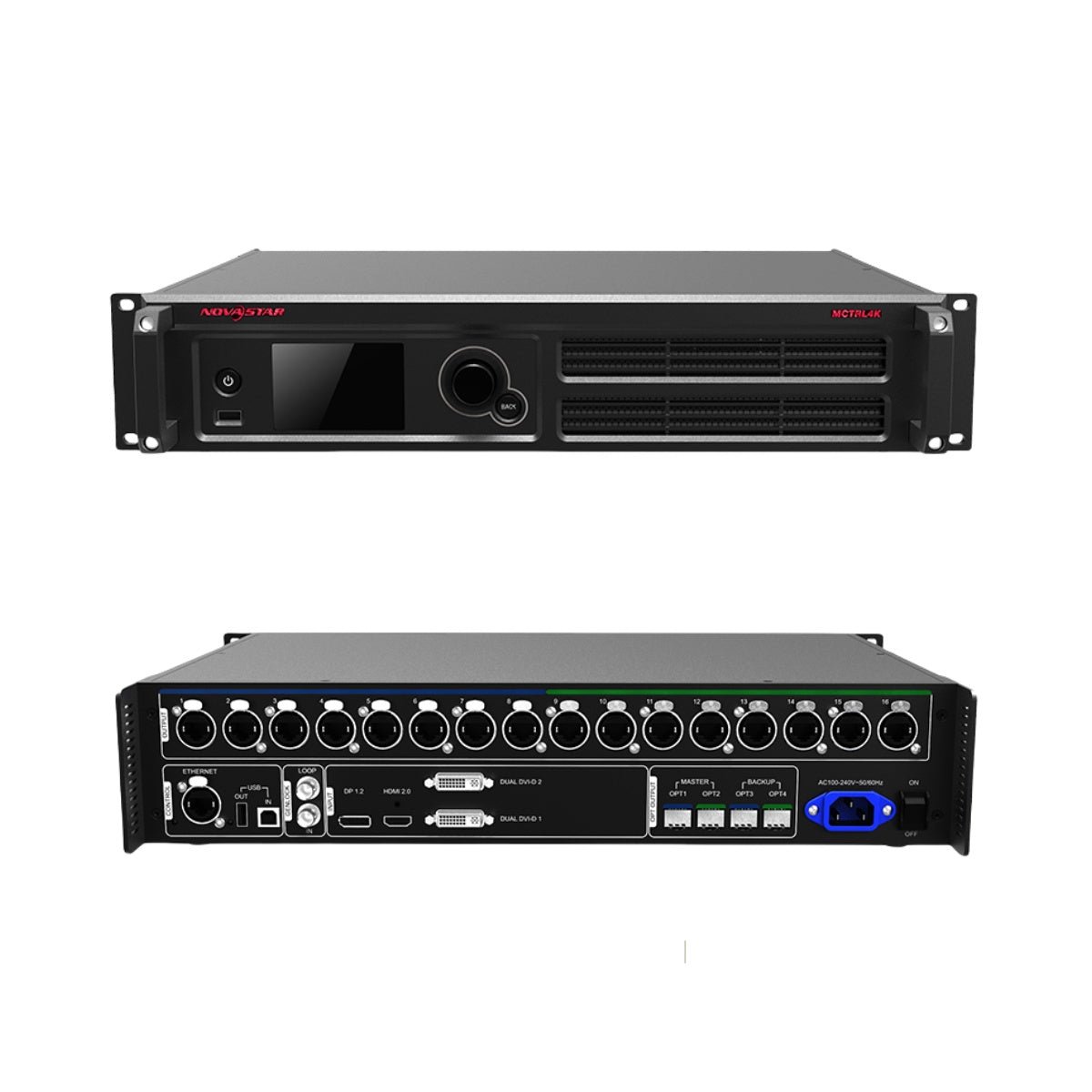 Choose controllersChoose this when your video signal is already prepared for the LED wall, and you need the device that maps and sends pixel data to the receiving cards.
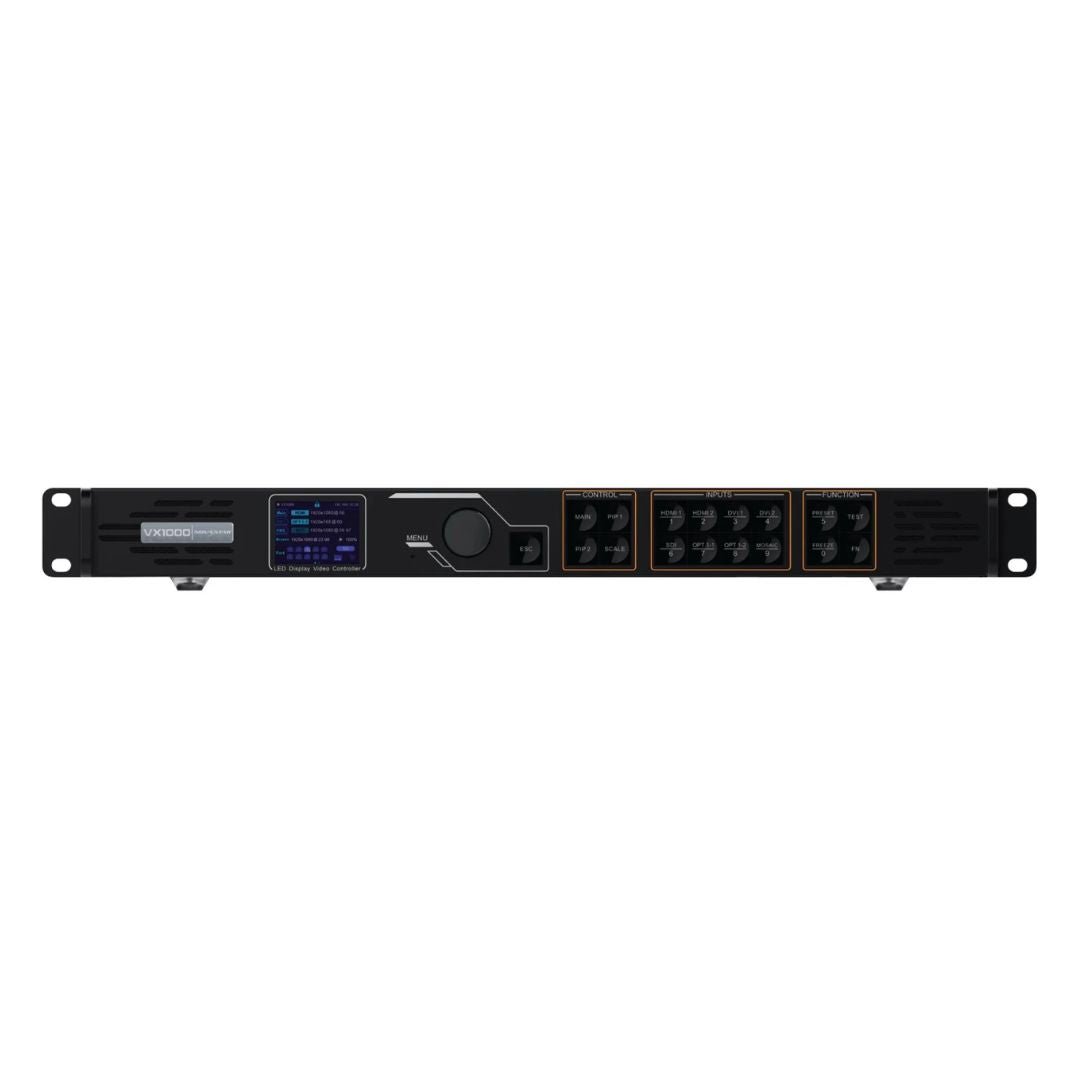 Choose video processorsChoose a processor when you need scaling, layers, switching, PIP or source management before the signal reaches the wall.
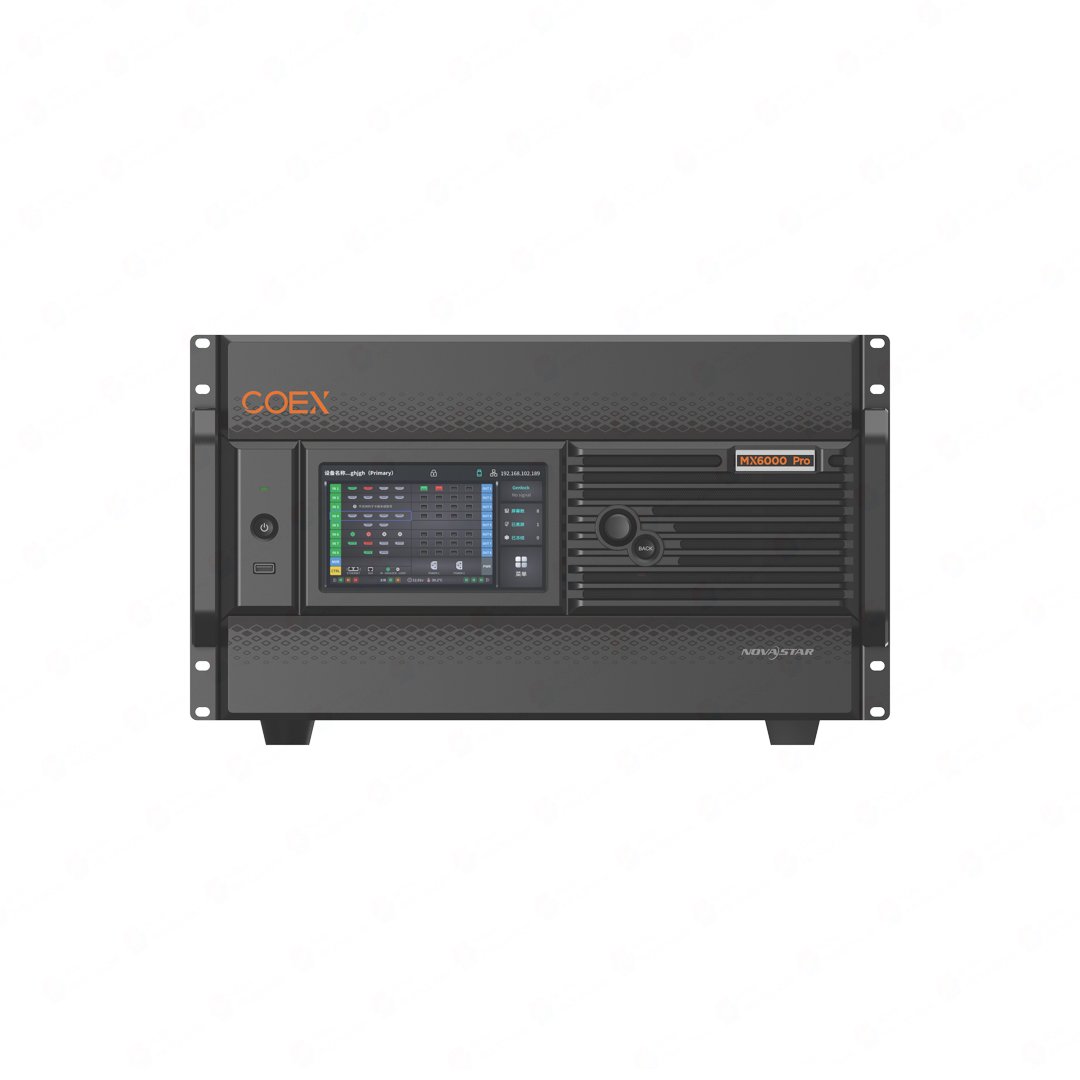 Choose COEX SeriesChoose COEX when you are building a newer VMP-based 4K/8K control system with modular cards, higher bandwidth and a more integrated workflow.
Complete your LED control system
For a working LED wall, the controller has to match the rest of the chain: receiving cards in the cabinets, fiber if the run is long, and the software/documentation your installer will use on site.
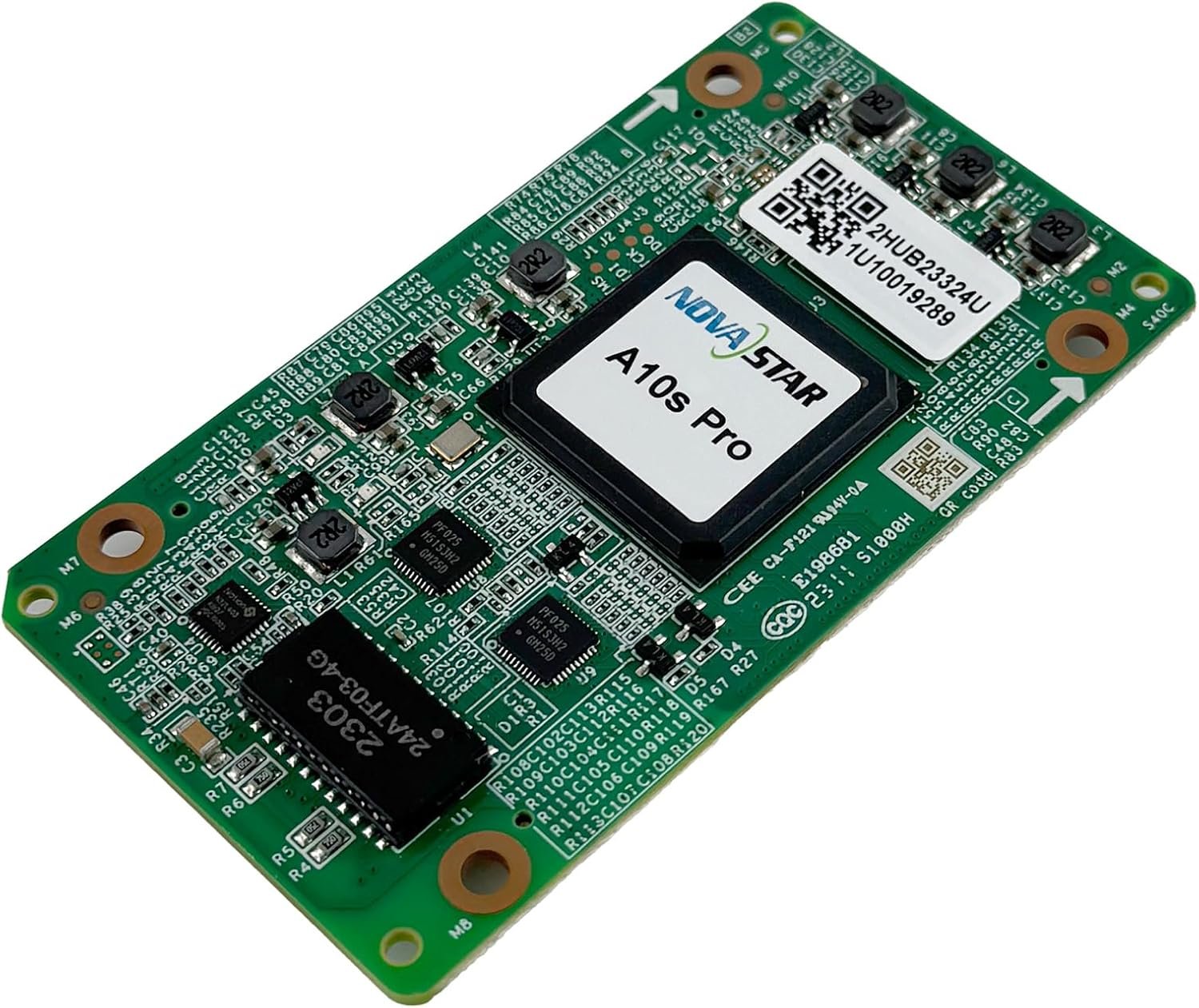 Receiving cardsCheck these when you are replacing cabinets, servicing an existing wall, or confirming controller compatibility.
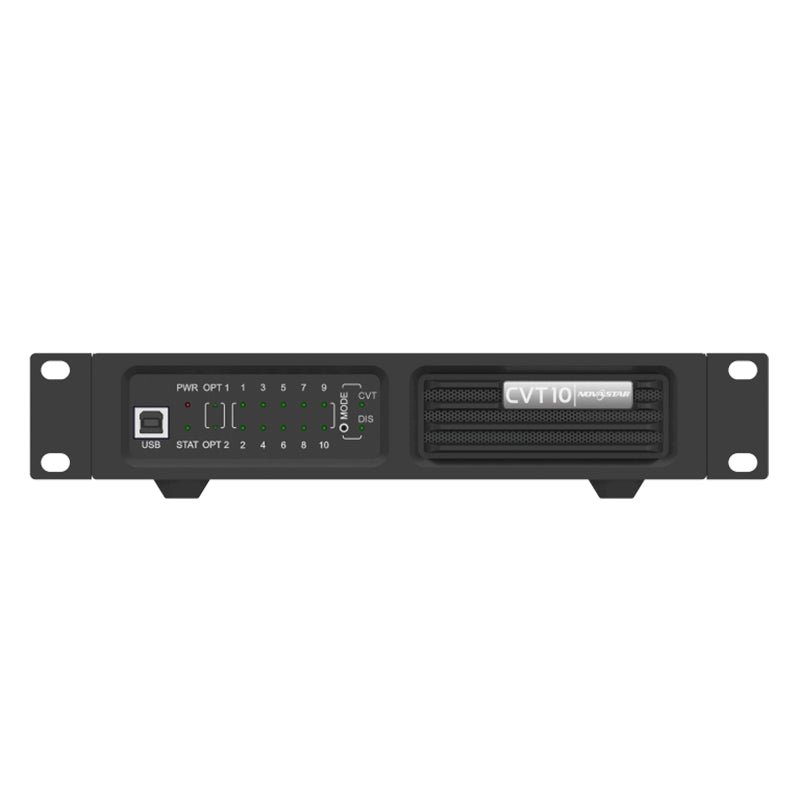 Fiber convertersUse fiber when the controller is far from the screen, when backup paths matter, or when the venue layout is complex.
 Manuals and softwareOpen manuals, datasheets and NovaStar software links before installation so the setup team has the right files ready.
NovaStar controller manuals, datasheets and software
Use these links when you want to confirm ports, resolution limits, wiring details or software requirements before placing an order.
NovaStar LED controller FAQs
We support commercial LED display projects of different sizes. These are the questions customers often ask before choosing a controller, so you can use them as a quick reference.
Which NovaStar controller should I buy for a small LED wall?
If the screen is small and the source is DVI, start with MSD300 or MCTRL300. If you need HDMI or more Ethernet outputs, step up to MCTRL600 or MSD600.
What is the difference between a sending card and a sending box?
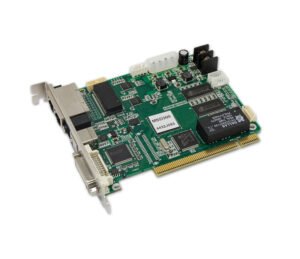
A sending card such as MSD300 or MSD600 is a compact sending solution for straightforward LED control jobs. A sending box, such as an MCTRL model, is a standalone controller with its own enclosure and external ports, so it is usually easier to place in a rack, cable, replace and service on site. Both send data to receiving cards; choose a sending card when the installation is simple and compact, and choose a sending box when you want easier access, clearer cabling and a more service-friendly controller.
Do I need a video processor instead of a controller?
If your source already has the right resolution and layout, a controller can be enough. If you need scaling, layers, seamless switching or PIP, add or choose a NovaStar video processor before the signal goes to the wall. In many larger systems, the processor prepares the image and the controller sends the mapped pixel data to the receiving cards.
When should I choose MCTRL4K?
Choose MCTRL4K when the wall is too large for the 2.3M-4.1M pixel class models, or when you want a stronger 4K sending controller with more Ethernet outputs. It is a better starting point for large stages, venues and high-resolution LED walls where changing controllers later would be costly.
When is MCTRL R5 a better fit?
Choose MCTRL R5 when the LED wall is creative, rotated, ultra-wide or unusual in shape. Its value is not just the larger load capacity; it helps when the screen layout is harder to map cleanly with a basic controller.
Which models support SDI workflows?
MCTRL660 Pro is the main controller here to look at when SDI is part of the signal chain. It is often the cleaner choice for broadcast, live events or systems where SDI already comes from the camera/switching side.
Can I use my existing receiving cards?
Usually yes, but do not guess. The controller must match the receiving-card model, cabinet layout, pixel pitch, scan configuration and screen resolution. Send us those details before ordering if this is a replacement or retrofit job, and we can help check whether the controller is a good fit.
What information should I send for a compatibility check?
Send the total screen resolution, cabinet pixel resolution, cabinet count, receiving-card model, current controller model and source format. A photo of the old controller and cabinet label is often enough for us to spot the right direction quickly.
Where can I find controller manuals and datasheets?
Use each product page's Manual, Datasheet & Firmware section, or use the verified download links above for MCTRL4K, MCTRL R5, MCTRL660 Pro, MCTRL600, MSD300 and NovaLCT.
Are discontinued MCTRL models still worth buying?
For service replacement, sometimes yes. For a new project, confirm availability before designing around an older model. If a model is marked LimitedAvailability/RFQ, we can check whether it is still the right part or whether a current model is the better choice.