
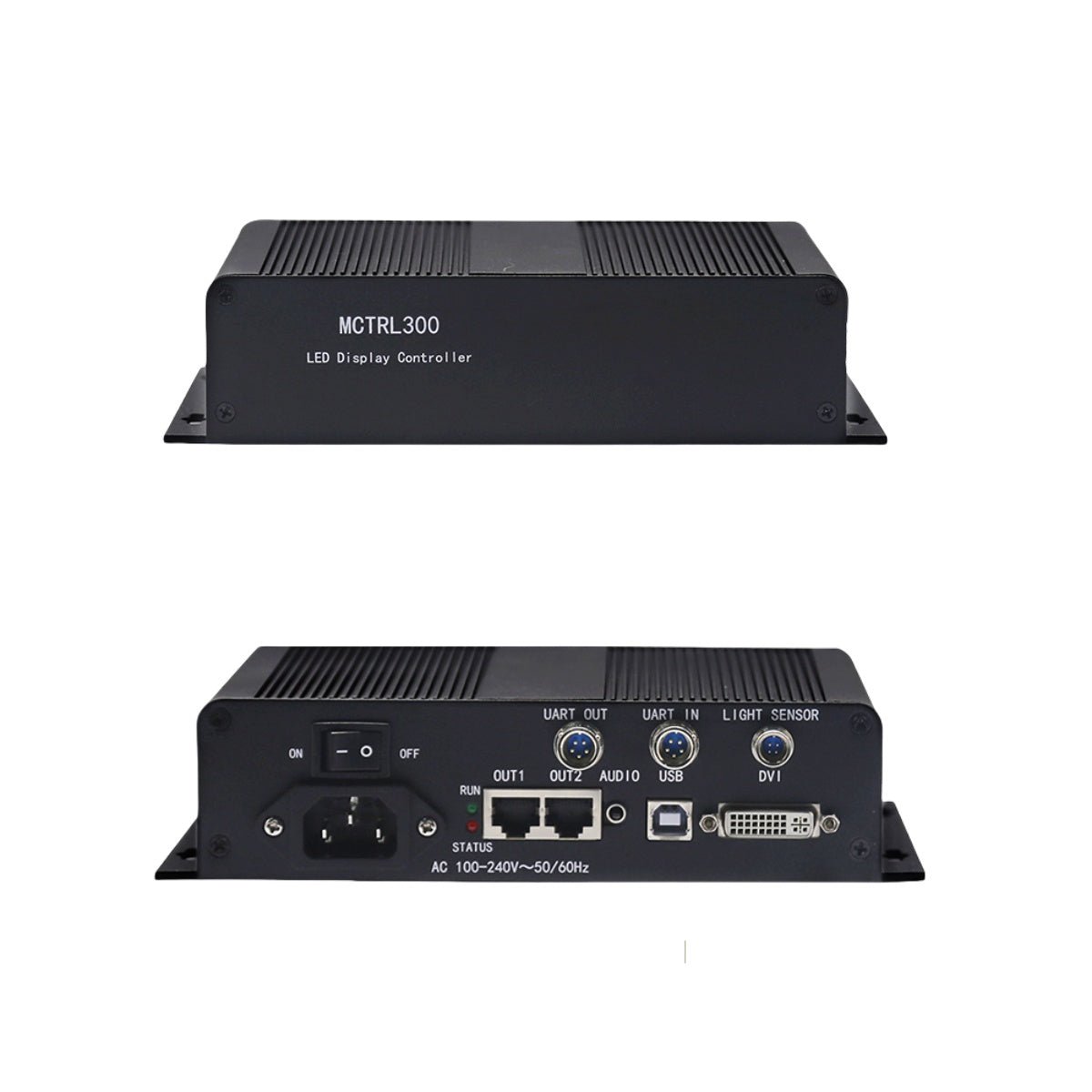
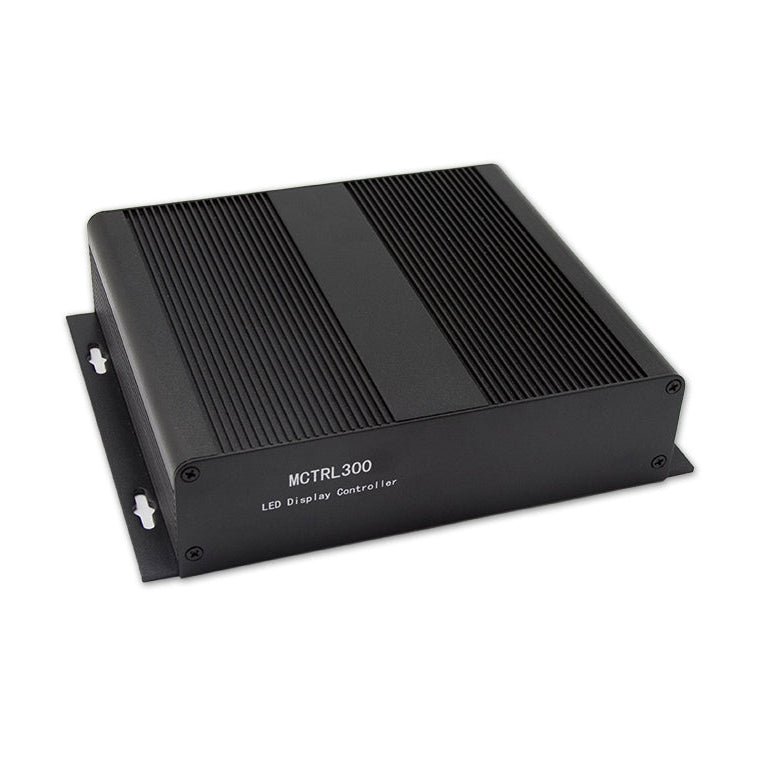
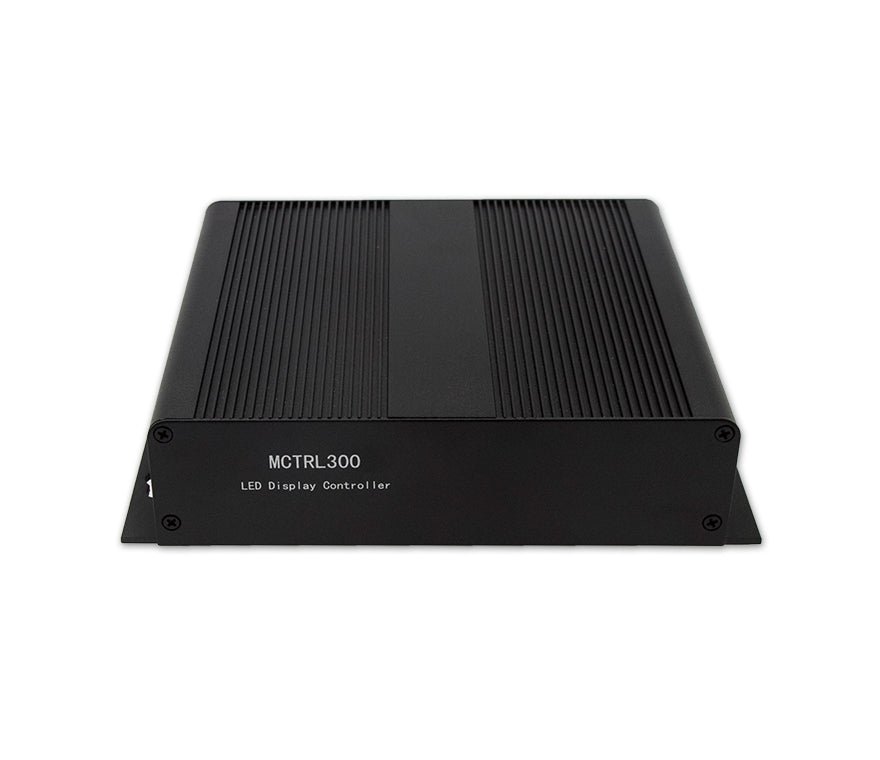
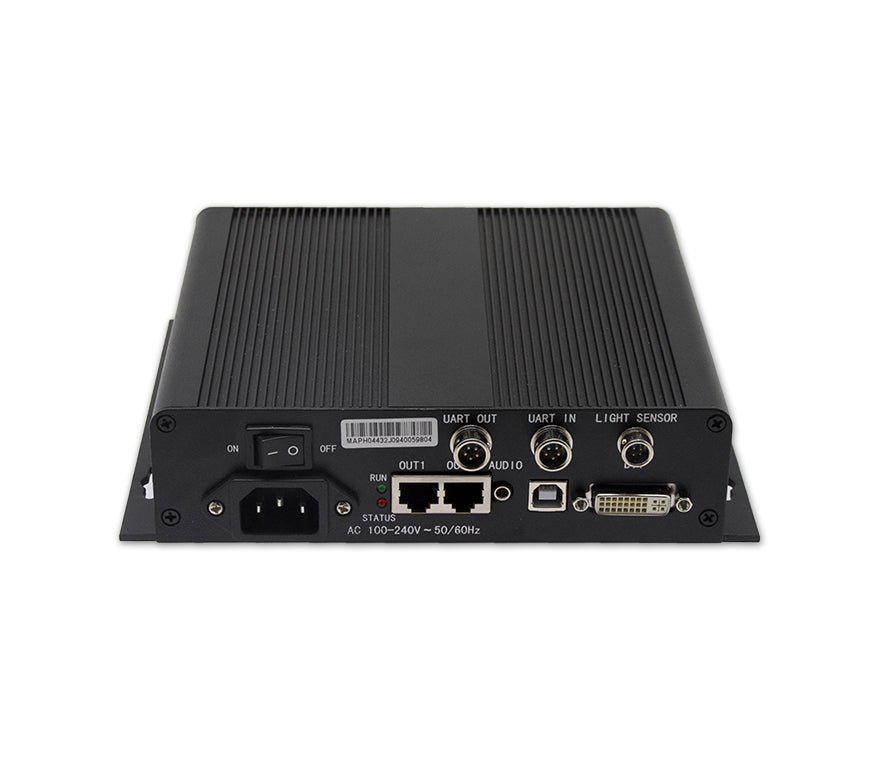
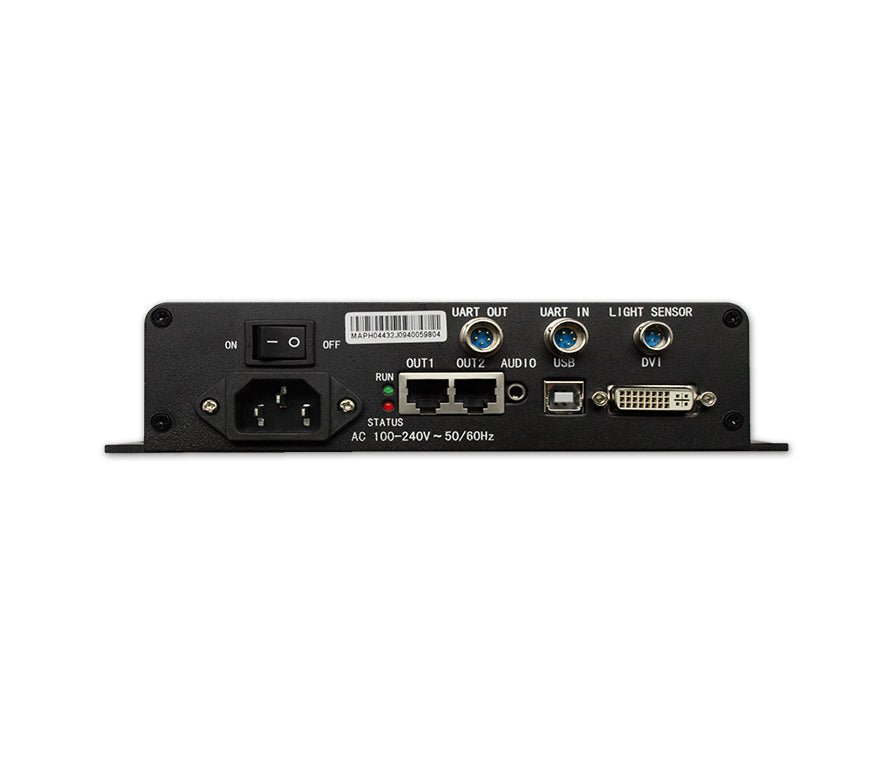
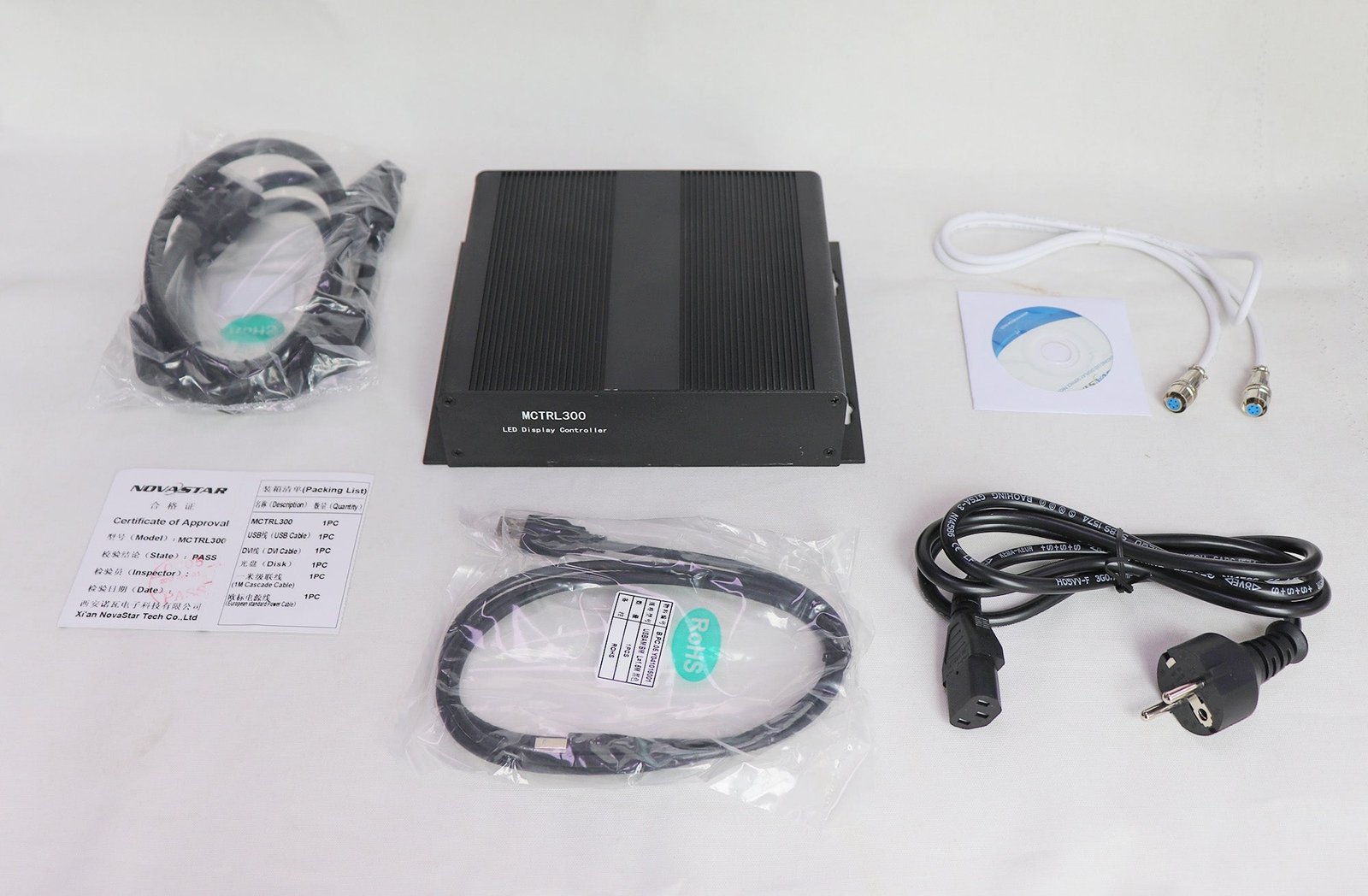
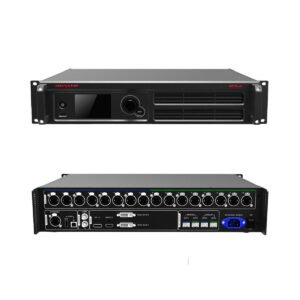
The NovaStar MCTRL300 is a compact, AC-powered sending controller for synchronous LED displays. It accepts one single-link DVI video source and sends the screen data through two Gigabit Ethernet ports, with a total loading capacity of up to 1.3 million pixels.
Choose it for a straightforward DVI-based LED system that already has the correct source resolution. If you need to scale mixed sources, switch between HDMI or SDI inputs, or play content without a live video source, use a suitable video processor or all-in-one controller instead.
Is the MCTRL300 right for your video source?
Use the MCTRL300 when your LED system meets these three conditions:
- The source can deliver a progressive DVI signal within the controller’s supported timing.
- The complete LED canvas stays within 1.3 million pixels and each Ethernet output stays within 650,000 pixels.
- Your workflow does not require built-in scaling, source switching, or standalone media playback.
This controller sends the prepared video canvas to the LED receiving cards. It does not resize an arbitrary laptop image to fit the wall. If the source resolution does not match the LED canvas, place a suitable video processor before the MCTRL300 or choose an all-in-one controller with the inputs and scaling your project needs.
MCTRL300 load capacity and two-port planning
Start with the full LED canvas: multiply its pixel width by its pixel height. The result must not exceed 1,300,000 pixels. Then divide the cabinets between Ethernet outputs so that neither port carries more than 650,000 pixels.
For example, a 1280 x 720 canvas contains 921,600 pixels and fits the total capacity, but the cabinet map must still be split across the two ports within the per-port limit. Cabinet geometry and receiver-card wiring determine the actual port map, so total pixel count alone is not enough.
The input shape must also be supported. Standard DVI input can reach 1920 x 1200@60Hz. The controller also supports custom wide or tall timings up to 3840 pixels wide at 3840 x 600@60Hz, or up to 3840 pixels high at 548 x 3840@60Hz. Interlaced video is not supported.
The two Ethernet outputs can also operate as a redundant pair. In that arrangement, the backup cable carries the same screen load; redundancy improves resilience but does not double the available pixel capacity.
MCTRL300 specifications
The figures below follow NovaStar’s MCTRL300 Specifications V2.4.1.
| Specification | MCTRL300 |
|---|---|
| Product type | External synchronous LED display controller / sending box |
| Video input | 1x single-link DVI |
| Audio input | 1x audio connector |
| Maximum standard input | 1920 x 1200@60Hz |
| Custom input limits | Up to 3840 x 600@60Hz wide or 548 x 3840@60Hz tall |
| Input format | 8-bit RGB 4:4:4 |
| Interlaced input | Not supported |
| LED data outputs | 2x Gigabit Ethernet RJ45 |
| Loading capacity | Up to 650,000 pixels per port; 1.3 million pixels total |
| Output redundancy | Supported between Ethernet ports |
| Computer control | USB 2.0 Type-B |
| Controller cascading | UART IN/OUT; up to 20 units |
| Light sensor | 1x connector for automatic brightness workflows |
| Calibration | Pixel-level brightness and chroma calibration with NovaLCT and NovaCLB |
| Power | AC 100–240 V, 50/60 Hz |
| Rated power consumption | 3.0 W |
| Dimensions | 204 x 160 x 48 mm |
| Net weight | 1.04 kg |
| Operating environment | -20°C to +60°C; 10%–90% RH, non-condensing |
| Included accessories | Power cord, 1 m cascading cable, USB cable, and DVI cable |
How the MCTRL300 fits into an LED signal chain
The working path is simple: your computer, media server, or upstream processor supplies DVI video to the MCTRL300; the controller converts that prepared canvas into LED screen data; Ethernet cables carry the data to the receiving cards inside the cabinets.
The USB Type-B connection is for configuration and control from a PC. It is not the video input. UART IN and OUT allow multiple MCTRL300 units to be cascaded for unified control, while the light-sensor connector can support automatic brightness adjustment when a compatible sensor is included in the system.
Audio can enter with the DVI workflow through the dedicated audio connector, but the final audio path depends on the receiving hardware and screen system design. Confirm the full signal chain if audio transport is required.
MCTRL300 setup with NovaLCT
Use NovaLCT to connect to the MCTRL300 over USB, load the receiving-card parameters, map cabinets to Ethernet ports, and save the screen configuration. A safe commissioning sequence is:
- Connect a progressive DVI source at the intended LED canvas resolution.
- Connect the controller to the configuration PC with USB.
- Back up the current receiving-card and screen configuration before changing it.
- Load the known-good RCFG or RCFGX file supplied for the exact cabinet and receiving-card hardware.
- Map cabinets in their real cable order and keep each Ethernet port within 650,000 pixels.
- Send and save the configuration, then test solid colors, grayscale, cabinet order, and signal recovery.
Do not guess scan type, module dimensions, data-group mapping, or receiver parameters from pixel pitch alone. A wrong cabinet file can produce scrambled pixels or a blank screen. If the original configuration is unavailable, identify the receiving card and module wiring before programming the wall.
Pixel-level brightness and chroma calibration is available through NovaLCT and NovaCLB when the rest of the calibration system is present. It is a commissioning workflow, not an automatic image-enhancement feature inside the controller.
MCTRL300 manual, datasheet, software and firmware
Use the MCTRL300 datasheet PDF for connector details, electrical specifications, physical dimensions, and official loading limits. The MCTRL300 setup manual provides the genuine Nova M3 system instructions that cover MCTRL300 configuration. It is a system manual rather than a standalone hardware manual, so the page labels it accordingly instead of treating the short specification sheet as a user manual.
Download NovaLCT from the maintained software page and obtain MCTRL300 firmware from the official model download page. Firmware versions change over time, so confirm the device model, current firmware, release notes, and upgrade procedure before updating a working system. Do not interrupt power during an approved firmware update.
Firmware download: MCTRL300 firmware package. Match it to the exact hardware version, save the working configuration and read the release notes before updating.
Direct PDF links: MCTRL300 User Manual PDF · MCTRL300 Datasheet PDF
MCTRL300, MSD300, or MCTRL600?
Use this comparison to choose the form factor and capacity that fit the project.
| Choose | Best when | Main reason to move away from it |
|---|---|---|
| MCTRL300 | You want a compact external, AC-powered DVI sending box for a wall within 1.3M pixels | You need more output capacity, more input options, or built-in processing |
| MSD300 | Your system is designed around an internal sending card and its required host/power arrangement | You prefer a self-contained external controller with its own AC inlet and enclosure |
| MCTRL600 | Your wall needs the higher loading capacity and four Ethernet outputs of the next controller class | Your project fits comfortably within two ports and does not benefit from the larger model |
If the real requirement is HDMI/SDI input, scaling, source switching, preview, or 4K workflow support, compare the appropriate NovaStar controllers and video processors by signal format as well as pixel capacity.
MCTRL300 frequently asked questions
Does the MCTRL300 have an HDMI input?
No. Its video input is single-link DVI. An HDMI-to-DVI connection may carry a compatible digital video signal, but the source must still output a supported progressive resolution and the adapter does not add scaling or switching.
Can the MCTRL300 run without a computer?
It does not need a PC to remain connected for normal playback after a valid screen configuration has been saved, but it still requires a live DVI video source. It is not a standalone media player.
Which receiving cards work with the MCTRL300?
Compatibility depends on the NovaStar control-system generation, receiving-card model, firmware, and cabinet configuration. Confirm the exact receiving card and obtain the cabinet’s known-good configuration file before ordering or reprogramming the screen.
Can I cascade MCTRL300 controllers for a larger display?
Yes. NovaStar specifies UART cascading for up to 20 MCTRL300 units. Cascading simplifies control of multiple devices; it does not merge their Ethernet ports into one automatically mapped canvas. Plan the source canvases, controller assignments, and cabinet wiring before installation.
Do the two Ethernet ports provide backup and full 1.3M capacity at the same time?
Not for the same screen load. In normal loading, the ports can divide the canvas for up to 1.3 million pixels total. In a redundant arrangement, one path backs up the other, so the backup does not add pixel capacity.
Confirm your MCTRL300 system before ordering
Send us the source format, full LED canvas width and height, cabinet pixel dimensions, cabinet count, receiving-card model, and planned cable order. We can check the total and per-port load and tell you whether the MCTRL300 is the right sending controller or whether another controller or upstream processor will make the system easier to operate.
Reviews
There are no reviews yet.