
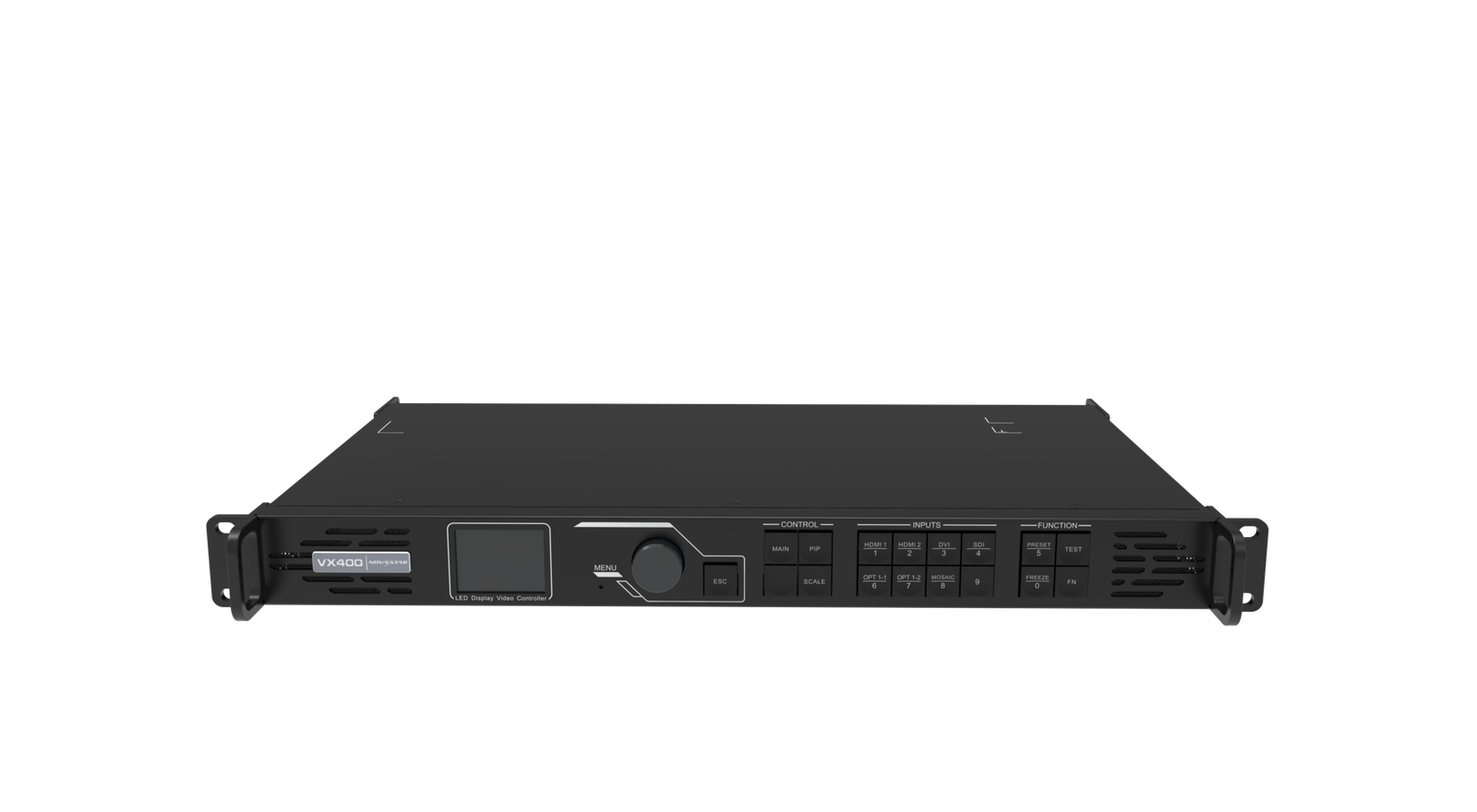
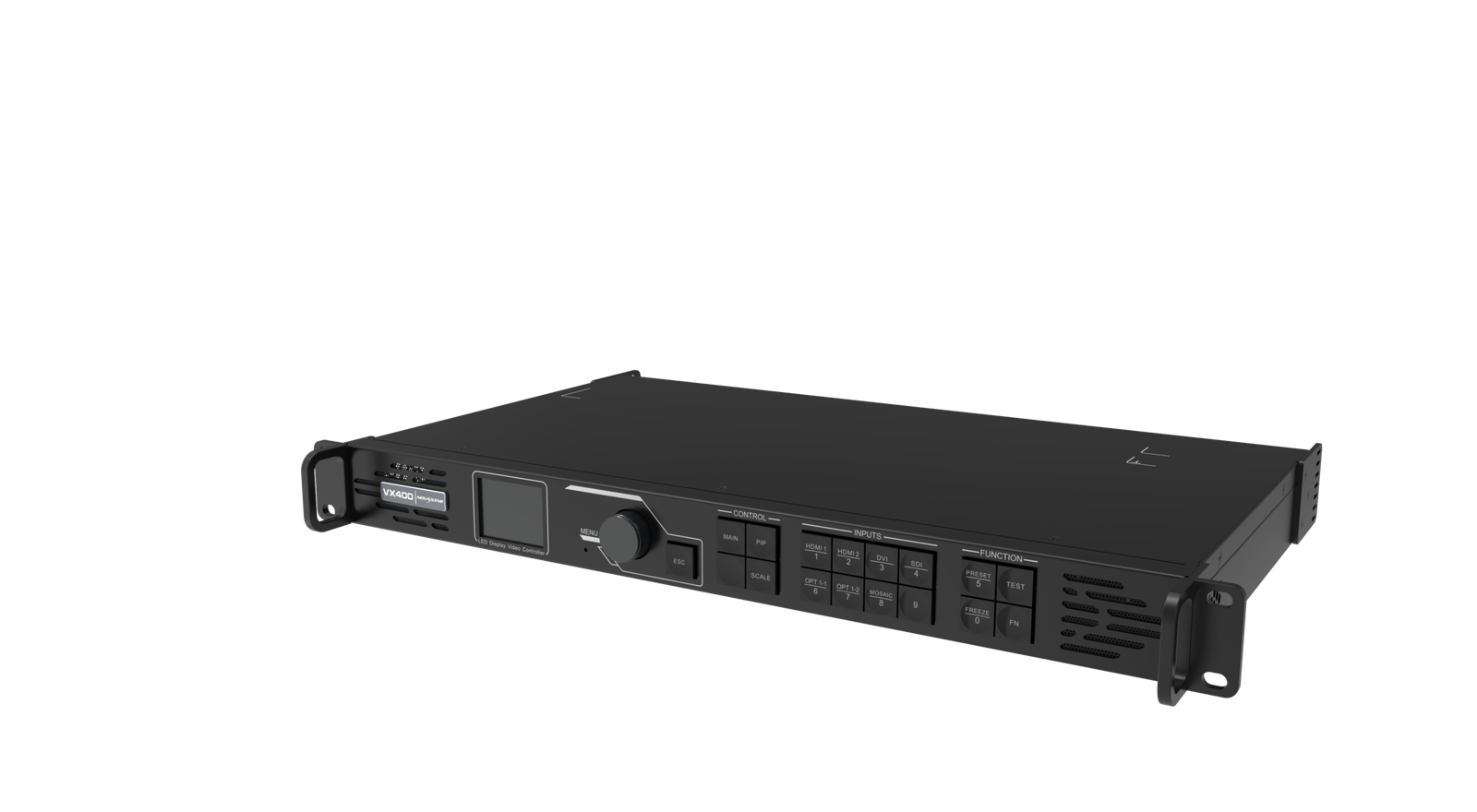
What is the NovaStar VX400 all-in-one LED controller?
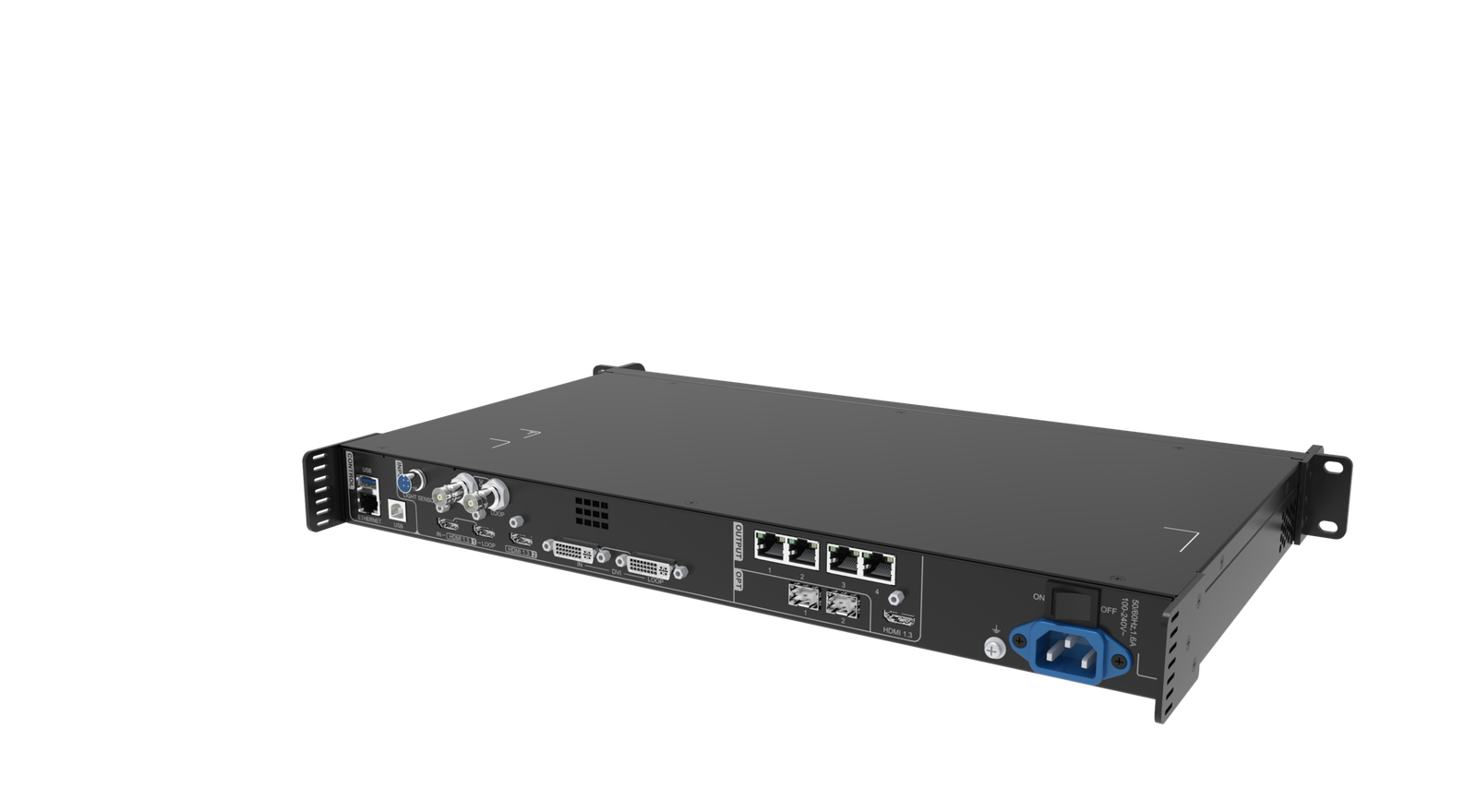
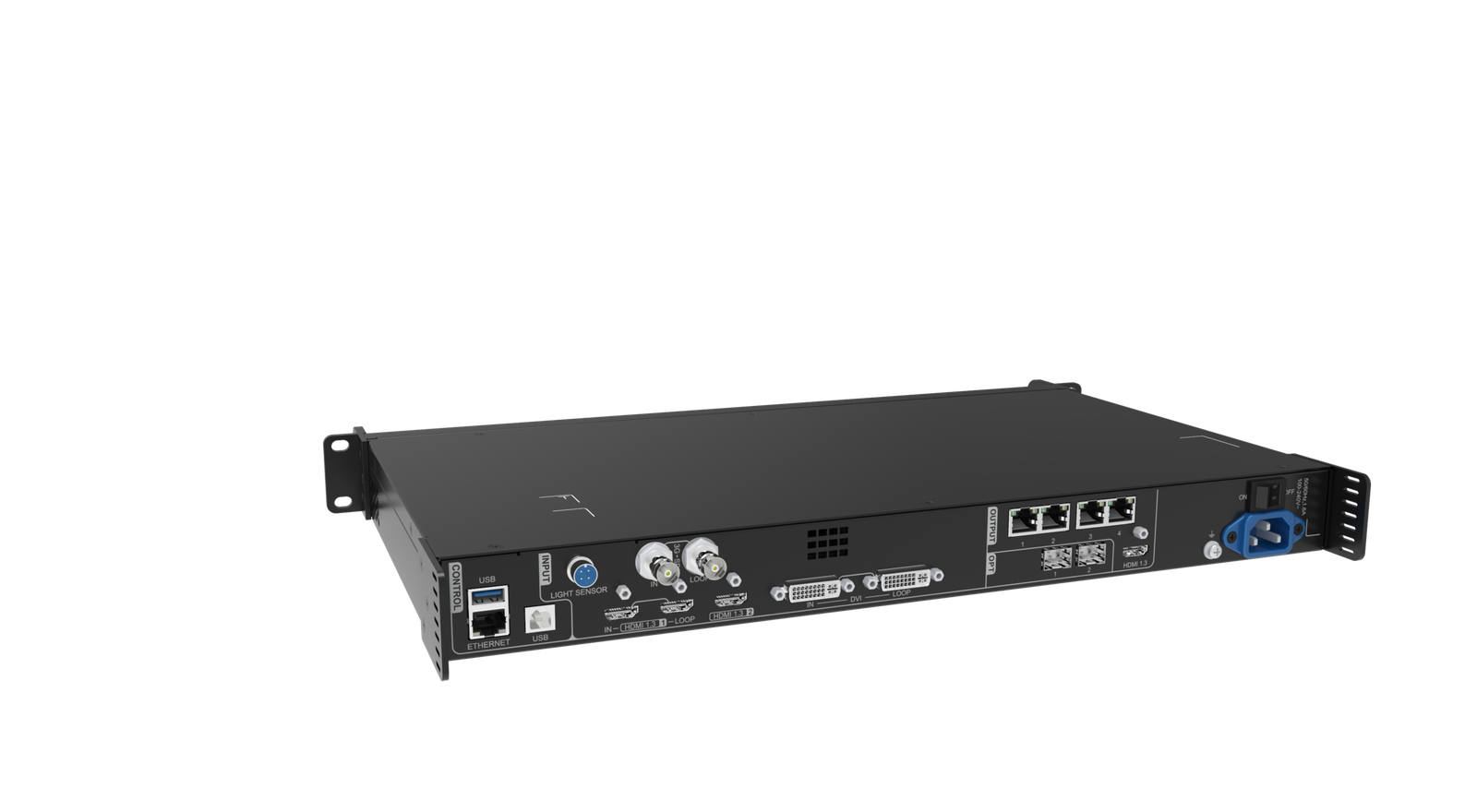
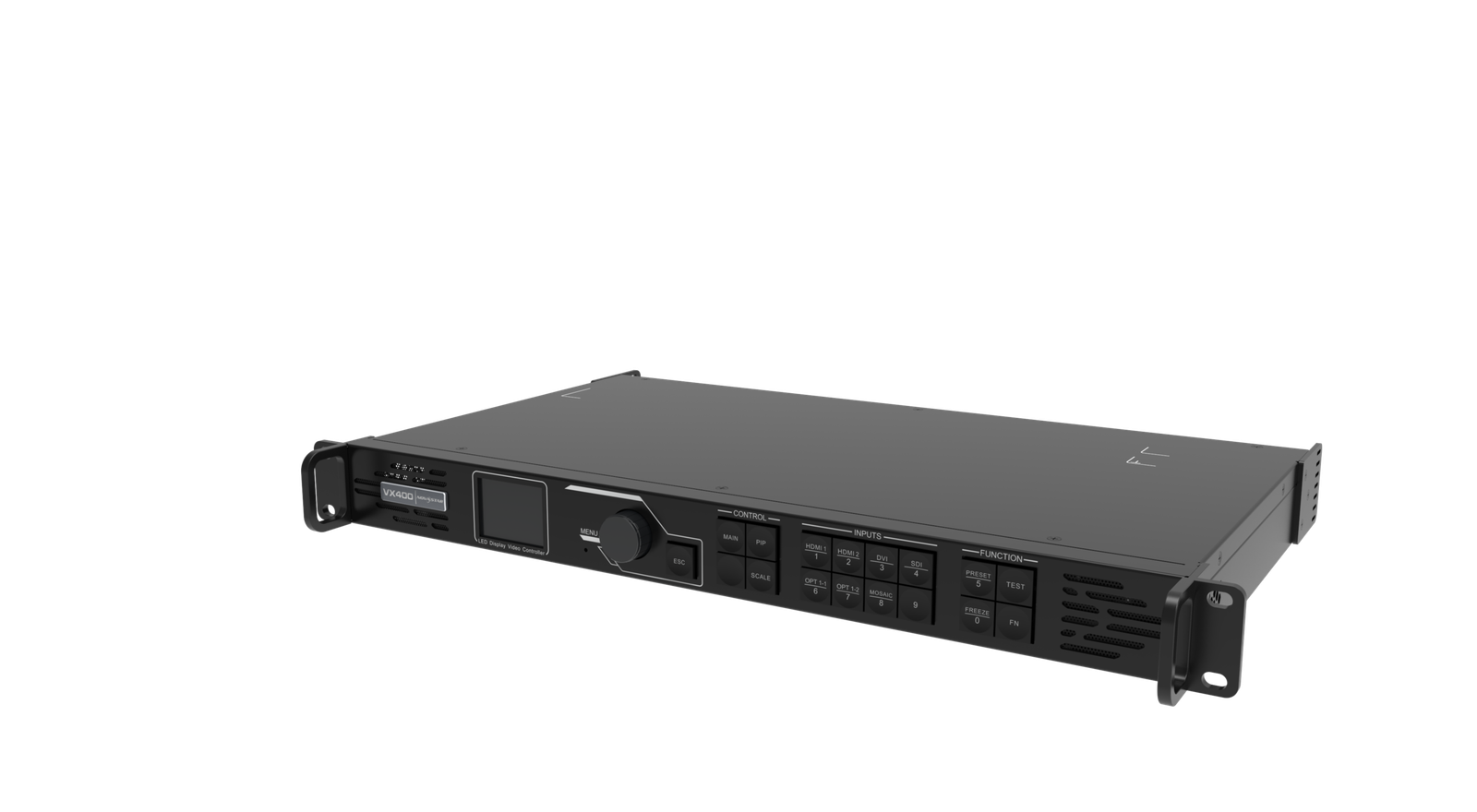
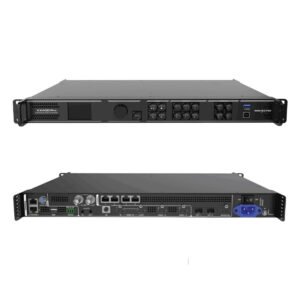
The NovaStar VX400 is a compact box that processes the video source and sends the finished picture to the LED cabinets. It is designed for systems that need basic source scaling and a main picture with one picture-in-picture layer, without adding a separate processor and sending controller.
Its four Ethernet ports make it a capacity decision as much as a feature decision. Start by checking the real LED canvas and port map, then confirm that the laptop, camera or playback source stays within the controller’s documented input limits.
VX400 key features
- Compact all-in-one operation: process a supported source and send it to a small LED wall without a separate processor and sending box.
- Scaling and picture-in-picture: place a camera or logo over a presentation when one simple secondary window is enough.
- Four-port mapping: suit a compact wall after the cabinet paths are divided and tested.
- Planned backup options: use the optical role and Bypass only when they match the source and recovery plan.
VX400 specifications
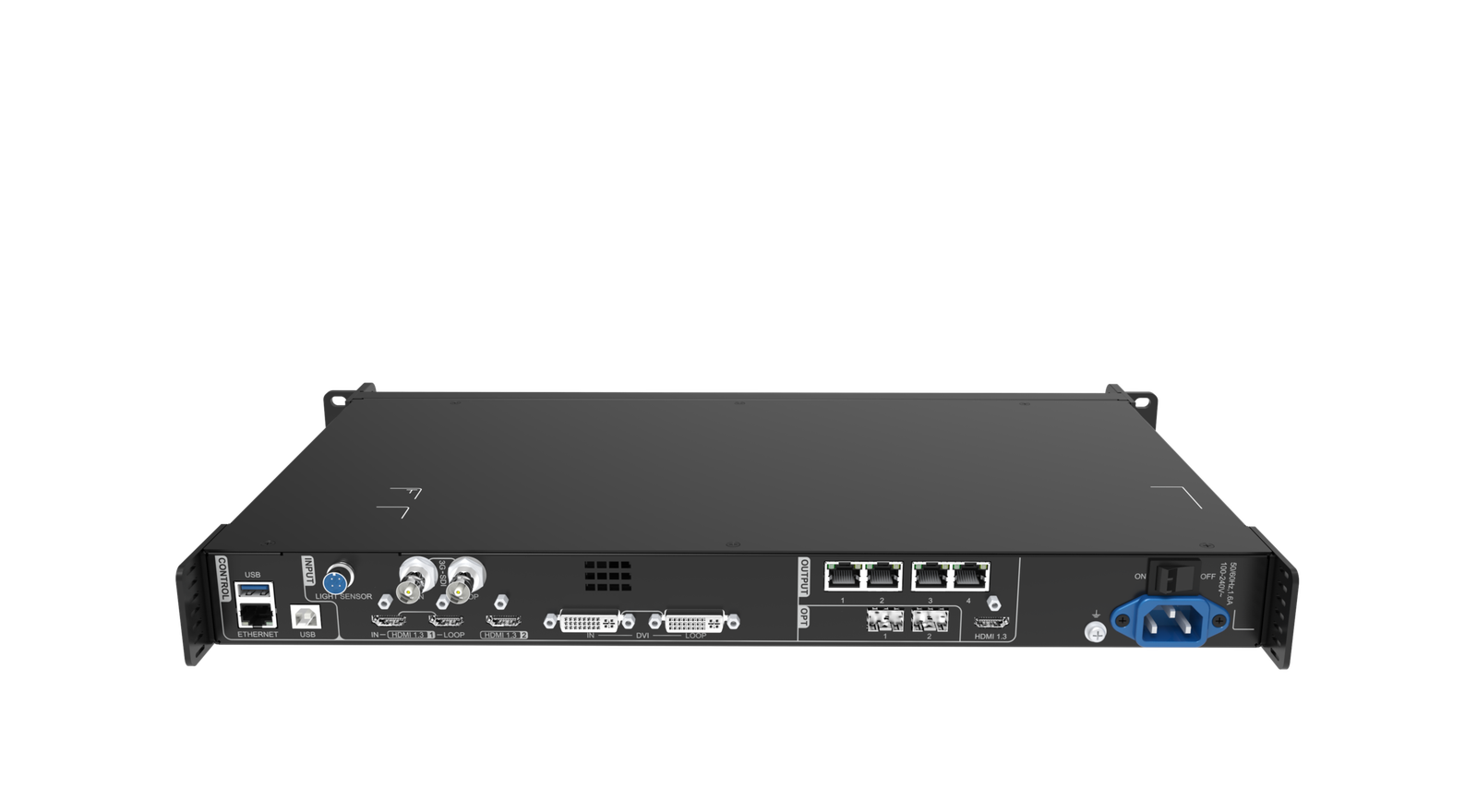
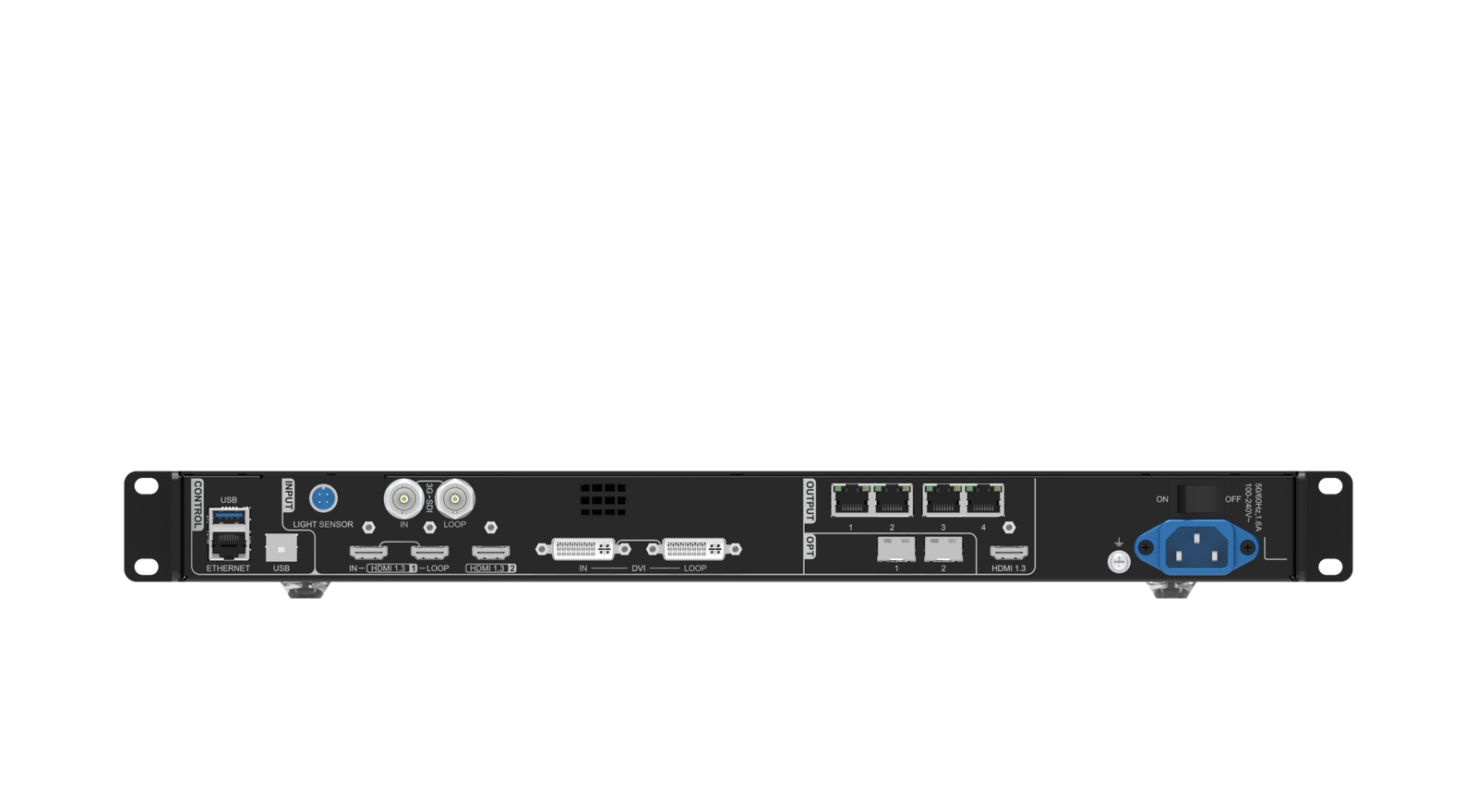
| LED load and outputs | Up to 2.6 million pixels through 4 Gigabit Ethernet outputs. |
|---|---|
| Video sources | HDMI 1.3, DVI, 3G-SDI and a compatible OPT 1 path. |
| Live layout | 2 adjustable layers: a main image and one picture-in-picture layer. |
| System boundary | Internal input timing; no external Genlock. |
Is four-port VX400 capacity enough for your LED wall?
The total LED load is important, but every output port still needs a clear cabinet map.
| Total LED load | Up to 2.6 million pixels. |
|---|---|
| Screen dimensions | Maximum canvas 10,240 pixels wide or 8,192 pixels high, within the documented loading rules. |
| LED outputs | 4 Gigabit Ethernet ports. Do not assume an uneven cabinet layout is safe because the total pixel count fits. |
| Show layout | 2 adjustable layers: a main picture plus a picture-in-picture layout. |
| Source boundary | HDMI 1.3, DVI and 3G-SDI are supported. HDMI 2.0 4K60, external Genlock, higher bit depth or more layers call for a newer model. |
A compact four-port wall is a good use of the VX400 when the cabinets can be divided cleanly and the source plan is straightforward. If the screen needs six outputs or a larger multi-layer layout, start the comparison with VX600 or the VX Pro series instead.
VX400 source scaling and two-layer layouts
The VX400 can take a supported laptop, camera or playback source, scale it to the LED canvas, and add one adjustable PIP layer. That is useful for a meeting-room backdrop, a small worship screen, or a simple stage layout where the main presentation stays full screen and the camera appears in a smaller window.
Keep the purpose of the second layer realistic. It is a picture-in-picture tool, not a large multi-window compositor. When a production needs many independent sources or larger modern layer resources, compare VX400 Pro or VX600 Pro before the design is fixed.
VX400 Ethernet and optical output planning
After the picture is built, the VX400 maps it to four Ethernet outputs. The receiving cards inside the LED cabinets use that mapped data to drive the modules. Confirm the cabinet file and physical data order before judging the source, because a valid laptop signal can still produce a blank or scrambled wall when the map is wrong.
OPT 1 can serve as a compatible video input or sending output. OPT 2 copies or backs up the four Ethernet outputs. Treat those as planned signal roles, not two identical spare connectors. Choose the optics and test the backup route before the system is installed.
VX400 low-latency Bypass and practical limits
Bypass helps when the camera-to-screen delay matters, but it changes the operating path. The documented low-latency result of 20 lines requires both low-latency mode and Bypass, so test the exact source and the required picture layout before a live event.
The VX400 uses internal input timing. It does not provide external Genlock. If the source workflow needs 4K60, 10/12-bit input, external timing reference or more than a main picture plus PIP, VX400 Pro or VX600 Pro is the clearer choice.
VX400 setup with NovaLCT and V-Can
Use NovaLCT for the screen side: load the correct cabinet file, check the receiving-card match and map cabinets to the four outputs. Use V-Can for the controller side: confirm the source, adjust the two layers, save a preset and follow the supported firmware process.
- Load the known cabinet configuration before changing source settings.
- Map each cabinet chain to the correct Ethernet output.
- Confirm the real source resolution and scaling result.
- Build the main picture and PIP, then save the working preset.
- Test the planned backup path and save the configuration before an update.
VX400 applications for compact LED systems
Small rental screens
Drive a compact wall when four Ethernet outputs and the total 2.6M-pixel capacity fit the mapped cabinet layout.
Presentation backdrops
Scale a laptop or playback source to the LED canvas and add one camera or logo picture-in-picture window.
Simple camera programs
Use the supported 3G-SDI input when the camera path is already SDI, then test Bypass only if delay is important.
Remote cabinet runs
Use the planned optical role only after confirming the fiber type, output mapping and backup requirement.
VX400 manual, datasheet, firmware and software
VX400 user manual
The official VX400 User Manual PDF covers connections, screen setup and operating modes. A real internal manual page is not yet available, so this card does not pretend otherwise.
VX400 datasheet
Use the VX400 Datasheet page or VX400 Datasheet PDF for capacity, inputs, outputs and rack specifications.
VX400 firmware
Use the verified VX400 Firmware V1.7.1 ZIP with the VX400 V1.7.1 release notes. Save the working configuration before updating.
VX400 vs VX600 vs VX400 Pro
The meaningful difference is not only price. It is the source, layer and timing requirement behind the LED wall.
| VX400 | 4 ports, 2.6M pixels and a main picture plus PIP. Best when the screen and source plan stay compact. |
|---|---|
| VX600 | 6 ports, 3.9M pixels, three layers, external Genlock and stronger fiber/timing options. |
| VX400 Pro | A modern four-port path when the source needs HDMI 2.0 4K60, higher bit depth or the current VX Pro workflow. |
Choose VX400 when four ports and two layers are genuinely enough. Choose VX600 when the wall needs more output paths or external Genlock. Choose VX400 Pro when the source format, bit depth or modern software workflow is the deciding factor.
VX400 FAQs: mapping, backup and source resolution
Can the VX400 handle a laptop and camera at the same time?
It can process supported sources and create a main picture with one adjustable PIP layer. Confirm the source formats and intended layout before the event.
Why can a valid source still look wrong on the LED wall?
The cabinet file, physical Ethernet order and screen map can be wrong even when the source signal is valid. Check the screen configuration in NovaLCT before changing video settings.
Does VX400 support external Genlock?
No. The documented synchronization uses an internal input source. Use VX600 or a newer processor when the system requires external Genlock.
Should I install VX400 firmware immediately?
Only with the exact VX400 package, release notes and a saved screen configuration. Do not use another VX model’s firmware.
Reviews
There are no reviews yet.