
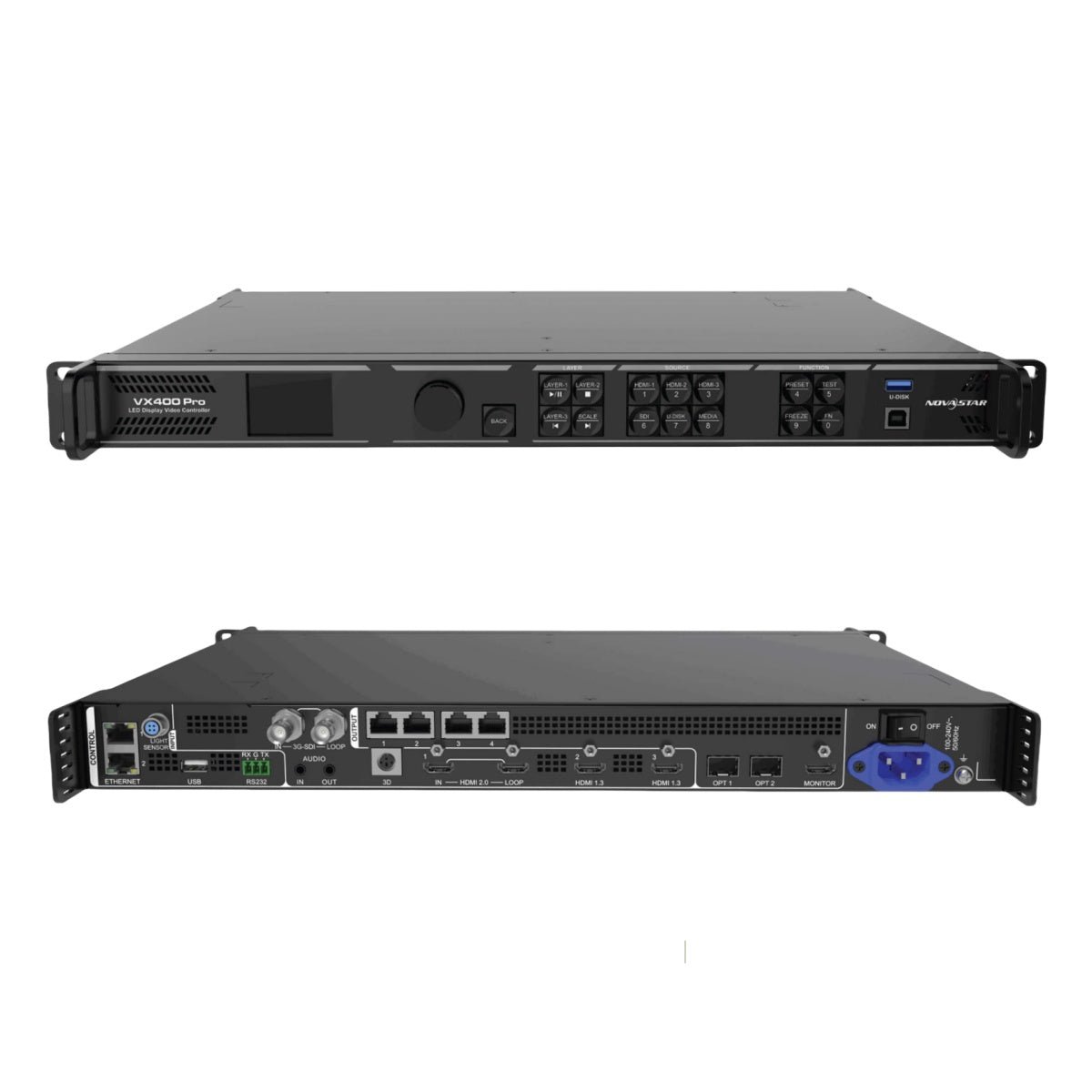
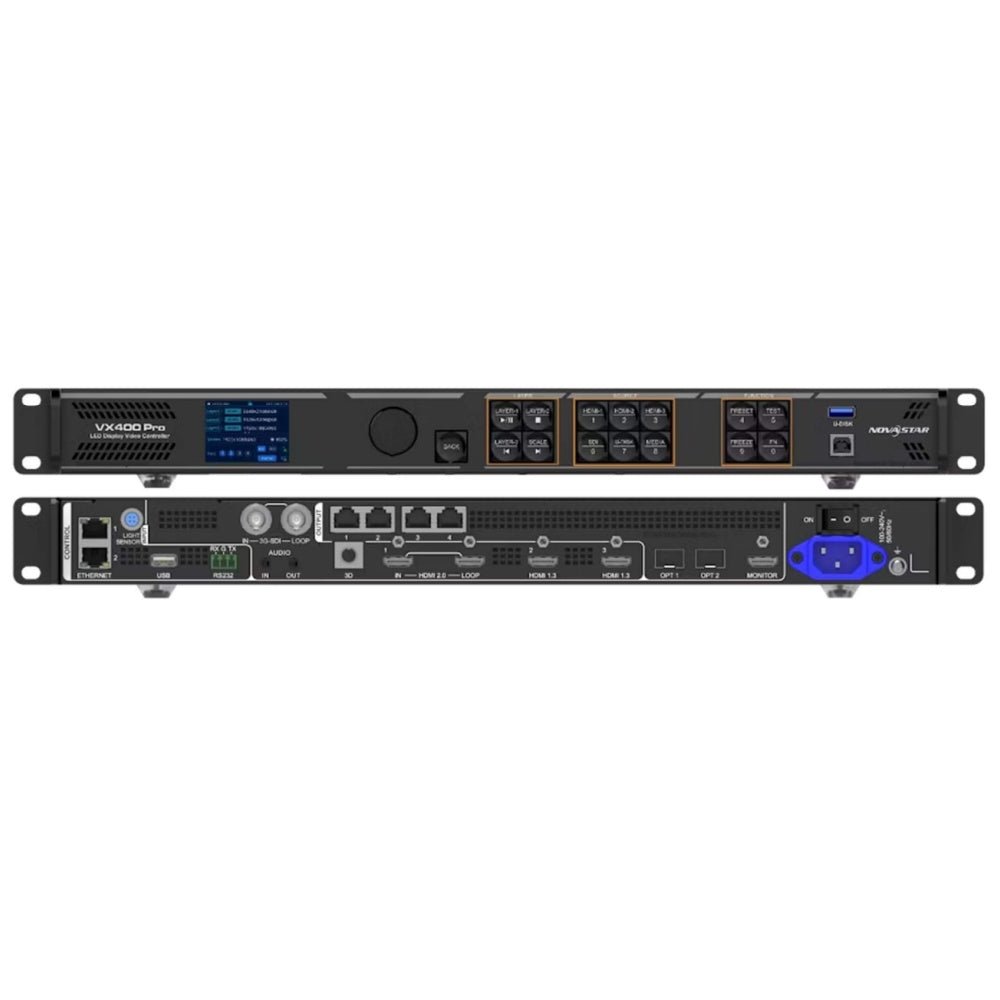
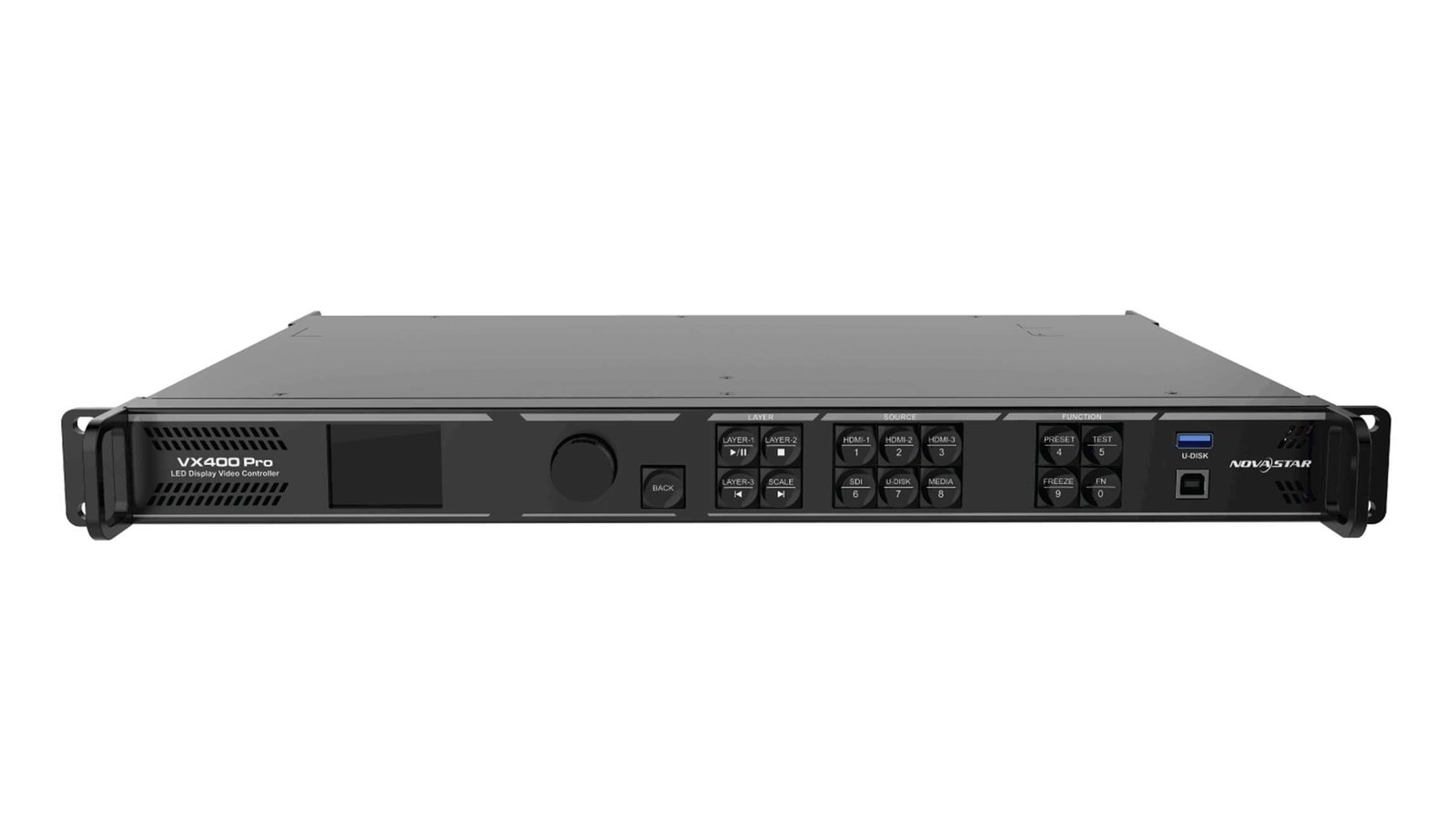
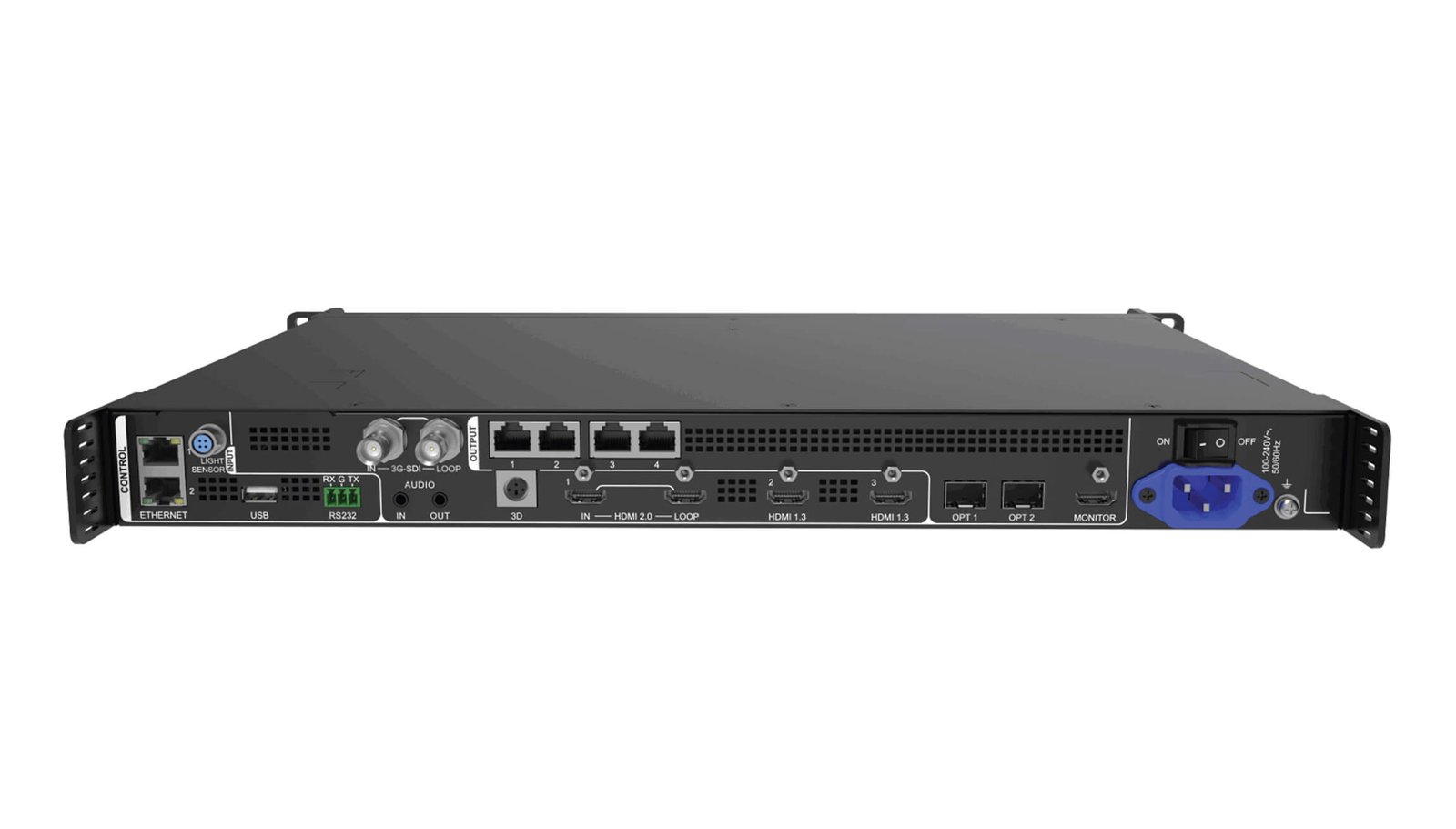
What is the NovaStar VX400 Pro LED video processor?
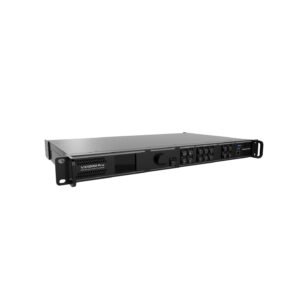
The VX400 Pro is a compact 1U all-in-one controller. It processes the video source, builds the finished screen layout and sends LED data to receiving cards from the same unit.
Its value is not that it is a smaller version of every controller. It gives a modern 4K60 HDMI source path and the same shared six-resource layer engine as larger VX Pro models, while keeping the LED wall within four Ethernet outputs and 2.6 million pixels.
VX400 Pro key features
- 4K60 source path: take a current HDMI 2.0 source when a conference or compact stage screen needs a clean 4K60 feed.
- Six shared layer resources: combine a main presentation, camera and graphics while keeping the planned layer sizes within the available budget.
- 256 presets: save tested looks so an operator can move between program states without rebuilding the wall.
- Compact four-port design: use fiber and output backup only after the cabinet map, source timing and port loads are confirmed.
VX400 Pro specifications
| LED load and outputs | Up to 2.6 million pixels through 4 Gigabit Ethernet outputs. |
|---|---|
| 4K60 source | One HDMI 2.0 input up to 4096×2160@60Hz. |
| Live layout | Six shared 2K×1K layer resources and 256 presets. |
| System boundary | Input-source synchronization; no external Genlock. |
VX400 Pro 2.6M-pixel capacity and four-port screen planning
The VX400 Pro sends up to 2.6 million pixels through four Gigabit Ethernet ports. Its documented maximum width is 10,240 pixels and maximum height is 8,192 pixels. The total wall, cabinet layout and each output-port load all need to fit.
Start with the LED wall rather than the input connector. A 4K60 source can fit the HDMI 2.0 input, but that does not increase the controller’s 2.6M-pixel output capacity. This distinction helps a buyer choose the compact model with confidence when the actual wall is within its range.
VX400 Pro 4K60 inputs and six layer resources
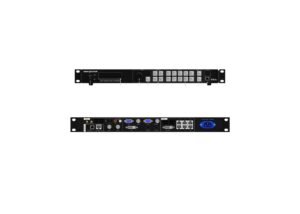
Use the HDMI 2.0 input for the documented 4096×2160@60Hz source formats. Two HDMI 1.3 inputs and one 3G-SDI input provide additional source options with their own limits. The controller can scale and crop the source for the finished LED canvas.
Its six 2K×1K layer resources are shared: a 4K×2K layer uses four, a 4K×1K layer uses two, and a 2K×1K layer uses one. That makes it useful for a full-screen presentation with a camera or logo layer, but it does not mean six full-size 4K windows.
VX400 Pro Bypass, input-source sync and free-topology limits
The VX400 Pro uses an internal input source to synchronize cascaded outputs. It does not offer external Genlock, so a system that must lock to an external production timing reference should consider VX600 Pro or another model with that documented capability.
Bypass mode can reduce the signal path when the source is already prepared, but normal video processing is unavailable in Bypass. The documented free-topology feature also requires specific receiving cards. Treat both as system-design decisions, not as automatic options for every existing cabinet wall.
VX400 Pro fiber output and backup for a four-port wall
OPT 1 carries the primary output bank for Ethernet ports 1–4 and can be self-adaptive for input in a compatible signal plan. OPT 2 copies or backs up that output bank. This can simplify a remote rack-to-screen run, but both ends of the fiber path and the backup behavior must be designed and tested.
Before install day, record which cabinets belong to each Ethernet port, which fiber link is primary, and what the backup test should show. That saves more time than adding an optical module after the wall is already mapped.
VX400 Pro setup with NovaLCT, Unico and VICP
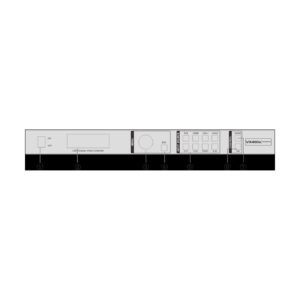
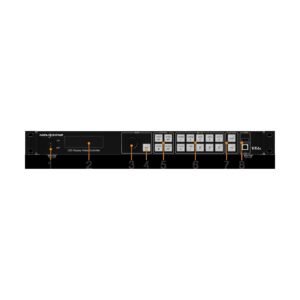
Use NovaLCT to load cabinet data, configure receiving cards and map the physical wall. Use Unico for controller/project work; VICP and the front panel are useful during field operation.
- Verify the cabinet and receiving-card file.
- Map the actual four-port cabinet order.
- Confirm source format and EDID.
- Build the layers and save a tested preset.
- Run a test pattern and verify the fiber/copy path.
- Save the working files before firmware changes.
VX400 Pro applications for compact 4K60 LED systems
These applications fit a controller whose source platform is capable but whose four Ethernet outputs set the wall-size boundary.
Compact stage screens
Use a 4K60 presentation source on a screen that fits four Ethernet outputs and the 2.6M-pixel total.
Conference PIP layouts
Combine a main presentation with a camera or logo layer when the shared resource budget fits the layout.
Temporary 4K60 displays
Scale a modern laptop or switcher feed to a tested LED canvas without adding a separate sending controller.
Fiber-fed compact walls
Use the planned primary and copy/backup optical path when the controller rack is remote from the four-port wall.
VX400 Pro manual, datasheet, firmware and software
Keep the exact controller, receiver-card and cabinet files together. The resource links below are for the confirmed VX400 Pro documents and software path; use the release notes and a saved configuration before updating firmware.
VX400 Pro user manual
Open the VX400 Pro user manual page or use the official VX Pro Series User Manual PDF.
VX400 Pro datasheet
Use the VX400 Pro datasheet page or official VX400 Pro Specifications PDF.
VX400 Pro firmware
Use the verified VX400 Pro Firmware V1.3.1 ZIP with the release notes. Save the current setup first.
VX400 Pro vs VX600 Pro vs VX400
| Model | LED capacity | Outputs | Selection difference |
|---|---|---|---|
| VX400 Pro | 2.6M pixels | 4 Ethernet | 4K60 HDMI and six shared layer resources for a wall that fits four ports. |
| VX600 Pro | 3.9M pixels | 6 Ethernet | More wall capacity and external Genlock while retaining the VX Pro source/layer platform. |
| VX400 | 2.6M pixels | 4 Ethernet | Older source and operating platform; confirm the existing system’s source and software requirements before treating it as a substitute. |
The VX400 Pro is not the wrong choice because it has fewer ports. It is the right choice when the finished wall fits 2.6M pixels and four ports, while the system benefits from the newer 4K60 source and layer workflow.
VX400 Pro FAQs for mapping, layers and latency
Does the VX400 Pro have external Genlock?
No. It uses an internal input source for output synchronization. Choose a model with documented external Genlock if the production system needs an external timing reference.
Does it accept 12G-SDI or support HDR?
No. Its documented SDI input is 3G-SDI, and HDR should not be specified for this model.
Can Bypass keep the normal layered layout?
No. Normal video processing is unavailable in Bypass mode.
Does free topology work with every receiving card?
No. The specification states that specific receiving cards are required. Confirm the installed card before designing around that feature.
Reviews
There are no reviews yet.