
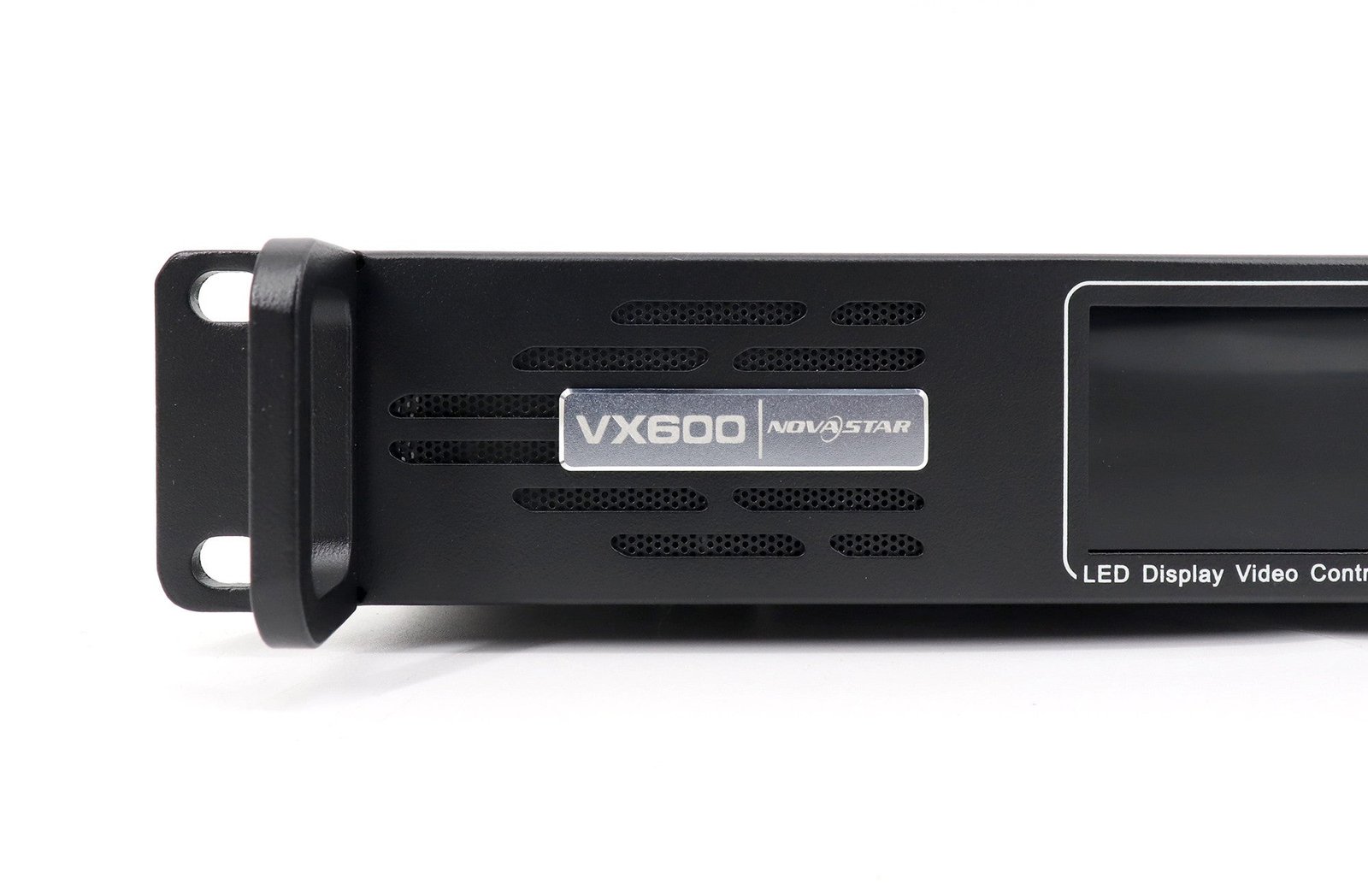
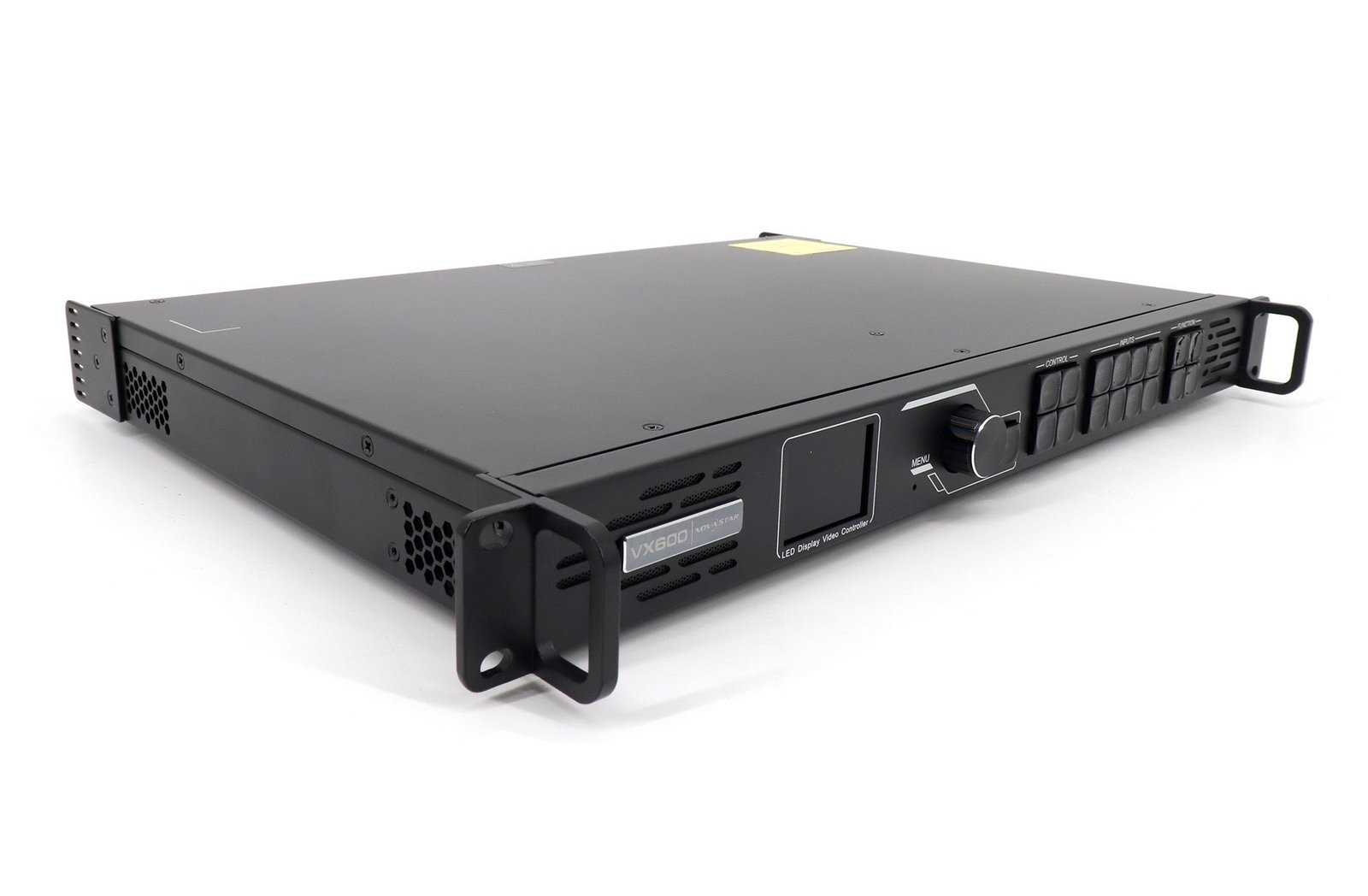
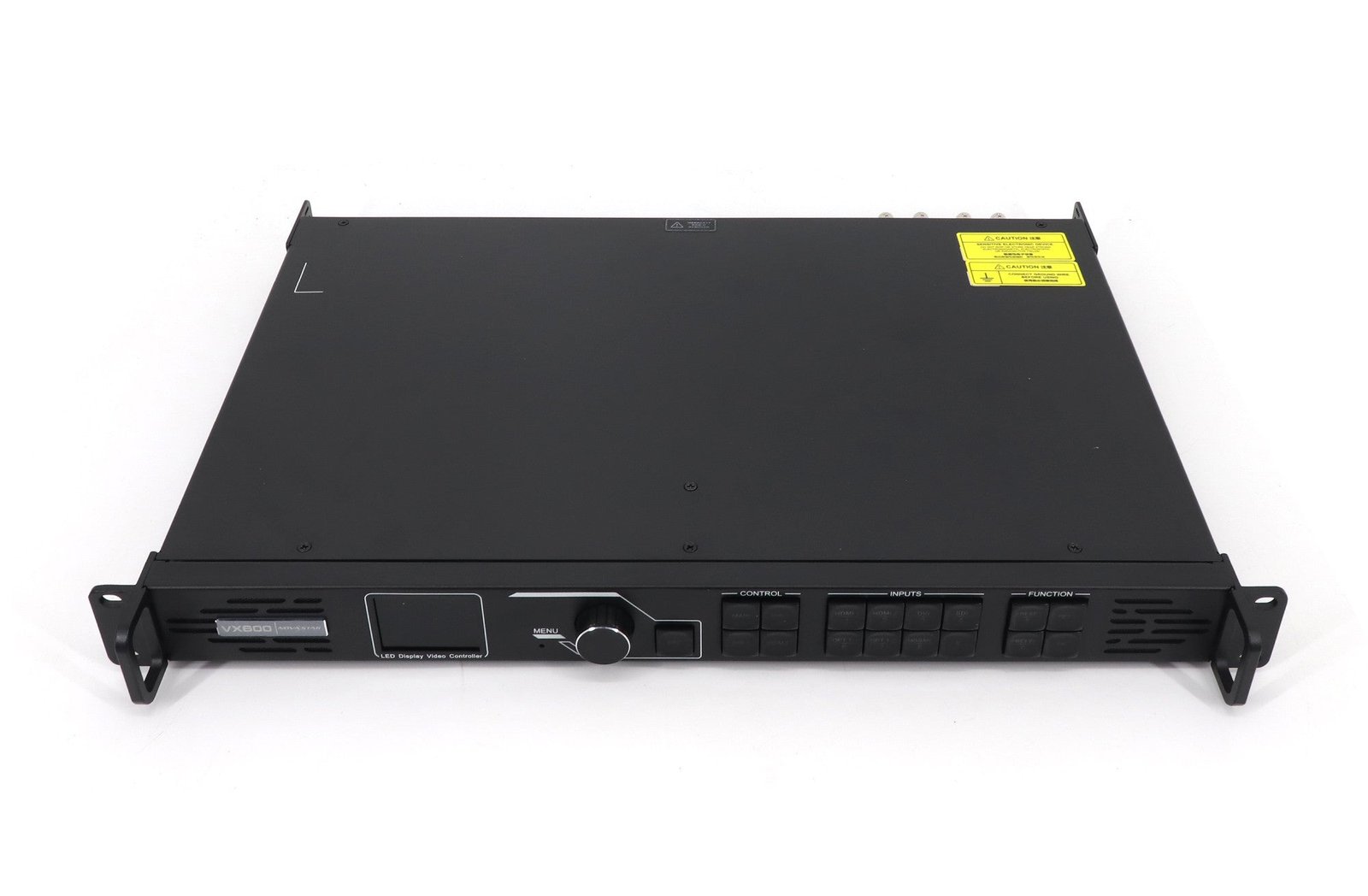
What is the NovaStar VX600 Pro all-in-one LED controller?
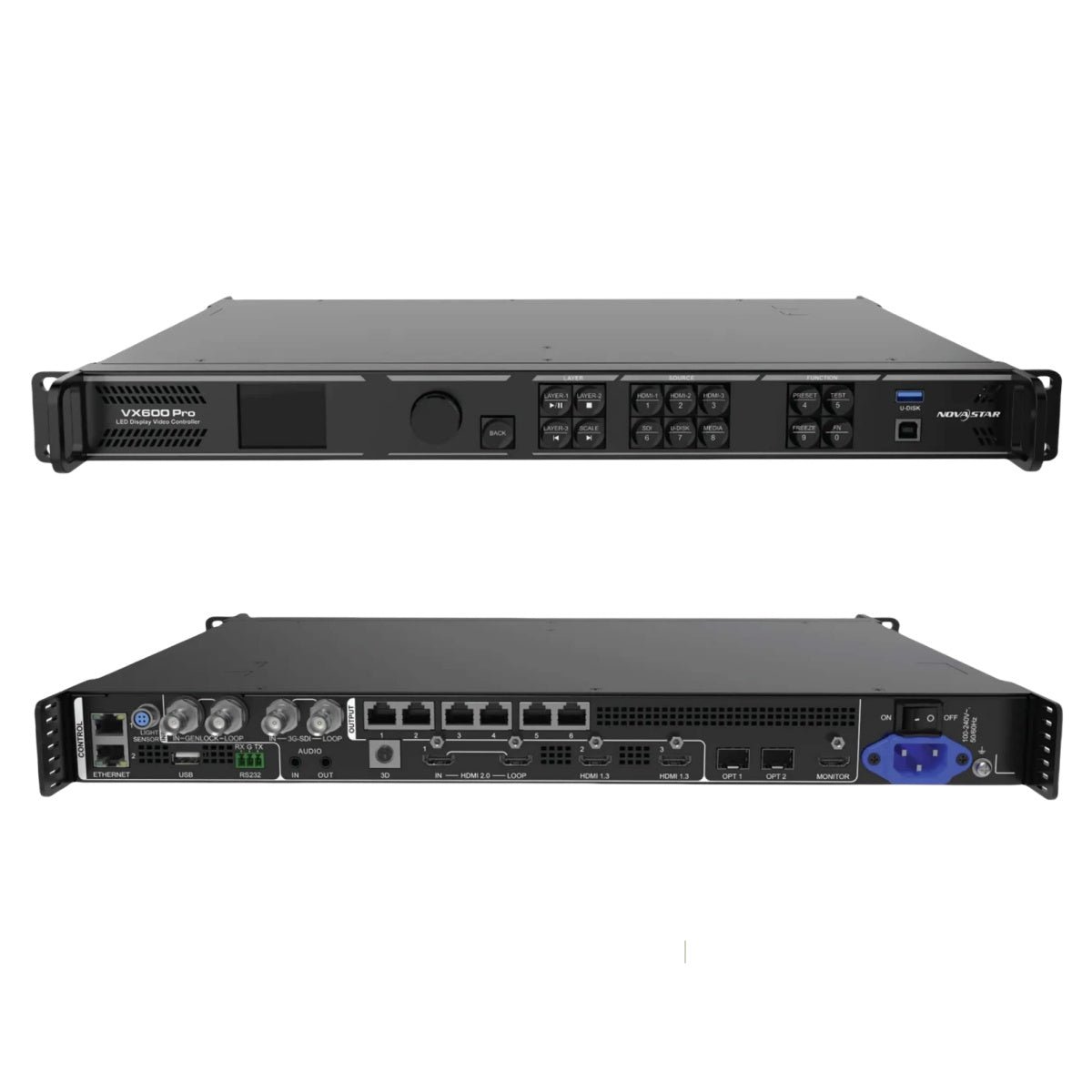
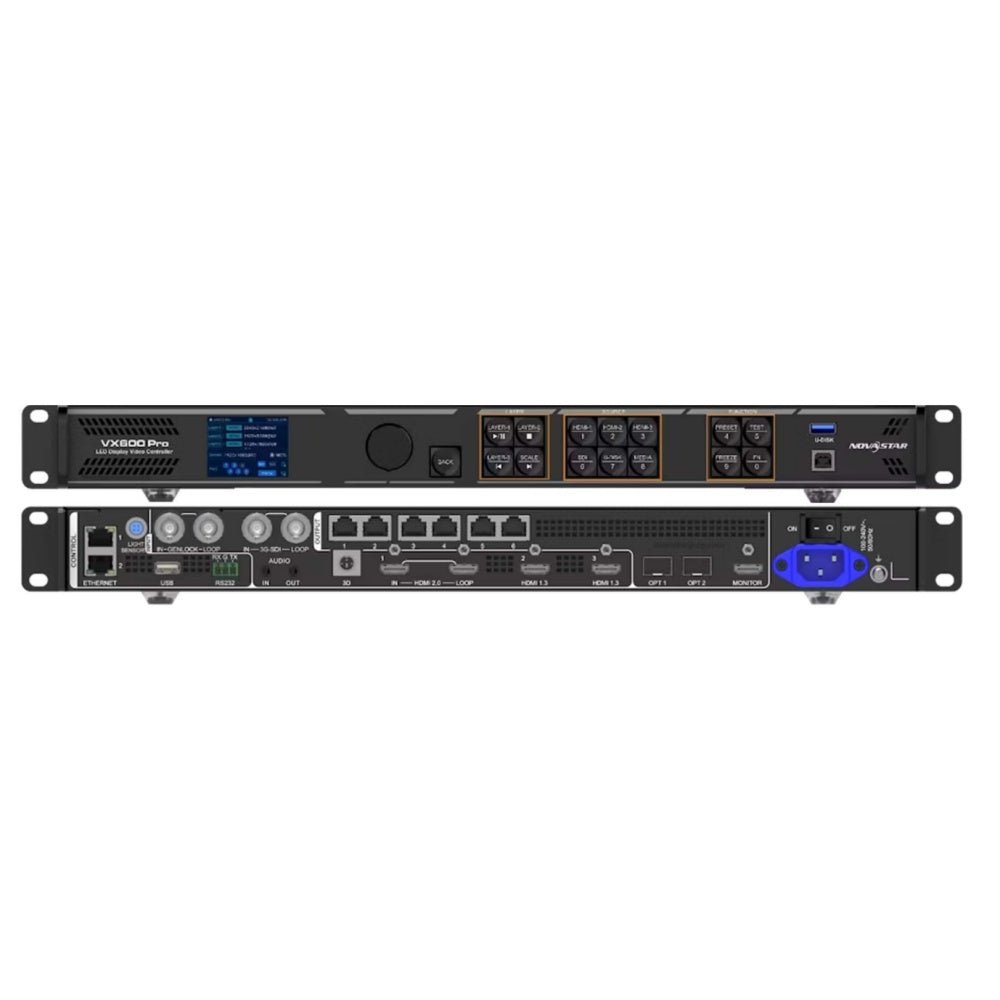
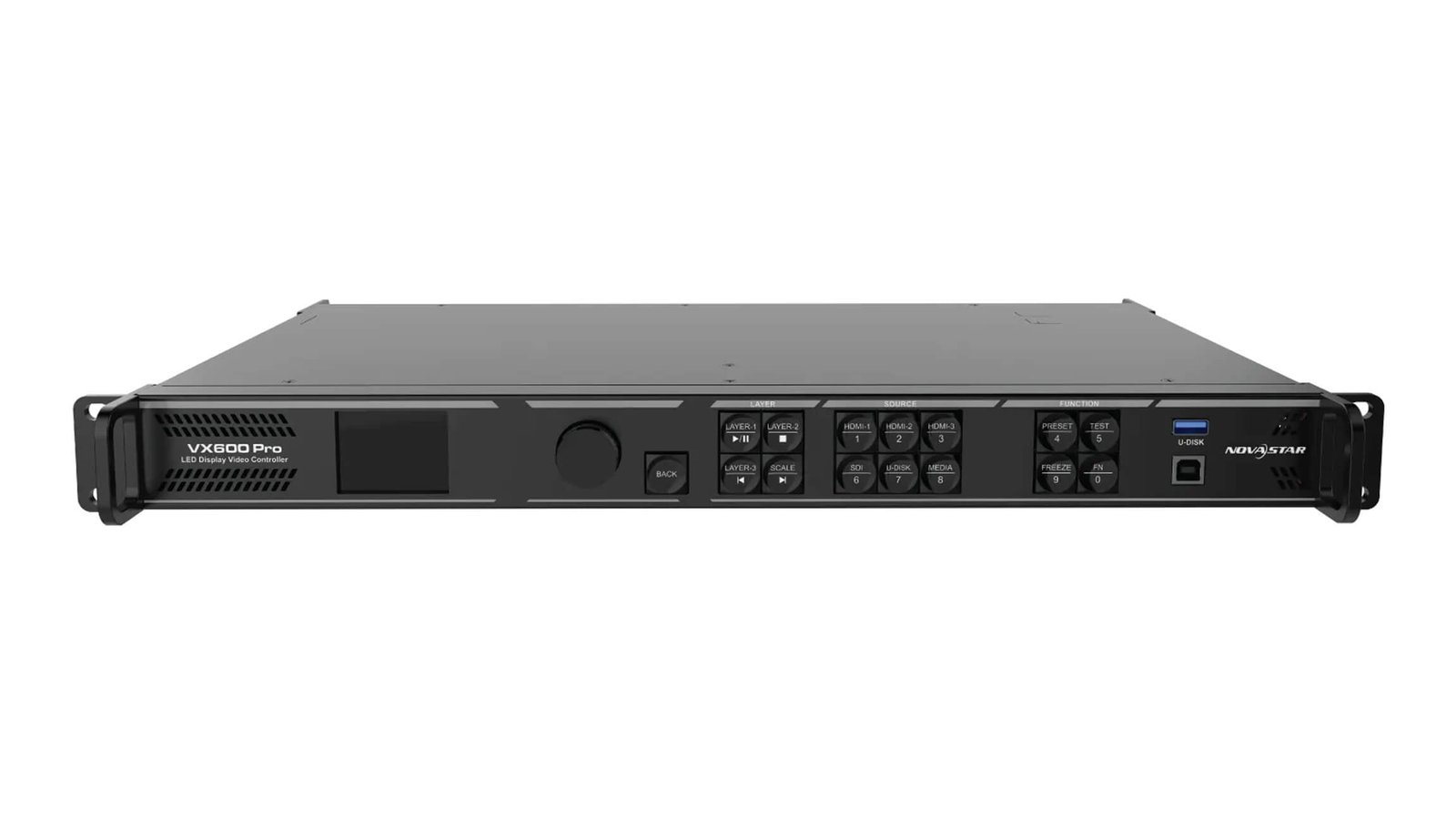
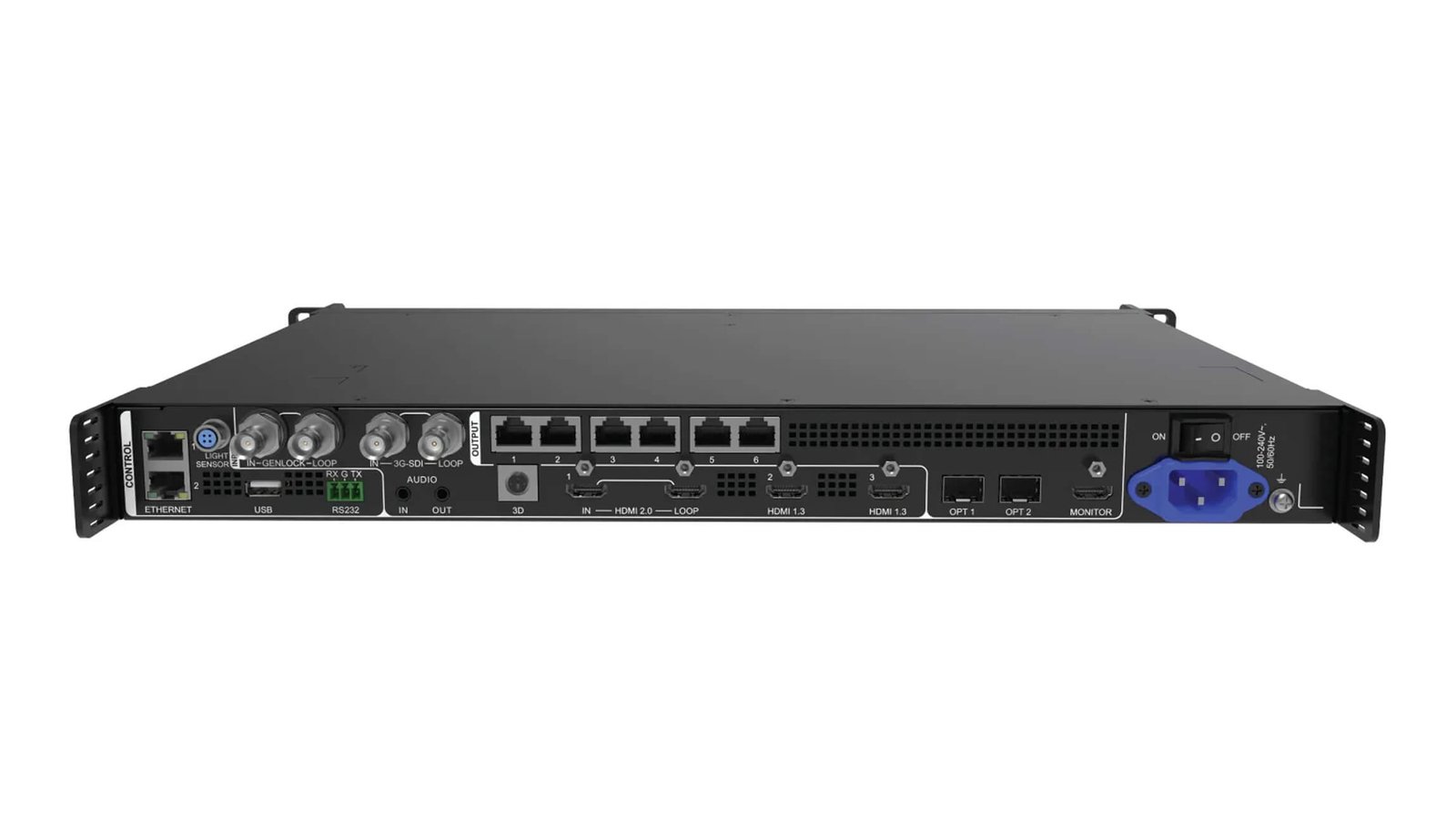
The VX600 Pro combines a video processor and LED sending controller in one 1U rack unit. It accepts show sources, scales and layers the finished picture, then sends LED data to cabinets through six Ethernet outputs.
It is a strong fit when a medium-size LED wall needs a modern 4K60 source path, live layers and external timing support without moving to a larger chassis. The next decisions are the six-port LED load, the source connector and whether external Genlock is actually needed.
VX600 Pro key features
- 4K60 source support: use HDMI 2.0 when a presentation, playback or camera system needs a current high-frame-rate source path.
- Six shared layer resources: plan the stage look before the show so a large main layer does not unexpectedly consume the room needed for supporting content.
- Six-port wall planning: map a mid-size LED wall across the ports and test the actual cabinet data route.
- Timing and fiber options: external Genlock and a planned 10G output or backup path help where a live system needs coordinated timing.
VX600 Pro specifications
| LED load and outputs | Up to 3.9 million pixels through 6 Gigabit Ethernet outputs. |
|---|---|
| 4K60 source | One HDMI 2.0 input up to 4096×2160@60Hz. |
| Live layout | Six shared 2K×1K layer resources and 256 presets. |
| Timing and fiber | External Genlock plus a planned 10G output and copy or backup path. |
VX600 Pro capacity and six-port LED wall planning
The VX600 Pro loads up to 3.9 million pixels, with a maximum output width of 10,240 pixels and height of 8,192 pixels. Six Ethernet outputs provide the LED data path. Check total pixels and the cabinet load on every output, because a wall can fit on paper while a single port is still over its planned load.
This is the practical difference between a source resolution and an LED plan. A 4K60 laptop or switcher feed may enter the controller, but the finished LED canvas still has to fit the 3.9M-pixel total and six-port mapping.
VX600 Pro 4K60 inputs and six layer resources
The HDMI 2.0 input accepts 4096×2160@60Hz within the documented formats. Two HDMI 1.3 inputs and one 3G-SDI input add lower-resolution source options. This lets a typical event rack take a 4K presentation or switcher feed while still keeping a camera or supporting source available.
The six layer resources are shared. A 4K×2K layer uses four resources, a 4K×1K layer uses two, and a 2K×1K layer uses one. A full-screen presentation with a camera window and a logo can fit well; six full 4K windows cannot. Plan the real layout before promising the show look.
VX600 Pro Genlock, Bypass and latency: choose the right priority
| Need | Recommended approach | Result to expect |
|---|---|---|
| A layered, scaled show image | Video Controller mode | Use normal processing, layers and presets. The latency range is different from Bypass. |
| A common timing reference across a larger production system | External Genlock where the full system needs it | Keep cascaded outputs aligned with the planned timing reference. |
| The shortest documented path from an already-prepared source | Bypass mode with the documented low-latency setting | Normal video processing is unavailable, so do not expect the layered show layout at the same time. |
The key choice is not “does it have low latency?” It is whether the screen needs scaling and layers, external timing alignment, or an already-prepared source sent by the shortest supported path.
VX600 Pro 10G fiber output and backup paths
OPT 1 carries the output for Ethernet ports 1–6 and can be self-adaptive for input in a compatible signal design. OPT 2 copies or backs up that output bank. This is useful when the LED wall is remote from the rack or when the system needs a preplanned secondary path.
Write the fiber plan down before installation: which cabinets belong to the six-port bank, where the primary path runs, and what copy or backup behavior will be tested. A fiber connector alone does not create a complete backup design.
VX600 Pro setup with Unico, NovaLCT and VICP
Use NovaLCT to configure the LED wall and receiving cards. Use Unico for controller and project management; VICP and the front panel support field operation.
- Confirm the cabinet and receiving-card file.
- Map the real Ethernet port order.
- Set the source format and EDID where needed.
- Build layers and save the working preset.
- Test the source, Ethernet and optical backup plan.
- Save the configuration before firmware work.
This order is deliberate: a source change should not hide a cabinet-mapping error.
VX600 Pro applications for 4K60 rental and staged LED systems
These four use cases reflect its 1U size, modern source path, six-port output capacity and external timing option. Confirm the actual wall and source plan before selecting a model.
4K60 conference screens
Take a modern presentation or switcher feed, then scale it for the finished LED canvas after source and port planning.
Camera and playback cues
Use shared layer resources for a main image with a camera, playback or logo layer when the resource math fits.
Six-port rental walls
Use a compact 1U rack controller when the wall fits 3.9M pixels and the six-port cabinet map is known.
Timed live systems
Use external Genlock and a tested fiber/copy path when timing alignment and a planned backup route matter.
VX600 Pro manual, datasheet, firmware and software
Keep the exact model resources with the screen file. Use the datasheet for connector and capacity checks, the manual for setup steps, and the release notes before any firmware update. Back up a working configuration before changing a controller in an event system.
VX600 Pro user manual
Open the VX600 Pro user manual page or use the official VX Pro Series User Manual PDF.
VX600 Pro datasheet
Use the VX600 Pro datasheet page or official VX600 Pro Specifications PDF.
VX600 Pro firmware
Use the verified VX600 Pro Firmware V1.3.1 ZIP with the release notes. Preserve the working configuration first.
VX600 Pro vs VX400 Pro vs VX600
| Model | LED capacity | Outputs | Source / timing difference |
|---|---|---|---|
| VX400 Pro | 2.6M pixels | 4 Ethernet | Same 4K60 HDMI and six shared layer resources, but less wall capacity and no external Genlock. |
| VX600 Pro | 3.9M pixels | 6 Ethernet | Six outputs, 4K60 HDMI, shared six-resource layer engine and external Genlock. |
| VX600 | 3.9M pixels | 6 Ethernet | Legacy source and layer platform; choose it only when its documented source limits already fit the existing system. |
Choose VX600 Pro when the six-port wall fits and the system benefits from 4K60, the newer layer platform or external Genlock. Choose VX400 Pro when the same processing platform fits a smaller wall.
VX600 Pro FAQs for layers, sync and setup
Does the VX600 Pro accept 12G-SDI?
No. Its documented SDI input is 3G-SDI. Use its HDMI 2.0 input for the stated 4K60 source formats.
Does it support HDR?
Do not specify HDR for this model. Match the required source and image workflow to the official VX600 Pro documentation before choosing a controller.
Can Bypass keep the normal multi-layer show layout?
No. Bypass mode makes normal video processing unavailable. Use Video Controller mode when scaling and layers are required.
Why does Genlock matter?
It matters when the complete production system needs an external timing reference, especially across cascaded devices. It is not a picture-quality control for every single screen.
Reviews
There are no reviews yet.