
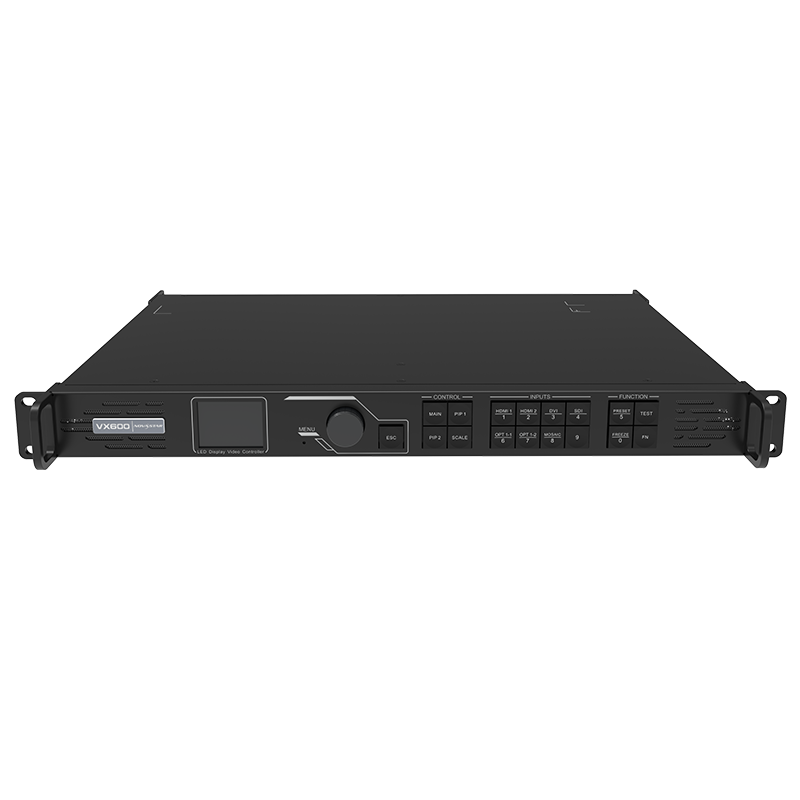
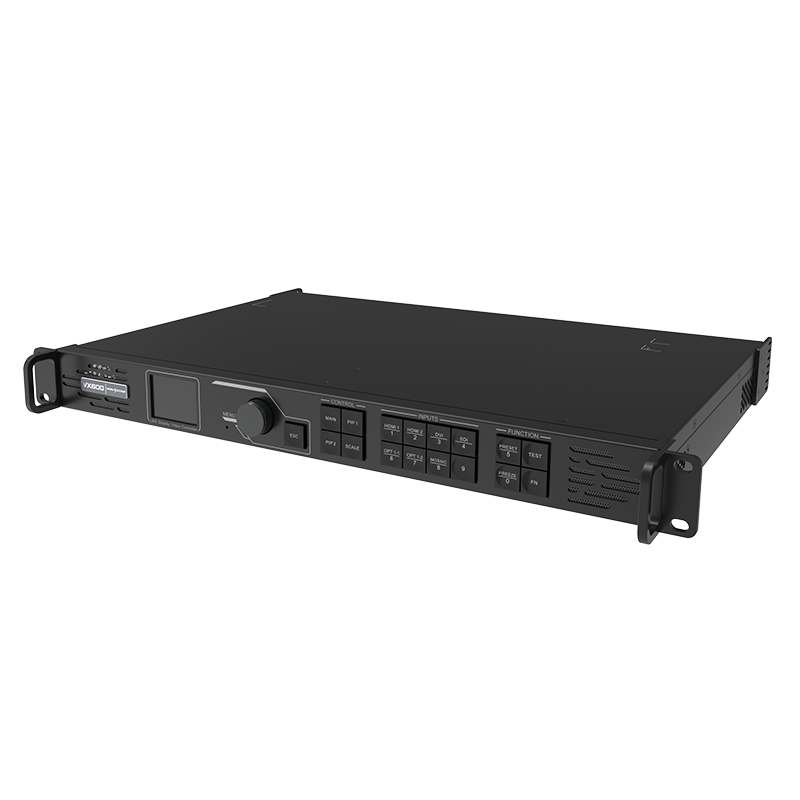
What is the NovaStar VX600 all-in-one LED video controller?
The NovaStar VX600 takes a show source, builds the picture for the LED wall, and sends that picture to the cabinets from the same 1U rack unit. It is useful when a system needs more than a sending controller but does not need a separate processor for every source change.
For a typical event, a laptop or camera enters the VX600, the operator scales it to the LED canvas, adds a small picture-in-picture layer if needed, and sends the finished image through six Ethernet ports. The important question is not simply whether the screen fits. It is whether the wall, source format and operating mode fit together.
VX600 key features
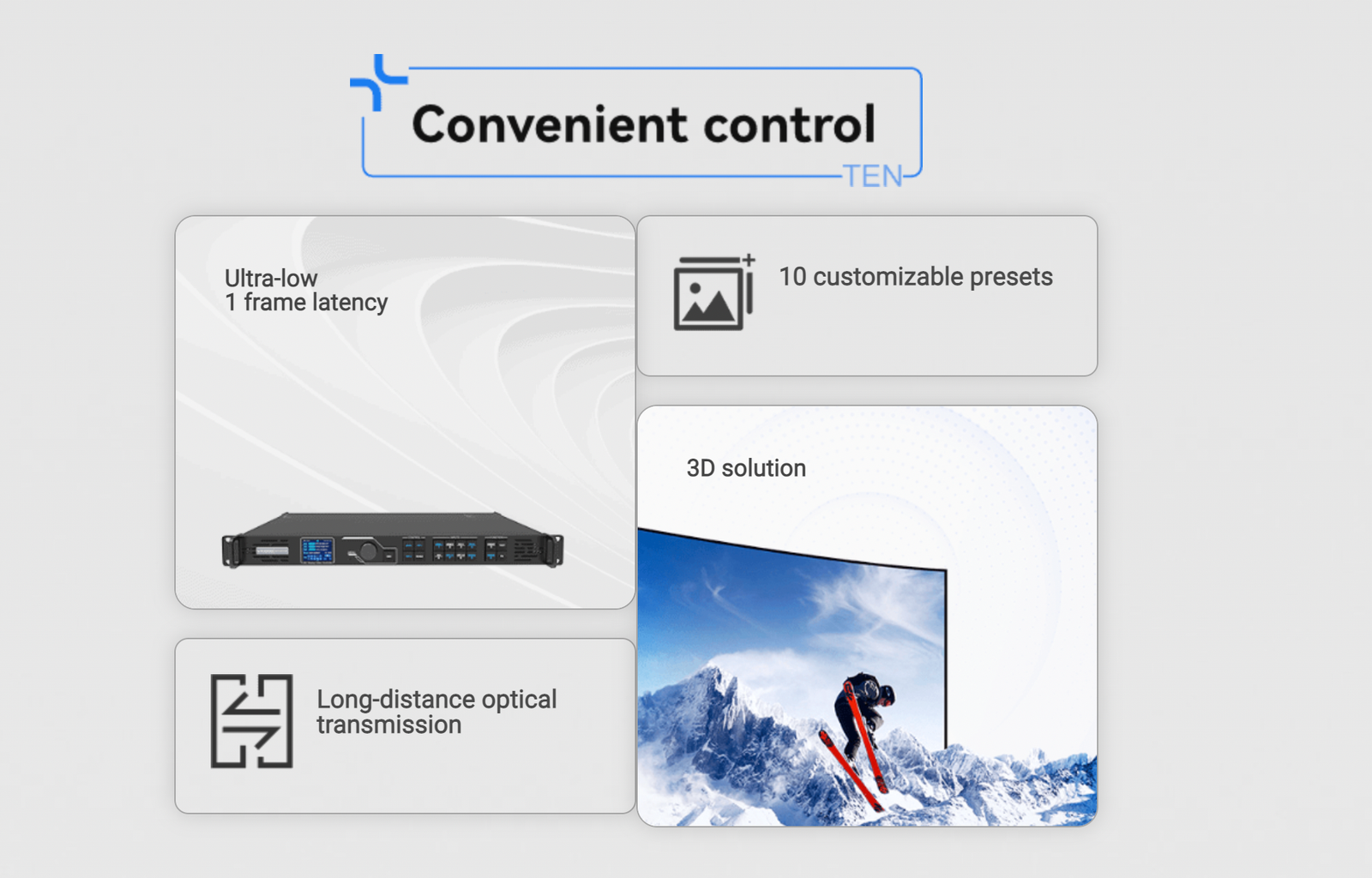
- One rack unit for the show picture and LED outputs: scale a laptop, camera or playback source, then send the finished result to the wall.
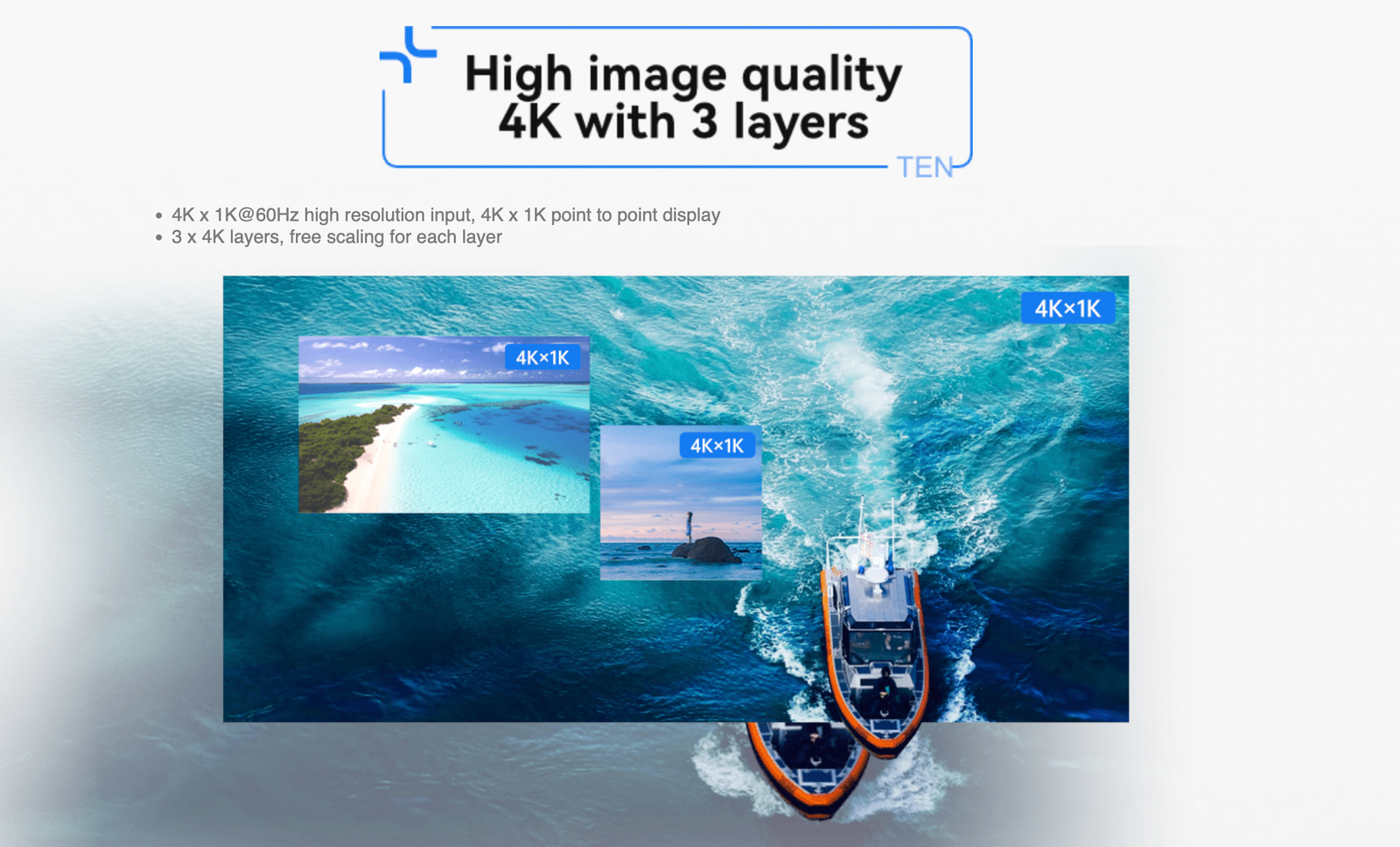
- Three layers and saved presets: keep a main presentation on screen while a camera or logo appears in a smaller window.
- Six-port screen planning: map a mid-size wall without adding a separate sending controller.
- Timing and fiber options: use Genlock and a planned optical path when the live system needs them.
VX600 specifications
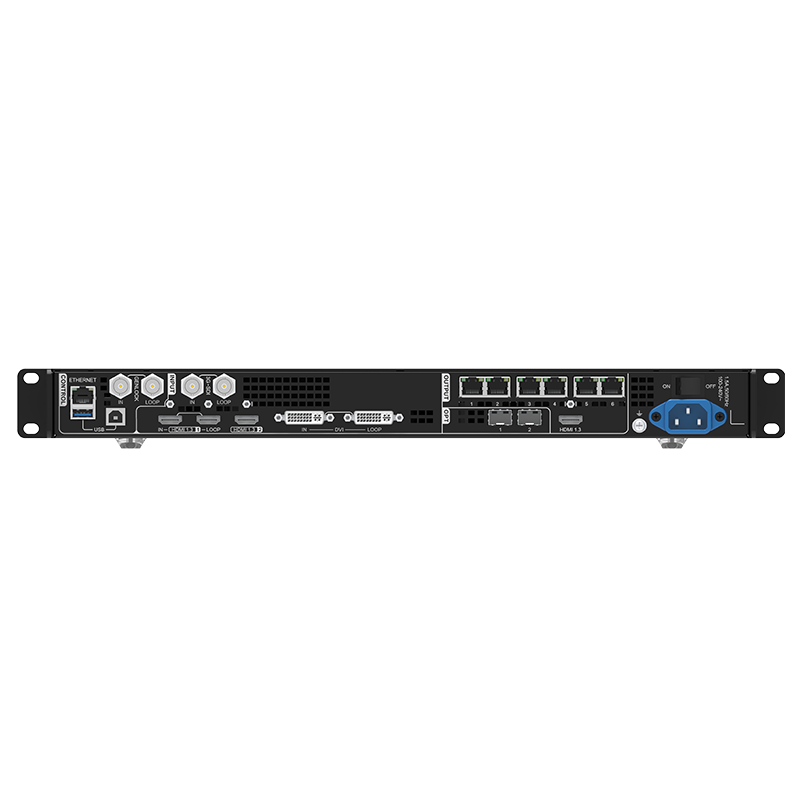
| LED load and outputs | Up to 3.9 million pixels through 6 Gigabit Ethernet outputs. |
|---|---|
| Video sources | HDMI 1.3, DVI, 3G-SDI and a compatible OPT 1 path. |
| Live layout | 3 adjustable layers and up to 10 presets. |
| Signal options | Genlock, Bypass and planned 10G optical output or backup. |
Can the VX600 handle your LED wall and show feed?
Check the screen, the source and the six output paths together before choosing the controller.
| LED load | Up to 3.9 million pixels total; maximum canvas 10,240 pixels wide or 8,192 pixels high. |
|---|---|
| LED outputs | 6 Gigabit Ethernet ports. Plan cabinet loading on every port, not only the total screen pixels. |
| Video sources | HDMI 1.3, DVI, 3G-SDI and a compatible OPT 1 path. HDMI/DVI operate within the documented 8-bit limits. |
| Show layout | 3 adjustable layers and up to 10 presets for a main picture with simple overlays. |
| Choose another path when | The source needs HDMI 2.0 4K60, 10/12-bit input, or more modern layer capacity. Consider VX600 Pro or a suitable upstream processor. |
A very wide screen can still fit the total pixel limit while one output port has too many cabinets. Map the cabinet data path before the event, especially when the screen is irregular or the ports do not carry equal sections.
VX600 inputs, layers and presets for live switching
The source choice comes first. HDMI and DVI work well for presentation and playback devices, while 3G-SDI is useful when the camera path is already SDI. The VX600 can scale the selected source to the screen, then place up to three adjustable layers with a saved layout.
For example, a conference can keep the speaker’s laptop as the main picture, place a camera or logo in a smaller layer, and save the finished layout as a preset. This is a simple, repeatable show layout. It is not a replacement for a large multi-window production system.
VX600 Bypass, Genlock and 10G fiber explained
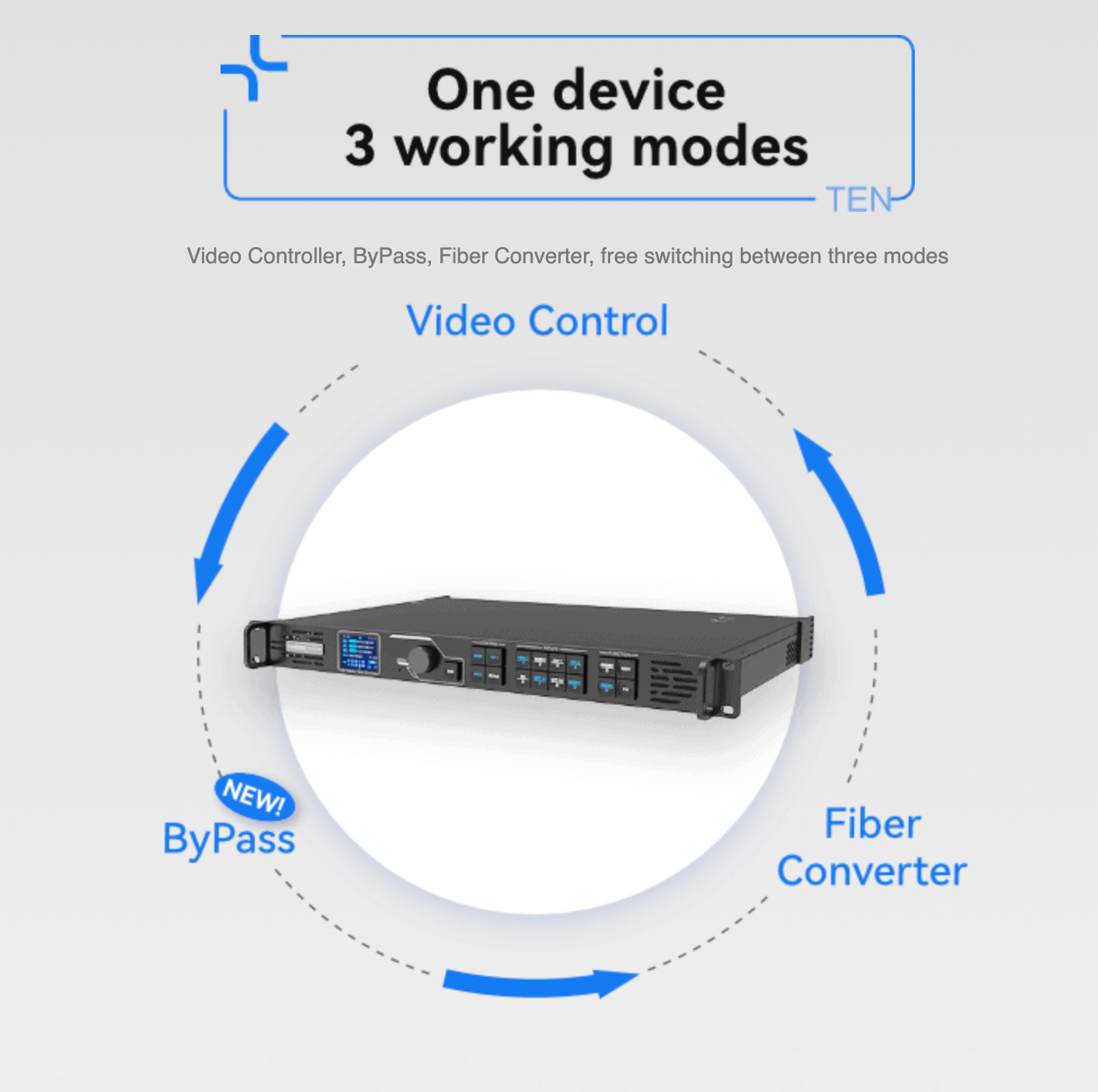
The VX600 has three operating modes, and they solve different problems. In Video Controller mode it processes the source for the LED wall. In Fiber Converter mode it carries LED data over the planned optical path. In Bypass mode it uses the shortest supported path when delay matters most.
Low latency can reach 20 lines only when both low-latency mode and Bypass are enabled. Bypass therefore needs to be tested with the actual source and show layout; it is not a setting to turn on blindly after the screen is built.
Genlock helps several cascaded controllers follow the same timing reference. OPT 1 can serve as a compatible input or sending output, while OPT 2 copies or backs up the six Ethernet outputs. These are separate choices, so confirm the optics, cable path and backup plan before rack day.
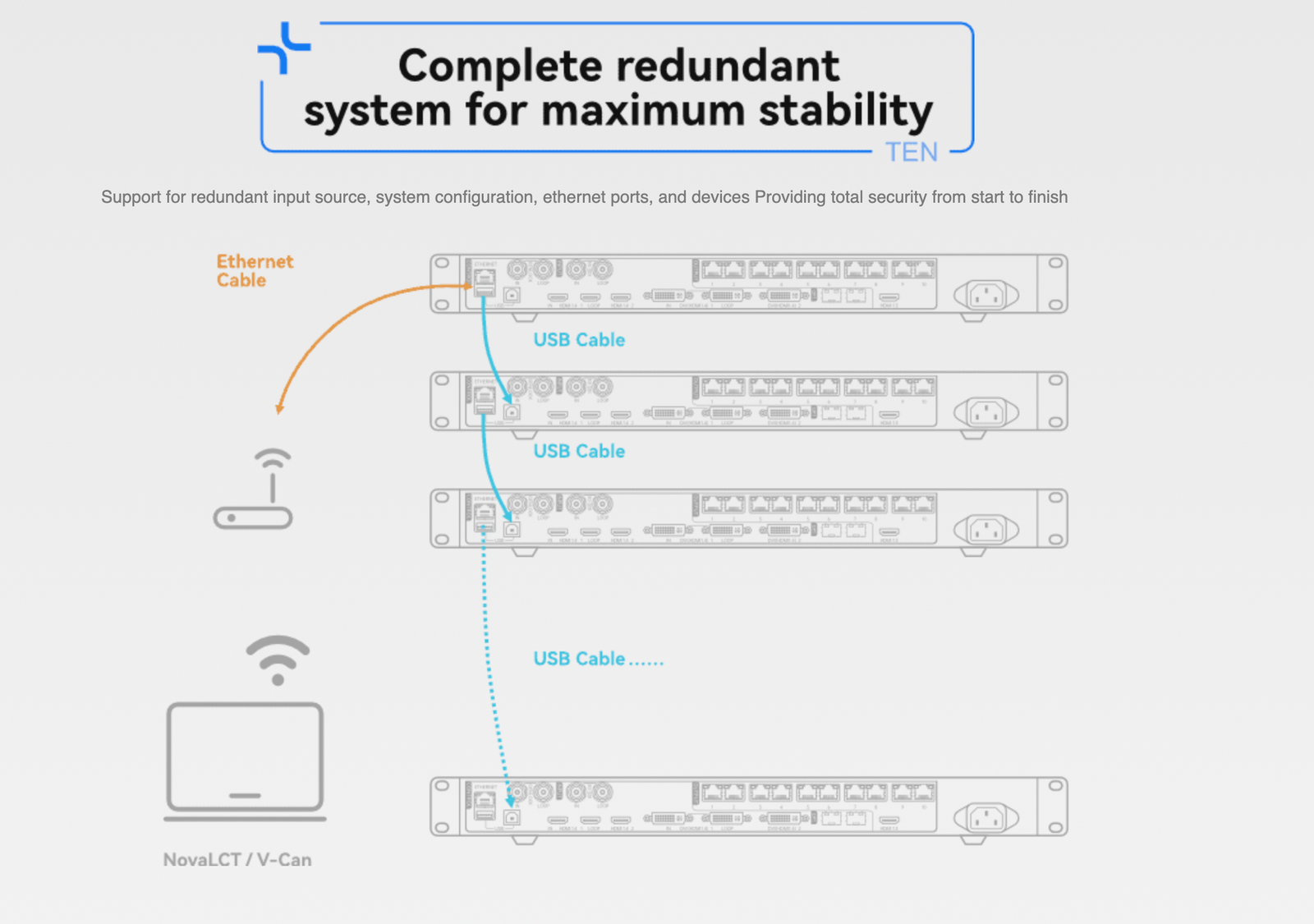
VX600 setup with NovaLCT and V-Can
Use NovaLCT to load the cabinet file, map the LED cabinets to the six Ethernet ports, and save that screen configuration to the receiving cards. Use V-Can to operate the VX600 itself, including source selection, layers, presets and the supported firmware workflow.
- Confirm the cabinet file and receiving-card match.
- Map the cabinets and any output backup path.
- Check the real source format before building layers.
- Save a working preset, then test the primary and backup source paths.
- Before an update, export or save the known-good screen configuration and read the exact release notes.
VX600 applications: rental, stage and fine-pitch LED systems
Six-port rental walls
Run a medium LED wall from one rack unit when the total pixels and cabinet load on each of the six ports are planned first.
Remote LED positions
Use the planned 10G optical path when the controller rack and LED cabinets cannot stay in the same location.
Synchronized live systems
Use external Genlock when several controller outputs must follow the same timing reference during a live production.
Fine-pitch presentations
Store a tested presentation layout so a laptop, camera and simple overlay can be recalled without rebuilding the wall map.
VX600 manual, datasheet, firmware and software
VX600 user manual
Open the VX600 User Manual page or use the VX600 User Manual PDF for wiring, operating modes and setup details.
VX600 datasheet
Use the VX600 Datasheet page or VX600 Datasheet PDF to confirm capacity, inputs, outputs and rack requirements.
VX600 firmware
Use the verified VX600 Firmware V2.5.1 ZIP with the VX600 V2.5.1 release notes. Save the working configuration first.
VX600 vs VX400 vs VX1000: which capacity step fits?
Choose by output count, live timing needs and source limits, not by pixel capacity alone.
| VX400 | 4 Ethernet ports, 2.6M pixels and two layers. A fit for smaller screens with simple PIP, but it does not provide external Genlock. |
|---|---|
| VX600 | 6 Ethernet ports, 3.9M pixels, three layers, Genlock and 10G optical options for a planned live or remote LED path. |
| VX1000 | 10 Ethernet ports and 6.5M pixels when the wall needs more copper outputs but the source workflow still fits the older 8-bit platform. |
| VX600 Pro | Consider it when the system requires the newer HDMI 2.0 4K60, higher-bit-depth and current VX Pro workflow. |
Choose VX600 when six ports, three layers and its timing or fiber options match the design. If the source is already 4K60 or needs a newer processing platform, move to VX600 Pro rather than adding fragile workarounds.
VX600 FAQs for sources, backup and firmware
Does the VX600 replace a separate video processor?
For the supported HDMI, DVI and 3G-SDI sources, it combines source processing and LED sending. A workflow that needs 4K60, 10/12-bit input or more complex windows may need VX600 Pro or a suitable upstream processor.
When does VX600 low latency apply?
The documented 20-line mode requires low-latency mode and Bypass. Test it with the real source and required show layout before an event.
What is the difference between OPT 1 and OPT 2?
OPT 1 is self-adaptive for a compatible input or sending output. OPT 2 copies or backs up the six Ethernet outputs. Plan the selected role and optics before cabling.
Should I update VX600 firmware before a show?
Only with the exact package, release notes and a saved working configuration. Do not start an update during an installation or event day.
Reviews
There are no reviews yet.