
What is the NovaStar MX6000 Pro for?
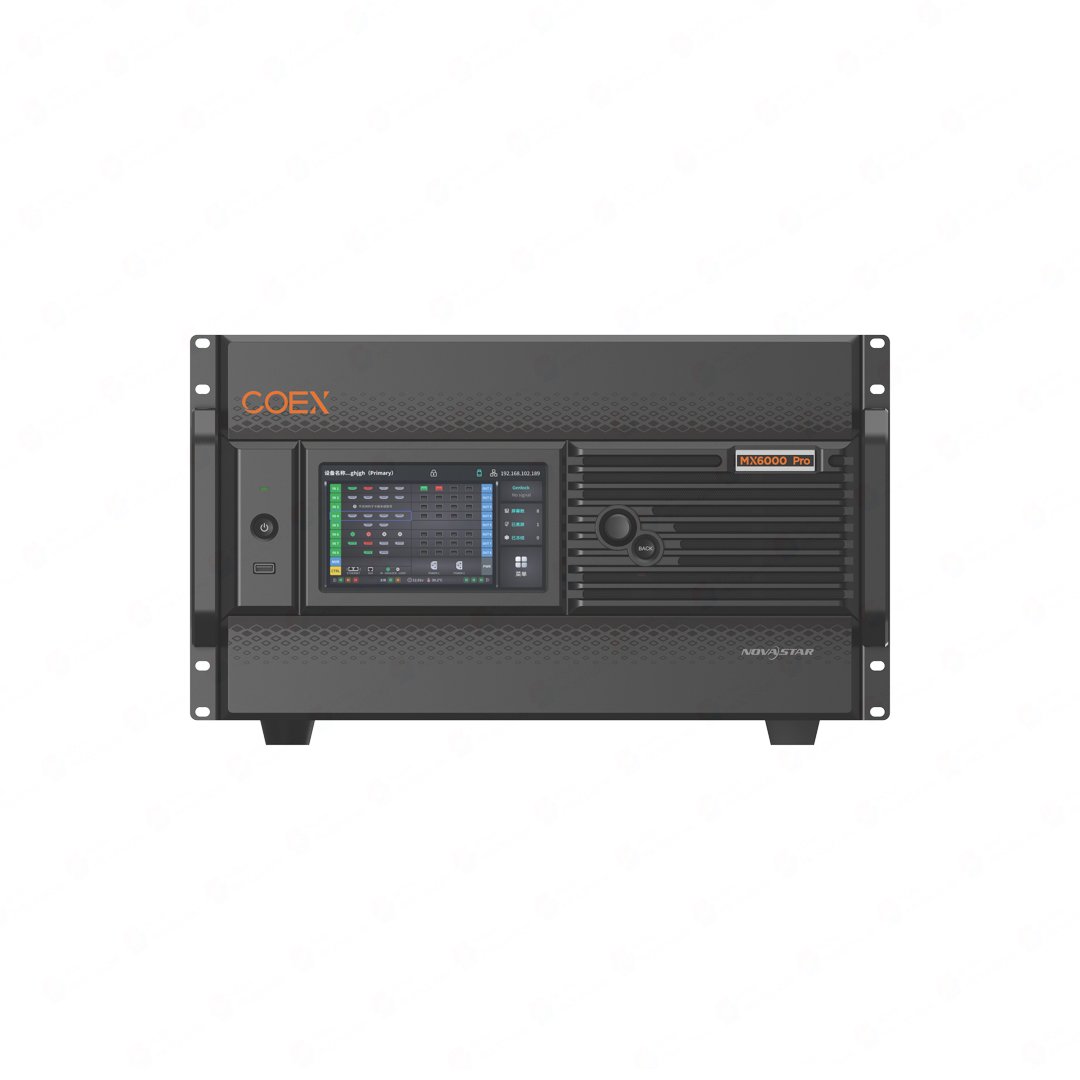
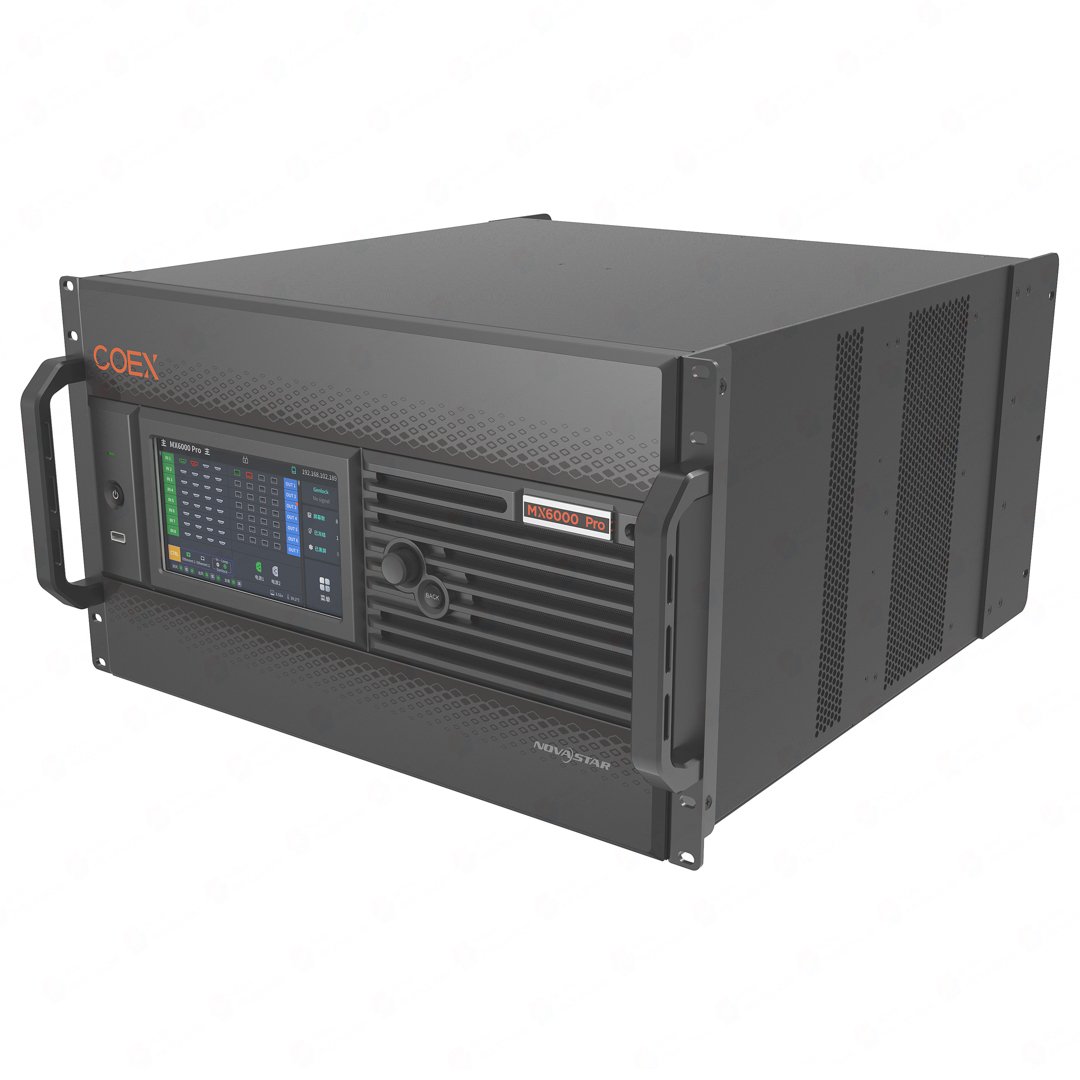
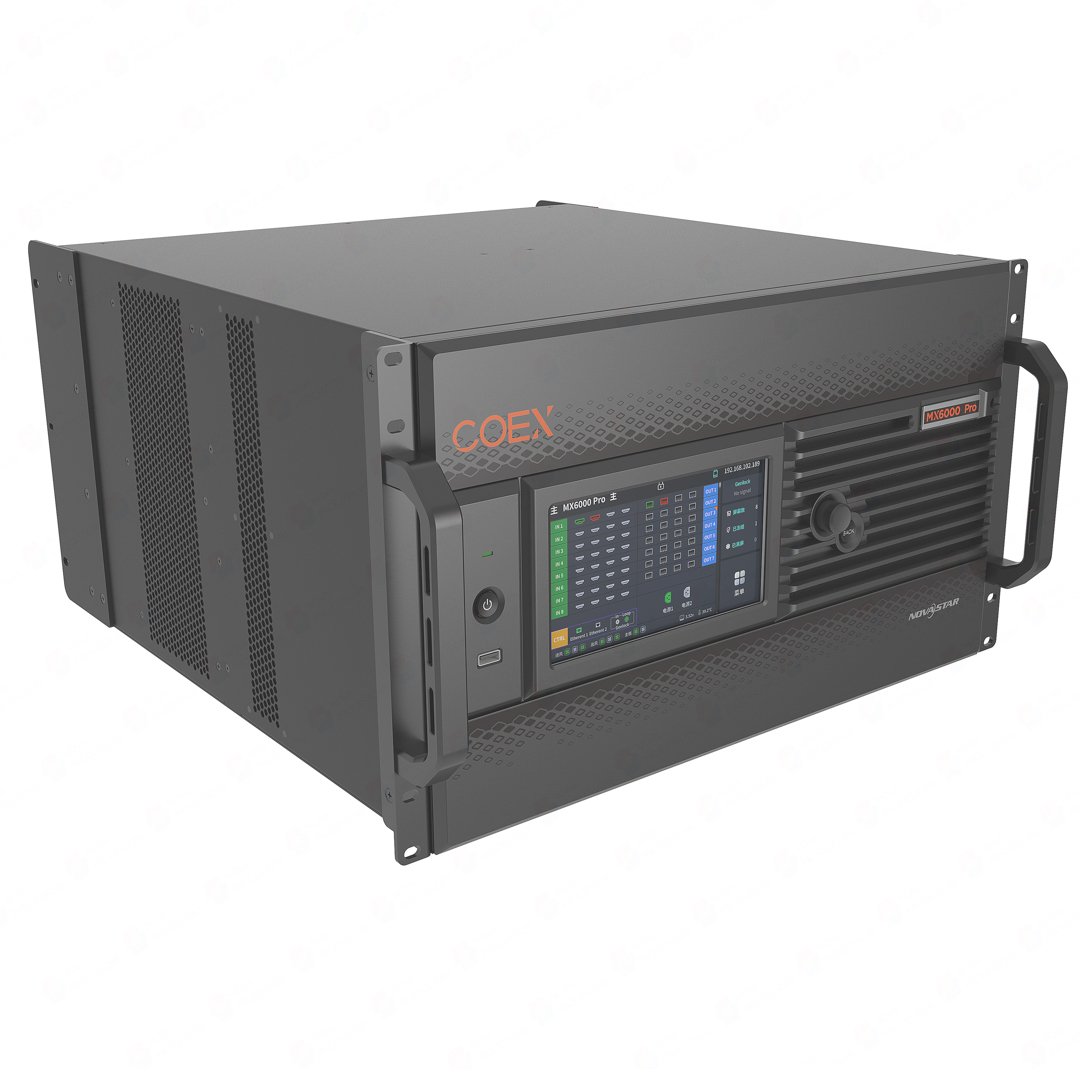
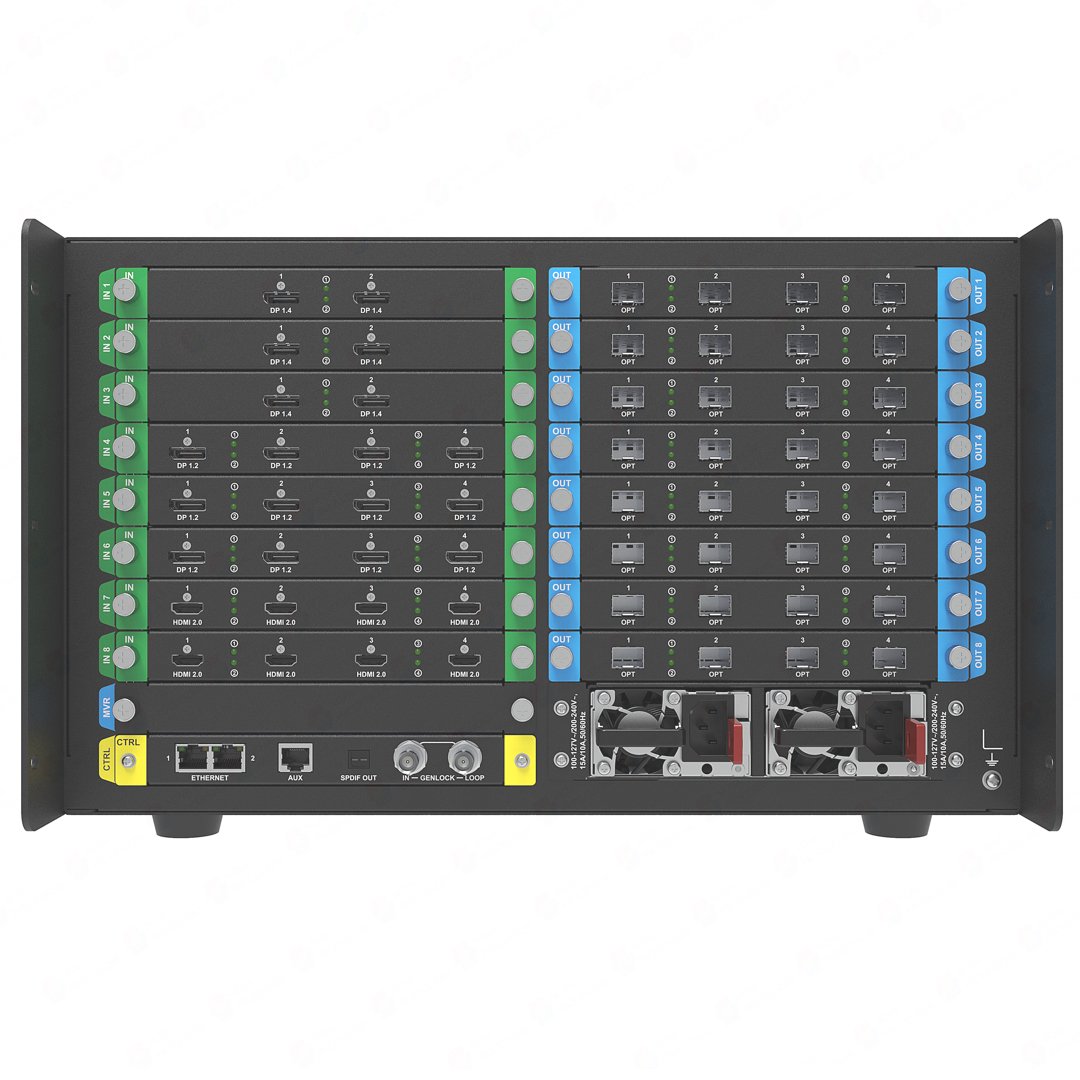
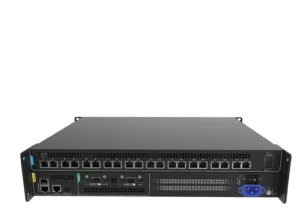
The NovaStar MX6000 Pro is a 6U modular COEX controller for large LED systems that need more than a fixed controller can provide. Eight input-card slots bring in the source formats the production actually uses, while eight output-card slots let the project choose its 1G or 5G LED transport, receiving-card path and screen layout.
Choose MX6000 Pro for a large rental event, xR or virtual-production studio, broadcast system, e-sports venue, exhibition hall or fixed installation with several screens, many sources or an 8K-class canvas. The important buying point is that the chassis is only the platform: the input cards, output cards, converters, receiving cards and backup plan should be quoted as one complete system.
NovaStar MX6000 Pro key features for large 8K LED systems
- Build the controller around the show: Eight input slots and eight output slots let the system combine 4K, 8K, SDI and ST 2110 sources with the LED transport the installation requires. You are buying a configurable rack platform, not a fixed connector list.
- Scale to genuinely large canvases: With the selected cards, the chassis supports up to 32 x 4K@60, 16 x 8K@30 or 8 x 8K@60 inputs and up to 141 million pixels total. That makes it suitable for multi-screen rental systems, large studios and complex fixed LED walls.
- Choose 1G or 5G at the output stage: The 4 x 10G fiber output card works with CVT10 for a 1G receiving-card path; the 1 x 40G fiber output card works with CVT8-5G for a 5G path. The output card, converter and receiving cards must be selected together.
- Keep several screens organized: Card-based screens, synchronized output splicing, layer roaming, no-rectangle accounting and up to 128 presets help an operator run multiple canvases without rebuilding every output assignment.
- Protect a live system: Device, output-card and Ethernet hot backup, dual power-supply backup, hardware monitoring and automatic alarms give rental and broadcast buyers a practical resilience plan to specify.
NovaStar MX6000 Pro specifications: 8 input/8 output slots and 141M pixels
Use these figures to check whether the MX6000 Pro belongs in the rack plan before selecting the individual cards.
| Chassis | 6U modular COEX LED display controller |
|---|---|
| Input-card slots | 8 |
| Output-card slots | 8 |
| Input scale | Up to 32 x 4K@60 Hz, 16 x 8K@30 Hz or 8 x 8K@60 Hz with supported input-card configurations |
| Maximum stated LED load | 141 million pixels total |
| Layers and screens | Up to 32 x 4K layers, up to 4 layers per output card, card-based screens and synchronized output splicing |
| Output transport | 4 x 10G fiber output cards for 1G via CVT10, or 1 x 40G fiber output cards for 5G via CVT8-5G |
| Control | 7-inch touchscreen, NovaStar VMP, SNMP, Art-Net, central-control protocols and Ethernet cascading |
| Frame rate | Up to 480 Hz; the final maximum depends on the screen hardware configuration |
How to build a NovaStar MX6000 Pro card plan
Before comparing individual card prices, turn the eight-by-eight chassis into a project allocation. This is the fastest way to see whether the MX6000 Pro is the right platform and what the complete order must include.
| Plan this first | What it decides |
|---|---|
| Input slots 1-8 | Which source family occupies each slot: 4K HDMI/DP/12G-SDI, 8K HDMI/DP, or ST 2110. Count physical cards separately from the number of connectors on each card. |
| Output slots 1-8 | Which screen or cabinet area each card serves, and whether the LED side is a 1G CVT10 path or a 5G CVT8-5G path. |
| Receiving-card and cabinet map | Whether the wall uses supported 1G cards such as A10s Pro, A8s Pro, A8s-N, A7s Plus, A5s Plus or B6s, or supported 5G cards XA50 Pro or CA50E. |
| Screen and layer assignment | Which outputs form each card-based screen, where layers roam, and which outputs must stay synchronized. |
| Protection plan | Where device, card, Ethernet and dual-power backup terminate in the real rack and LED system. |
NovaStar MX6000 Pro input cards for 4K, 8K and ST 2110 sources
Choose the input card from the production handoff. The chassis supports several source families, but each one solves a different source problem.
| Source handoff | Card to evaluate | Why it fits |
|---|---|---|
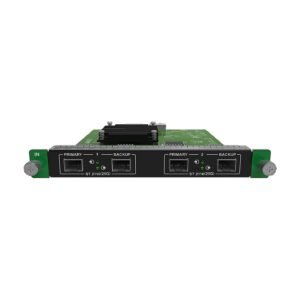
| Multiple 4K playback, graphics or camera sources | MX_4 HDMI2.0, MX_4 DP1.2 or MX_4 12G-SDI | Four native connectors bring a dense 4K source group into one input slot. |
| One 8K60 graphics or media-server source | MX_1xDP 1.4 (8K@60Hz) | Use the documented single DP 1.4 path when full 8K60 is the source requirement. |
| Two 8K-class sources at up to 30 Hz | MX_2xDP1.4, MX_2xHDMI2.1 or the mixed DP1.4 + HDMI2.1 card | Match the card to the actual GPU, media server or processor connectors. |
| Broadcast IP video plant | ST 2110 25G, 2 x ST 2110 25G or ST 2110 100G | Bring the documented ST 2110 source path into the chassis; network, PTP, NMOS, FEC, optics and primary/backup rules still belong in the broadcast design. |
An input card brings video into the MX6000 Pro. It does not add LED output capacity; that decision belongs to the output-card and receiving-card plan.
NovaStar MX6000 Pro output cards, 1G/5G fiber and receiving cards
The MX6000 Pro is not inherently a 1G or 5G controller. The output card and converter determine the LED transport, and the receiving card at the cabinet must belong to the same path.
| LED-side choice | Transport path | Documented receiving-card match |
|---|---|---|
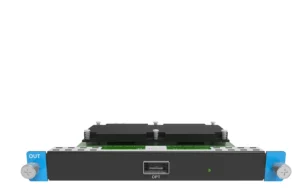
| MX_4 10G Fiber output card or single-mode version | Use CVT10 to create the 1G Ethernet path; one Ethernet cable is documented for up to 650,000 pixels. | A10s Pro and its series, A8s Pro and its series, A8s and its series, A8s-N, A7s Plus, A5s Plus or B6s. |
| MX_1x40G Fiber output card or single-mode version | Use CVT8-5G to create the 5G Ethernet path; one Ethernet cable is documented for up to 2,600,000 pixels. | XA50 Pro or CA50E receiving cards. |
Do not quote a 40G card as a simple upgrade for an existing 1G cabinet chain. Confirm the converter, fiber type, endpoint, receiving-card model and cabinet data path together before ordering.
NovaStar MX6000 Pro screens, 32 layers and 141M-pixel capacity
For a large show or permanent installation, the useful result is not just the 141M headline. The MX6000 Pro lets the project define card-based screens with different output resolutions, splice outputs on the same screen in sync, roam layers across output cards and save up to 128 presets for repeatable operation.
| What the operator needs | What MX6000 Pro provides |
|---|---|
| Several independent canvases | Card-based screens with separate output resolutions and screen assignments. |
| One large synchronized canvas | Synchronized output splicing to keep the outputs on the same screen aligned. |
| Irregular or non-rectangular screen | No-rectangle accounting, so blank pixels do not consume the total load calculation. |
| Repeatable show looks | Up to 128 presets for layers, brightness, color temperature and gamma. |
Finish the capacity check with the real cabinet map: total pixels, per-output-card load, frame rate, receiving-card model and the selected image mode must all fit together.
NovaStar MX6000 Pro backup, monitoring and VMP control
MX6000 Pro is built for systems where a failed source or path cannot simply stop the show. Its documented controls make the resilience plan visible to the operator and the person responsible for the rack.
- Hot backup: plan backup between devices, output cards and Ethernet ports so a failure can switch to a defined alternate path.
- Power protection: use the dual power-supply backup as part of the rack design rather than treating a second power inlet as a complete system backup.
- Live monitoring: the controller monitors fan speed, module temperature, voltage and operating status, with automatic fault and alarm reporting.
- Operator control: use the 7-inch touchscreen or NovaStar VMP to manage devices, screens, layers and presets; SNMP, Art-Net and central-control protocols support the wider control room.
Save the final VMP project with the chassis/card models, slot map, receiving-card files and firmware versions. For Frame Rate Adaptive or full-grayscale calibration, match the documented receiving cards, driver ICs, Cabinet Tool and calibration hardware before promising the feature in a quotation.
NovaStar MX6000 Pro vs MX2000 Pro, CX40 Pro and MX40 Pro
The right comparison is card scale and LED architecture, not just the largest pixel number.
| Choose this controller | When it is the better fit |
|---|---|
| MX6000 Pro | The confirmed system needs more than two input or output slots, many screens, 8K source scale, up to 32 4K layers or up to 141M pixels. |
| MX2000 Pro | The card plan fits two input and two output slots, up to 35.38M pixels and up to eight 4K layers. |
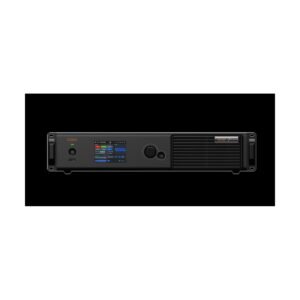
| CX40 Pro | The project needs a fixed-I/O 5G controller for a known source mix and a single 9M-pixel-class wall, without removable cards. |
| MX40 Pro | The project needs a fixed-I/O 1G architecture rather than a modular card allocation. |
If the card map is still changing, MX6000 Pro gives the project room to grow. If the source and LED paths are already fixed, a smaller fixed controller may be easier to quote and install.
NovaStar MX6000 Pro Manual, PDF and Software
Find the NovaStar MX6000 Pro Manual, MX6000 Pro datasheet PDF and NovaStar VMP software here. Use the datasheet to choose the chassis and card architecture, the manual to confirm setup and compatibility, and VMP to save the final screen map and presets.
Direct PDF links: MX6000 Pro Specifications V1.5.1 PDF · MX6000 Pro User Manual V1.5.1 PDF.
MX6000 Pro buying and setup FAQs
Is the NovaStar MX6000 Pro a complete controller when ordered by itself?
The chassis is the platform; the input cards and output cards must be specified for the project. Confirm the source, LED transport, converter, receiving-card and backup plan before treating the quotation as complete.
How many input and output slots does the MX6000 Pro have?
It has eight input-card slots and eight output-card slots. The actual source connectors and LED paths depend on the cards installed in those positions.
Can the MX6000 Pro accept 8K and ST 2110 sources?
Yes, with the appropriate input cards. Choose the 8K card by connector and refresh requirement; choose the ST 2110 card by the broadcast network’s bandwidth, PTP, NMOS, FEC, optics and backup design.
Does a 40G output card make an existing LED wall 5G-compatible?
No. The output card, CVT8-5G converter, fiber endpoint, 5G receiving card and cabinet data path must all support the same architecture.
What receiving cards are documented for MX6000 Pro?
1G paths list A10s Pro and its series, A8s Pro and its series, A8s and its series, A8s-N, A7s Plus, A5s Plus and B6s; 5G paths list XA50 Pro and CA50E. Confirm the exact receiving-card model and driver IC before selecting advanced features.
Does 141 million pixels define the final wall design?
No. It is the stated chassis total. The final design still needs a per-screen, per-output-card and per-cabinet map that matches the selected transport and receiving cards.
When should I choose MX2000 Pro instead?
Choose MX2000 Pro when two input and two output slots, up to 35.38M pixels and up to eight 4K layers cover the confirmed system. MX6000 Pro earns its larger chassis when the card allocation, screen count or capacity requires eight input and eight output positions.
MX6000 Pro order check
Before ordering the MX6000 Pro chassis, confirm the complete card and endpoint plan:
- Every source is assigned to the exact input-card model and slot, with connector, resolution, frame rate and protection method noted.
- Every screen is assigned to output cards, ports and a cabinet/receiving-card path.
- The 1G/5G output architecture, converters, copper/fiber types and equipment-room endpoints are defined.
- Total capacity and every selected output path are checked against the current card and receiving-card documentation.
- Primary and backup routes are drawn through to both endpoints, including ST 2110 network requirements where applicable.
- The VMP project and chassis/card/receiver firmware versions are recorded before commissioning.
Have the source list, screen map or receiving-card model ready? Contact us for an MX6000 Pro quote. Send the required input cards, output path and pixel map if available, and we can check that the chassis, converters and receiving cards are specified as one system.
Reviews
There are no reviews yet.