
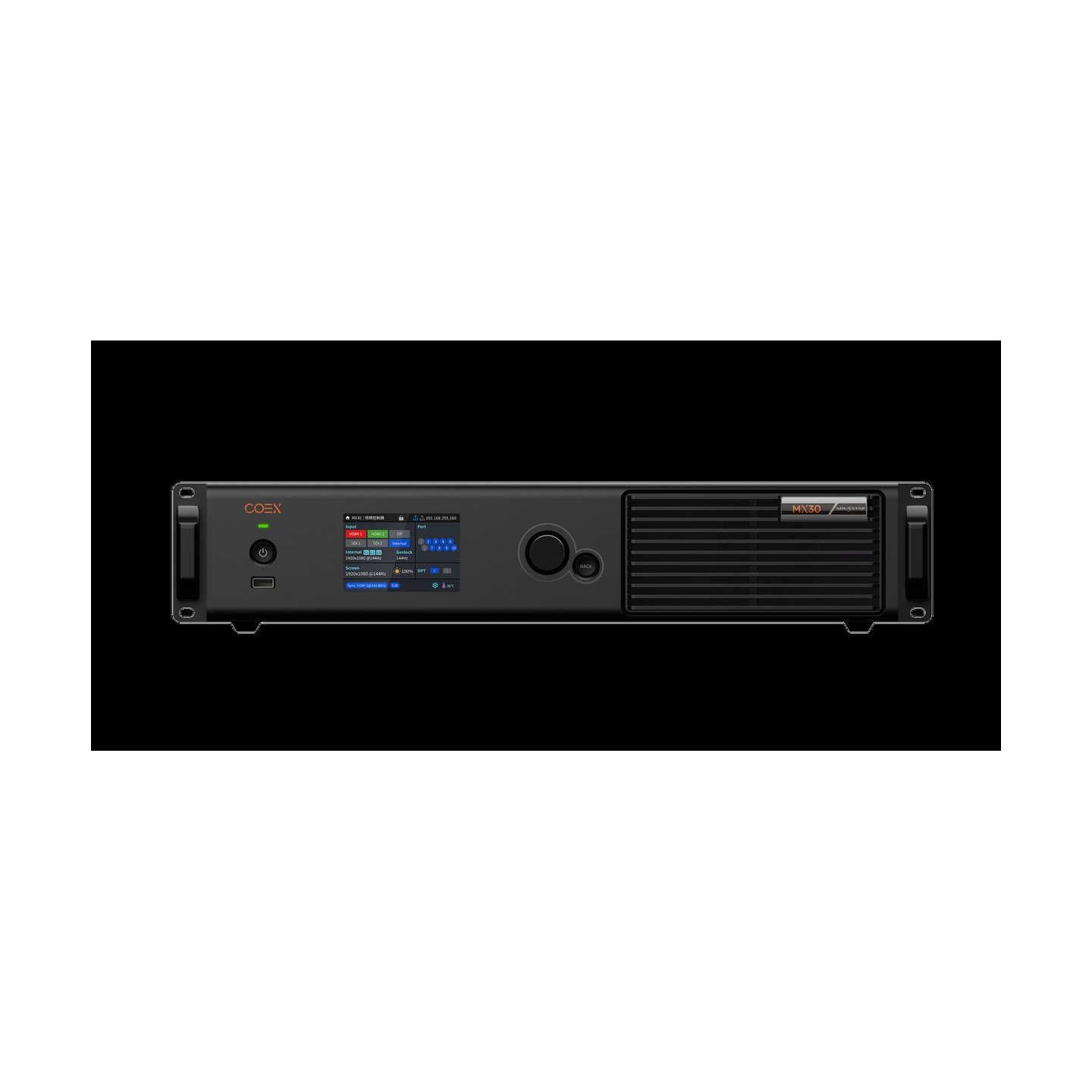
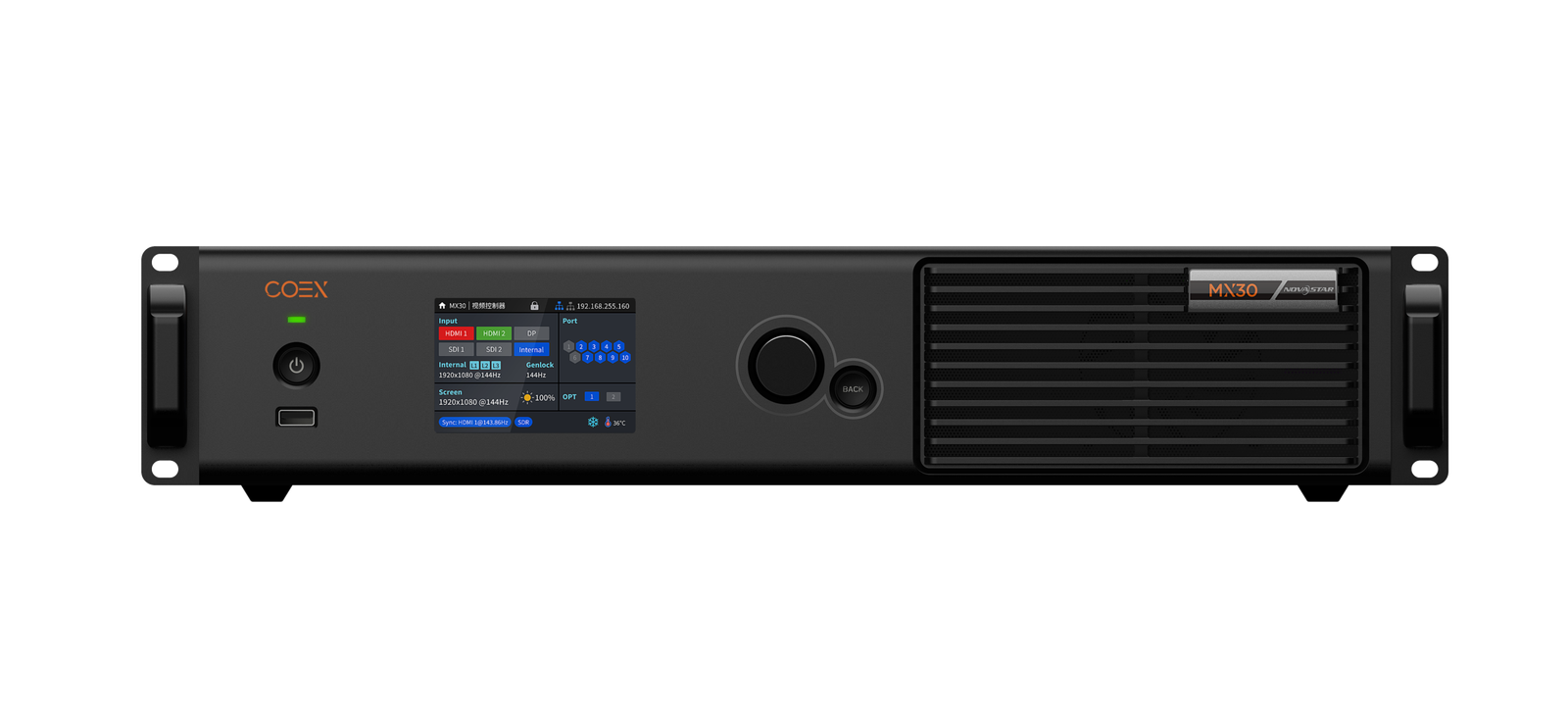
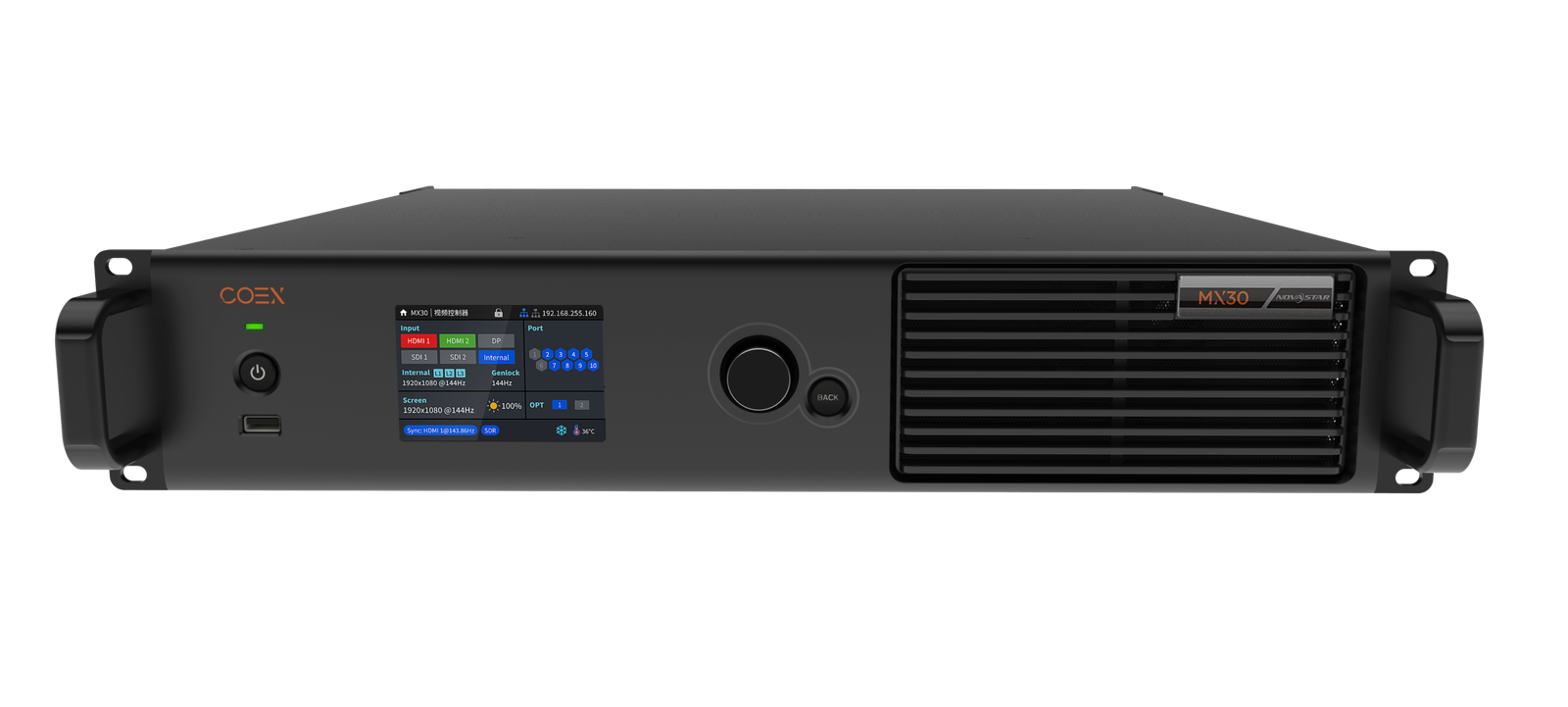
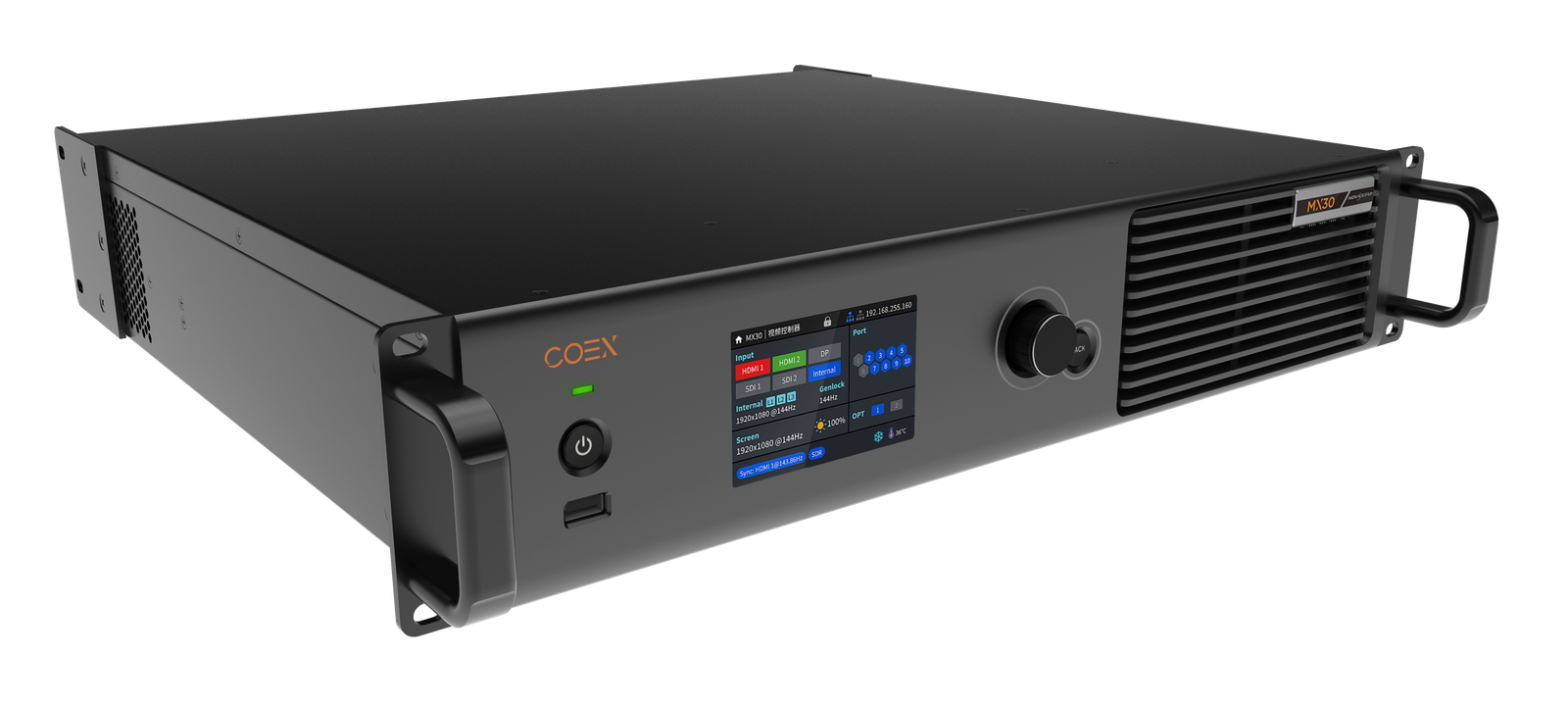
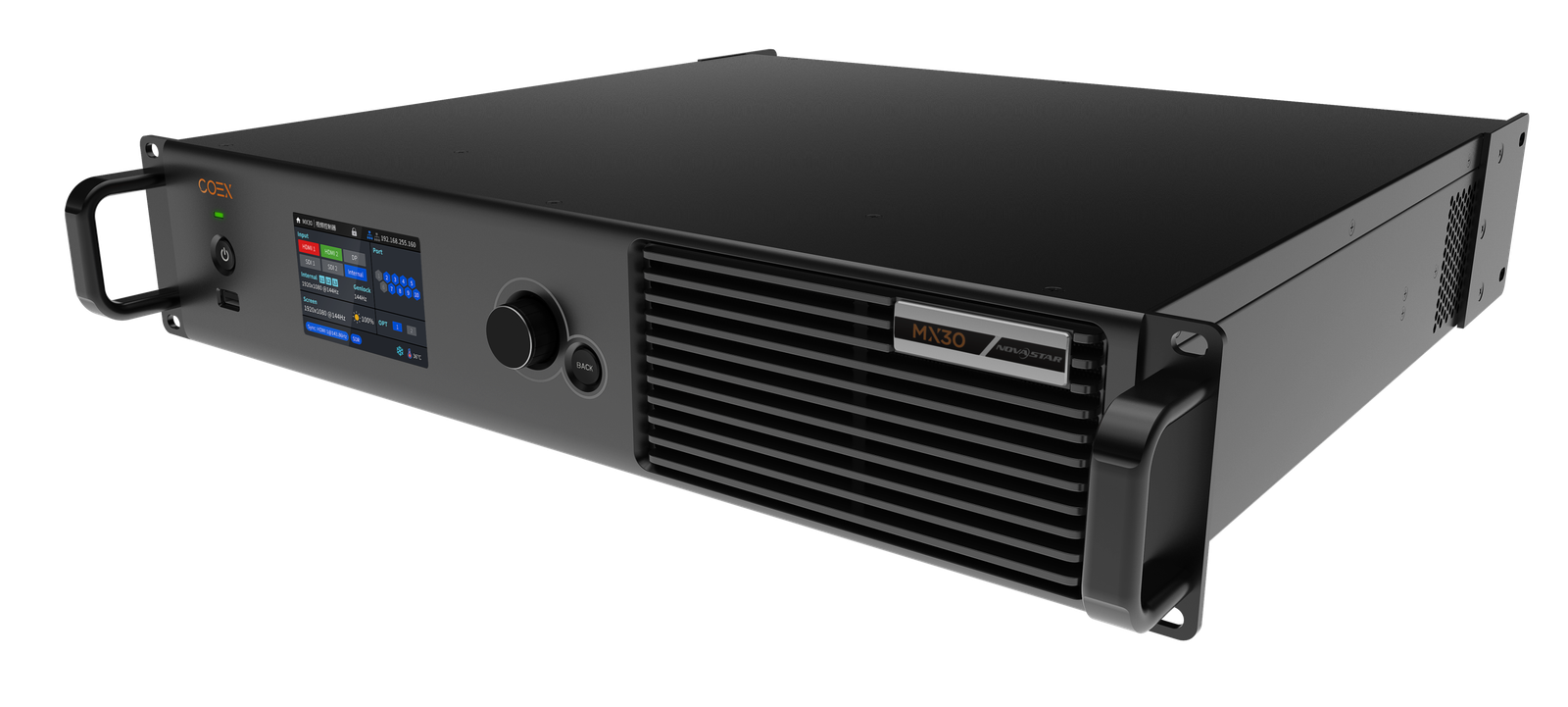
What is the NovaStar MX30 for?
The NovaStar MX30 is a fixed-I/O, all-in-one COEX controller for a mid-sized LED wall that needs several source types. It accepts 4K HDMI, HDMI 1.4, DisplayPort and two 3G-SDI feeds, composes up to three VMP layers, and sends the finished picture through ten 1G cabinet paths or a planned 10G fiber route.
It is the practical step up from MX20 when the job needs a 4K source, HDR, DisplayPort, two SDI feeds, more than six cabinet chains or a wall between 3.9M and 6.5M pixels. It is still a 1G, 6.5M system: 4K input capability is not the same as a full 4K LED-wall load.
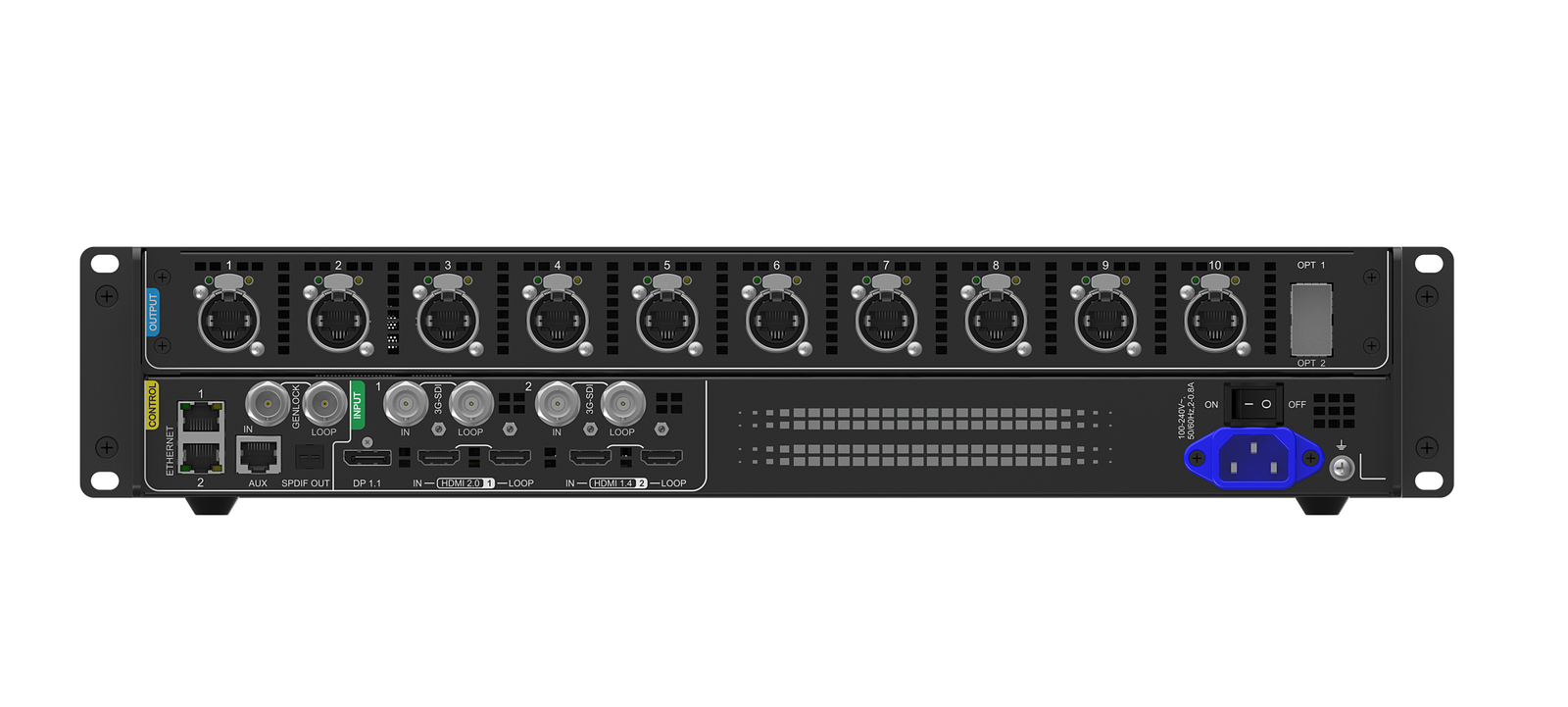
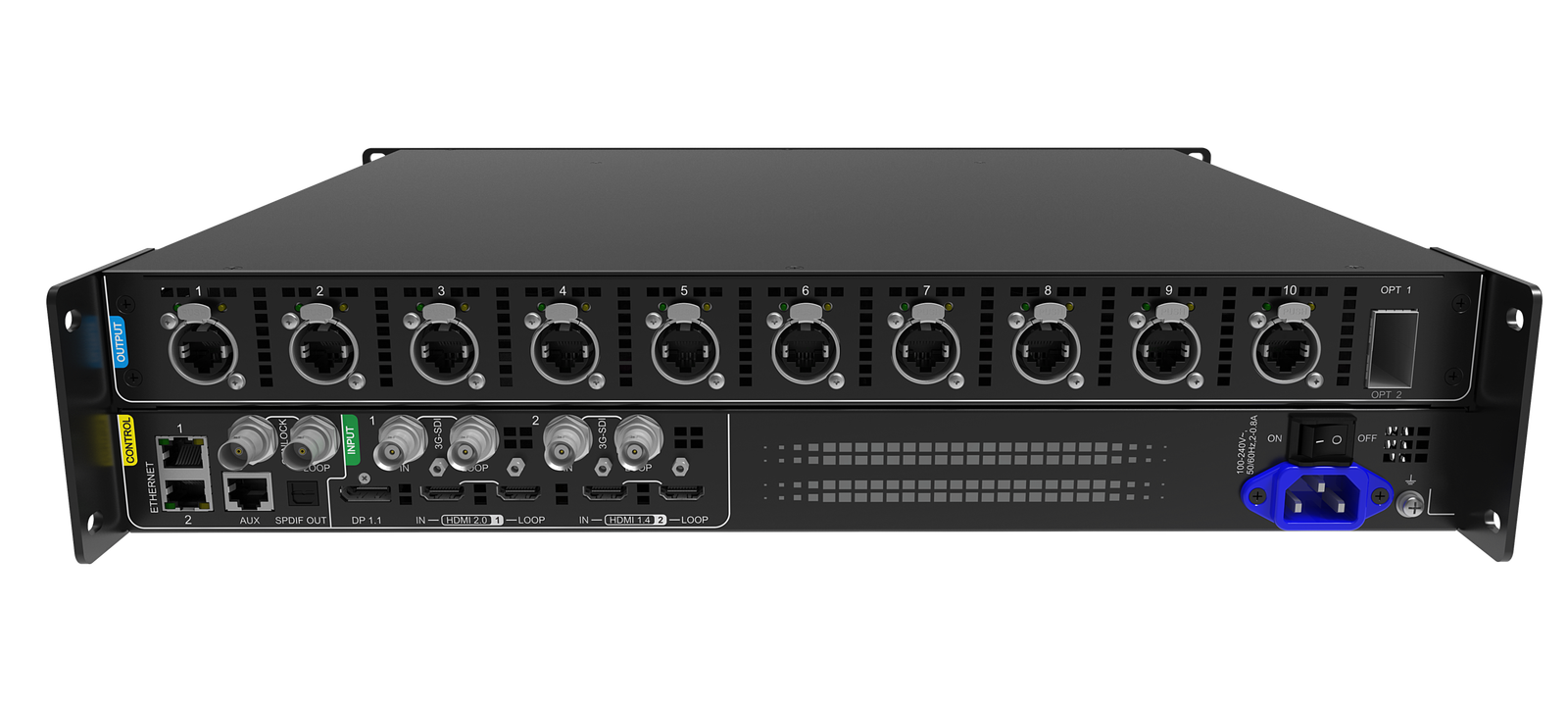
NovaStar MX30 inputs: 4K HDMI, DP and 3G-SDI
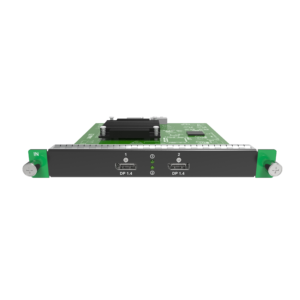
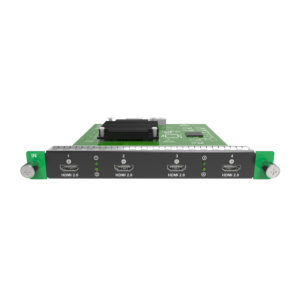
The inputs answer different show needs. HDMI 2.0 is the 4K/HDR source path. HDMI 1.4 and DisplayPort can take additional computer or playback feeds. The two 3G-SDI inputs are for HD broadcast, camera or switcher sources, and each has an SDI loop for onward routing.
| 4K HDMI 2.0 | Use for a presentation computer, media server or switcher that needs a 4K/HDR source path. Its source timing still has to match the output-canvas design. |
|---|---|
| HDMI 1.4 and DP 1.1 | Use for additional graphics or playback systems. These are separate source choices, not additional LED output ports. |
| Two 3G-SDI inputs | Use for HD camera or broadcast/switcher feeds. They are 3G-SDI, not 12G-SDI; choose MX40 Pro when 12G-SDI is required. |
| Three VMP layers | Use VMP to size, crop, position and prioritize the sources on the finished LED canvas. |
NovaStar MX30 pixel capacity: can it drive a 4K LED wall?
MX30 can accept a 4K HDMI source, but its total LED load is 6.5 million pixels across ten Gigabit Ethernet ports. A native 3840 x 2160 canvas is about 8.29 million pixels, so it exceeds the documented 6.5M total. This is a sizing inference from the official figures, not a limitation hidden in a connector label.
The practical result is simple: a 4K source can be scaled, cropped or used in a smaller LED canvas, but do not quote MX30 for a pixel-for-pixel full-4K wall without a new capacity plan. After confirming the full canvas, draw the cabinet count for each port.
| 8-bit at 60 Hz | Up to 659,722 pixels per 1G output port. |
|---|---|
| 10-bit at 60 Hz with A10s Pro/A8s Pro family | Up to 494,791 pixels per port. |
| 10-bit at 60 Hz with other supported Armor cards | Up to 329,861 pixels per port. |
| Narrow port regions | Areas below 128 pixels wide lose usable capacity, so validate the cabinet map rather than dividing 6.5M by ten. |
NovaStar MX30 HDR10/HLG and color setup
MX30 supports HDR10 and HLG on its HDMI 2.0 input, as well as Color Replacement and 14-channel color correction. That helps a color-sensitive presentation or studio wall begin with the right source path, but it does not by itself make every cabinet HDR-ready or calibrated.
For a real HDR/color workflow, confirm the HDMI 2.0 source, the actual LED canvas, the supported receiving-card family and the per-port loading rule. NovaStar documents that HDR does not reduce MX30 capacity by half with A10s Pro/A8s Pro families; still use the selected bit-depth/card port table instead of treating HDR as a free capacity setting.
Full-Grayscale Calibration remains a separate project: it needs an A10s Pro/A8s Pro family card, CC3 and a CC60/C3200 camera. It should be specified as a cabinet-and-calibration workflow, not sold as a controller-only feature.
NovaStar MX30 Genlock vs low-latency operation
For a reference-synced production, MX30 provides Genlock IN and LOOP for Bi-Level, Tri-Level and Blackburst signals. The reference generator, source/switcher, cameras and controller must be specified as one timing chain; Genlock at the MX30 alone cannot repair an unsynchronized upstream source.
For the fastest controller path, Send-Only mode is 0 frame, or less than 1 ms, while All-In-One mode is 1 frame. Low latency and Genlock cannot run together. A low-latency map should load cabinets vertically with a shared Y=0 across ports, and a free-form map may reduce usable load. Choose the result the production needs instead of enabling every timing feature.
NovaStar MX30 10G fiber output and copy path
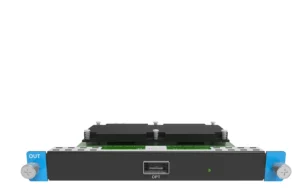
MX30’s OPT 1 carries the data from Ethernet ports 1 through 10. OPT 2 is a copy channel of OPT 1. The two optics therefore create a primary/copy route for a remote wall; they are not two independent groups of ten logical cabinet outputs.
Before the equipment reaches site, document the controller-side and receiving-side endpoints, compatible modules, fiber type, breakout hardware and the cable route that should take over if the primary path fails. Optical modules are not supplied by default, so this is an installation decision rather than an accessory added later by guesswork.
NovaStar MX30 VMP software and receiving-card compatibility
Use VMP for the COEX work that happens after the signal arrives: create the three layers, map a regular or free-form wall, group devices, set presets, adjust color and manage the controller. The MX30 LCD can display layer parameters but does not replace VMP for layout creation.
MX30 supports the listed Armor families, including A10s Pro and A8s Pro. Compatibility is not feature equivalence. A10s Pro/A8s Pro families matter for the higher 10-bit port figure and Full-Grayscale Calibration eligibility; Frame Rate Adaptive additionally needs the A10s Pro family, a supported driver IC and an NCP file.
For a replacement, capture the current cabinet configuration and hardware identity before changing to VMP. For any update, check the VMP, MX30 and receiving-card version relationship before a stable system is disturbed.
NovaStar MX30 vs MX20 and MX40 Pro
| MX20 | Use for an HD/3G-SDI three-layer system within 3.9M pixels and six 1G outputs. It is the focused compact production option when 4K/HDR and ten ports are not required. |
|---|---|
| MX30 | Use for 4K HDMI input, HDR10/HLG, DisplayPort, two 3G-SDI feeds, ten 1G cabinet chains and up to 6.5M pixels. |
| MX40 Pro | Use when the design needs more than 6.5M pixels, up to twenty physical 1G outputs, 12G-SDI, four editable 4K layers or its larger 10G optical architecture. |
There is no need to invent an “MX30 Pro” tier for an ambiguous search phrase. Select MX30 when its documented requirements fit; move to MX40 Pro only when one of its documented advantages is genuinely needed.
NovaStar MX30 Manual, PDF and Software
Find the MX30 manual, MX30 datasheet PDF and NovaStar VMP software here. Use the datasheet for source and capacity limits, the manual for installation and operating modes, and the protocol guide only for a documented third-party control integration.
Direct PDF links: MX30 Datasheet PDF · MX30 User Manual PDF.
MX30 buying and setup FAQs
Can MX30 drive a full 4K LED wall?
Not as a native 3840 x 2160, 8.29M-pixel canvas within its 6.5M total load. MX30 can accept a 4K source, but size and map the actual LED canvas before selecting the controller.
What does MX30's 4K input do if the wall is smaller than 4K?
It accepts the source into the controller. VMP can then place, crop or scale the source for the designed LED canvas, provided the final port map remains within the output budget.
Can MX30 use Genlock and low latency together?
No. Choose a reference-synced Genlock chain or choose the low-latency path; NovaStar documents that they cannot be enabled together.
Does the second MX30 optical port add ten more cabinet chains?
No. OPT 1 carries Ethernet ports 1 through 10 and OPT 2 copies that path. It is a primary/copy fiber design, not doubled LED capacity.
Does MX30 have 12G-SDI?
No. MX30 provides two 3G-SDI inputs. Choose MX40 Pro when the source workflow requires 12G-SDI.
Which software creates MX30 layers?
Use NovaStar VMP. The MX30 front panel shows layer parameters, but VMP creates, sizes, positions and prioritizes the three layers.
Is there an MX30 Pro model?
This page is for the NovaStar MX30. Choose MX40 Pro when the project requires its documented 9M, 20-port, 12G-SDI or four-layer advantages instead of assuming an unlisted MX30 suffix.
MX30 order check
Before ordering MX30, confirm that the source workflow, LED canvas, card choice and fiber topology all fit the same 6.5M 1G COEX system:
- The required source mix fits HDMI 2.0, HDMI 1.4, DisplayPort 1.1 and two 3G-SDI inputs; a 12G-SDI need is routed to MX40 Pro.
- A 4K source is not being mistaken for a native 8.29M-pixel full-4K LED wall within the 6.5M output limit.
- The full canvas and each of ten output ports fit the chosen bit depth, frame rate, receiving-card family and actual cabinet map.
- The HDR/color workflow includes a compatible HDMI 2.0 source and the right card/calibration plan rather than a controller-only assumption.
- The timing plan explicitly chooses Genlock or low latency and records the complete reference chain when Genlock is used.
- The primary/copy fiber paths, optical modules, endpoints, VMP release and controller/receiving-card versions are documented.
Once you have confirmed the screen map, sources, receiving cards, fiber route and software versions, feel free to contact us. For volume pricing, we will make sure to give you a favorable bulk-purchase quote.
Reviews
There are no reviews yet.