
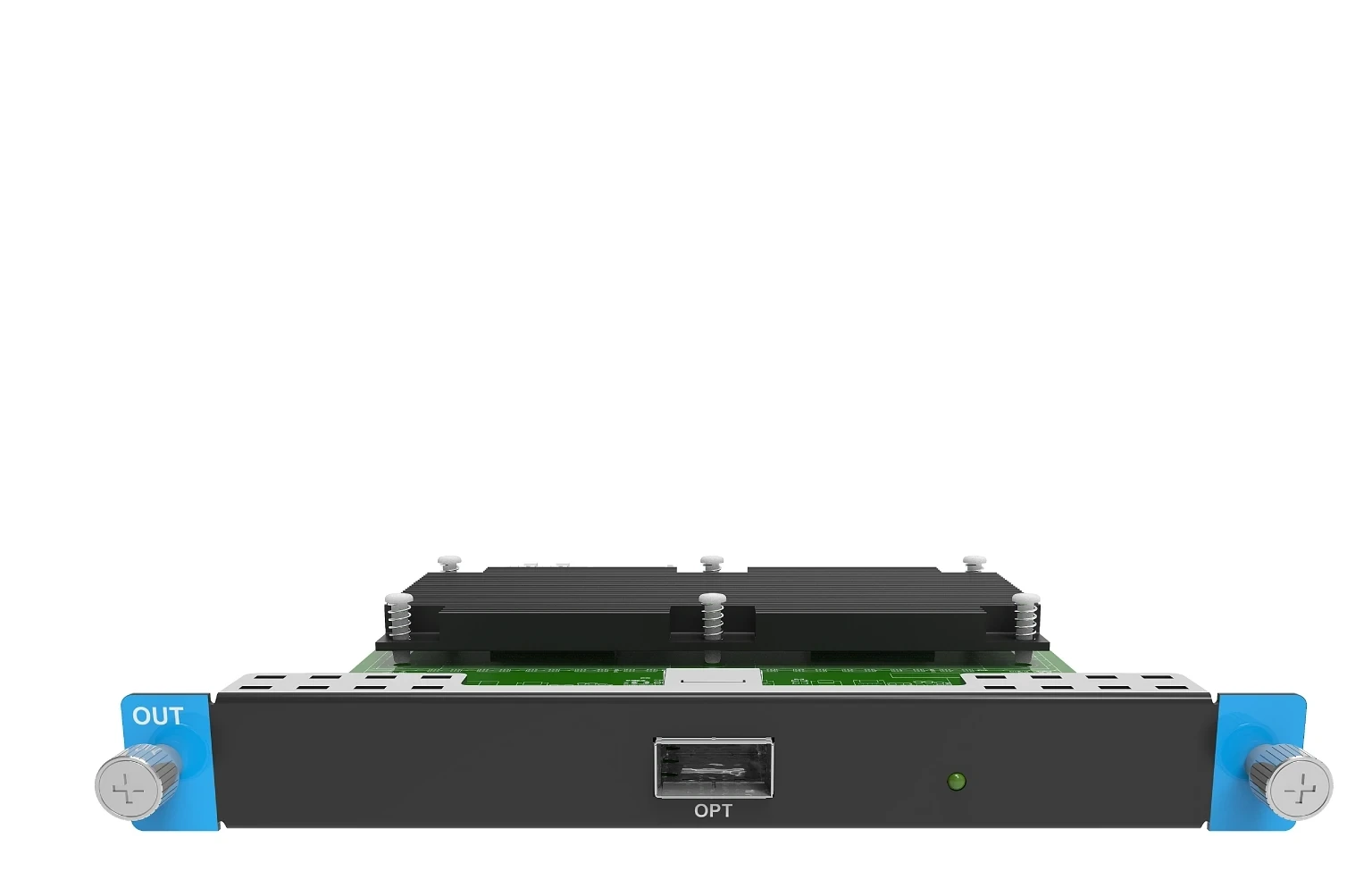
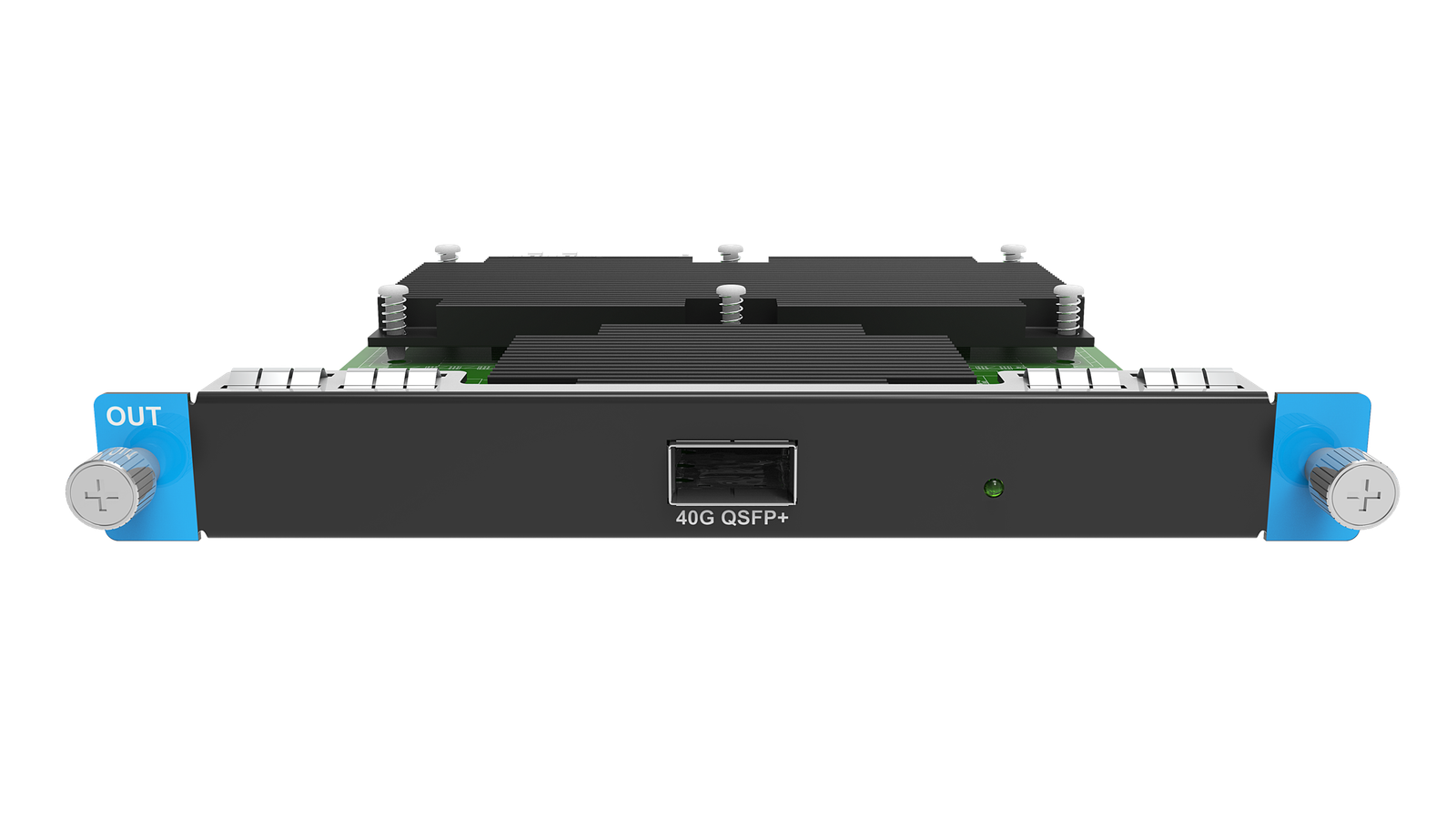
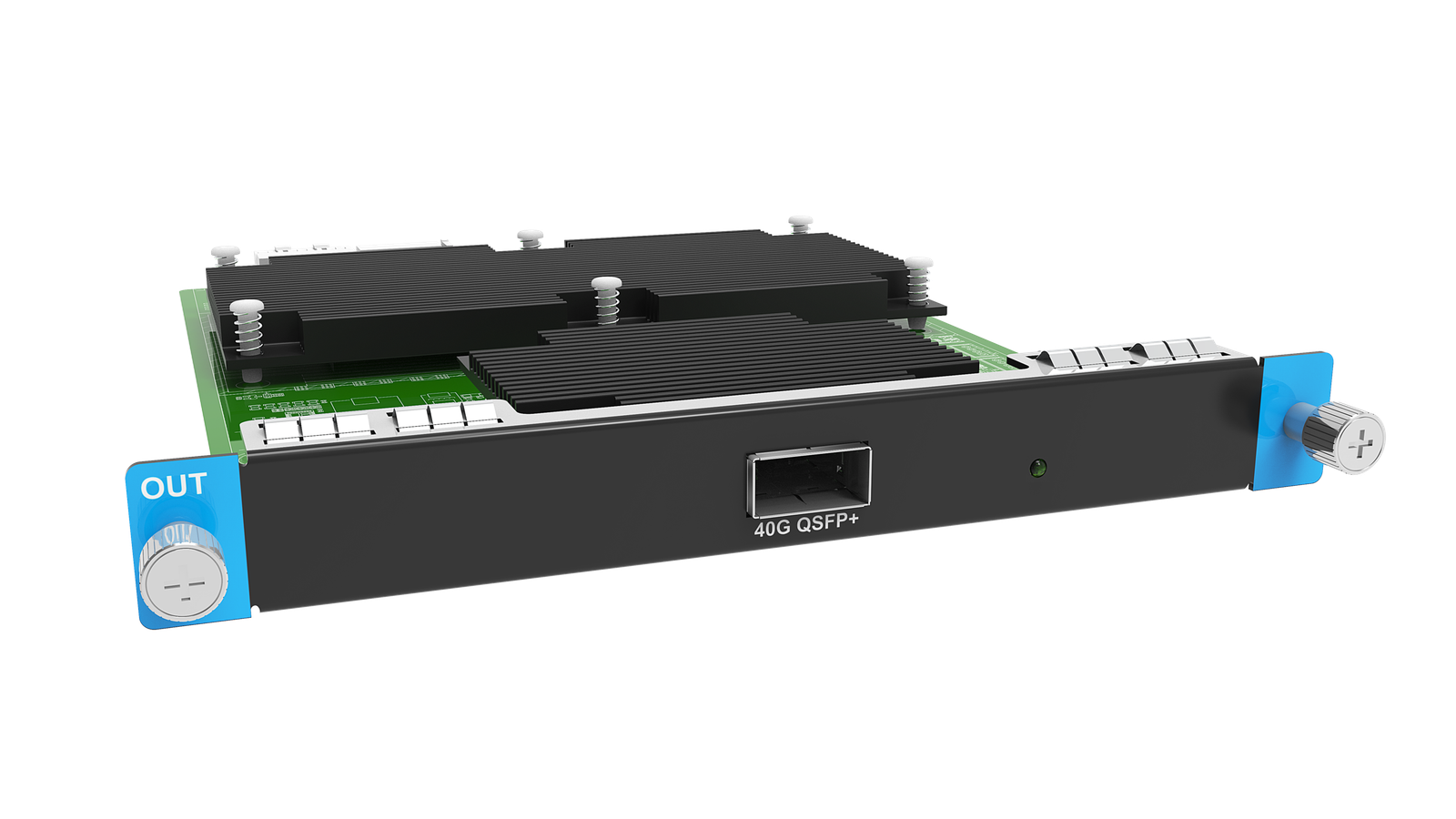
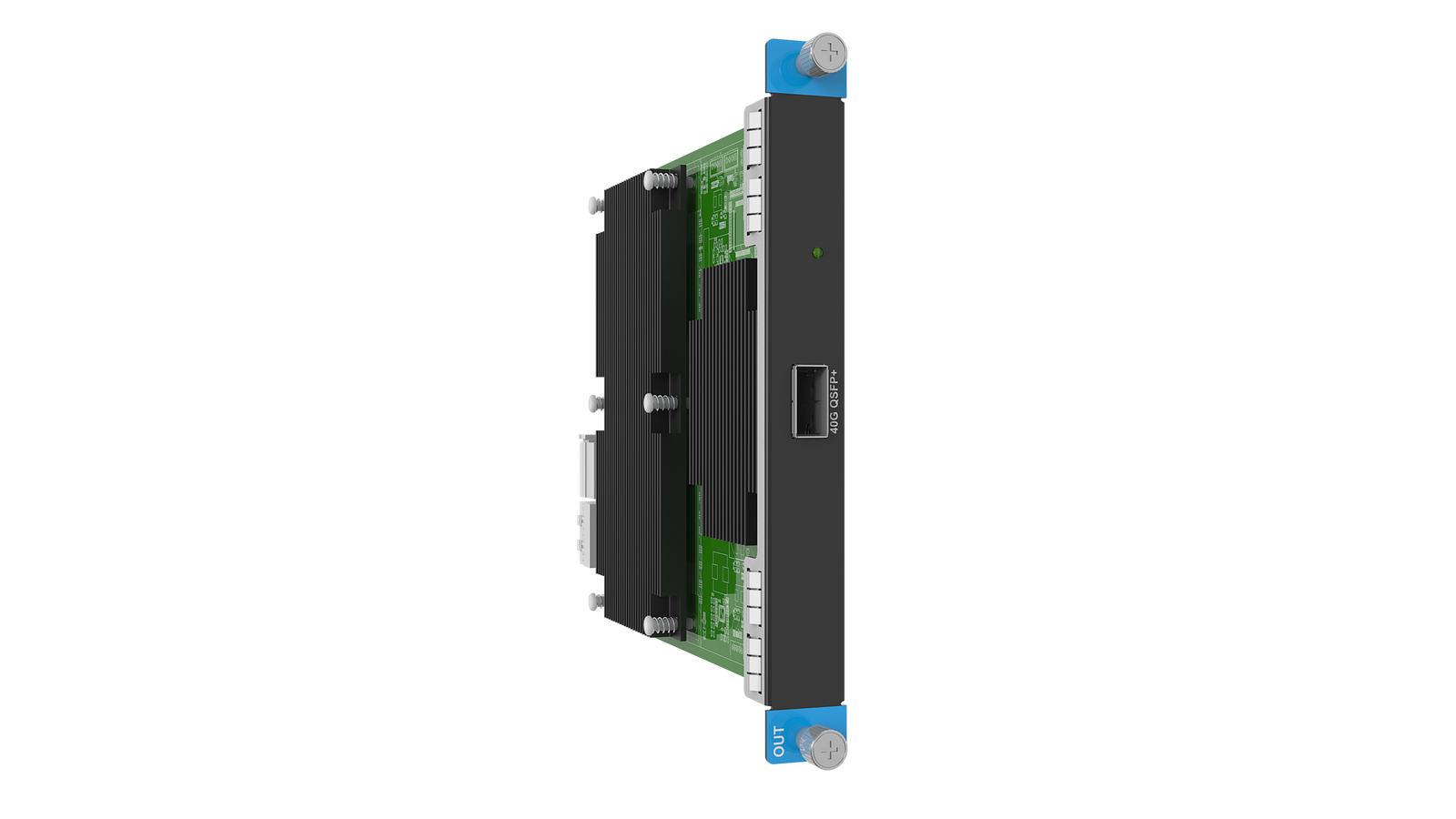
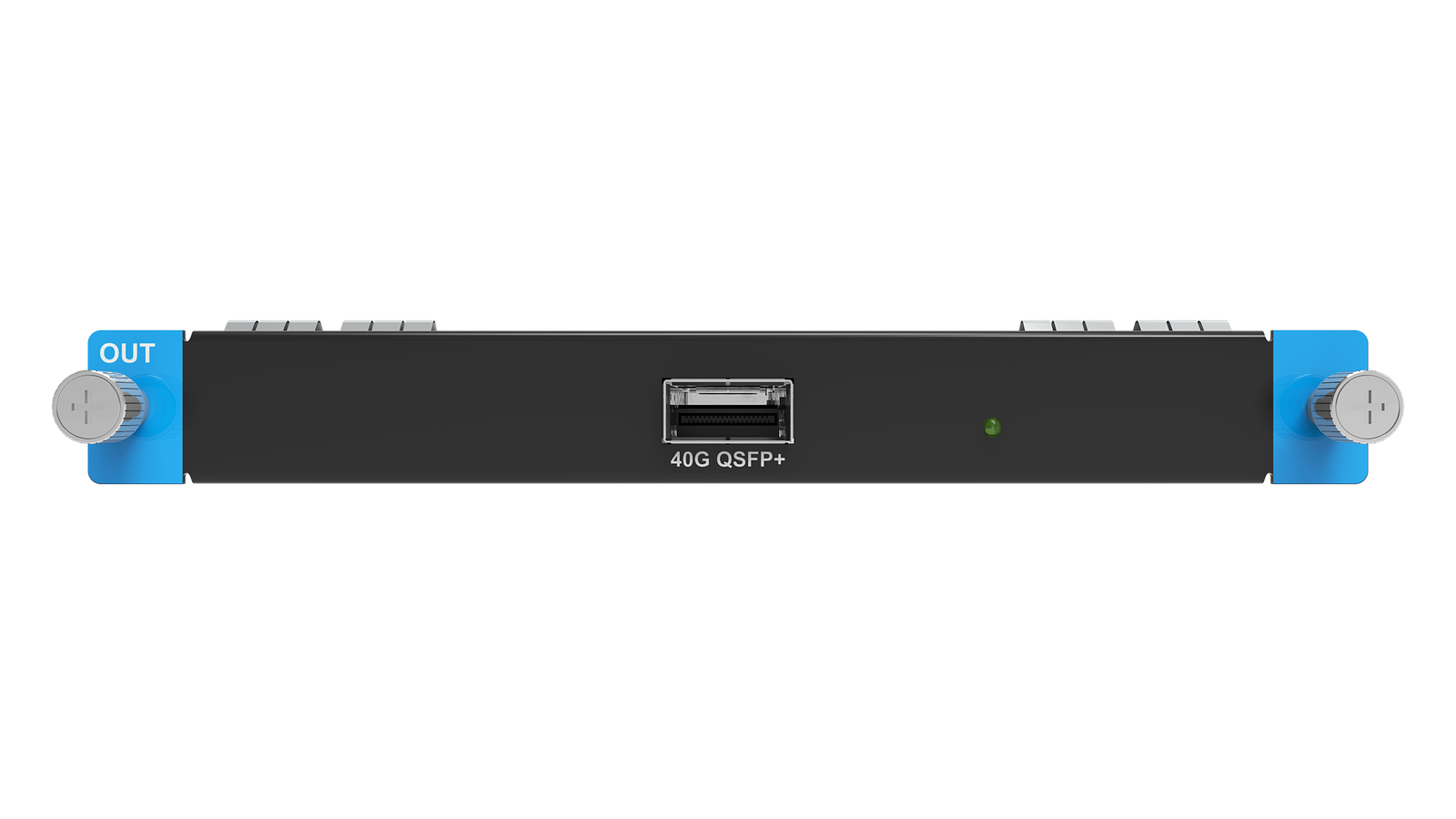
What is the NovaStar MX_1x40G Fiber Output Card-S for?
This is the single-mode version of the 40G optical exit for a modular MX system. It is for carrying a 5G COEX design to a remote converter/receiving-card endpoint, not for adding ordinary Ethernet ports to the chassis.
| Planning point 1 | One 40G QSFP+ optical uplink in an MX2000 Pro or MX6000 Pro OUT slot. |
|---|---|
| Planning point 2 | For the documented 5G path with CVT8-5G and compatible 5G receiving cards. |
| Planning point 3 | The catalog S configuration is for single-mode fiber; the shared official table documents up to 10 km. |
| Planning point 4 | Choose 5G versus 1G endpoint architecture first, then choose the fiber mode that suits the route. |
Can MX2000 Pro or MX6000 Pro accept this 40G output card?
MX2000 Pro and MX6000 Pro are the verified hosts. Confirm the exact chassis, its available OUT slot and the rest of the output-card population before selecting optics, because the card cannot be fitted to an all-in-one COEX controller.
How one single-mode 40G route reaches CVT8-5G and 5G cabinets
The documented 1x40G solution joins the MX chassis to CVT8-5G and 5G receivers such as XA50 Pro. A physical drawing should include both ends of the 40G route and the cabinet data branches after conversion.
- MX2000 Pro or MX6000 Pro OUT slot
- MX_1x40G Fiber Output Card-S
- 40G single-mode QSFP+ fiber link
- CVT8-5G
- 5G receiving-card and cabinet data path
MX_1x40G Fiber Output Card-S single-mode reach: use 10 km as a route check
The shared official 40G card table lists a 10 km maximum with single-mode fiber. Treat that as a design ceiling: confirm the installed single-mode cable, the actual optics, connectors, loss budget and endpoint hardware before approving a remote route.
MX_1x40G Fiber Output Card-S 5G load and bit-depth planning
The 40G uplink has the load of eight 5G Ethernet ports, but their 60 Hz limits change from 2,951,200 pixels at 8-bit to 2,291,312 at 10-bit and 1,475,600 at 12-bit. Map the requested picture mode through the converter and receiver architecture before finalizing cabinets per path.
MX_1x40G Fiber Output Card-S vs the 4×10G single-mode 1G path
Both variants can use single-mode fiber, but they do different jobs. Choose this card for one 40G route in a 5G/CVT8-5G system; choose the 4×10G-S card for four 10G routes in a 1G/CVT10 system.
NovaStar MX_1x40G Fiber Output Card-S Manual, PDF and VMP Software
Use the model-named download page as the starting point, then verify the shared MX6000 Pro family specification, the manual for the actual MX host and the VMP project version. The output-card PDF is a family reference, not a stand-alone card manual.
Direct PDF links: MX2000 Pro V1.5.1 Specifications PDF — output-card sections · MX6000 Pro V1.5.1 Specifications PDF — output-card sections.
MX_1x40G Fiber Output Card-S buying and installation FAQs
Is the MX_1x40G Fiber Output Card-S for a 1G or 5G COEX system?
5G. It is for the documented 1x40G output-card, CVT8-5G and compatible 5G receiving-card system, not the CVT10/1G path.
Can I use the 10 km specification for any optical cable run?
No. The official table lists 10 km for single-mode fiber as a maximum. Confirm the supplied optic, installed fiber, connectors, loss budget and endpoint equipment for the real route.
Does the S suffix mean this card has four single-mode outputs?
No. It has one 40G QSFP+ optical port. The suffix describes the catalog fiber-mode configuration, while the downstream CVT8-5G design determines the 5G cabinet paths.
Can a 5G screen use a 4x10G card for some cabinets?
No, not for the same screen. NovaStar says different 1G and 5G Ethernet-port bandwidths cannot load one LED screen.
Which manual should I use for installation?
Use the MX2000 Pro manual when the card is installed in MX2000 Pro or the MX6000 Pro manual when it is installed in MX6000 Pro. There is no verified stand-alone output-card user manual on our site.
MX_1x40G Fiber Output Card-S order check
Before requesting a quote, confirm the MX host and OUT slot, the 5G converter and receiver path, the single-mode fiber route and the bit-depth load map:
- The selected host and free slot are verified for MX_1x40G Fiber Output Card-S.
- The complete physical route is documented: MX2000 Pro or MX6000 Pro OUT slot → MX_1x40G Fiber Output Card-S → 40G single-mode QSFP+ fiber link → CVT8-5G → 5G receiving-card and cabinet data path.
- Choose 5G versus 1G endpoint architecture first, then choose the fiber mode that suits the route.
- The VMP project, host firmware, card firmware, receiving-card firmware and cabinet files are matched before commissioning.
Send us the host model, free OUT slot, CVT8-5G and receiving-card models, fiber type and distance, cabinet map and bit-depth target through our contact page. We can then confirm the long-route 5G output path before you order.
Reviews
There are no reviews yet.