
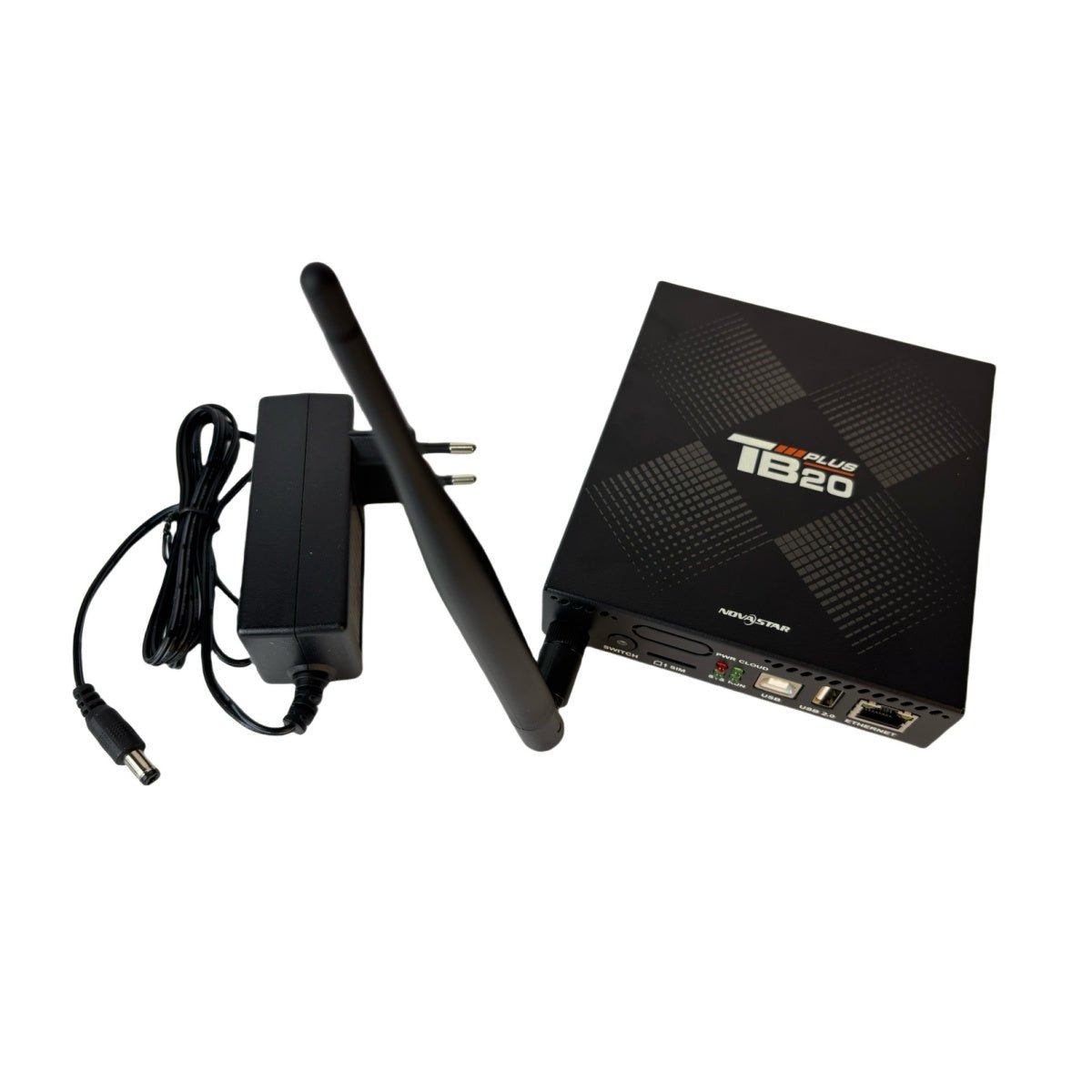
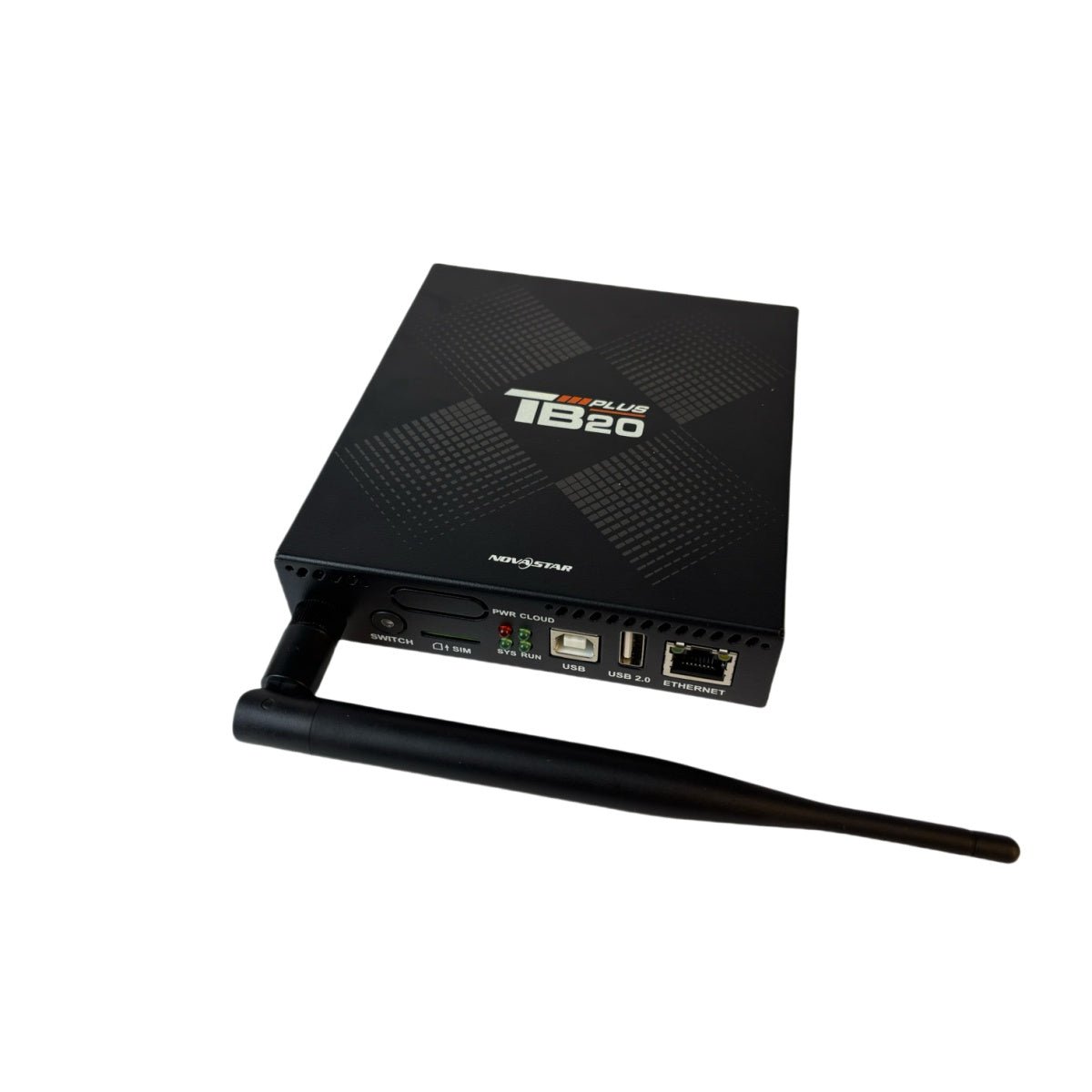
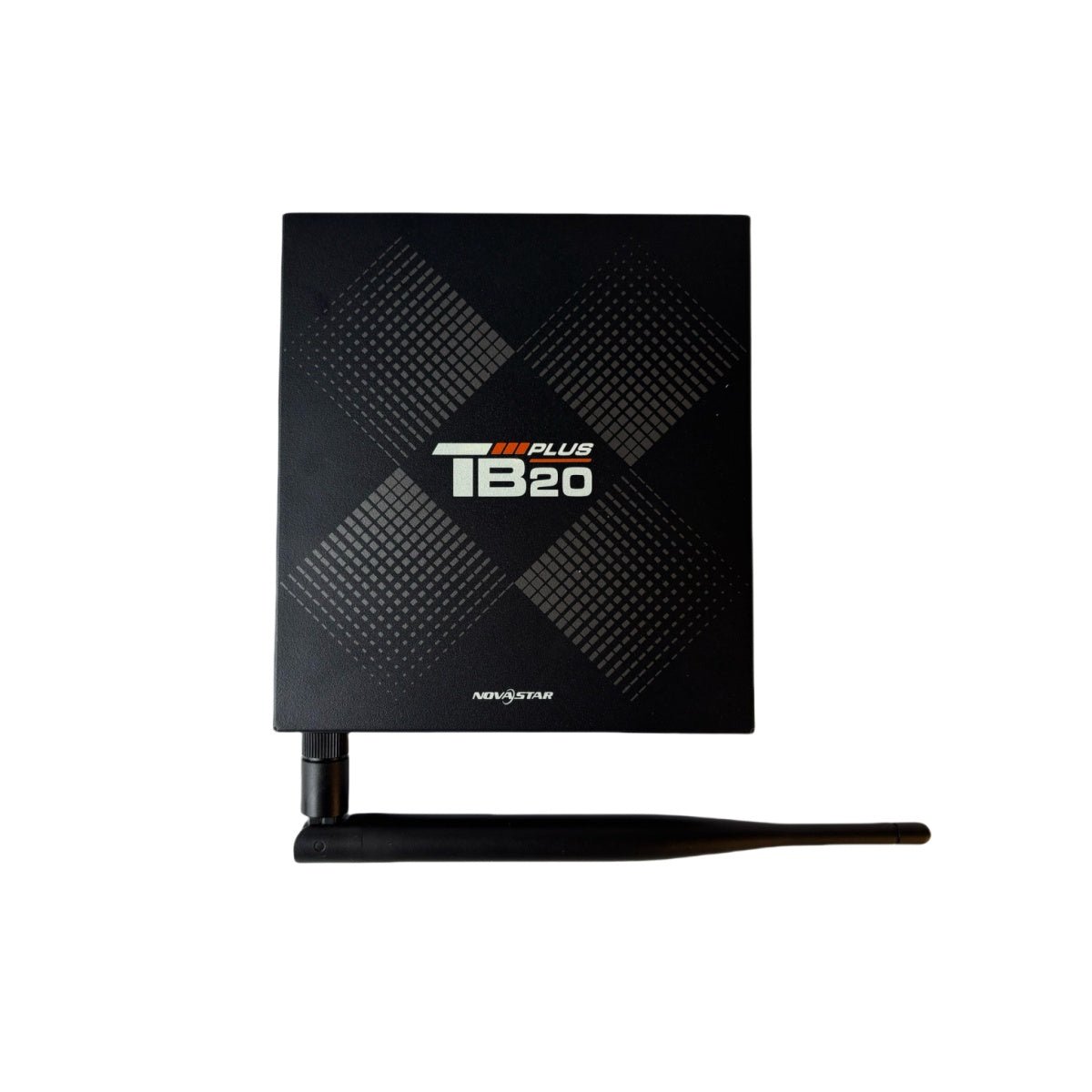
What is the NovaStar TB20 Plus?
The NovaStar TB20 Plus is an entry-level boxed Taurus player with a live video input. It stores and plays your content, drives up to 650,000 pixels of LED screen from one Gigabit output, and takes an HDMI source when you want the screen to show something happening now.
Order one for a small screen that mostly runs a playlist and occasionally has to show a laptop: a reception wall, a training room, a small venue foyer, a showroom board. It is the least costly route in this range to a screen that can do both.
Everything else matches the TB10 Plus — same chassis, same processor, same accessories in your carton. The HDMI socket and the button beside it are what you are paying the difference for.
NovaStar TB20 Plus key features
A laptop can take the screen without a switcher in front of it
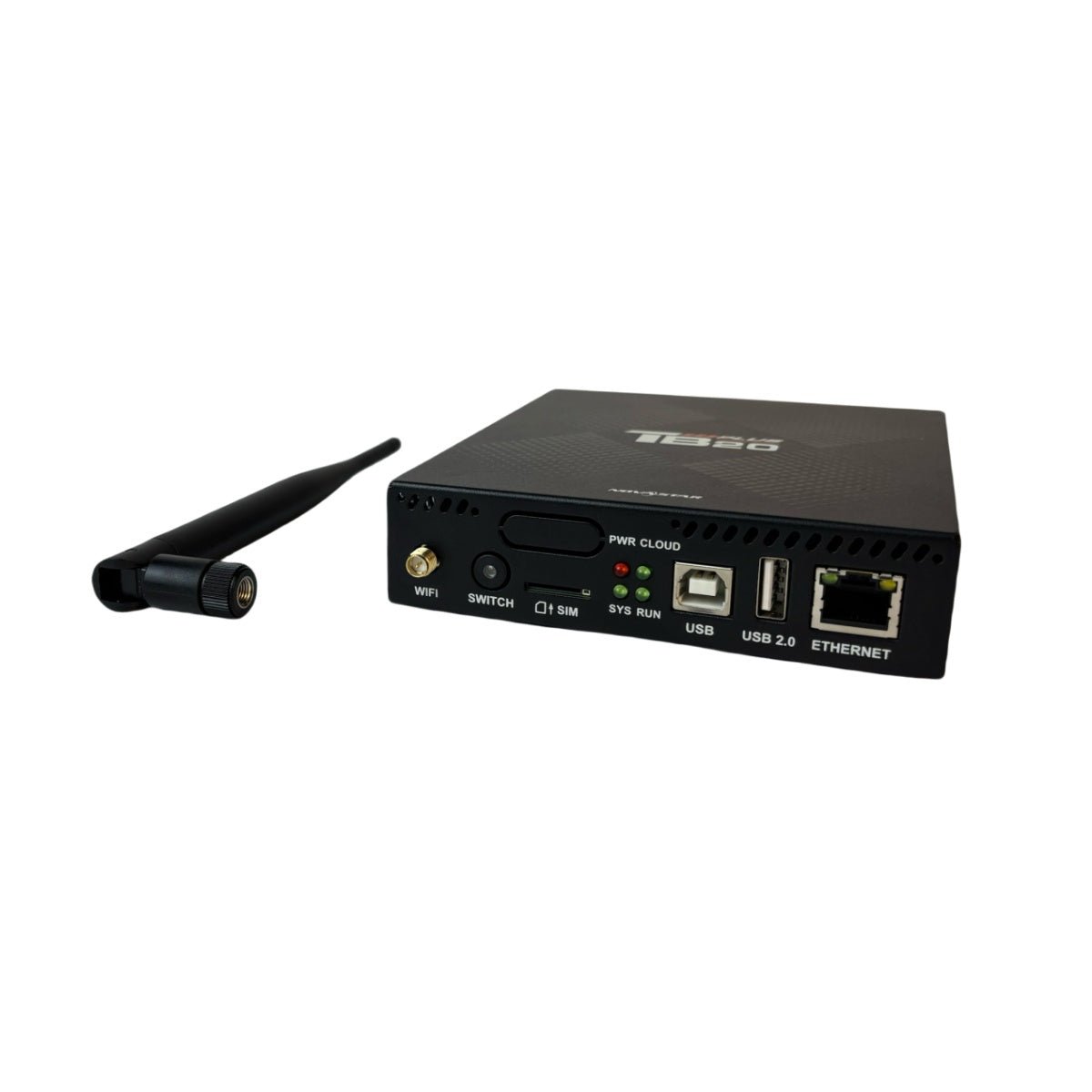
Plug a source into the HDMI socket, press the button on the front, and your screen shows it. There is no separate switcher to buy, no extra rack space and no second device for somebody to mis-set before a presentation.
Your picture is scaled to fit the screen automatically, so a presenter does not have to know your screen resolution to use it.
Your playlist comes back when the laptop leaves
Press the button again and your screen returns to the stored schedule, running from the player’s own 32 GB. You republish nothing, and nothing depends on the visitor’s machine still being in the building.
That is the behavior that makes this model suit a room booked by people who are not your staff.
It fits the same bracket pattern as the model below it
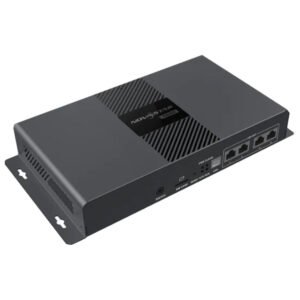
The chassis, the two brackets and the four M3 screws are shared with the TB10 Plus, so one mounting design covers your whole mixed fleet. Fit every site the same way, then choose per site which player goes on the plate.
Mount either to a surface rated for at least 1.9 kg, with the screws driven to 3 N·m.
NovaStar TB20 Plus specifications
Read two rows carefully before you commit: the screen limit of 2048 pixels a side, and the input limit, which is lower than a modern laptop’s default output.
| Pixel capacity | 650,000 pixels; maximum 2048 wide and 2048 high |
|---|---|
| Long thin screens | Up to 8192 pixels wide and 2048 high, inside the same total |
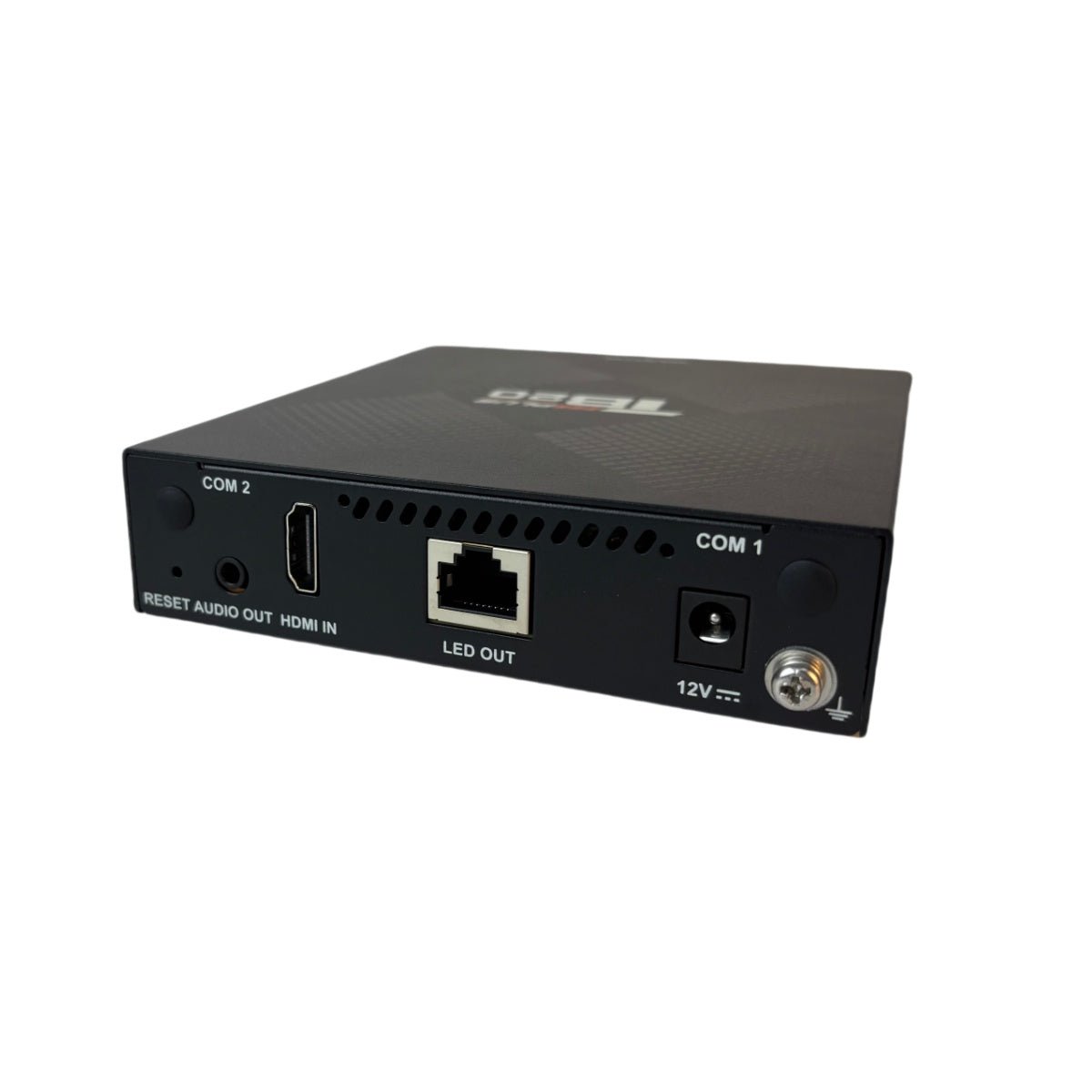
| Screen output | 1x Gigabit RJ45 |
| Live picture input | 1x HDMI 1.3, quoted maximum 2048×1024 at 60 Hz, HDCP 1.4 and 1.3, no interlaced sources |
| Custom input timings | 800 to 2048 pixels wide, 600 to 2048 high, if your source can produce them |
| Loop-through output | None on this model |
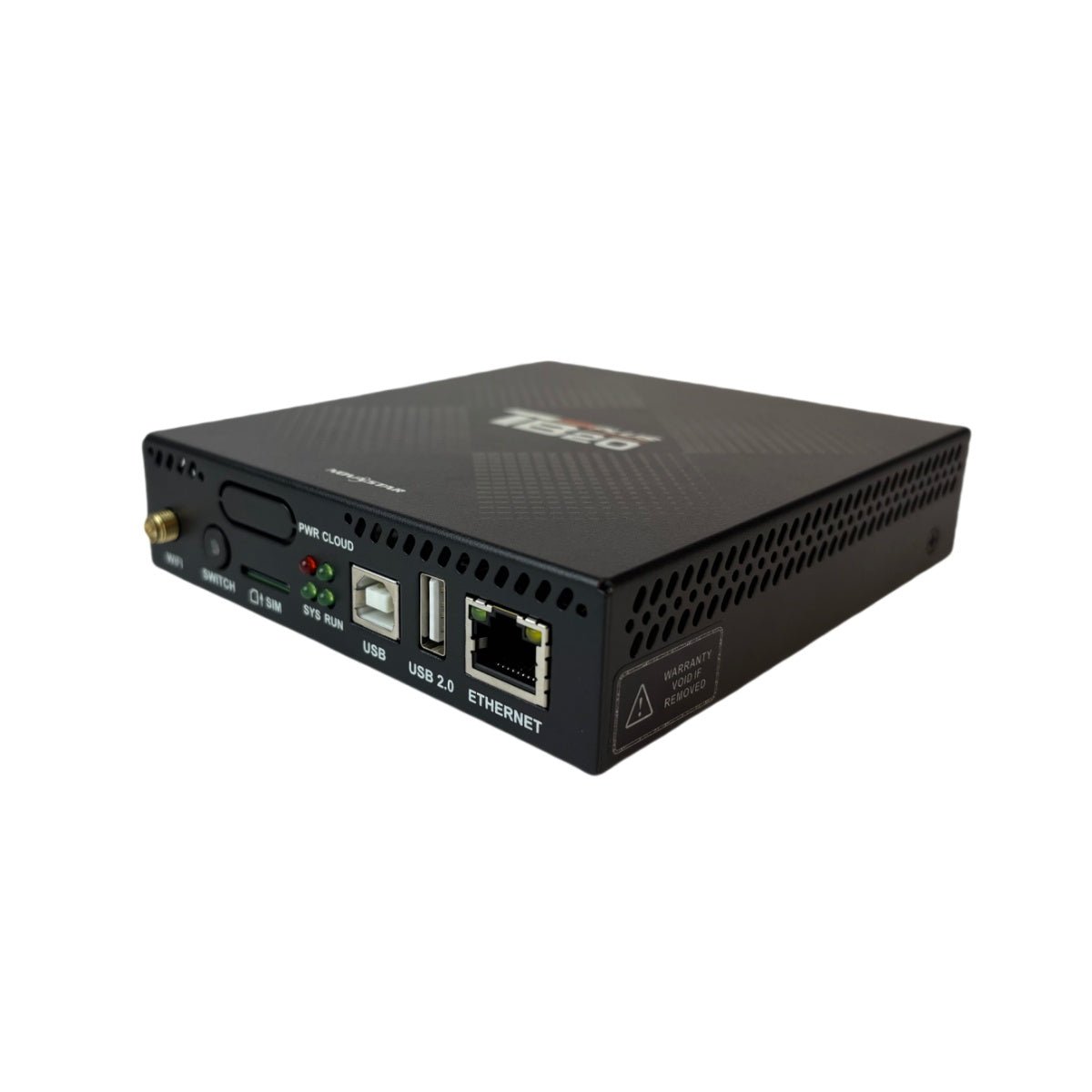
| Control port | 1x Fast Ethernet, plus a USB Type-B socket for a directly connected PC |
| Processor and memory | Quad-core ARM A53 at 1.4 GHz, 2 GB RAM, Android 10 |
| Internal storage | 32 GB, plus a USB 2.0 socket for drives from 2 GB to 128 GB |
| Video it can play at once | 1x 4K, or 2x 1080p, or 4x 720p, or 4x 480p, or 20x 360p |
| Sensor support | Not listed on this model; the connector on the front is marked reserved |
| Wireless and mobile | 2.4 GHz hotspot and network together; SIM slot fitted, 4G module bought separately |
| Power in | DC 5 V to 12 V, 15 W maximum; adapter included |
| Size and weight | 141.2 mm × 120.0 mm × 33.5 mm; 470.3 g |
| Operating range | −20°C to +60°C, 5% to 85% RH, non-condensing; IP20 |
| Approvals listed | CE, FCC, IC, CQC, CB, NTRA |
| In the carton | Wireless antenna, power adapter, 2 brackets, 4 screws, QR card, certificate |
Figures come from NovaStar’s TB20 Plus Multimedia Player Specifications V1.0.3, dated 31 July 2026.
Set your source size before you plug it in
Your source has to sit inside 2048 by 1024 at 60 Hz, and that is the line most people cross without noticing. A laptop set to 1920×1080 is 56 pixels taller than the quoted maximum.
NovaStar allows custom timings alongside that figure, anywhere from 800 to 2048 pixels wide and 600 to 2048 high, but the source has to be able to produce the timing you ask for. Not every laptop, media box or camera will.
The practical answer is to fix the source resolution at commissioning and write it on the wall plate. Something like 1280×1024 or 1600×900 clears the limit, is offered by almost every machine, and stops a visiting presenter finding a black screen.
None of this touches stored playback. Your playlist is built at the screen’s own size and plays at full resolution regardless of what the input can take.
How switching between the playlist and a live source works
One of your two sources is on the screen at any moment, and the front-panel button decides which. A green light means the live input is showing; unlit means your stored playlist is running.
Nothing is mixed or overlaid. If your brief wants a logo bar above a live picture, that is a job for a video processor rather than a player, and it is worth settling before the room is specified.
You can also make the switch in software over the network, which matters when your player ends up above a ceiling tile or behind the screen. Decide at design stage whether anyone will physically reach the button.
One more thing to plan for: this model has no loop-through output, so a confidence monitor at the lectern needs a splitter on the source side. The TB40 and TB50 have that second socket built in.
TB20 Plus or TB30 — when the small player stops being enough
These two are a generation apart, and it shows in the ports rather than in the price. Your screen size and your source size decide between them.
| Model | TB20 Plus · TB30 |
|---|---|
| Pixel capacity | 650,000 · 1,300,000 |
| Maximum side | 2048 · 4096 |
| Screen outputs | 1 · 2 |
| Live HDMI input | yes, to 2048×1024 · none |
| Control port | Fast Ethernet · Gigabit |
| Power in | DC 5–12 V adapter · 100–240 V mains |
| Price | $225 · $304 |
Order the TB20 Plus if your screen fits inside 650,000 pixels and 2048 a side, and a visiting laptop has to reach it. That combination is what this model exists for.
Order the TB30 if the screen is larger, and accept that it has no live input at all. When you need both a bigger screen and a live source, the TB50 is the model that carries both, at $488.
TB20 Plus datasheet, ViPlex and firmware
Build your cabinet map and playlists in ViPlex Express on Windows, or from your phone with ViPlex Handy over the player’s own hotspot when your site has no network yet.
Record the player password at commissioning. This generation ties published content to the player it was sent to, so a lost password means a factory reset, and that clears your cabinet map with it.
NovaStar TB20 Plus FAQ
Will it accept a 1920×1080 laptop?
Not against the quoted maximum, which is 2048×1024 at 60 Hz. Set the source to something inside that, such as 1280×1024 or 1600×900, or build a custom timing between 800 and 2048 wide and 600 and 2048 high if your source can produce one.
What is the difference between the TB20 Plus and the TB10 Plus?
One HDMI input and the button beside it. Chassis, processor, memory, pixel capacity, brackets and power adapter are the same on both.
Can it show a live source and stored content at the same time?
No. One or the other is on the screen, chosen with the front button or over the network. Overlaying a logo on a live picture needs a video processor rather than a player.
Is there a second HDMI socket for a confidence monitor?
No. This model has an input only. Use a splitter on the source side, or step up to the TB40 or TB50, which both have a loop-through output.
How big a screen will it drive?
The ceiling is 650,000 lit pixels with a 2048-pixel limit on each edge. A narrow banner is the exception and may stretch to 8192 pixels across, as long as the lit total stays under the same figure.
Can I connect a light sensor?
Not according to this datasheet. The connector on the front is marked reserved and sensor support is not listed for this model, unlike the TB10 Plus. Choose that model or a 3rd-generation player if automatic brightness matters.
Does it need a sending card?
No. Playback and screen driving are in the same box, so its Gigabit output goes straight to the receiving cards in your cabinets.
What is in the carton?
The player, a wireless antenna, a power adapter, two mounting brackets, four M3 screws, a QR card and a certificate. Fix it to a surface rated for at least 1.9 kg.
What warranty covers a TB20 Plus?
Three years of serial-tracked manufacturer coverage, because these players come through our authorized US NovaStar channel.
Can I get volume pricing or Net 30 terms?
Yes. Send the model and the count for volume pricing. Purchase orders and Net 30 terms may be available for approved schools, government buyers, venues and established integrators.
How do I order a TB20 Plus?
Pricing here is per player. Orders placed before 3 PM ET on in-stock items ship the same business day from Florida. Contact us to confirm current availability.
Reviews
There are no reviews yet.