
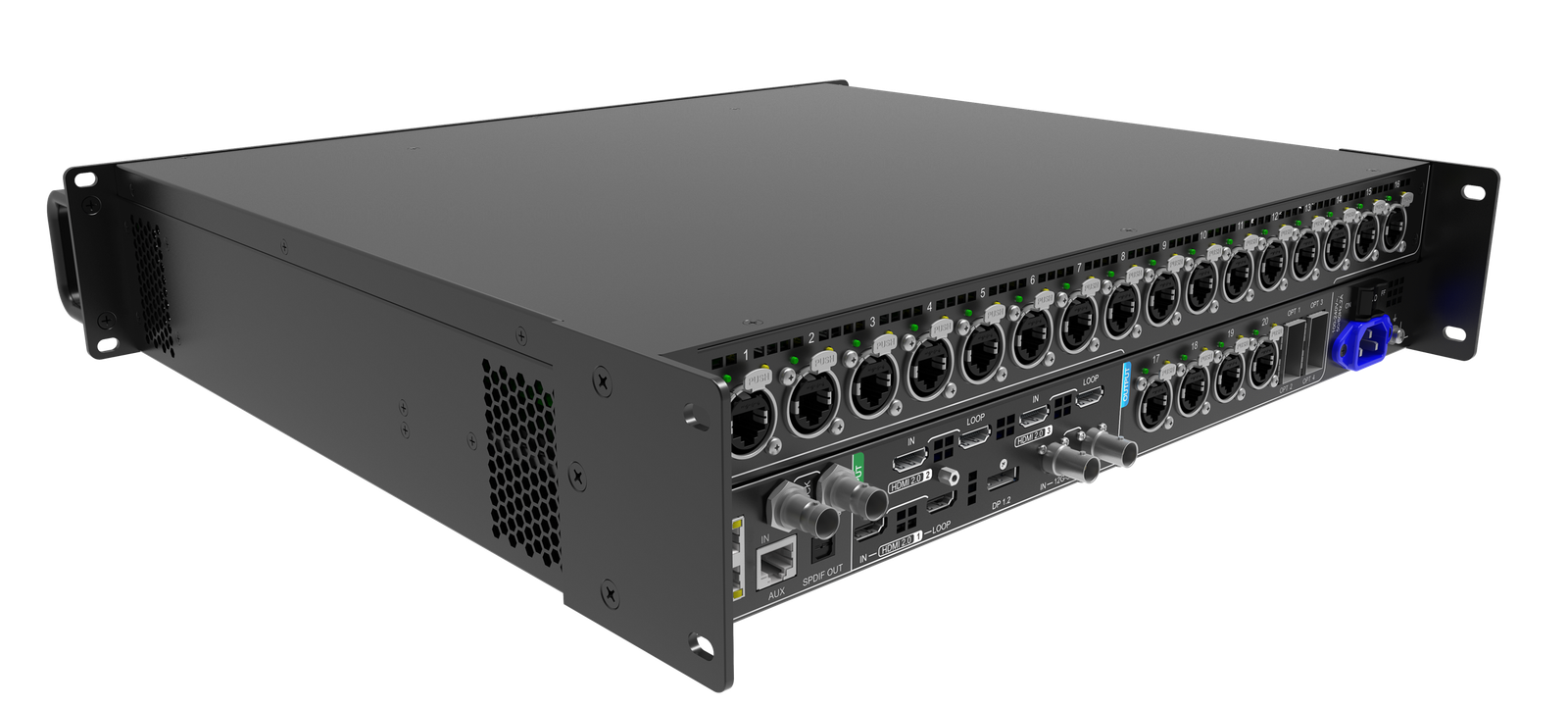
What is the NovaStar MX40 Pro?
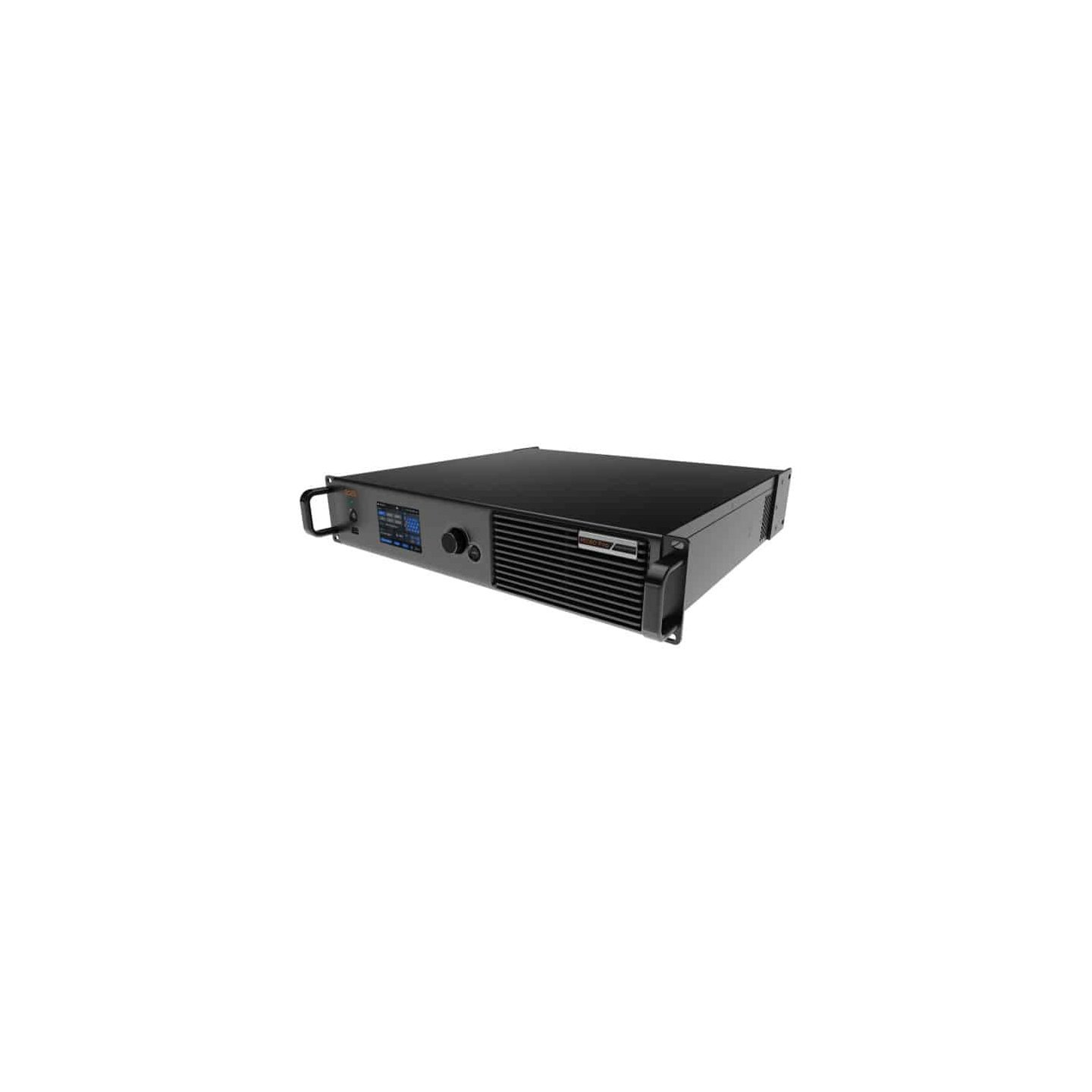
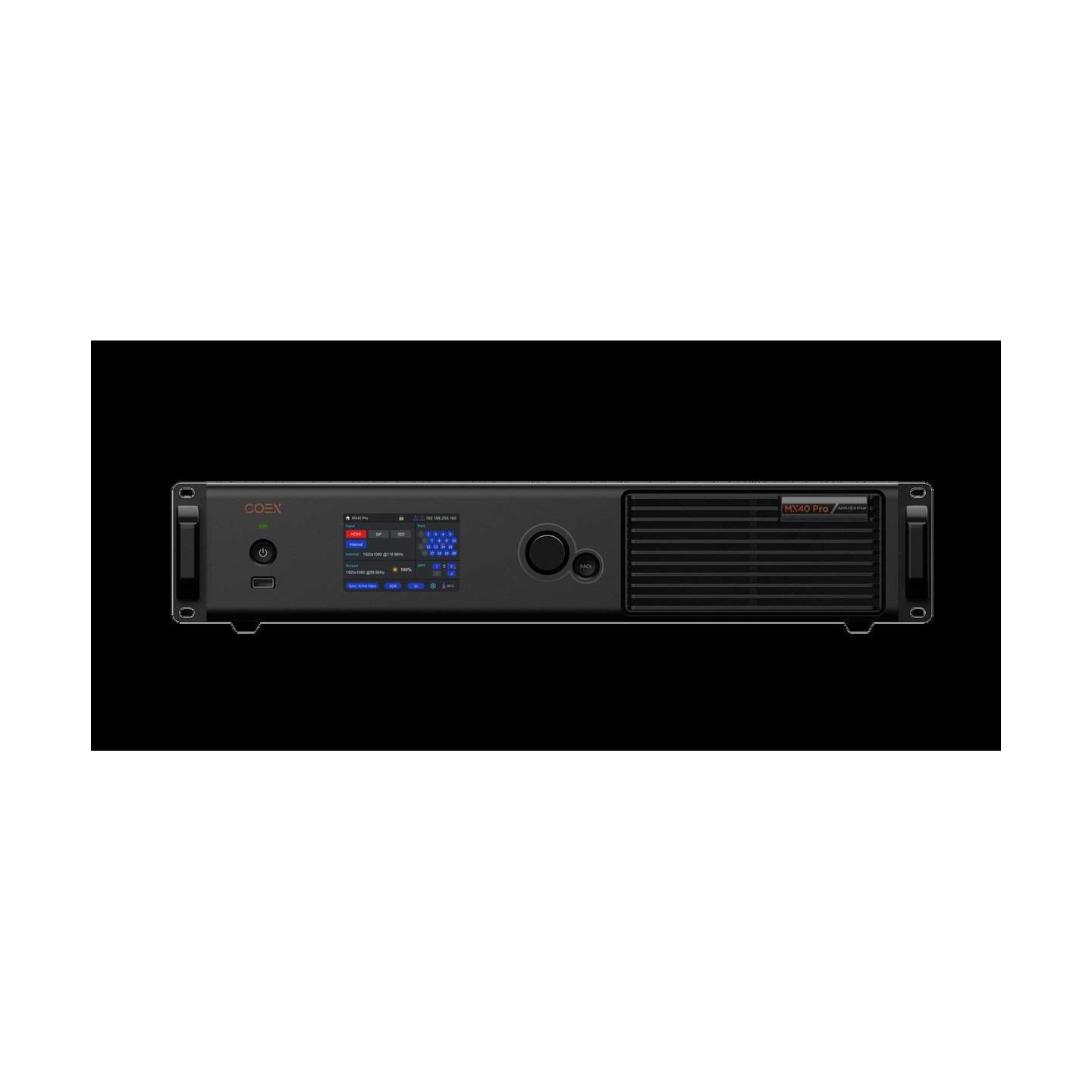
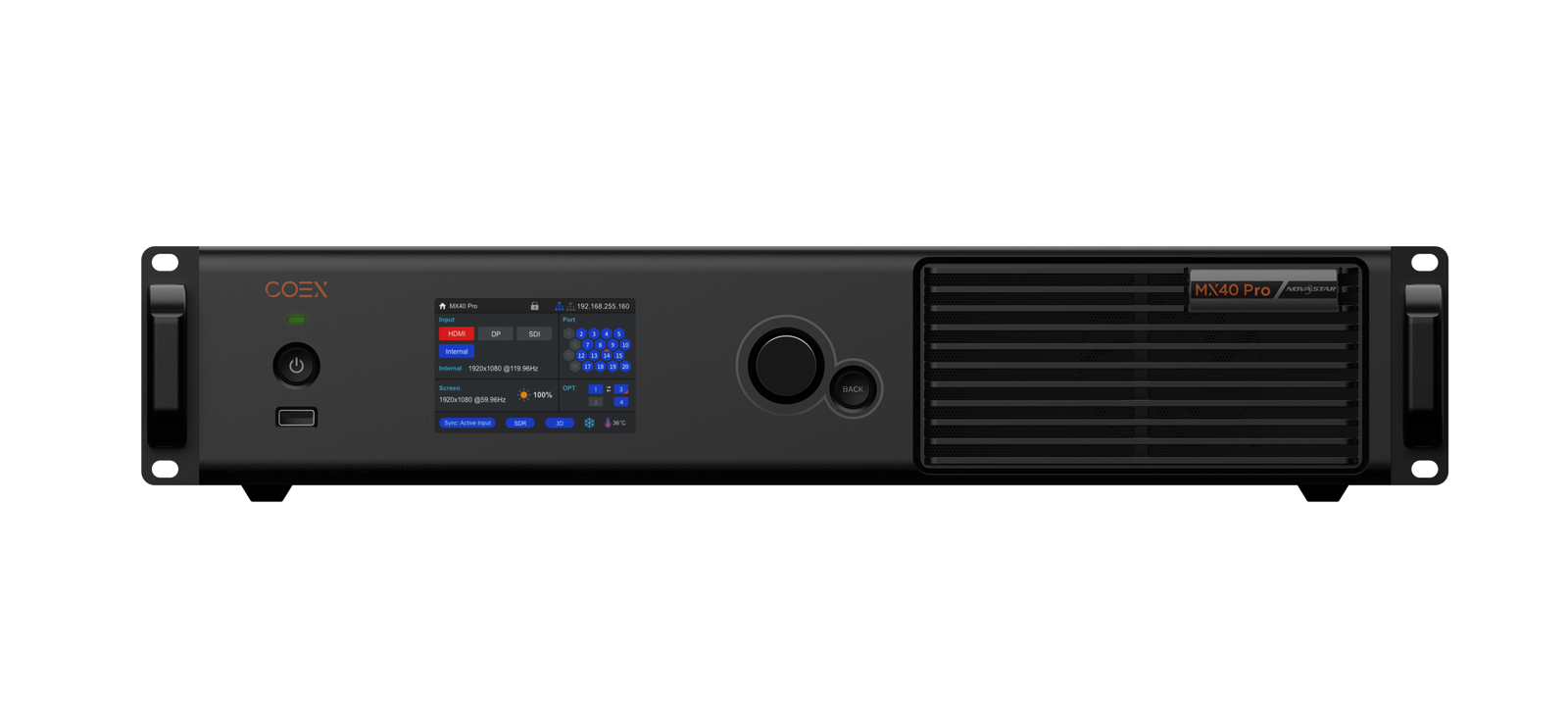
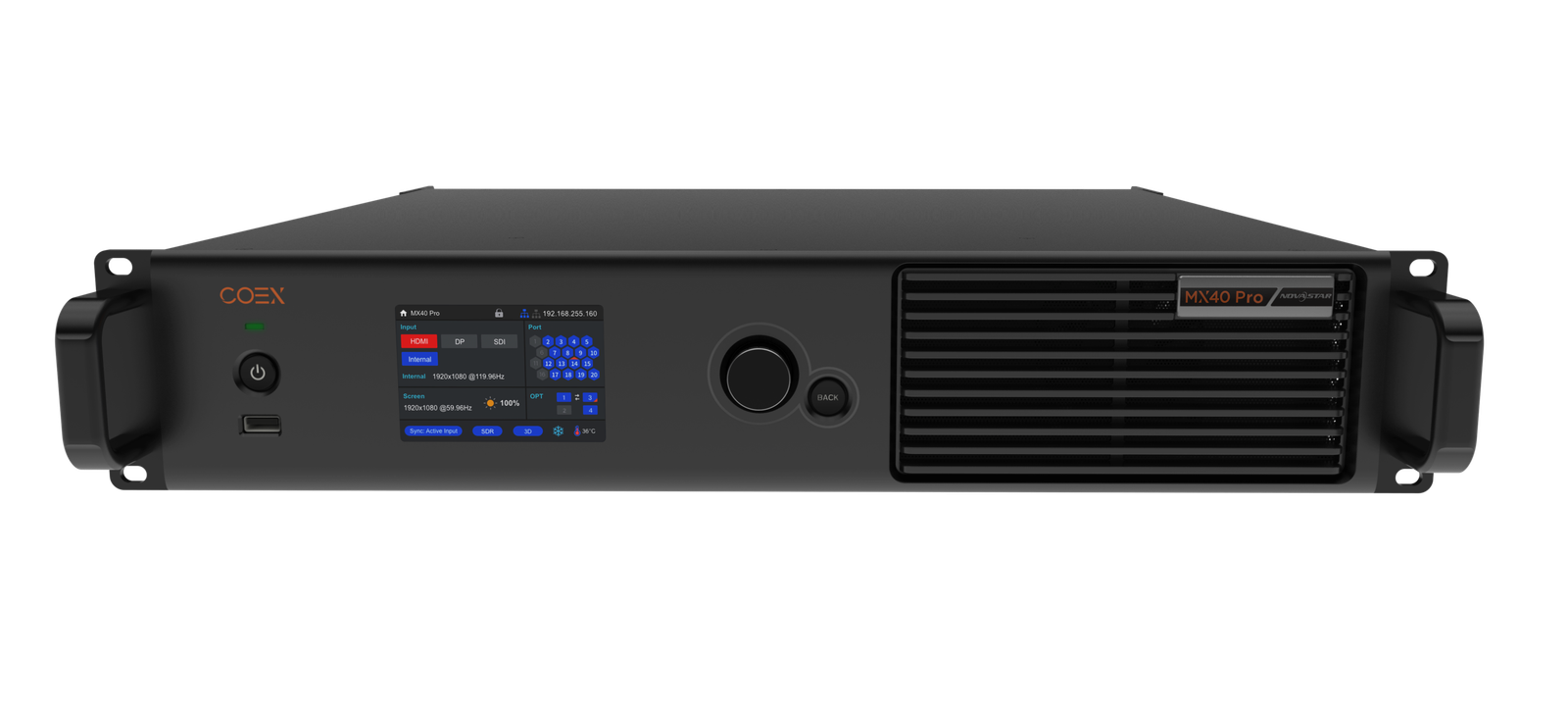
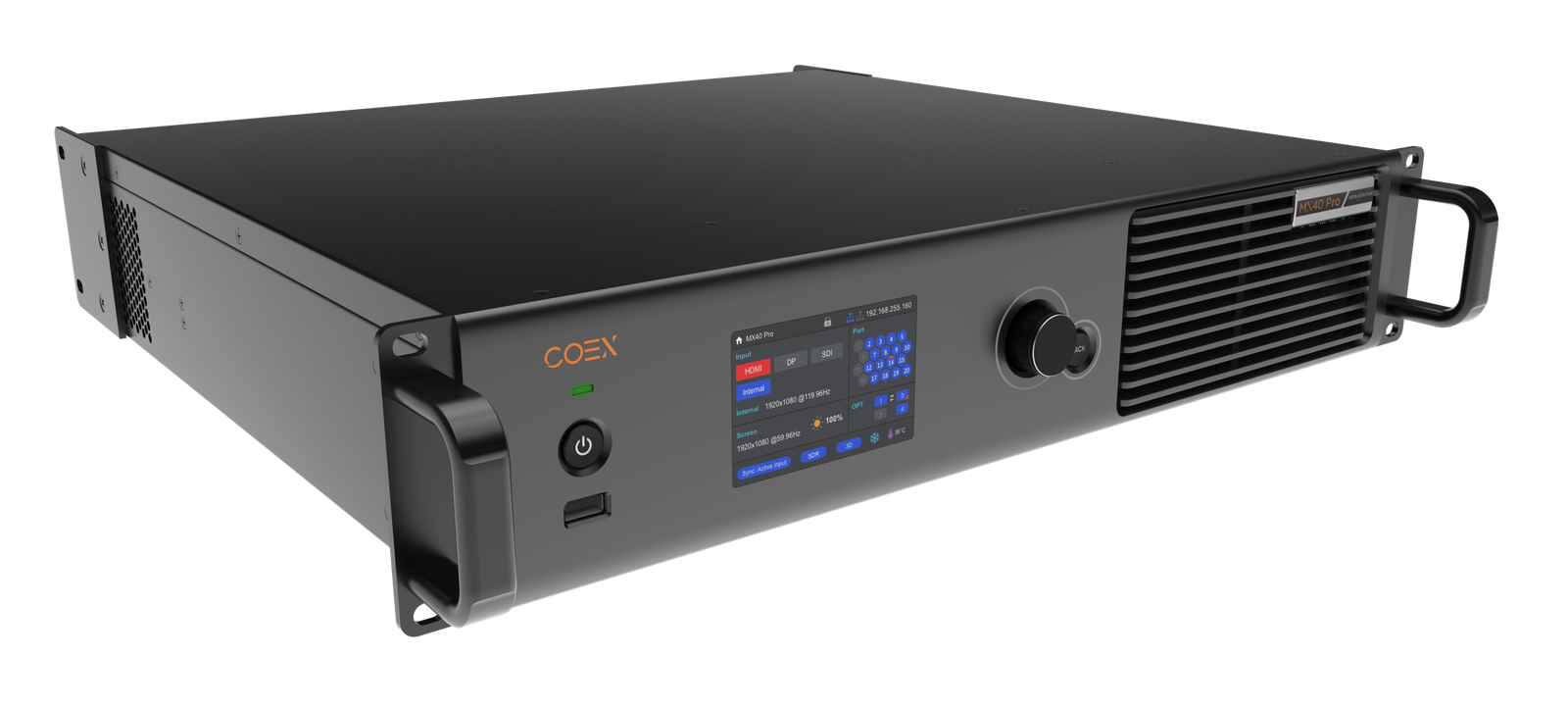
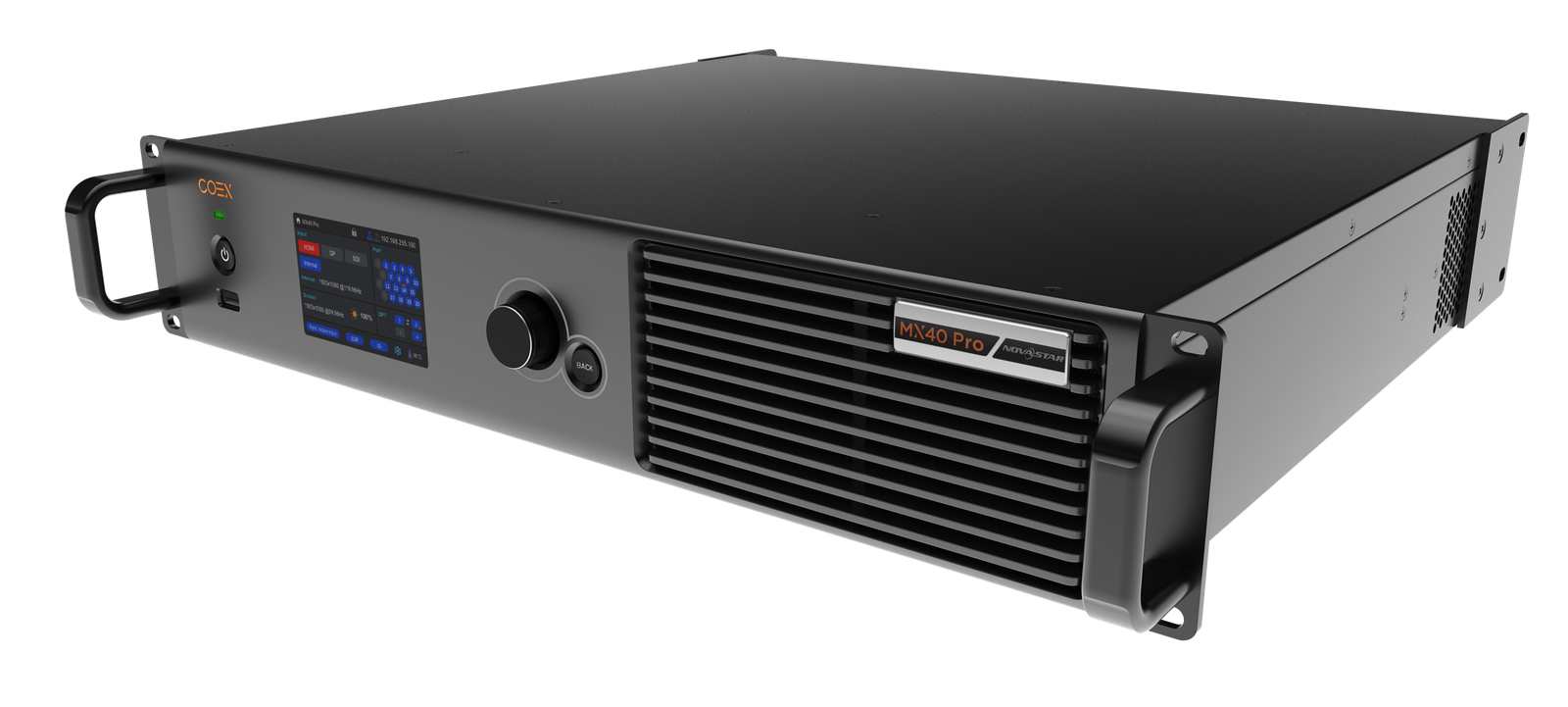
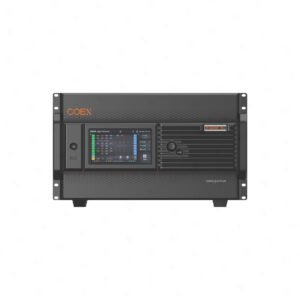
The NovaStar MX40 Pro is the flagship fixed-I/O 4K controller in the COEX series. It is for LED systems where the controller must do more than distribute pixels: it must combine several sources, manage the picture, stay in step with cameras and send the final image reliably to a large wall.
That makes it a strong fit for virtual-production stages, broadcast backdrops, LED cinema, e-sports, premium rental and color-critical fixed installations. One MX40 Pro can control up to 9 million pixels through 20 Ethernet outputs or four 10G optical paths. It accepts HDMI, DisplayPort and 12G-SDI sources, works with VMP for screen and layer setup, and relies on compatible receiving cards for advanced COEX image features.
MX40 Pro key features
- Multiple sources become one controlled LED canvas: Three HDMI 2.0 inputs, DisplayPort 1.2 and 12G-SDI can be arranged as up to four independent 4K layers, with layer priority in VMP.
- Color work goes beyond a global brightness setting: Use Color Replacement, 14Ch Color Correction, Color Curves and 3D LUT files to shape a source image for the LED wall. The controller accepts .cube LUTs at 17³, 33³ or 65³ precision.
- On-camera tools are built into the controller: In a compatible COEX LED system, Genlock, Frame Rate Adaptive, Shutter Fit and Frame Multiplication help the wall fit a camera workflow. Shutter Fit adjusts driver-IC parameters for the camera shutter angle to address black lines and grayscale issues in xR shooting.
- Low latency has a clear tradeoff: The controller can run at 0-frame processing latency, under 1 ms, without reducing the stated load. Low-latency mode cannot be used together with Genlock, 3D or Frame Multiplication.
- Irregular screens do not waste pixel capacity: With no rectangle restriction, blank areas around a shaped canvas do not count toward the Ethernet-port load; only the cabinets carrying pixels do.
- Image-enhancement features are system features: Dynamic Booster needs the A10s Pro family and a compatible colorimeter. Full-Grayscale Calibration needs supported A10s Pro or A8s Pro families plus the specified calibration camera. The MX40 Pro provides the control platform; the cabinet hardware completes the result.
MX40 Pro specifications
| Product role | Flagship 2U all-in-one LED display controller in the NovaStar COEX system |
|---|---|
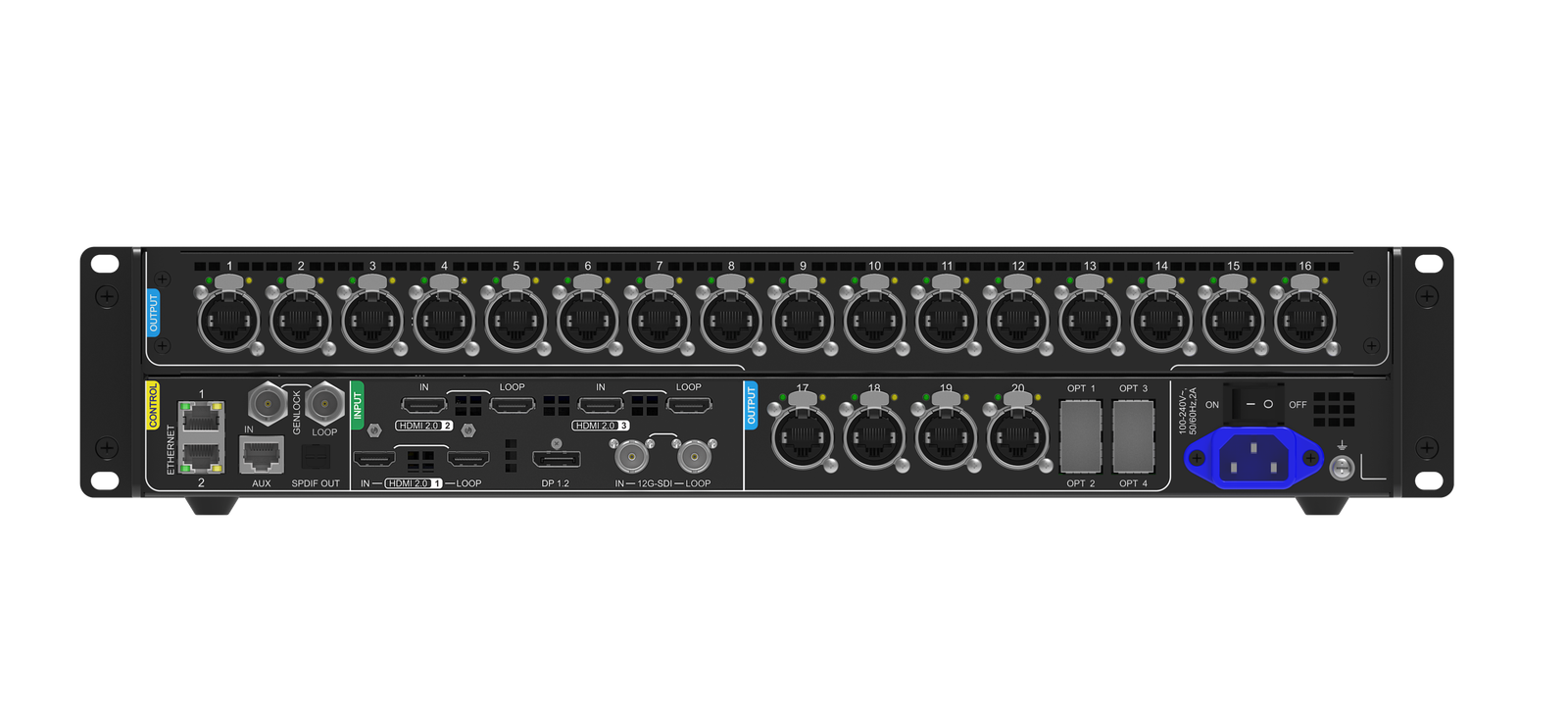
| Video inputs | 3 × HDMI 2.0, 1 × DisplayPort 1.2, 1 × 12G-SDI; HDMI and SDI loop outputs |
| Maximum input | 4096 × 2160 at 60 Hz; forced ultra-wide or ultra-tall formats up to 8192 pixels on one axis |
| LED output capacity | Up to 9,000,000 pixels total |
| Physical LED outputs | 20 × Gigabit Ethernet with hot backup; 4 × 10G optical ports |
| Per-port load at 60 Hz | 659,722 pixels at 8-bit; 494,791 at 10-bit with A10s Pro/A8s Pro families; 329,861 at 12-bit |
| Layers | Up to four independent 4K layers; layer creation and editing in VMP |
| HDR and color | HDR10 and HLG; 3D LUT, Color Replacement, 14Ch Color Correction and Color Curves; Dynamic Booster and Full-Grayscale Calibration with the required receiving cards and calibration tools |
| Synchronization | Genlock input and loop; up to 20 units cascaded with a standard sync generator |
| Control | VMP, front-panel 3.5-inch TFT and knob, TCP/IP, RS232 AUX, SNMP, Art-Net and COEX central control protocol |
| Power | 100–240 V AC, 50/60 Hz; 95 W maximum |
| Dimensions / weight | 482.6 × 94.2 × 467.0 mm; 7.5 kg net |
| Environment | IP20; –20°C to +45°C operating temperature |
How the MX40 Pro sends video from source to LED wall
A working LED image passes through four handoffs: the source enters the MX40 Pro; the controller builds the final canvas; Ethernet or fiber carries that canvas to the cabinets; and each receiving card converts the data for its LED modules.
- Connect the video sources. Plug in a media server, switcher or camera system through HDMI, DisplayPort or 12G-SDI.
- Build the picture in MX40 Pro. The controller scales the sources, places the layers and applies the required color and sync settings.
- Send LED data by cable or fiber. Use the 20 Ethernet ports for local cabinet chains or the 10G optical ports for longer fiber runs.
- Receiving cards drive the modules. Receiving cards inside the cabinets turn the controller data into the image shown by the LED modules.
MX40 Pro VMP setup and receiving-card compatibility
NovaStar VMP is the workspace used to configure the MX40 Pro: map cabinet geometry, build layers, save presets and apply supported image settings.
- MX40 Pro: receives HDMI, DisplayPort or 12G-SDI, processes layers and color settings, then sends the LED data over Ethernet or fiber.
- VMP: creates the canvas, maps cabinets, edits layers, manages presets and configures supported image-quality tools.
- Receiving cards: convert the MX40 Pro data for the LED modules and set the available feature level. Dynamic Booster requires the A10s Pro family plus a CA410-VP427, CA410-P427 or CA410-P427H colorimeter. The 10-bit per-port figure and Full-Grayscale Calibration require supported A10s Pro or A8s Pro families; Full-Grayscale Calibration also needs a CC60 or C3200 camera.
Before replacing an older NovaLCT-based controller, confirm the installed receiving-card model, firmware and cabinet files. COEX uses VMP, and an older card may run the screen without supporting every COEX feature.
How many LED pixels can the MX40 Pro control?
The MX40 Pro can control up to 9 million pixels across all 20 Ethernet outputs. However, each output also has its own limit. That per-port limit becomes lower when you ask the system to send more color information for every pixel.
Bit depth describes how many brightness and color steps the system can show. Standard 8-bit video uses less data. A 10-bit or 12-bit workflow can produce smoother gradients, but it sends more data per pixel. This means each Ethernet port can control fewer pixels.
| 8-bit at 60 Hz | Up to 659,722 pixels per Ethernet port. This gives the highest pixel capacity per port. |
|---|---|
| 10-bit at 60 Hz | Up to 494,791 pixels per port with a supported A10s Pro or A8s Pro receiving-card family. |
| 12-bit at 60 Hz | Up to 329,861 pixels per port. A 12-bit wall therefore needs more output ports for the same screen size. |
For example, a cabinet chain that needs 500,000 pixels fits on one port at 8-bit. It does not fit on one port at 10-bit or 12-bit, so the same cabinets must be divided between more outputs. Before ordering, first total the whole wall to confirm it is below 9 million pixels. Then make a port-by-port cabinet map and confirm that no individual Ethernet output exceeds the limit for the chosen bit depth.
MX40 Pro inputs, layers and output paths
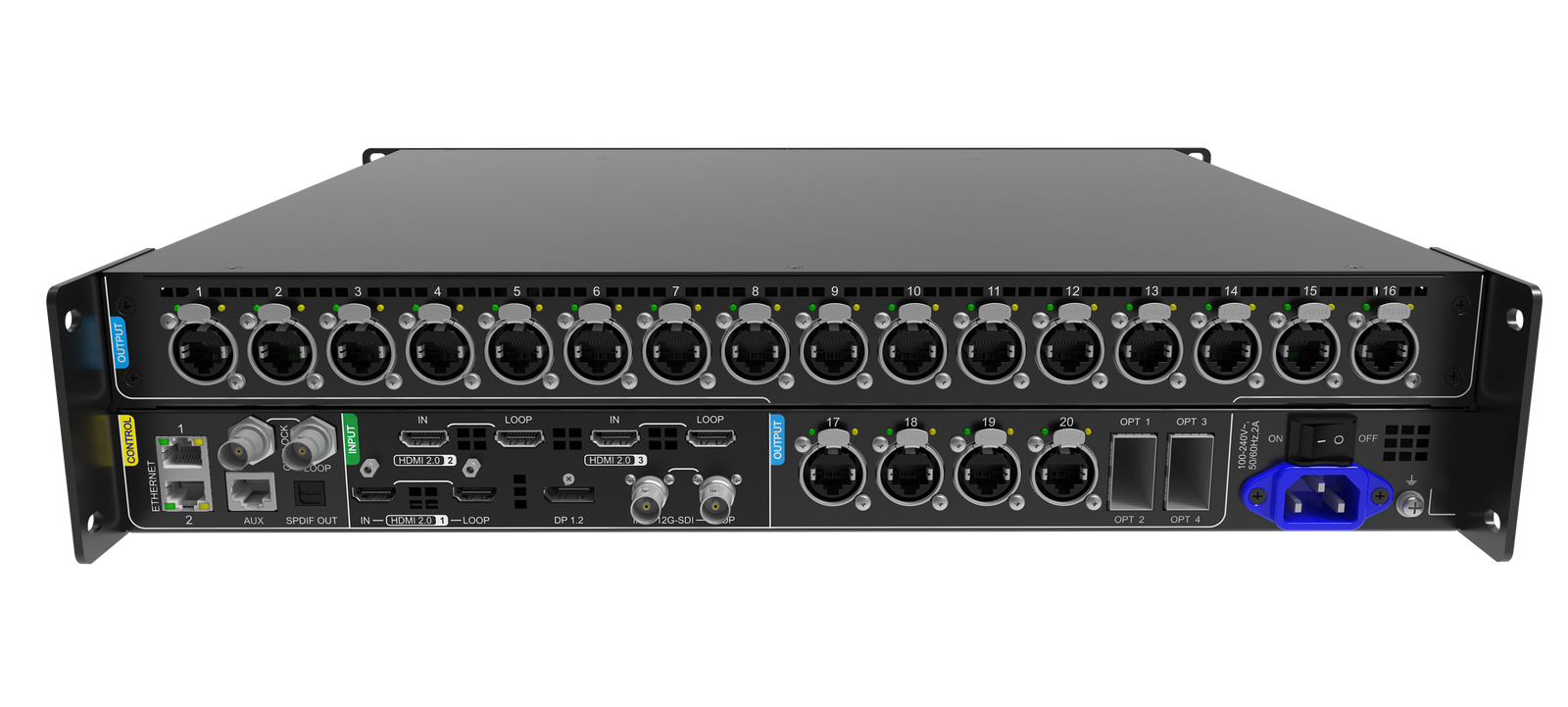
The input side is designed for 4K production sources: three HDMI 2.0 inputs, one DisplayPort 1.2 input and one 12G-SDI input. HDMI and SDI loop outputs can pass signals to another device. In all-in-one mode, VMP can build up to four independent 4K layers and set their size, position and order.
| HDMI 2.0 | Three inputs for production, playback or switcher feeds; one HDMI loop output |
|---|---|
| DisplayPort 1.2 | One 4K input for workstation or media-server output |
| 12G-SDI | One broadcast input with loop output; supports 12G/6G/3G/HD standards |
| Gigabit Ethernet | Twenty physical LED data outputs with hot-backup support |
| 10G optical | Four optical outputs; mapping changes with 20-port or 40-port mode |
| Control ports | Two Gigabit control ports plus RS232 AUX for central-control integration |
Choose 20-port mode, 40-port mode or an Ethernet backup plan
In 20-port optical mode, OPT 1 and OPT 2 carry Ethernet ports 1–20; OPT 3 and OPT 4 copy those paths for backup. In 40-port mode, all four optical outputs carry separate groups of ten logical ports. That creates more optical paths, but it changes how backup must be planned.
| 20-port optical mode | Two primary 10G paths plus two copied paths. Choose this when optical redundancy matters more than forty independent logical outputs. |
|---|---|
| 40-port optical mode | Four independent groups of ten logical outputs. Choose this when the topology needs more fiber-mapped ports and the receiving-side hardware supports the plan. |
MX40 Pro commissioning checks that avoid rework
Most commissioning delays come from a mismatch elsewhere in the COEX system, not from the MX40 Pro itself. Confirm these four points before the equipment reaches site.
| VMP and controller firmware | Use a VMP release that matches the MX40 Pro firmware in the current compatibility matrix. A controller may answer a network ping but still not appear correctly in the software. |
|---|---|
| Receiving-card model and firmware | Confirm the installed card and the image feature you need before calibration. Dynamic Booster, full-grayscale calibration and monitoring do not have identical card requirements. |
| Source and Genlock reference chain | For camera work, the media server or switcher, the MX40 Pro and the cameras need compatible frame rates and a complete reference path. Enabling Genlock at the controller alone cannot correct an unsynchronized source. |
| Fiber endpoints and backup route | Record the converter or receiving-side endpoint, fiber type, cabinet breakout and backup route before selecting 20-port or 40-port optical mode. |
MX40 Pro applications and project scenarios
The MX40 Pro is most useful when a wall must perform in a camera, multi-source or color-critical workflow, not simply display a single feed.

xR and virtual production
Use Genlock, frame multiplication and Shutter Fit to plan an LED wall that will be photographed by cinema or broadcast cameras. Final camera tests are still required.

Broadcast studios
Bring in 12G-SDI or HDMI production feeds, lock the system to Genlock and send the composed picture to a studio LED backdrop.

Fine-pitch, color-critical walls
Combine supported receiving cards and calibration hardware with VMP when smooth low-brightness grayscale and cabinet-to-cabinet color matching matter.

Large fixed installations and premium rental
Use the 20 Ethernet outputs and built-in fiber paths for large walls where cabinet chains, remote equipment rooms and backup routes must be planned in advance.
MX40 Pro manual, datasheet, VMP and control protocol
Use the MX40 Pro manual for setup instructions and the datasheet for connector and capacity limits. The VMP page contains the COEX software resources. The protocol guide is for third-party control integration.
MANUALMX40 Pro user manualSetup, screen configuration, port modes and operating limits.
SOFTWARENovaStar VMPCOEX screen mapping, layers, presets, color adjustment and device control.
PROTOCOLCOEX central control protocolOfficial family guide for RS232, TCP port 5200 and UDP port 5201.
Direct PDF links: MX40 Pro User Manual PDF · MX40 Pro Datasheet PDF
Before updating firmware or VMP, save the current screen configuration and confirm that the software, controller firmware and receiving-card versions are compatible.
MX40 Pro vs other NovaStar COEX controllers
The MX40 Pro is the fixed-I/O 1G COEX controller for large walls and production systems. For a smaller 1G system, look at KU20, MX20 or MX30. For a 5G receiving-card system, look at CX40 Pro. For a larger system that needs configurable input and output cards, look at MX2000 Pro.
| KU20 or MX20 | Smaller COEX systems that stay within 3.9 million pixels and six Gigabit Ethernet outputs. Choose between them according to the required inputs and production tools. |
|---|---|
| MX30 | A standard 1G COEX wall that stays within 6.5 million pixels and ten Ethernet outputs. It is the practical option when the project does not require 12G-SDI or the MX40 Pro’s twenty physical output ports. |
| MX40 Pro | A project that needs up to 9 million pixels, up to twenty physical Gigabit Ethernet outputs, four 10G optical ports, 12G-SDI, or up to four editable 4K layers. These are concrete reasons to specify the MX40 Pro rather than the MX30. |
| CX40 Pro | A 5G output architecture. Choose it only when the receiving cards and cabinet plan are designed for 5G data; it is not a drop-in substitute for a standard 1G MX40 Pro layout. |
| MX2000 Pro | A larger modular COEX system when the project requires configurable input/output cards or an 8K-class platform. |
Choose the MX40 Pro when one of its defined advantages is required: more than ten standard 1G cabinet chains, a wall above 6.5 million pixels but within 9 million, a 12G-SDI source, four editable 4K layers, or its 10G fiber architecture. If none of those conditions applies, the MX30 may be the more focused choice. If the system is built around 5G receiving cards, evaluate the CX40 Pro instead.
MX40 Pro buying and setup FAQs
What size LED wall can the MX40 Pro drive?
Up to 9 million pixels total. The required port count still changes with bit depth, frame rate, receiving-card family and cabinet map, so confirm both the complete pixel total and the load assigned to each Ethernet output.
Does the MX40 Pro use NovaLCT or VMP?
Use NovaStar VMP for the COEX workflow. If this is a replacement for a NovaLCT-based system, identify the receiving cards and save the current cabinet configuration before changing the controller.
Can the MX40 Pro be controlled over TCP or RS232?
Yes. NovaStar’s COEX central-control instructions document RS232 plus TCP on port 5200 and UDP on port 5201. Use the official protocol PDF linked above instead of assuming a REST API.
Can I use Genlock and low latency together?
No. The official compatibility notes state that low latency cannot be enabled with Genlock, 3D or frame multiplication. Decide which timing feature the production needs before commissioning.
Which receiving card should I pair with the MX40 Pro?
Use a supported COEX/Armor receiving card chosen for the cabinet design and required features. Dynamic Booster requires the A10s Pro family; supported A10s Pro/A8s Pro families are also important for 10-bit capacity and full-grayscale calibration.
What extra hardware is needed for Dynamic Booster and Full-Grayscale Calibration?
Dynamic Booster needs an A10s Pro receiving card or derivative and a CA410-VP427, CA410-P427 or CA410-P427H colorimeter. Full-Grayscale Calibration needs an A10s Pro or A8s Pro family card or derivative, plus a CC60 or C3200 camera. These are not controller-only functions.
Is the MX40 Pro suitable for virtual production and xR?
Yes, when the complete camera and LED system is specified for it. The MX40 Pro provides Genlock, Frame Rate Adaptive, Shutter Fit and Frame Multiplication; the final xR result still depends on the receiving cards, driver ICs, source frame rate, camera settings and reference plan. Choose between low latency and the Genlock/Frame Multiplication workflow because those modes cannot run together.
MX40 Pro order checklist
Confirm the technical details below against the manual and datasheet before purchase:
- Does the full LED canvas stay within 9 million pixels?
- Does every Ethernet output stay within the limit for the chosen 8-bit, 10-bit or 12-bit workflow?
- Do the video sources match the HDMI 2.0, DisplayPort 1.2 or 12G-SDI inputs?
- Are the installed receiving cards supported by the required COEX features?
- Will the system use physical Ethernet, 20-port optical mode or 40-port optical mode?
- If backup is required, is the primary and backup path documented at both ends?
- Are VMP, controller firmware and receiving-card versions compatible?
Once you have confirmed the screen map, sources, receiving cards, fiber route and software versions, feel free to contact us. For volume pricing, we will make sure to give you a favorable bulk-purchase quote. For a replacement system, keep a backup of the current configuration before disconnecting the existing controller.
Reviews
There are no reviews yet.