
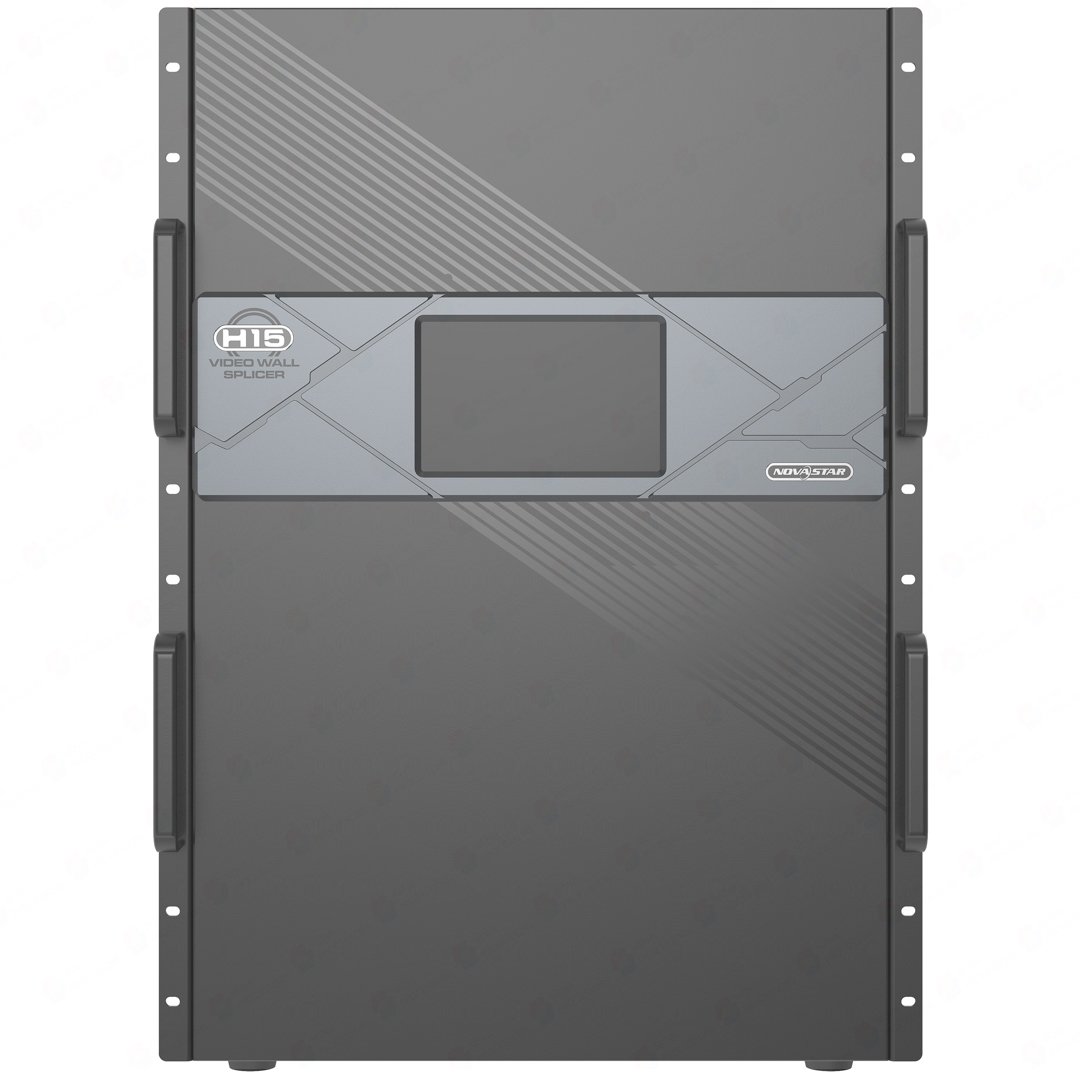
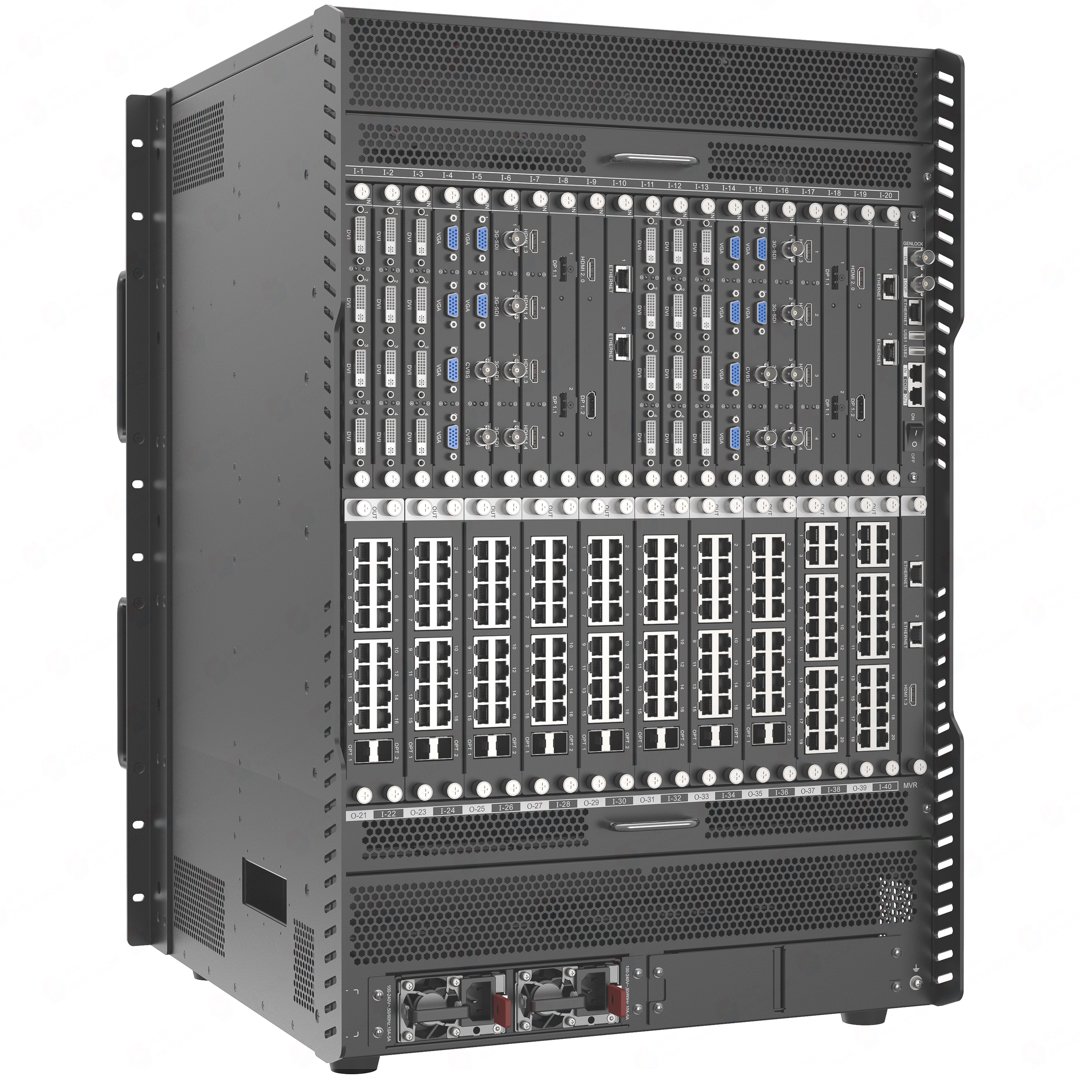
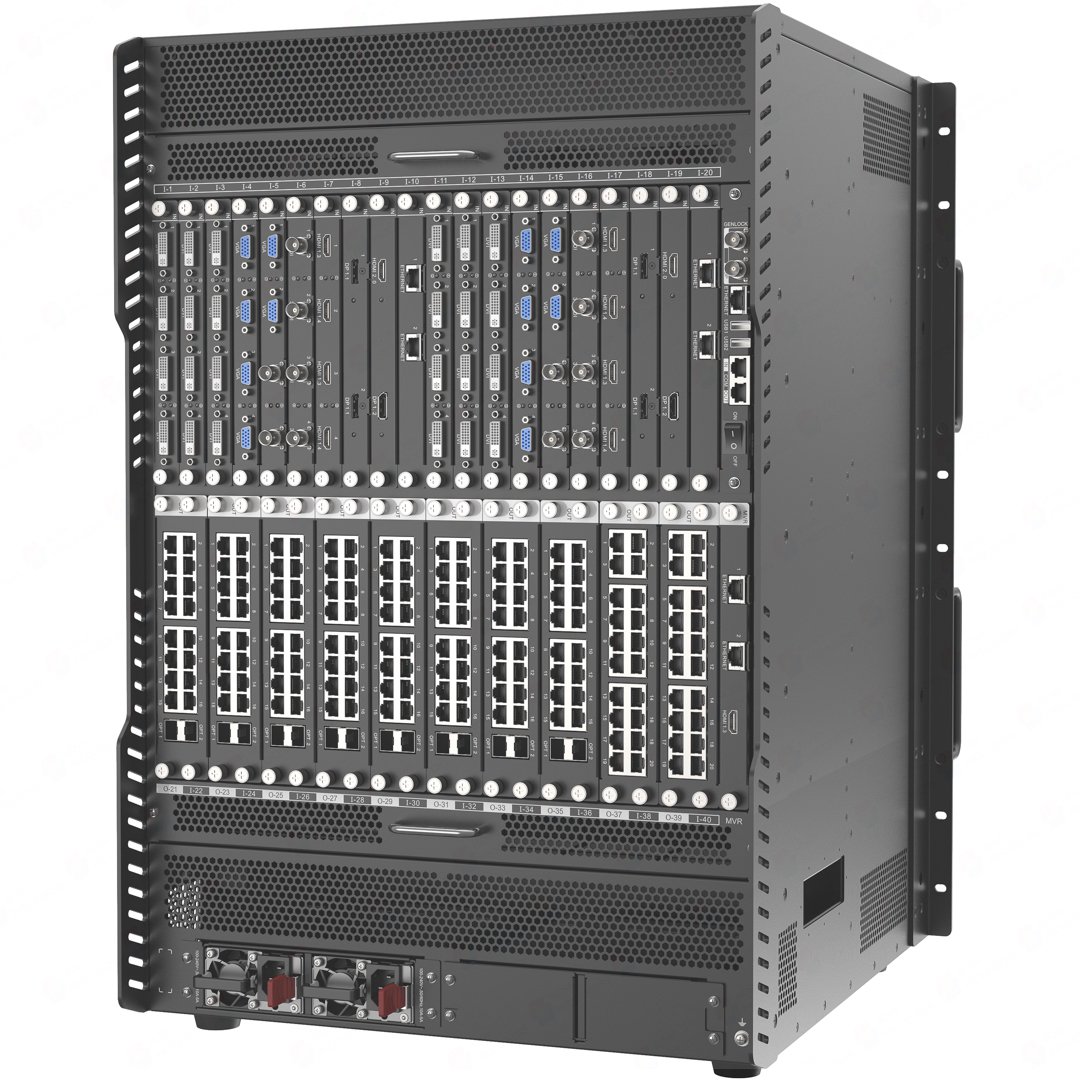
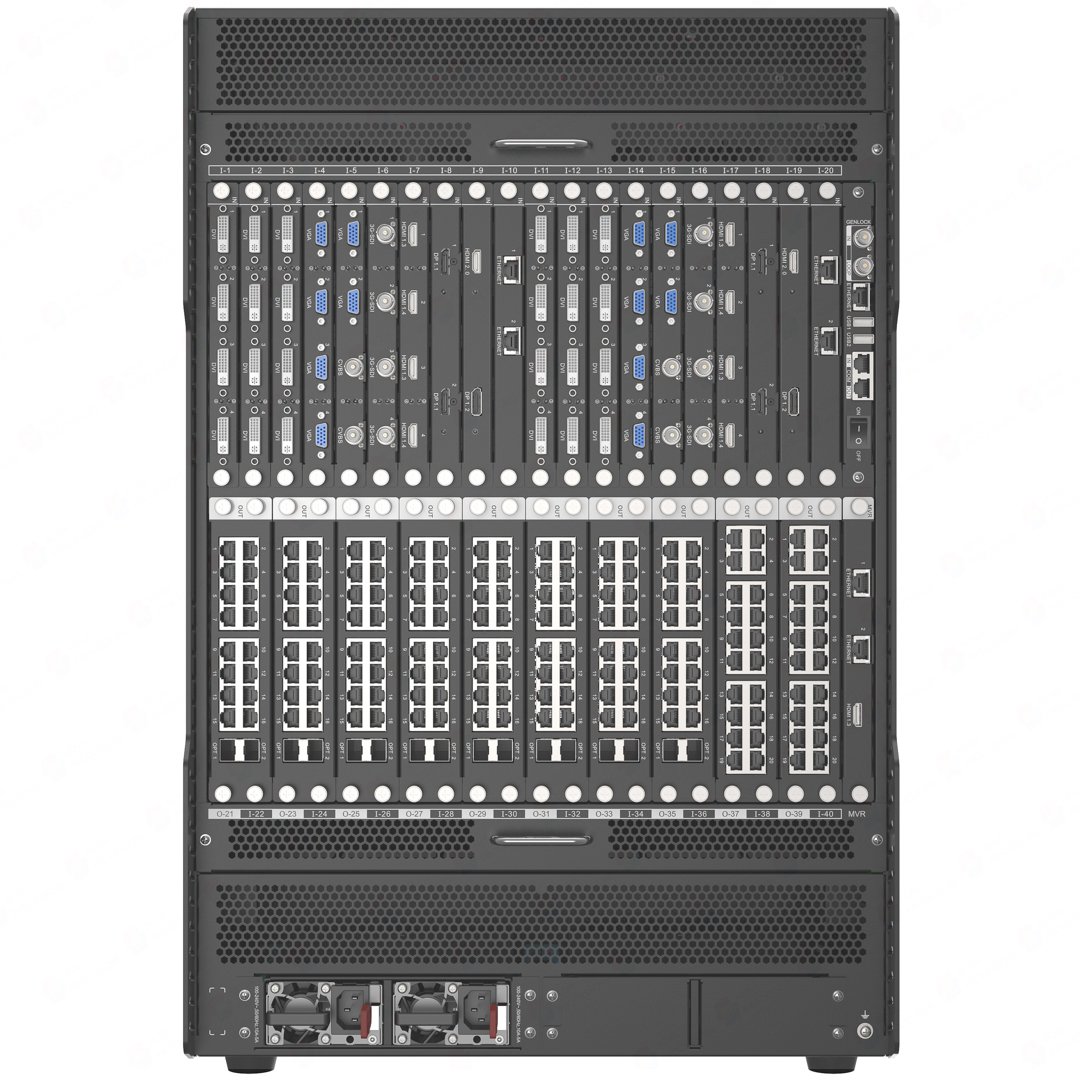
What is NovaStar H15 video wall splicer?
The NovaStar H15 video wall splicer is a 15U modular chassis for a permanent multi-screen LED installation with a defined source list, several cabinet routes and enough rack space for a larger system. It works in three stages: selected input cards receive the computer, camera, media-server or switcher feeds; H15 builds the required LED layouts; selected LED output cards carry each finished picture to the LED cabinets.
Choose H15 when the completed system needs up to 30 input-card positions, up to ten LED output-card positions and up to 16 2K layers on an output card. It is built for a control room, studio, command center or large presentation environment where the screen layout must change without rebuilding the physical source connections.
Request H15 bulk pricing →
For confirmed multi-H15 or project quantities. Direct checkout remains available when the required cards are already specified.
NovaStar H15 video wall splicer key features: what makes it different?
- Keep a full room of working sources in one chassis: H15 has room for up to 30 input cards and 120 input channels. A control room can keep its camera group, dashboard, program feed and presentation sources connected and ready instead of changing cables for every operating mode.
- Compose a large LED picture instead of simply passing one source through: H15 supports up to 160 layers in total and up to 16 2K layers on an output card. That gives an operator room for a main canvas, supporting data, camera windows and titles in the same planned display.
- Choose the actual cabinet route, not a fixed connector list: up to ten LED output-card positions can be filled for the RJ45 or fiber path the wall uses. The selected card family determines the available cabinet connections and the usable pixel capacity.
- Return to familiar display states: multi-screen management and presets help an operator move between known layouts for a briefing, program, alert state or presentation without rebuilding the screens from scratch.
- Make resilience a purchase decision: H15 is supplied with two power supplies and supports two optional redundant supplies. Its input and output cards are hot-swappable, but the power and output backup plan must be chosen for the real installation.
NovaStar H15 specifications
These are the fixed H15 chassis limits. The final source connectors, cabinet ports and LED capacity depend on the cards installed in the chassis, so those choices are shown separately below.
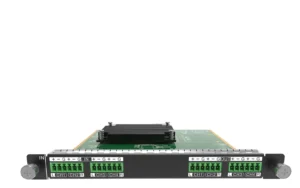
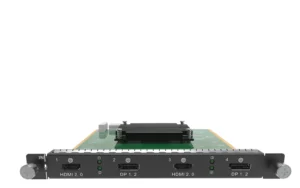
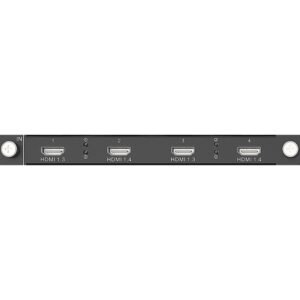
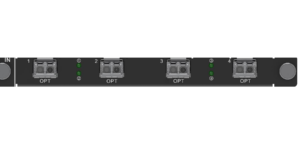
NovaStar H15 input cards and LED output cards
H15 becomes a working LED wall only after its card roles are selected. Input cards decide which source signals enter the chassis. LED output cards—called sending cards in NovaStar documentation—carry the completed H15 layout to LED cabinets. Preview and control cards add separate operating functions; they do not replace either the source-input or cabinet-output path.
Browse the H Series category when a different source format or cabinet path is needed. The purchase check is simple: every source must fit an input card, every cabinet route must fit an LED output card, and the required card count must fit H15.
How NovaStar H15 connects video sources to LED cabinets
Bring the selected sources into H15
Connect each computer, camera, media server or switcher feed to its matching installed input card. The chassis provides the card positions; it does not include every source connector by itself.
Build the screens and layers in H15
H15 sizes, crops and positions those sources on the intended LED canvases. A program image can fill the main wall while camera, data or title windows stay where the operator needs them.
Send and map the finished LED picture
The selected LED output cards send the completed layouts through the planned RJ45 or fiber routes. The cabinet receiving-card configuration and connection order then map the picture across the physical LED wall.
NovaStar H15 maximum pixel capacity by LED output card
H15 has ten LED output-card positions, so it does not have one fixed LED-pixel limit. The published totals below require the same listed card in all ten positions. A system with fewer cards has the capacity of the cards actually installed; a mixed configuration must be sized from its cabinet map.
For example, two 20x RJ45 cards provide up to 26 million pixels, not 130 million. The 260-million-pixel figure requires ten enhanced 4x Fiber cards. Capacity is only one check: the port type, fiber plan, cabinet order and receiving-card configuration must also match the installed wall.
NovaStar H15 video wall splicer applications
H15 earns its place when the screen has an active operating role and the final source/card plan needs a 15U chassis. These scenes make that decision concrete.
Operations or command-center LED wall
Keep the main map, camera group, alerts and operational dashboards ready on one large LED canvas, then return to repeatable layouts as the room changes state.
Broadcast or production environment
Place program, camera, replay, graphics and media-server content in a planned canvas for an LED background, monitoring wall or studio display.
Large briefing or presentation center
Move from a full-screen presentation to a speaker camera, shared data and supporting media without changing the fixed source connections behind the rack.
Exhibition, experience center or large venue
Use saved layouts for scheduled content, live demonstrations and changing display areas when several LED screens are operated as one coordinated system.
NovaStar H15 vs H15 Enhanced: output-card slots and layer capacity
This comparison answers one specific purchase question: does the finished system need more than ten output-card positions, or does it need up to 16 2K layers on an output card? Both chassis accept up to 30 input cards and 160 layers in total, but they distribute output capacity differently.
Choose NovaStar H15 Enhanced only when its extra output-card positions solve the final screen plan. Standard H15 is the more suitable chassis when ten positions are enough and a selected output card needs more than ten 2K layers.
NovaStar H15 setup and receiving card compatibility
H15 setup has two linked parts. In the H15 interface, install the selected cards, add sources, create the screens and place layers. On the LED cabinet side, use NovaLCT to load the correct receiving-card configuration, map cabinets and confirm the physical connection order.
- At the H15: confirm the input-card format and output-card route before creating source and screen layouts.
- At the cabinet side: match the LED output card’s RJ45 or fiber route to the installed cabinets and the correct NovaStar receiving cards.
- Before commissioning: confirm the output card, cable/fiber path, cabinet order and receiver file describe the same physical LED wall. A correct H15 canvas cannot repair a mismatched cabinet map.
NovaStar H15 manual, datasheet and H Series firmware
The H15 specification is the exact model document. The manual, firmware and release notes are H Series family resources and are labelled that way below.
NovaStar H15 specifications (PDF, V1.14)
Exact official H15 chassis facts, compatible cards, capacity, dimensions and electrical specifications.
NovaStar H Series user manual (PDF, V1.15.0)
H Series family manual for card installation, configuration and operating procedures; it is not H15-only.
NovaStar H Series firmware (ZIP, V2.2.0.0)
Verified H Series family firmware package, not a file presented as H15-only firmware.
NovaStar H Series firmware release notes (TXT, V2.2.0.0)
Version changes and update notes for the same verified H Series family firmware package.
NovaStar H15 FAQs
Is the NovaStar H15 a complete LED wall system?
No. H15 is the rack-mounted chassis that creates the screen layout; by itself, it cannot accept source video or send data to LED cabinets. A working LED wall also needs the selected input cards, LED output cards and the receiving-card configuration that matches the actual cabinet route.
Does the H15 price include input cards and LED output cards?
The listed H15 is the chassis. Input cards, LED output cards and any required optical hardware are selected separately so the finished system matches its actual source and cabinet connections.
How many sources can H15 accept?
H15 has up to 30 input-card positions and 120 input channels. The number of live sources depends on the card types selected: a one-input card and a multi-input card do not represent the same source count.
What is the maximum LED pixel capacity of H15?
It depends on the ten installed LED output cards. The listed H15 totals run from 104 million to 260 million pixels when all ten positions use the same card family. The 260-million-pixel figure requires ten enhanced H_4xFiber Output Cards.
Can I mix RJ45 and fiber output cards in H15?
Yes, but only when the chosen card families are allowed to load the same LED screen. NovaStar does not allow the standard fiber output card to load the same screen together with the H_20xRJ45 or H_16xRJ45+2xFiber card. Size every screen from its intended output-card and cabinet map.
Should I choose H15 or H15 Enhanced?
Choose standard H15 when ten output-card positions are enough and the design needs up to 16 2K layers on an output card. Choose H15 Enhanced when the completed system needs 11–16 output-card positions and can work within ten 2K layers per card.
Where are H15 receiving cards and cabinet mapping configured?
H15 is used to build the source and screen layout. NovaLCT is used at the LED cabinet side to match the output-card route with the receiving-card configuration and the actual cabinet connection order.
Can H15 be installed vertically?
No. NovaStar specifies horizontal installation in a suitable 19-inch rack.
Reviews
There are no reviews yet.