
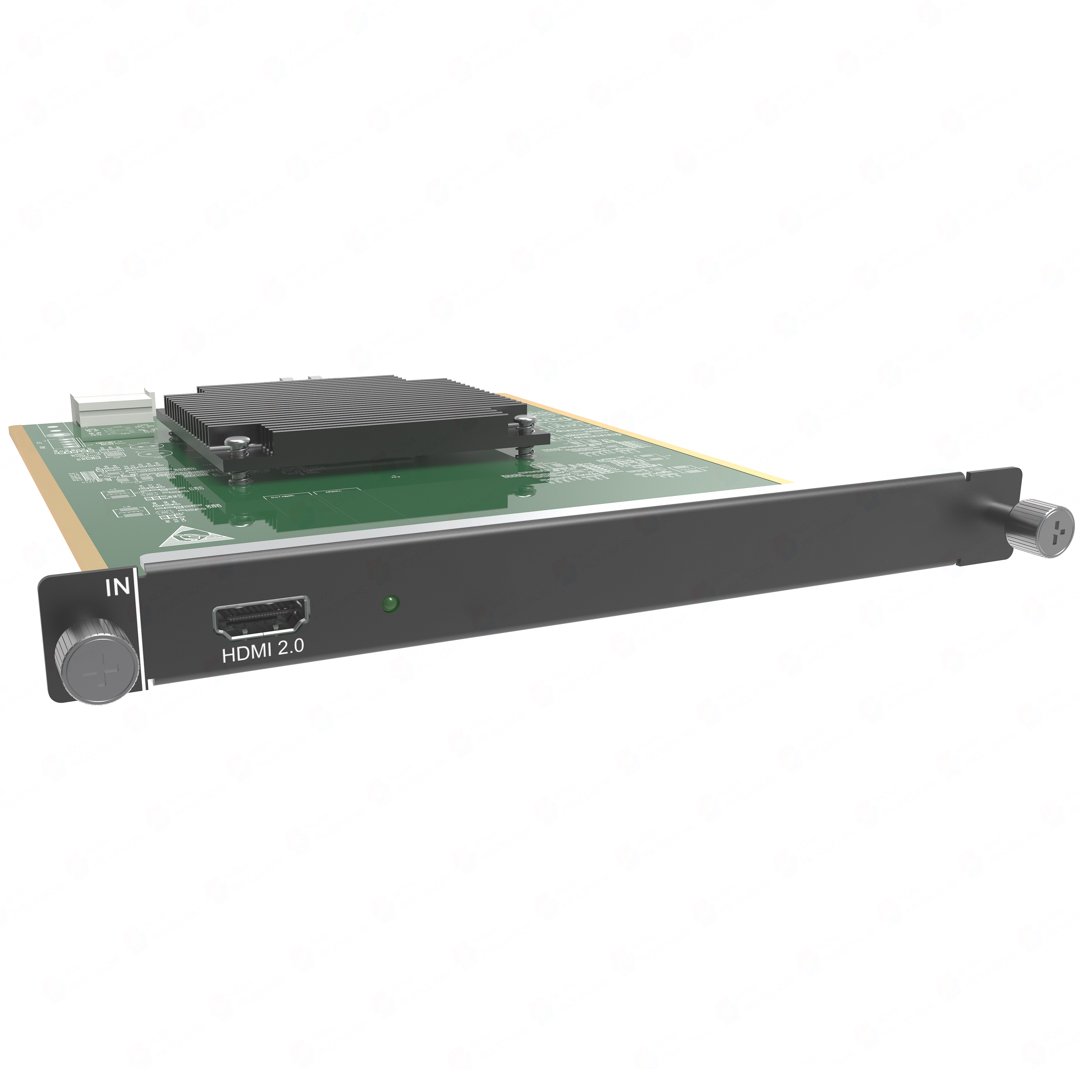
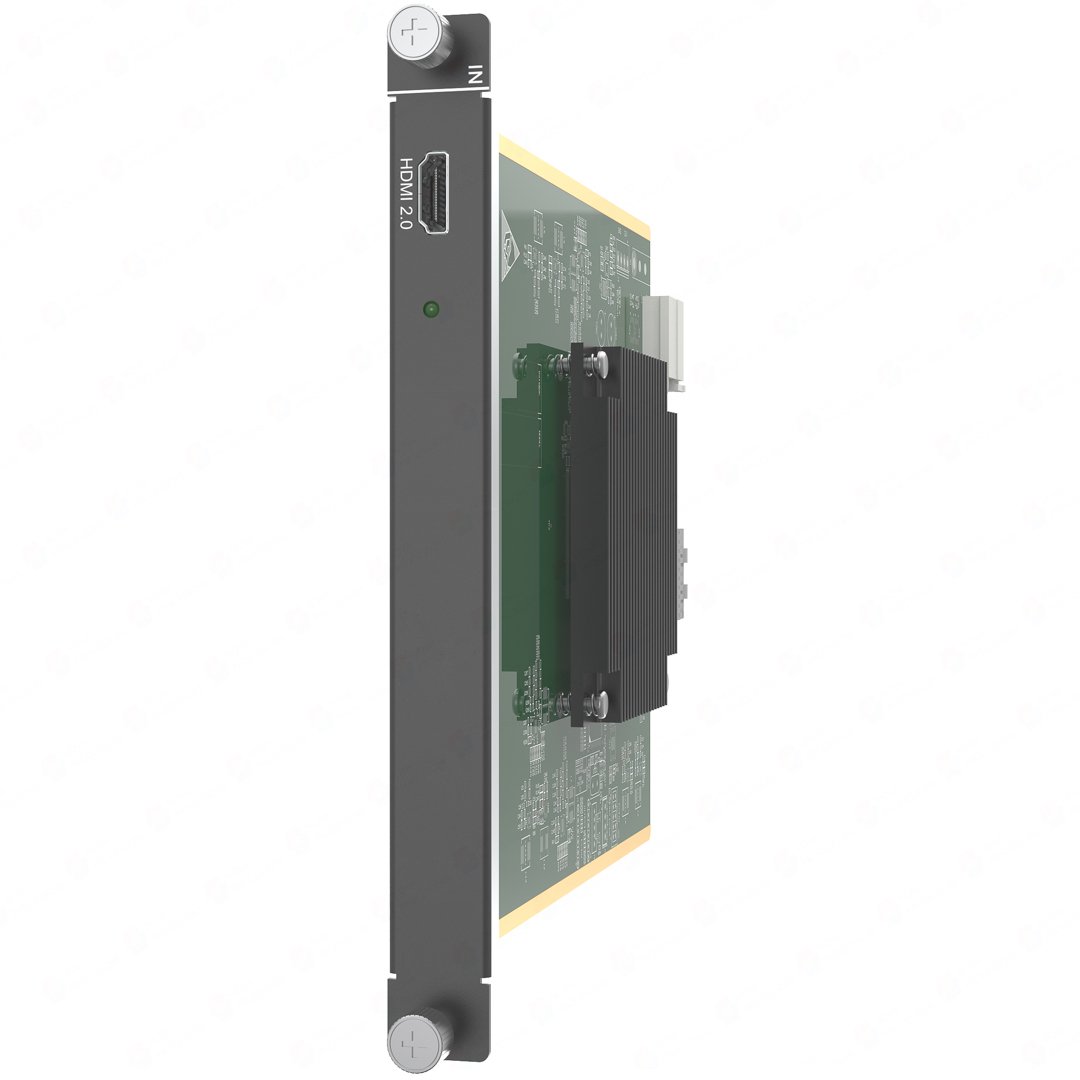
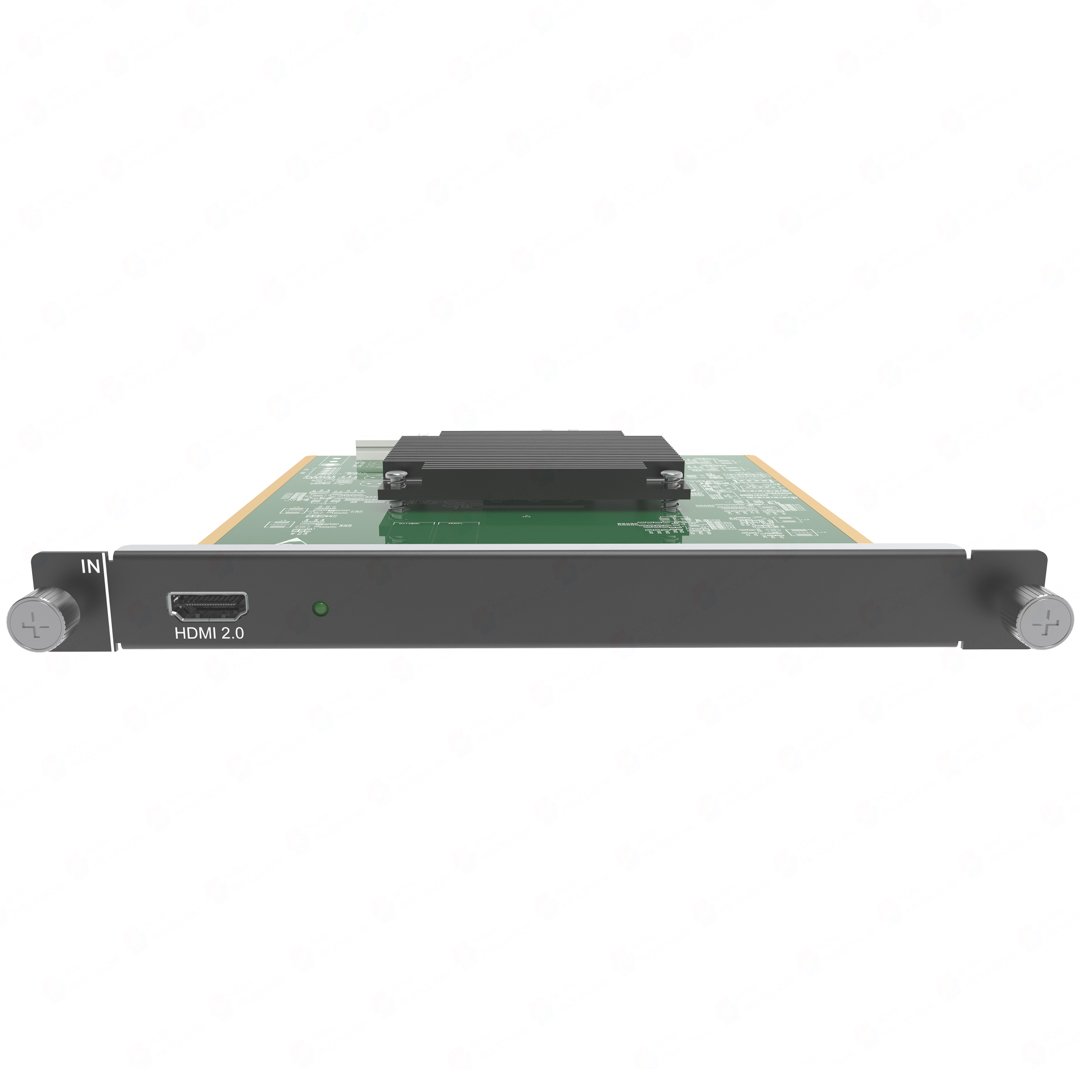
What is NovaStar H_1x HDMI2.0 input card?
The NovaStar™ H Series H_1x HDMI2.0 Input Card brings one prepared HDMI picture from a presentation computer, media player or AV switcher into a compatible H Series LED video-wall system. Choose it when that confirmed source needs one dedicated H Series input-card slot.
It works in sequence: the card receives the HDMI source, the H Series chassis places that picture in the required LED layout, and a separately selected LED output card carries the finished layout to the cabinets. H_1x HDMI2.0 is therefore a source-input card—not a video wall splicer, not an LED cabinet output card and not a second HDMI source path.
Request H_1x HDMI2.0 Input Card bulk pricing →
For confirmed multi-card or project quantities. Direct checkout suits buyers who have already confirmed the source connector, timing and compatible H Series input-card slot.
NovaStar H_1x HDMI2.0 input card key features: what makes it different?
- One known HDMI source gets a clear place in the system: this card is made for one presentation computer, player or switcher feed. It lets an integrator reserve the slot for that confirmed source instead of paying for a two-source card that the installation does not need.
- It accepts a conventional 4K program before the wall is built: NovaStar lists 4096 × 2160@60 as the published maximum input. The card receives that one picture; the H Series chassis, selected LED output card and cabinet plan still determine how it appears on the wall.
- It keeps useful existing HDMI equipment in the plan: the HDMI 2.0 input is backward compatible with HDMI 1.4 and HDMI 1.3 when the source timing is within the published range. Confirm the source output, not only the shape of the plug.
- It carries the useful details at the source entrance: HDCP 2.2, embedded audio and listed input rates through 144 Hz are supported. That does not turn the card into an audio-output device or determine the downstream cabinet path.
- It makes a critical source limitation visible early: interlaced input is not supported. SL, DL and 4K are configuration choices for the one connector; they do not make one HDMI port accept two independent sources.
NovaStar H_1x HDMI2.0 input card specifications
These are source-side facts for one HDMI connection. They do not state the pixel capacity of the LED output card or the physical size of the LED wall.
Which HDMI source fits NovaStar H_1x HDMI2.0 input card?
Start with the picture that the computer, player or switcher will actually send. An HDMI connector alone is not the answer: the source must be progressive, fit the published timing and be one of the live feeds the system needs.
How NovaStar H_1x HDMI2.0 input card brings an HDMI source into H Series
The card has one clear role in this sequence: it brings the prepared HDMI picture into the chassis. The chassis and selected cabinet-output path do the next work.
Prepare the HDMI source
The presentation computer, media player or switcher sends one progressive HDMI picture at the confirmed timing.
Receive it through H_1x HDMI2.0
The card makes that one source available inside the compatible H Series chassis. Its status LED indicates whether the source is accessed normally.
Place the source in the LED layout
The chassis scales, crops and places the source in the planned screen area alongside other selected content.
Send the finished layout to the LED cabinets
A selected H Series LED output card carries cabinet data. The matching NovaStar receiving cards, cabinet file and physical connection order are then mapped in NovaLCT.
NovaStar H_1x HDMI2.0 input card compatibility and setup checks
- Confirm the source itself: it needs one HDMI output, a progressive signal and a timing within the published standard or custom boundaries. A wall’s resolution does not prove that a laptop or player will deliver a compatible source.
- Confirm a compatible chassis and free input-card slot: review the H Series video-wall-splicer range and the actual installed card plan before ordering.
- Set connector capacity around the real source: SL, DL and 4K are H Series configuration choices for the one HDMI input. They do not turn the card into a splitter or create another source path.
- Keep cabinet configuration separate: the source card and chassis organize the picture; the installed LED output card, receiving-card model, cabinet file and port map determine how it reaches the LED wall.
H_1x HDMI2.0 input card vs H_2x HDMI2.0 input card: one HDMI source or two?
The decision is live source count. Choose H_1x when the system has one known HDMI source, and choose H_2x when two independent HDMI sources must be available at the same time. More connectors do not make one picture better; they give the chassis more separate source paths.
If the source might be HDMI or DisplayPort but only one connection will be used at a time, compare the H_1x HDMI2.0+1xDP1.2 Input Card. If the source is already DisplayPort, compare the H_1x DP1.2 Input Card.
NovaStar H_1x HDMI2.0 input card applications
These are source-side situations where one HDMI feed has a clear place in a complete H Series LED system.
A presentation computer on a shared LED wall
A boardroom, auditorium or briefing room has one HDMI laptop feed that needs to appear on the main LED canvas while the H Series chassis handles the screen layout around it.
Scheduled media-player content
One media player supplies the scheduled visual source. This card gives that HDMI feed a defined place in the H Series source list without changing the cabinet side of the system.
One switcher program feed
An AV switcher supplies one chosen program feed for the LED wall. The source enters through this card, while the chassis and LED output card retain their separate layout and cabinet duties.
A retained HDMI 1.4 or 1.3 source
An established HDMI source can remain in the design when it outputs a supported progressive timing. This is a practical way to add the source without replacing it solely because the H Series system is newer.
NovaStar H_1x HDMI2.0 input card manual, specifications and H Series firmware
NovaStar documents this card within its current H Series specifications rather than in a separate public card PDF. The first resource below is the official card-containing specification; the manual, firmware and release notes are accurately labelled H Series family resources.
NovaStar H_1x HDMI2.0 Input Card specifications (PDF, H20 V1.8.0)
Official H20 specification that documents H_1x HDMI2.0 timing, settings, limits, dimensions and power.
NovaStar H Series user manual (PDF, V1.15.0)
H Series family manual for installation, card configuration and operating procedures; not an H_1x HDMI2.0-only manual.
NovaStar H Series firmware (ZIP, V2.2.0.0)
Verified H Series family firmware package, not H_1x HDMI2.0 Input Card-only firmware.
NovaStar H Series firmware release notes (TXT, V2.2.0.0)
Version changes and update notes for the same verified H Series family firmware package.
NovaStar H_1x HDMI2.0 input card FAQs
Is NovaStar H_1x HDMI2.0 Input Card a video wall splicer?
No. It brings one HDMI source into a compatible H Series chassis. The chassis builds the display layout, and a separately selected LED output card carries the finished picture toward the LED cabinets.
Can I connect two HDMI sources to this card?
No. The card has one HDMI 2.0 input for one independent source. Choose H_2x HDMI2.0 when two HDMI sources must be live together.
Can it accept a 4K60 HDMI source?
Yes. NovaStar lists 4096 × 2160@60 as the published maximum input. Confirm the actual source output is progressive and uses the planned timing.
Can an older HDMI 1.3 or HDMI 1.4 source work?
The card is backward compatible with HDMI 1.4 and HDMI 1.3. The source still has to provide a supported progressive timing.
Does the card accept interlaced HDMI video?
No. NovaStar states that interlaced signal input is not supported. Plan a progressive source output for this card.
What do SL, DL and 4K mean on this card?
They are H Series connector-capacity settings. They do not create a second HDMI source. Configure the setting around the actual source and layout plan during system setup.
Does embedded audio make this an audio-output card?
No. Embedded audio can arrive with the HDMI source, but H_1x HDMI2.0 remains a video source-input card. Confirm the separate system audio path when the installation needs sound.
Does H_1x HDMI2.0 Input Card connect directly to LED cabinets?
No. It brings the source into H Series. The selected LED output card, cabinet receiving card, cabinet file and physical port map determine the cabinet side of the system.
Which chassis can use H_1x HDMI2.0 Input Card?
Current H Series specifications include this card in the modular range. Always confirm the exact chassis, installed card plan and a free compatible input-card slot before ordering.
Does this card turn one HDMI output into multiple H Series source channels?
No. It receives one physical HDMI source through one compatible input-card position. If the installation needs several independently selected HDMI pictures, choose the required number of input paths before ordering.
Reviews
There are no reviews yet.