
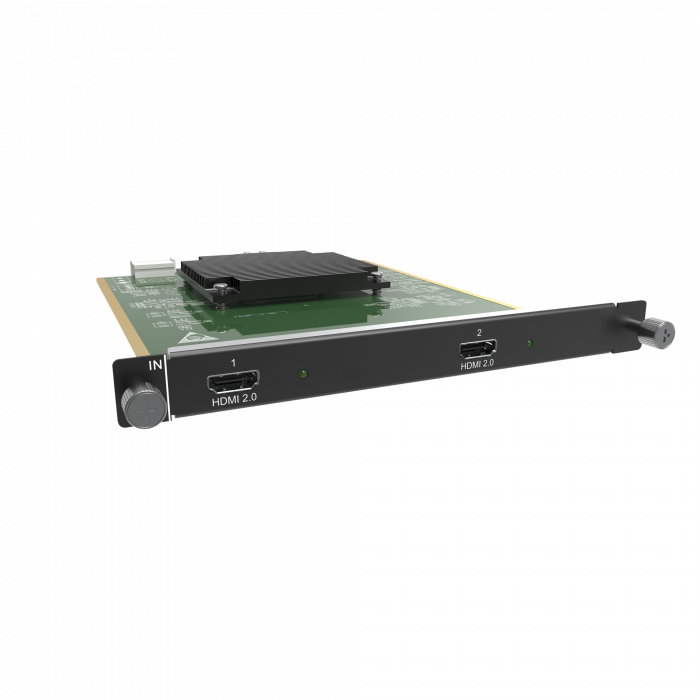
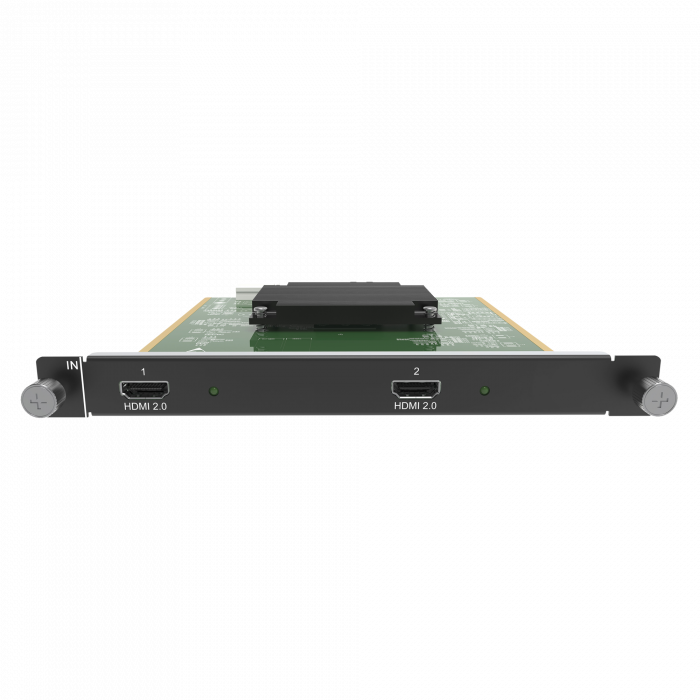
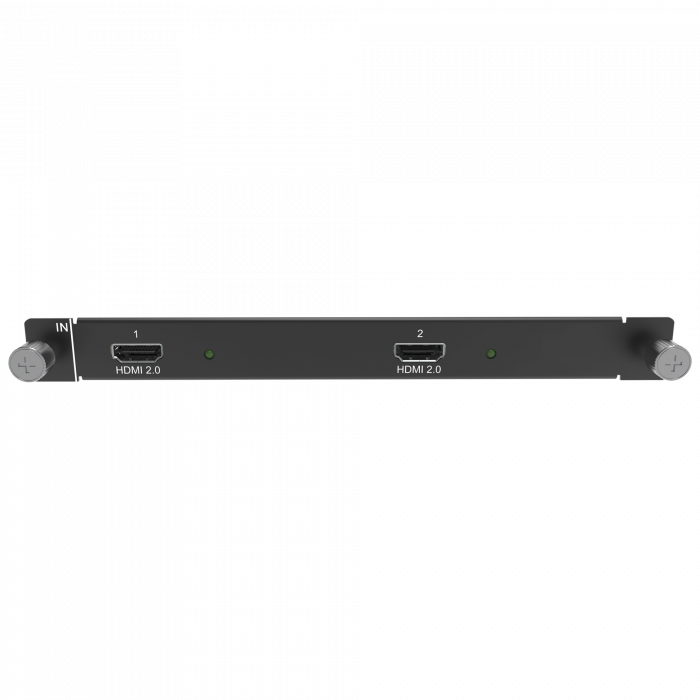
What is NovaStar H_2x HDMI2.0 input card?
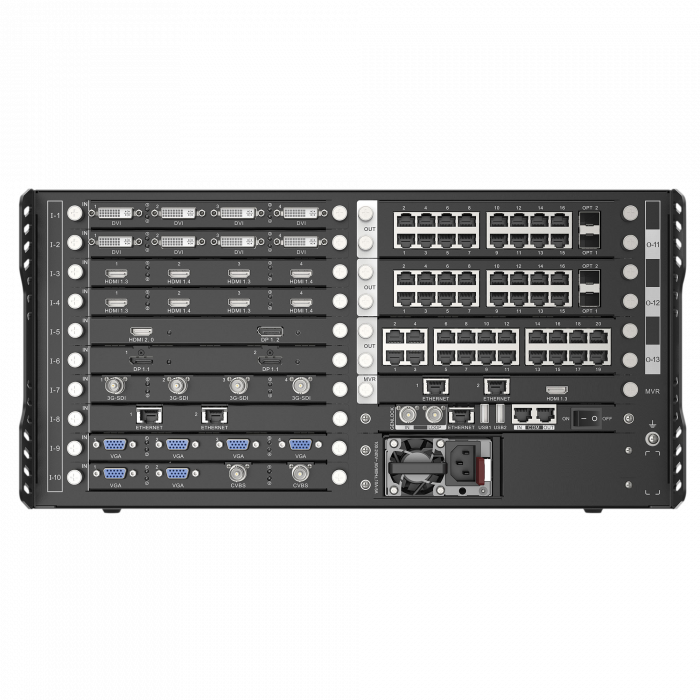
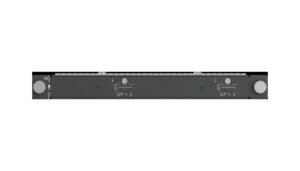
The NovaStar™ H Series 2x HDMI 2.0 Input Card (H_2x HDMI2.0) is a source-input card for a compatible H Series system. It works by bringing two separate HDMI sources into one input-card slot. The H Series chassis then places those sources in the selected LED layout, and an installed LED output card sends the finished picture to the cabinets.
Each HDMI connector accepts up to 4096 × 2160 at 60 Hz, and NovaStar states that two 4K inputs can be connected at the same time. That gives an operator a practical source pair—such as a presentation computer and a playback server—without filling two input-card slots. This card brings video into the H Series system; it is not a standalone video wall splicer or an LED output card.
Before ordering, confirm three things: both planned sources use HDMI; each source fits the published timing; and the selected chassis has a compatible input-card slot. If only one HDMI source is needed, a one-input card may leave more room for another source type.
Request H_2x HDMI2.0 bulk pricing →
For confirmed multi-card H Series or volume quantities.
NovaStar H_2x HDMI2.0 input card key features: what makes it different?
- Two 4K60 HDMI sources in one slot: Connect two suitable 4K60 HDMI sources to one card, so the chassis can keep both ready for the screen layout instead of making the operator change cables between a computer and a playback device.
- Made for a known HDMI source pair: A conference presentation and a media-server feed, or program and graphics feeds, can enter the same H Series chassis through two independent HDMI connectors. The chassis decides where they appear; the card does not create cabinet data paths.
- Works across common HDMI generations: HDMI 1.4 and HDMI 1.3 sources are backward compatible when their timing fits. That can simplify an upgrade where one source is newer and another remains in service.
- Clear limits before installation: The card supports embedded audio, HDCP 2.2 and 144 Hz input, but it does not accept interlaced video. A 144 Hz listing is not a blanket 4K144 promise—match the actual timing and source format to the published specifications.
NovaStar H_2x HDMI2.0 input card specifications
Each HDMI input has its own published limit. These facts describe the source side of the system; the chassis layout, installed LED output card and cabinet map determine what happens after the picture enters the H Series system.
Which HDMI sources fit NovaStar H_2x HDMI2.0 input card?
Look at the signal reported by each actual laptop, media server, switcher or playback device. Two sources may both have an HDMI connector but still need different input cards if one falls outside the published timing or uses a different format.
How NovaStar H_2x HDMI2.0 input card brings HDMI sources into an H Series LED system
The card has one clear role in this sequence: it brings two prepared HDMI pictures into the chassis. The chassis places them in the screen layout, then the selected LED output path carries the finished picture to the cabinets.
- Connect the two HDMI sources. Put each prepared progressive source into one HDMI 2.0 connector after confirming its timing fits the card.
- Arrange the sources in the H Series chassis. The chassis receives both pictures and places them on the configured LED screen or screens. This is where the operator chooses the source layout, not at the cabinet.
- Send the finished layout to the LED cabinets. An installed H Series LED output card sends its assigned part of the layout to the matching NovaStar receiving cards. Use NovaLCT for receiving-card settings and cabinet mapping once the output path is selected.
H_2x HDMI2.0 input card vs H_1x HDMI2.0 input card: two HDMI sources or one?
Both cards suit an H Series system with an HDMI 2.0 source at up to 4K60. The real choice is source count: H_2x HDMI2.0 keeps two suitable HDMI sources available in one card slot, while H_1x HDMI2.0 is for a system that needs only one. Neither card is an LED cabinet output.
NovaStar H_2x HDMI2.0 input card applications
This card fits where two HDMI sources are already part of the screen plan. The scenes below describe source-side use; the chassis and the installed LED output card still determine the final LED canvas and cabinet path.
Presentation plus playback
Keep a presenter’s computer and a 4K playback source connected to the same H Series chassis, then place either or both on the planned LED layout.
Program and graphics feeds
Bring a program source and a graphics workstation into the chassis together when both feeds are known HDMI 2.0 paths that fit the per-input limit.
Two zones on one LED installation
Use two suitable source feeds when a wide LED wall or multiple H Series screens need different planned picture areas under one chassis interface.
Mixed-generation HDMI upgrades
Keep a working HDMI 1.3 or 1.4 source alongside newer HDMI equipment when each source stays within the documented timing limit.
NovaStar H_2x HDMI2.0 input card manual, specifications and H Series firmware
NovaStar documents this card inside H Series chassis specifications and manuals, not as a current card-only download. The two documents below are labeled accordingly. Firmware is a chassis/family package, never H_2x HDMI2.0-only firmware.
NovaStar H_2x HDMI2.0 Input Card specifications (PDF, H20 V1.8.0)
Official H20 specification that documents the H_2x HDMI2.0 input-card section, including two-source timing and limits.
NovaStar H Series user manual (PDF, V1.15.0)
H Series family manual for installation, card configuration and operating procedures; not an H_2x HDMI2.0-only manual.
NovaStar H Series firmware (ZIP, V2.2.0.0)
Verified H Series family firmware package, not H_2x HDMI2.0 Input Card-only firmware.
NovaStar H Series firmware release notes (TXT, V2.2.0.0)
Version changes and update notes for the same verified H Series family firmware package.
NovaStar H_2x HDMI2.0 input card FAQs
Is H_2x HDMI2.0 a video wall splicer or an LED output card?
No. It is an H Series source input card. It receives two HDMI sources; the chassis creates the picture layout and a separately installed LED output card carries the finished layout to the cabinets.
Can both HDMI inputs be used at the same time?
Yes. NovaStar states that two 4K inputs can be connected at the same time. Confirm the selected chassis has a compatible input-card slot and that each source fits the published per-input limit.
What is the maximum resolution for each connector?
Each HDMI 2.0 connector supports up to 4096 × 2160 at 60 Hz. The source format and color-depth combination still need to follow the published H Series specifications.
Does the card support 4K at 144 Hz?
Do not assume that. The card lists 144 Hz input support and separately lists its maximum per-connector resolution. Verify the actual resolution, frame rate and source format before ordering.
Will an HDMI 1.3 or HDMI 1.4 source work?
Yes, when the source uses a supported timing. The card is backward compatible with HDMI 1.4 and HDMI 1.3.
Can it accept an interlaced HDMI signal?
No. Set the source to a supported progressive output before connecting it to this card.
Does this card configure the LED cabinets?
No. After the chassis and LED output path are set, use NovaLCT for receiving-card configuration and cabinet topology.
Is the firmware file a card-only H_2x HDMI2.0 update?
No. The available download is an H Series chassis/family package. Review its release notes and the selected chassis documentation before any update.
Reviews
There are no reviews yet.