
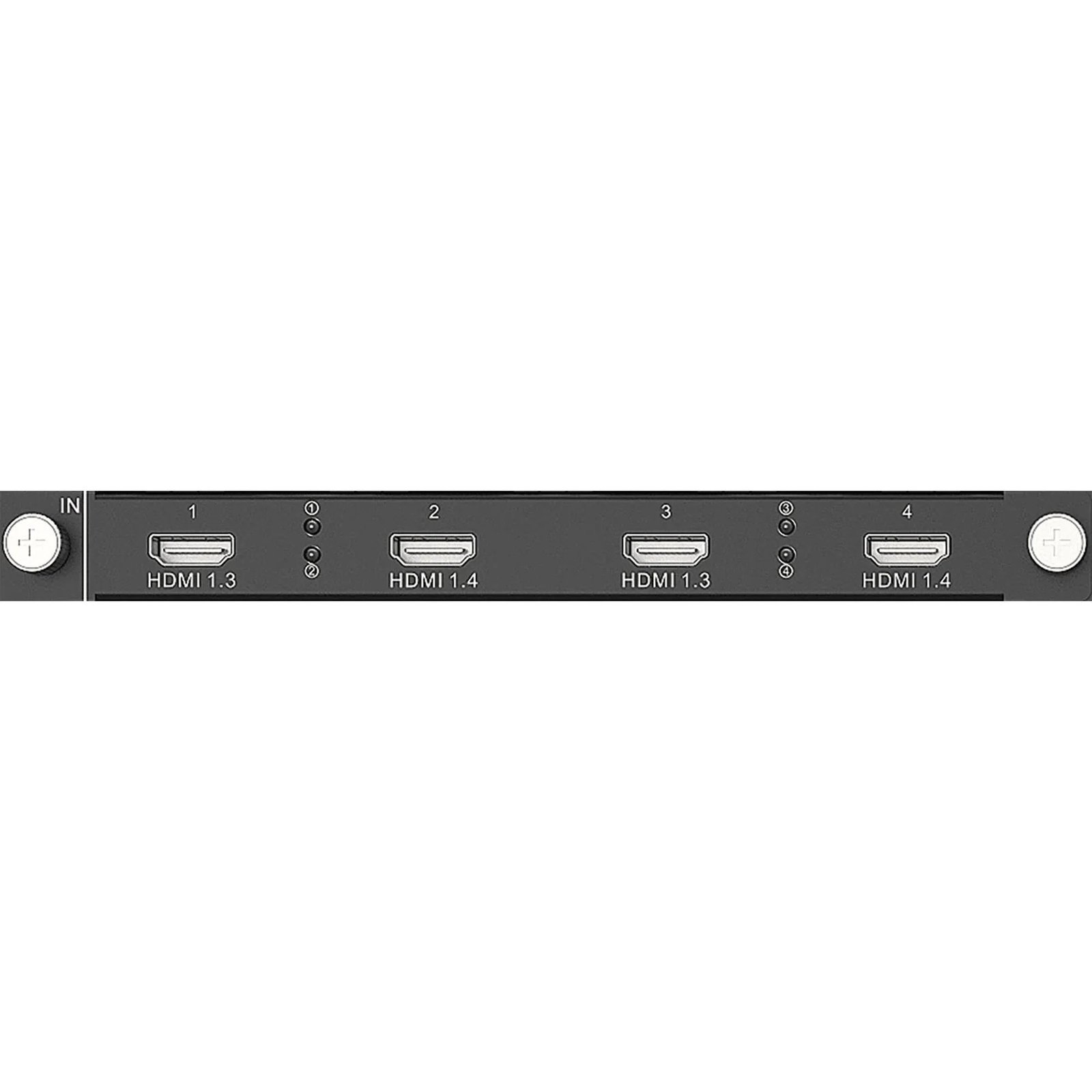
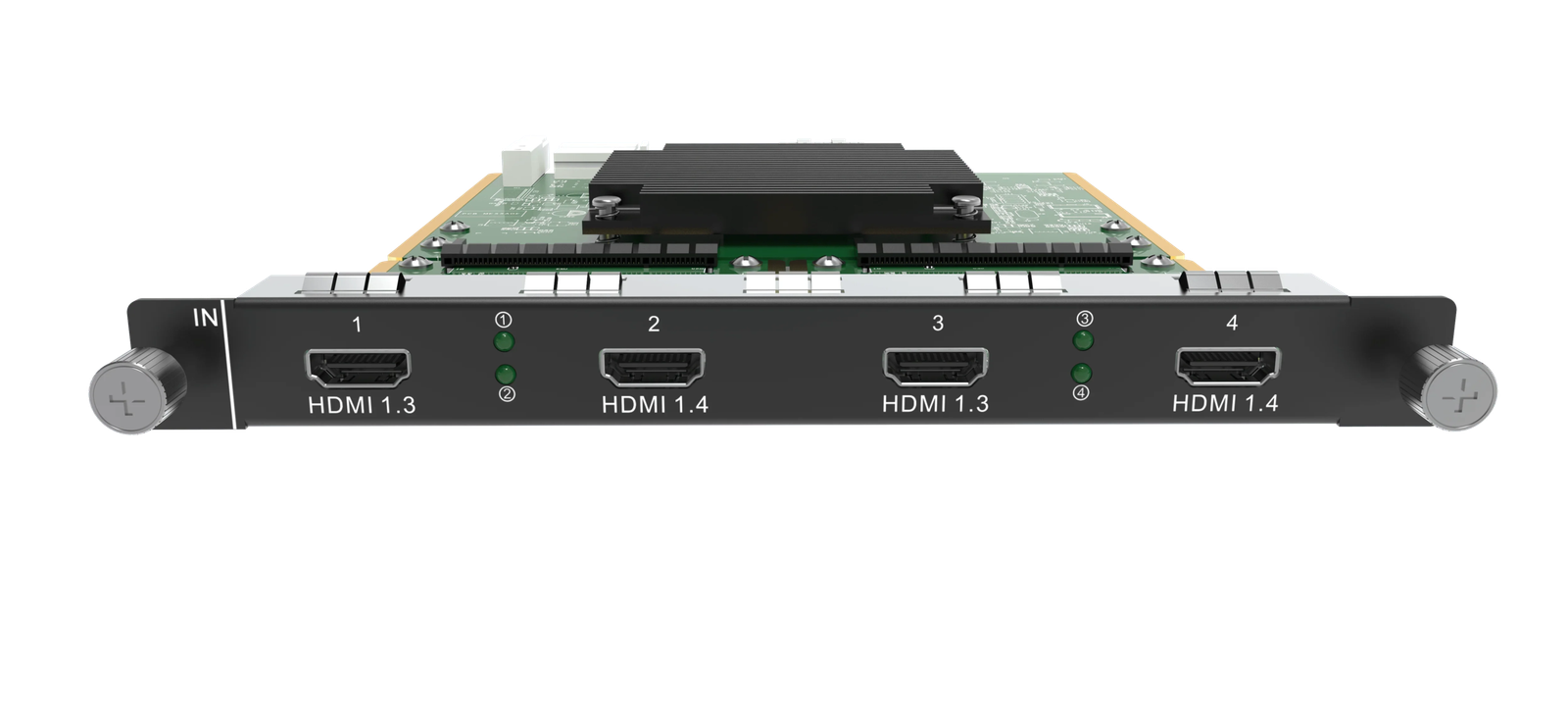
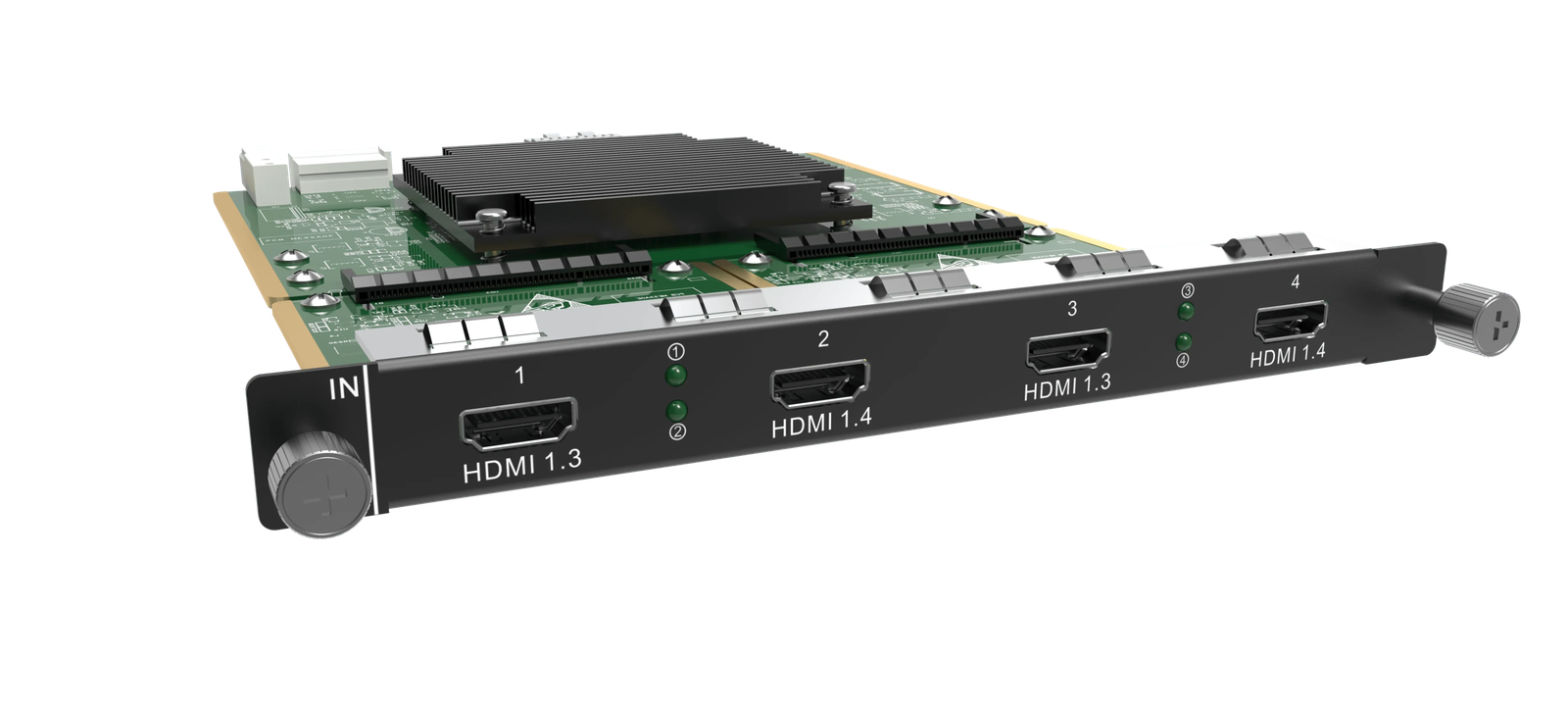
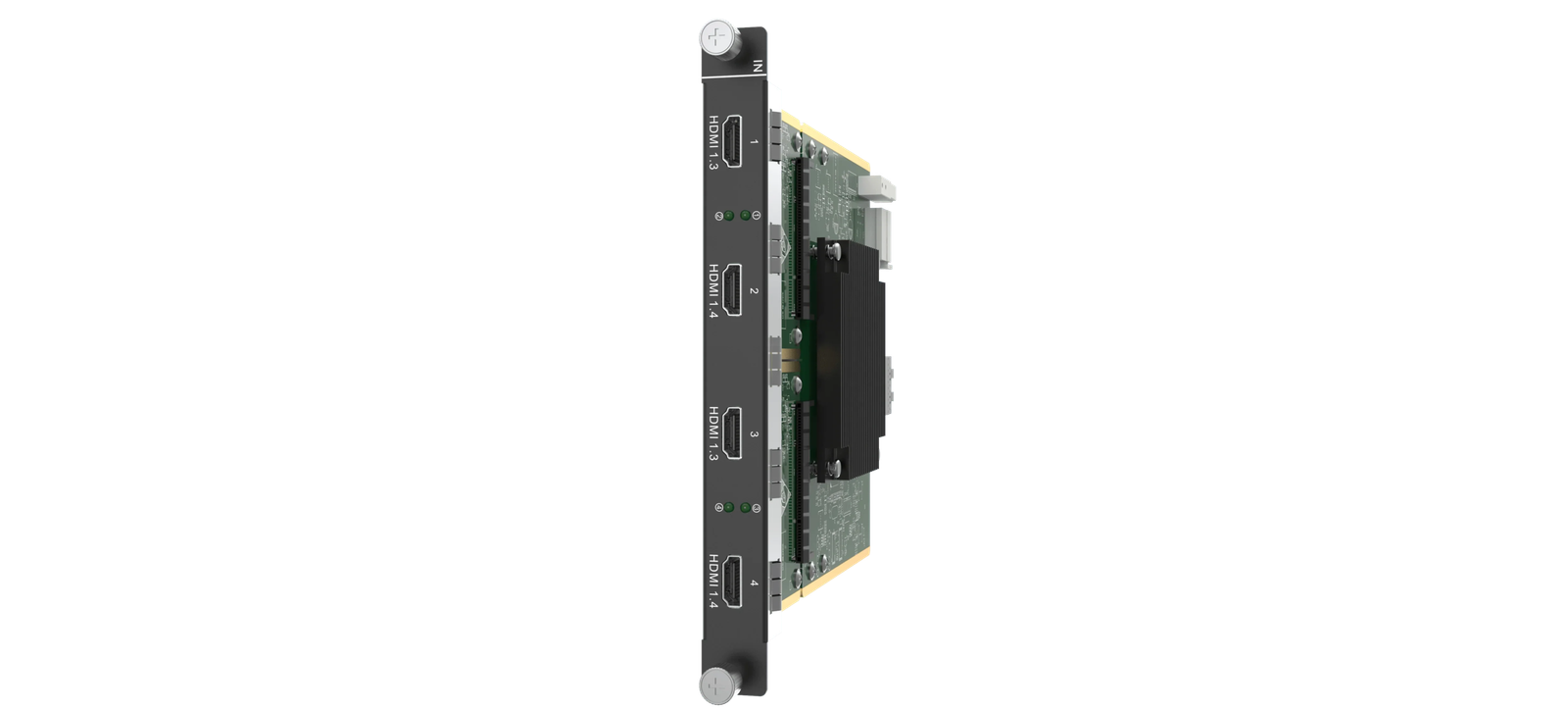
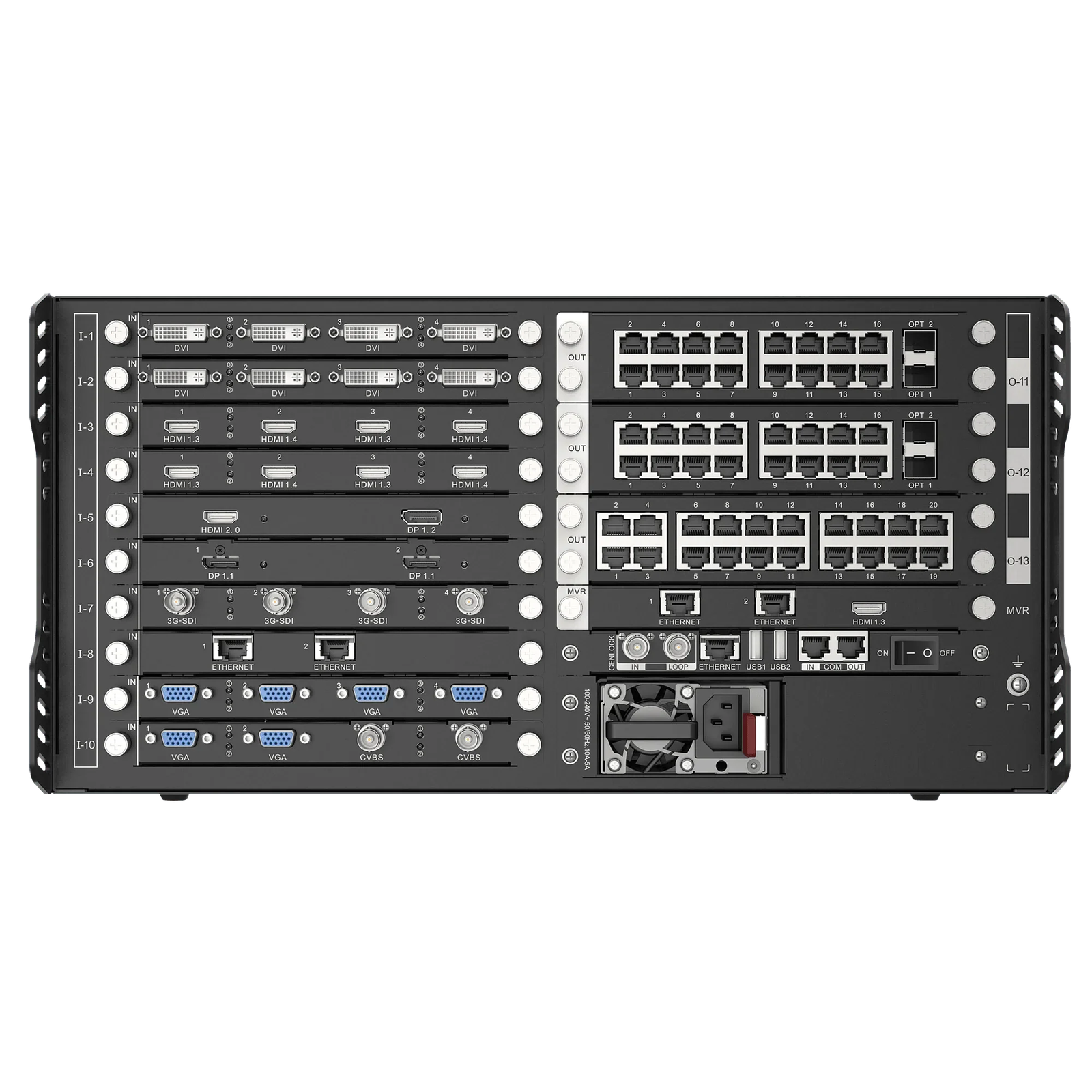
What is NovaStar H_4x HDMI input card?
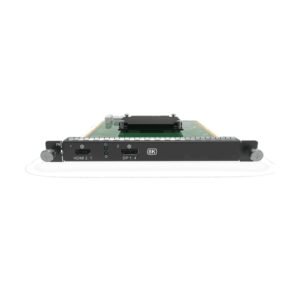
The NovaStar™ H Series 4x HDMI Input Card is a source-input card for a compatible H Series chassis. It works by bringing selected HDMI sources into the chassis; the chassis arranges those pictures on the required LED layout, and a separately selected LED output card carries the completed picture toward the cabinets. It suits an installation where several presentation computers, media players or switcher outputs must remain ready in the same rack.
Its purchase decision is simple but important: select four standard HDMI sources at once, or select two HDMI 1.4 connections for two wider sources. Those are different operating modes, so four physical HDMI sockets do not mean four independent 4K inputs.
Request H_4x HDMI Input Card bulk pricing →
For a confirmed multi-card or project quantity. Direct checkout is available when the H Series chassis slot, source timing and input mode are already specified.
NovaStar H_4x HDMI input card key features: four sources or two wider sources
- Keep four planned HDMI sources live in one card: the card has two HDMI 1.3 and two HDMI 1.4 connections; in four-source mode, all four are active. This suits a training wall with several presenters, a showroom with separate media players, or an operator position with several regular-format feeds.
- Trade source count for wider pictures when needed: HDMI 1.4 mode uses its two HDMI 1.4 connections at up to 3840 × 1080@60. The two HDMI 1.3 connections are unavailable in that mode, so the source plan is settled before equipment reaches the rack.
- Keep the high-refresh and audio statements in their real scope: NovaStar specifies 10-bit input, embedded audio and supported source frame rates through 144 Hz. Every source still needs to fit the selected mode’s resolution and timing limit, and sound still needs a planned system audio path.
- Avoid a common commissioning surprise: this card does not accept interlaced video. Set every source to a supported progressive timing before installation.
NovaStar H_4x HDMI input card specifications
These figures describe the video that can enter this input card. They are not the pixel capacity of the LED wall; the selected H Series chassis and LED output card determine the cabinet-side result.
NovaStar H_4x HDMI input card modes: four HDMI sources or two wider sources?
Select the mode from the number and shape of the sources—not merely from the four physical connectors. Four-source mode keeps every source available within its timing limit. The wider-source mode gives two active HDMI 1.4 positions and gives up the HDMI 1.3 positions; it is not a four-input higher-resolution mode.
Selection rule: choose the four-source mode for four independent signals within its documented limit. Choose the two-source mode for two 3840 × 1080@60 signals. If either source must be 4K@60, this is not the right card.
How NovaStar H_4x HDMI source inputs reach the LED wall
- Set the source mode before assigning connectors: choose four regular HDMI sources or two wider HDMI 1.4 sources, then confirm that every source uses a documented progressive timing.
- Bring the active HDMI sources into the H Series chassis: the installed H_4x HDMI Input Card receives the sources selected by that mode.
- Build the visible layout: the H Series chassis sizes and positions those source pictures across the LED canvas, such as one wide program area with separate presenter feeds.
- Use a selected LED output card for the cabinet path: that output card, not this source card, carries the completed layout toward the receiving cards and LED cabinets.
- Configure the cabinet side separately: use NovaLCT for receiving-card configuration, cabinet files and screen mapping once the chassis and cabinet route are confirmed.
When NovaStar H_4x HDMI input card is the right choice
This card works when the source plan matches one of its two documented modes. It is not the correct choice simply because every source happens to use an HDMI connector.
NovaStar H_4x HDMI input card applications
These are source-side examples. In each case, the final screen layout and cabinet route are still handled by the compatible chassis and selected LED output card.
Four presenters on one LED wall
Keep four presentation computers or switcher feeds ready for a meeting room, training space or demonstration wall where each source fits the HDMI 1.3 limit.
Two ultrawide content sources
Use the HDMI 1.4 mode for two program or media-server outputs that need up to 3840 × 1080@60, with the source count intentionally reduced to two.
Operations-room source groups
Bring several operator computers, planned camera feeds or dashboard sources into the chassis so their pictures can occupy fixed areas on the LED canvas.
Installed source and backup racks
Hold several planned HDMI sources at the rack while the H Series chassis manages the screen layout and a separate output card sends the resulting picture to the LED cabinets.
NovaStar H_4x HDMI input card compatibility and setup
- Confirm the compatible H Series chassis and free input-card slot: this is an input card, so it does not occupy an LED output-card position.
- Write down every source’s real output timing: choose four-source HDMI 1.3 mode or two-source HDMI 1.4 mode before cabling. Set each source to a supported progressive signal.
- Verify the expected on-screen layout: the chassis receives the chosen source feeds and places them across the LED canvas according to the operator’s layout.
- Configure the cabinet side separately: the output card, physical cable or fiber route and correct NovaStar receiving cards still need their own configuration. Use NovaLCT for cabinet files, receiving-card settings and screen mapping.
Browse the H Series category for compatible chassis, source cards and LED output cards.
NovaStar H_4x HDMI input card manual, specifications and H Series firmware
The specifications PDF documents this card’s source limits. The manual, firmware and release notes below are verified H Series family resources, not files that apply only to the H_4x HDMI Input Card.
NovaStar H_4x HDMI Input Card specifications (PDF)
Official H2 V1.16 source-input modes, supported timings, dimensions and power details.
NovaStar H Series user manual (PDF)
Verified H Series family installation, configuration and operating guide.
NovaStar H Series firmware (ZIP)
Verified V2.2.0.0 family firmware package; not card-only firmware.
NovaStar H Series firmware release notes (TXT)
Version changes and update notes for that H Series family package.
NovaStar H_4x HDMI input card FAQs
Is NovaStar H_4x HDMI Input Card a video wall splicer?
No. It is an installed source-input card. The compatible H Series chassis builds the screen layout, and a separate LED output card sends that finished layout toward the LED cabinets.
Can all four HDMI inputs run at 4K?
No. Four-source HDMI 1.3 mode is up to 2048 × 1152@60 per input. HDMI 1.4 mode uses two inputs up to 3840 × 1080@60. Neither mode is four independent 4K inputs.
What happens to the other inputs in HDMI 1.4 mode?
The two HDMI 1.3 inputs are unavailable. Select that mode only when two 3840 × 1080@60 sources are more important than keeping four sources live.
Should I buy this card for two 4K60 sources?
Choose the H_2x HDMI2.0 Input Card instead when the design needs two independent HDMI sources up to 4096 × 2160@60.
Does the card accept interlaced HDMI?
No. NovaStar documents progressive input support only for this card. Confirm every computer, switcher or media player is outputting a supported progressive timing.
Does the card accept audio with HDMI?
NovaStar specifies embedded-audio input support. Confirm the complete H Series system’s planned audio-output route when the installation must reproduce that sound.
Does this input card configure LED cabinets?
No. Cabinet setup uses the selected output card, cabinet connection path and receiving-card configuration. NovaLCT is used for cabinet files, receiving-card settings and screen mapping.
Can I order the card directly?
Yes, when the compatible chassis slot, actual source count, progressive timing and chosen input mode are known. For a confirmed multi-card or project quantity, use the bulk-pricing link above.
Does 144 Hz support mean every HDMI source can run at 144 Hz?
No. NovaStar lists supported source frame rates through 144 Hz, but each source must still fit the selected four-source or two-wide-source mode. Do not treat that listing as a 4K144 or four-input high-resolution claim.
Reviews
There are no reviews yet.