
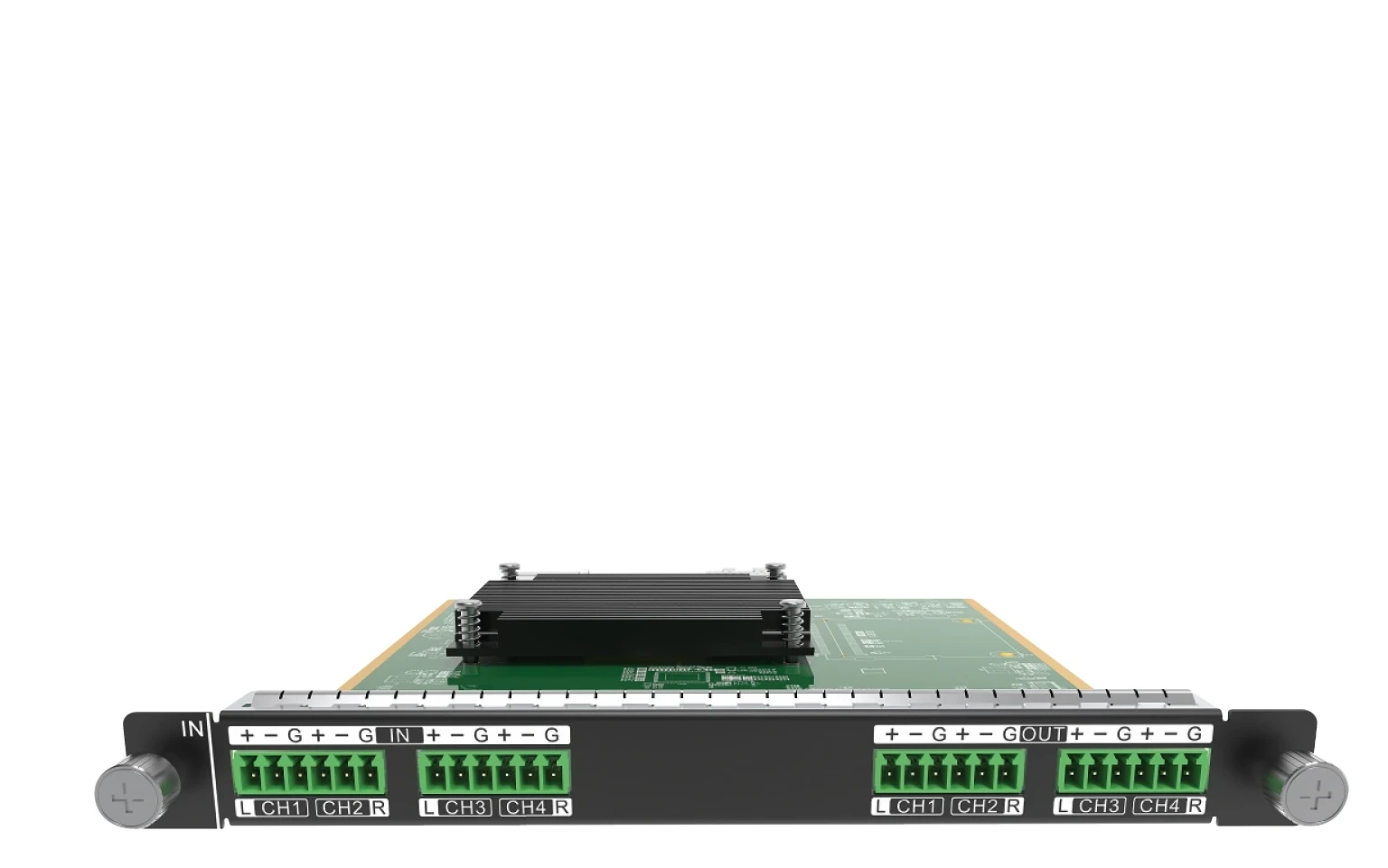
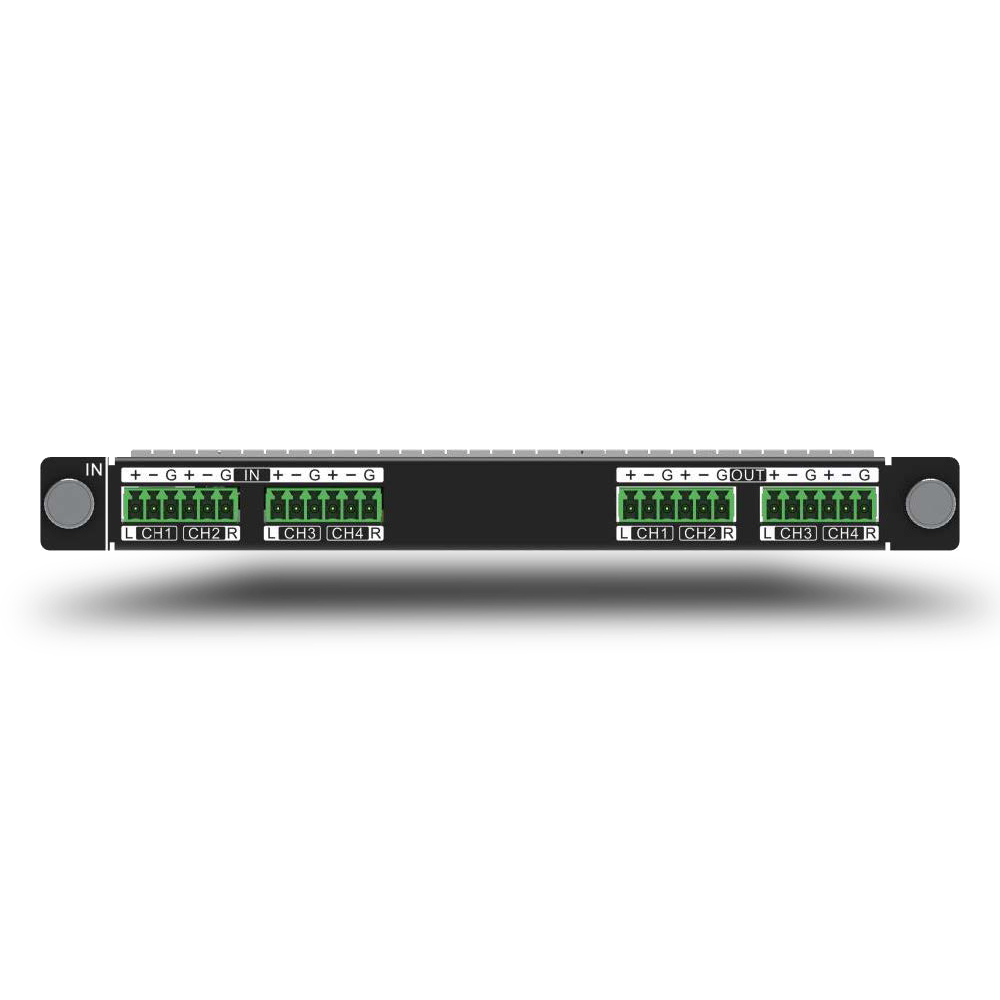
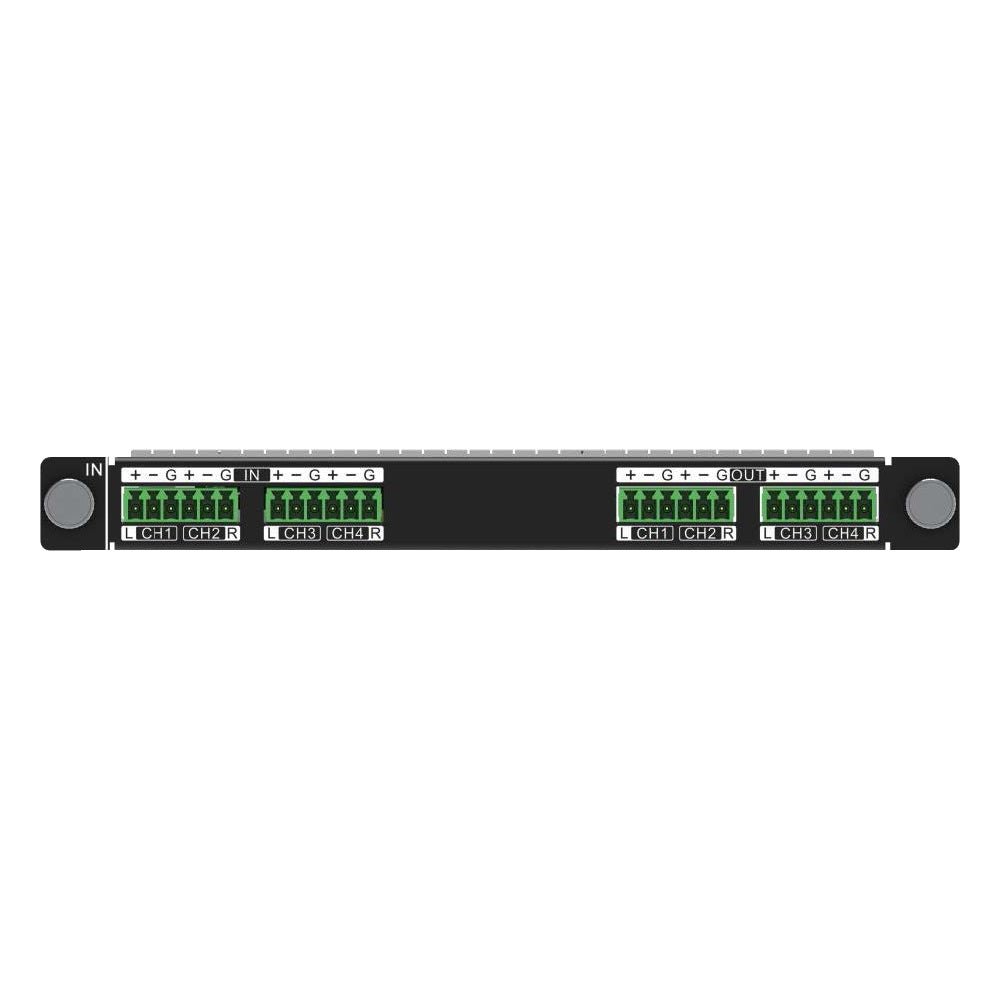
What is NovaStar H_2xAudio input +2xAudio output card?
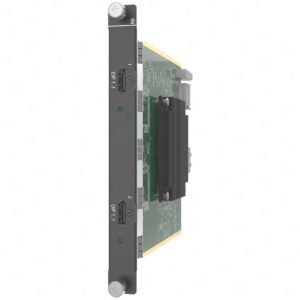
The NovaStar™ H Series 2x Audio Input + 2x Audio Output Card is a balanced-audio input/output card for a compatible H Series chassis. It works by taking audio connected to the card or eligible embedded audio from a video source, letting the H Series select the required program sound, then passing that sound to downstream balanced line-level equipment.
Use it when the LED wall needs a planned audio route—not when it needs another video input, LED cabinet output, mixer, amplifier or powered speaker. Before ordering, confirm the available compatible H Series input-card slot, the selected four-path or two-path mode, the intended source audio and the downstream balanced line-level equipment.
Request H_2xAudio input +2xAudio Output Card bulk pricing →
For confirmed multi-card or project quantities. Direct checkout remains available when the chassis slot, audio path and selected mode are already specified.
NovaStar H_2xAudio input +2xAudio output card key features: a managed balanced-audio route
- Give the system a real balanced audio handoff: the card has Phoenix input and output connectors, so a planned source and the downstream audio system can meet at the H Series chassis instead of relying on monitor speakers or improvised adapters.
- Choose the number of analog paths before installation: single-channel mode provides four input and four output paths; dual-channel mode provides two of each. The mode is a system-design choice, not a way to make four and two paths available at once.
- Use the source audio that belongs with the program: NovaStar allows the output to use sound connected to the card or embedded audio from a selected compatible video input. That can keep a presentation or program’s picture and sound in the same controlled system.
- Keep practical controls close to the display system: the card supports level adjustment, one-click mute and audio-output delay. They help manage the selected route, while the entire sound system still needs a proper commissioning check.
NovaStar H_2xAudio input +2xAudio output card specifications
These values describe the audio I/O card. They do not describe loudspeaker power, room coverage, video inputs or LED cabinet capacity.
Four balanced audio paths or two: choosing the H_2xAudio mode
The practical question is how many analog paths the H Series system must accept and send onward. Choose the mode from the installed audio design before cables are landed.
Selection rule: use single-channel mode when four input and four output paths are required. Use dual-channel mode only when two paths per direction fit the actual source and destination plan.
How H_2xAudio routes sound through an H Series system
- Choose the sound source: use a balanced source connected to the audio card, or choose embedded audio carried by a selected compatible video-input card.
- Select the source and output in the H Series interface: the operator assigns the intended audio source, then chooses the audio-card output connector for the route.
- Hand off balanced line-level audio to the rest of the system: the selected output leaves the card for the planned audio equipment. That downstream equipment creates the sound in the room; the LED wall continues to display the video layout.
What NovaStar H_2xAudio input +2xAudio output card does not replace
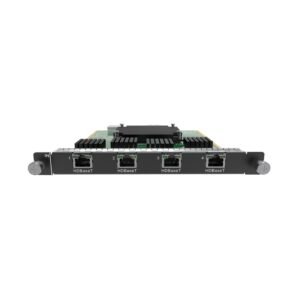
This card is an audio route inside an H Series system. It does not power loudspeakers, replace a DSP or mixer, add HDMI connectors, process video or create an LED cabinet data path. A correct order includes the matching chassis slot, a defined source-audio path and downstream balanced-input equipment.
NovaStar H_2xAudio input +2xAudio output card applications
These situations make the card’s audio role concrete. They assume the source, output and downstream audio equipment have been designed as one route.
Presentation audio alongside the LED picture
Bring a planned balanced audio source into the H Series system, then send its selected output to the venue’s downstream audio equipment while the LED wall carries the picture.
Embedded program sound from HDMI
Choose a compatible video input that carries embedded audio, select that source in the chassis interface, then route the selected sound through the card’s balanced audio output.
Control-room monitoring route
Give an operator a defined line-level audio path for a selected H Series source instead of relying on an improvised display-speaker connection.
A planned delayed downstream audio feed
Use the card’s output-delay control where the installed audio design calls for timing adjustment. Confirm the entire video, DSP, amplifier and loudspeaker chain during commissioning.
NovaStar H_2xAudio input +2xAudio output card setup and compatibility
- Confirm a suitable H Series card slot: it is an audio I/O module, not a location for an input or LED output card.
- Choose single or dual channel from the actual path count: plan the Phoenix connectors on both the source and destination sides before installation.
- Choose the output’s audio source: select the card’s balanced audio input or a compatible video input that carries embedded audio; the selected layer/input must support that embedded-audio route.
- Test the complete audio handoff: confirm the output connector, volume, mute, delay and downstream audio equipment with the final video program. Compare NovaStar H2 or NovaStar H5 only after confirming their available card slots and the whole I/O plan.
NovaStar H_2xAudio input +2xAudio output card manual, specifications and H Series firmware
The first PDF contains the official card facts. The other three resources are verified H Series family documents and are labelled with their real scope.
NovaStar H_2xAudio input +2xAudio Output Card specifications (PDF, H2 V1.16)
Official card details within NovaStar’s H2 specification: balanced connector counts, audio controls, dimensions and power.
NovaStar H Series user manual (PDF, V1.15.0)
Verified H Series family manual for audio selection and operating procedures; it is not a card-only manual.
NovaStar H Series firmware (ZIP, V2.2.0.0)
Verified H Series family firmware package, not presented as an audio-card-only file.
NovaStar H Series firmware release notes (TXT, V2.2.0.0)
Version changes and update notes for the same verified H Series family firmware package.
NovaStar H_2xAudio input +2xAudio output card FAQs
What is NovaStar H_2xAudio input +2xAudio Output Card?
It is an H Series balanced audio input/output card. It lets an installed H Series system select and route audio; it is not the video wall splicer chassis, a video card, a power amplifier or a loudspeaker.
Does it replace a mixer, amplifier or powered speakers?
No. The card provides balanced audio I/O. The downstream audio design still needs suitable equipment such as the planned mixer, DSP, amplifier and loudspeakers.
What is the difference between single-channel and dual-channel mode?
Single-channel mode has four Phoenix audio inputs and four Phoenix audio outputs. Dual-channel mode has two inputs and two outputs. Select the mode from the number of analog paths the installed system genuinely needs.
Can it output audio embedded in HDMI?
Yes, when the selected layer is opened by an input card with the relevant marking or an input card that supports embedded audio. In the H Series interface, select that source audio and choose the audio-card output connector.
Does it only output audio connected directly to the card?
No. NovaStar lists two source types: sound connected to the audio card and embedded audio carried by a selected video input connector.
Can the H_2xAudio card help with audio timing?
It supports audio-output delay, output-volume adjustment and one-click mute. Those controls are part of a planned system route; verify sync through the completed video, audio-processing and loudspeaker chain.
Does the card add HDMI inputs or LED cabinet outputs?
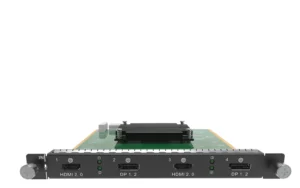
No. It adds balanced audio I/O. Use a source-specific card such as the H_1x HDMI2.0 input card for HDMI video input, and use the system’s selected LED output card for the cabinet path.
Can I buy the card directly?
Yes, when the H Series chassis slot, selected audio mode, intended audio source and downstream balanced-audio equipment are already specified. For multi-card or project quantities, use the bulk-pricing link above.
Can it select embedded audio from any video input?
Only from an eligible video-input path. NovaStar specifies that embedded audio requires selecting a layer opened by the marked input card or an input card that supports embedded-audio input. Confirm the installed video-input card before ordering.
Reviews
There are no reviews yet.