
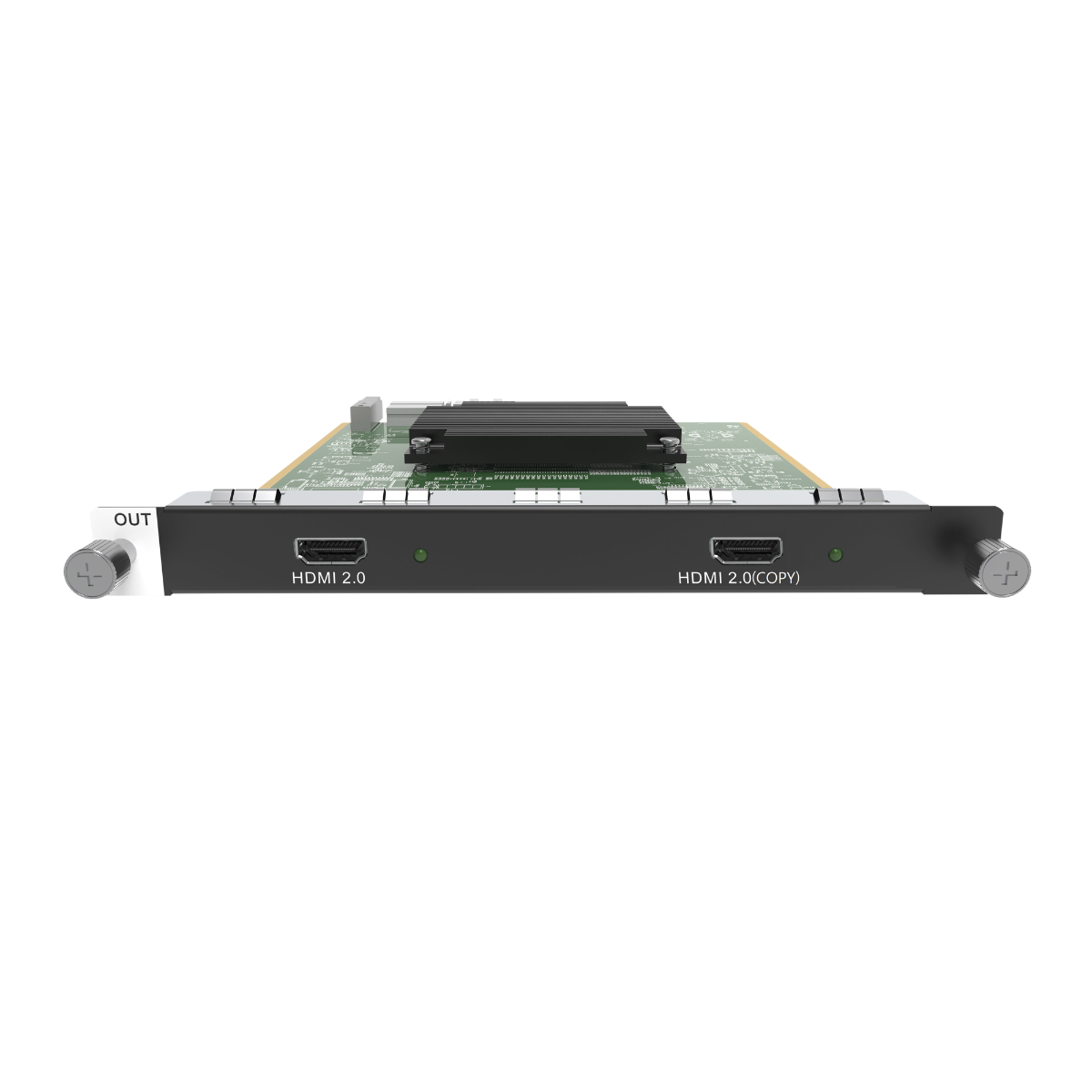
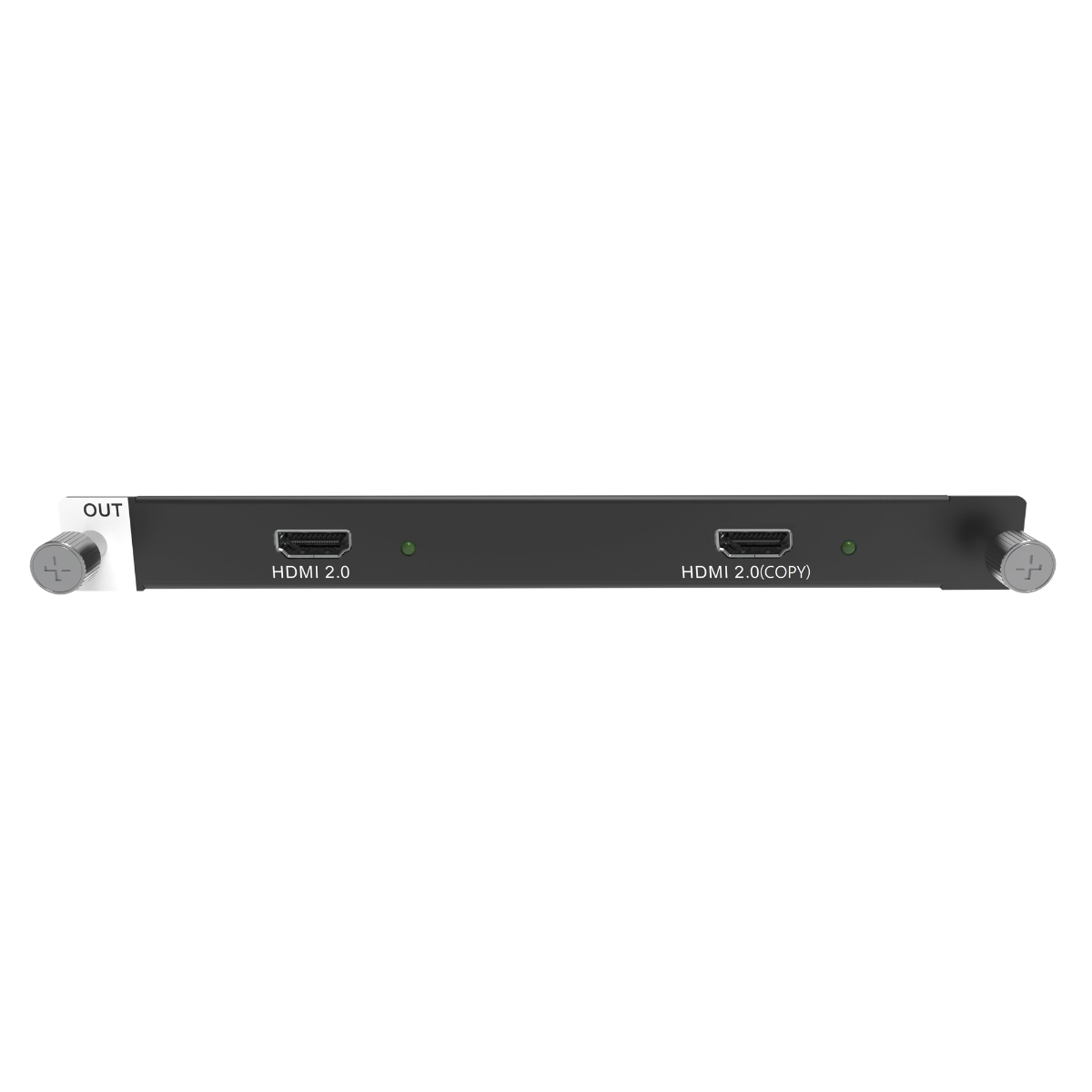
What is NovaStar H_1 HDMI2.0 output card?
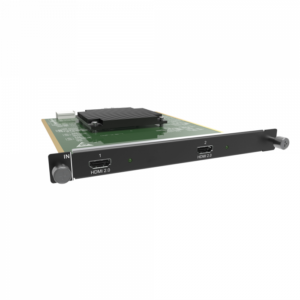
The NovaStar™ H Series H_1 HDMI2.0 Output Card sends a finished H Series picture to an external HDMI display endpoint. Use it after a compatible H Series chassis has arranged the source pictures: the card can hand that completed picture to a projector, a confidence monitor, a recording device or another planned HDMI display.
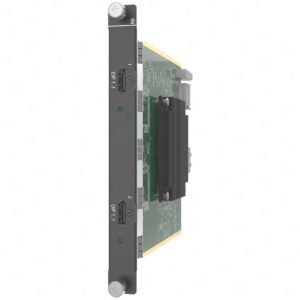
Its two HDMI 2.0 connectors are designed for one high-resolution program picture and a matching copy. Connector 2 copies connector 1. That is valuable when the same finished picture should appear in two planned places, but it does not create two independently programmed HDMI screens.
It is an HDMI display-output card, not the H Series video wall splicer and not an LED cabinet sending card. Before ordering, confirm the compatible chassis output slot, the actual endpoint’s accepted timing and format, and whether the second copied connection has a real use.
Request H_1 HDMI2.0 Output Card bulk pricing →
For confirmed multi-card H Series or project quantities. Direct checkout is available when the compatible output-card position, primary HDMI endpoint and copied-output use are already confirmed.
NovaStar H_1 HDMI2.0 output card key features: what makes it different?
- Give one finished H Series layout a high-resolution HDMI handoff: NovaStar specifies a primary output up to 4096 × 2160@60 or 8192 × 1080@60. It suits a display destination that genuinely needs those formats and whose complete HDMI path supports them.
- Place the same picture at a second planned destination: connector 2 copies connector 1. An operator’s confidence monitor and a recorder, for example, can receive the same completed picture without asking the chassis to make a second HDMI program.
- Support demanding display formats when the endpoint is prepared: the card supports listed 8-bit and 10-bit RGB/YCbCr formats and 144 Hz output. The result still depends on the selected HDMI timing, display or recorder input and the physical cable route.
- Keep the external display plan separate from the LED cabinet plan: use this card for a monitor, projector, recorder or similar endpoint beside the LED system. Select a separate H Series LED output card for the actual cabinet data path.
NovaStar H_1 HDMI2.0 output card specifications
These figures apply to the card’s external HDMI display output. They are not source-input limits, H Series chassis capacity or LED-cabinet pixel capacity.
Why two H_1 HDMI2.0 connections still carry one program picture
The simplest way to choose this card is to start with the picture, not the ports. The H Series chassis makes one finished layout, connector 1 takes that layout to the primary HDMI destination, and connector 2 carries the same picture to a second destination. It does not create a second independent source selection, layout or screen program.
NovaStar H_1 HDMI2.0 output card vs H_4x HDMI output card
The deciding question is how many different HDMI pictures the system needs. H_1 is for one high-resolution primary program with a duplicate. The H_4x HDMI Output Card is for several independently planned display paths within its documented single-link or dual-link modes.
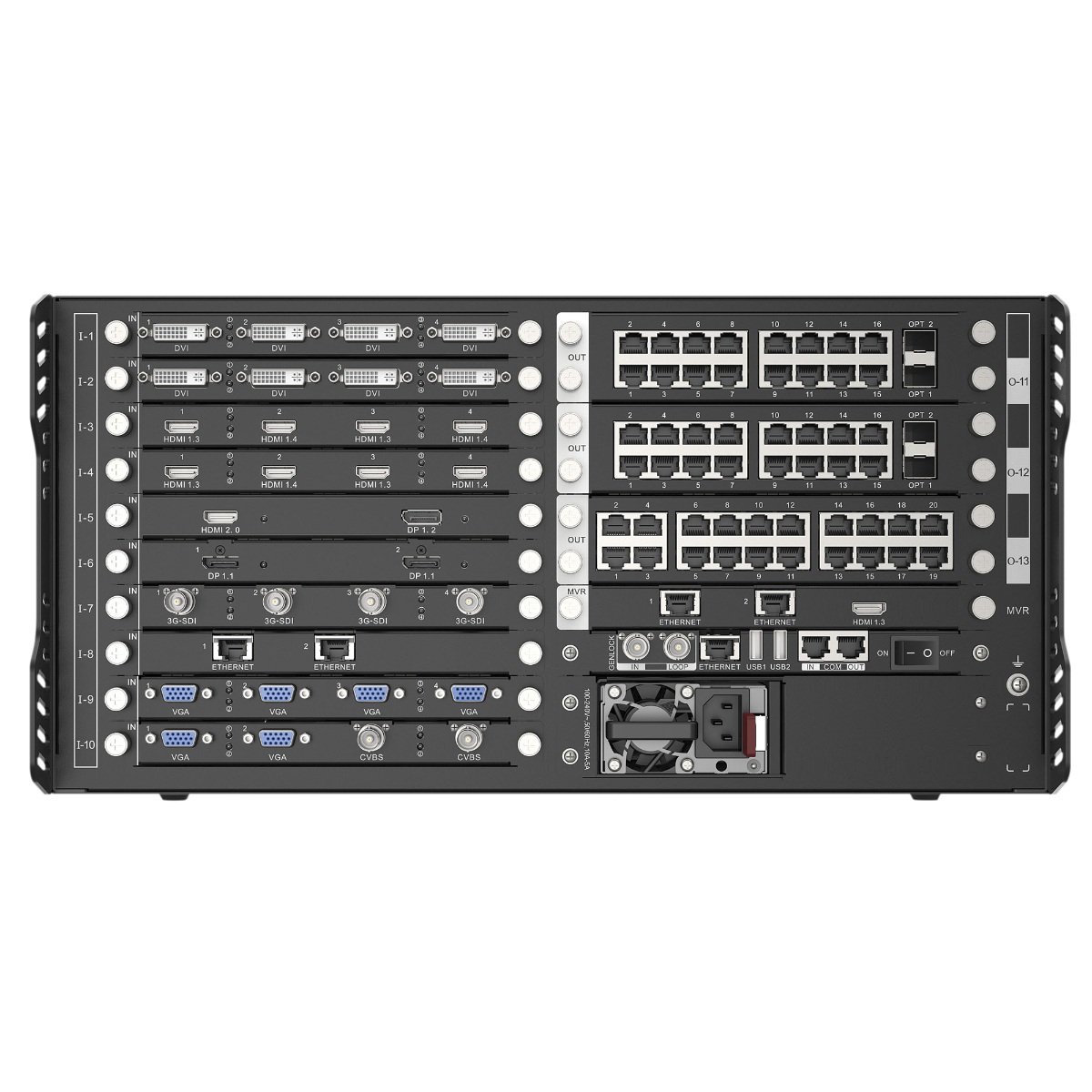
How NovaStar H_1 HDMI2.0 output card fits an H Series system
- Bring the required sources into the H Series chassis: selected input cards receive the computers, media servers, cameras or other source formats used by the project.
- Build the intended visible layout: the H Series chassis makes the composition that should be seen on the LED system and any planned external display endpoints.
- Send that one finished picture to HDMI equipment: connector 1 feeds the primary external HDMI endpoint; connector 2 feeds another endpoint that should show the same picture.
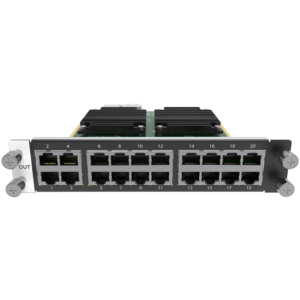
- Run the LED cabinet route separately: a selected H Series LED output card—not this HDMI card—carries the cabinet-side data path. The H_16xRJ45+2xFiber Output Card is one example of that different role.
NovaStar H_1 HDMI2.0 output card applications
These are external-display situations where one finished high-resolution picture and its matching copy are more valuable than multiple independently programmed HDMI outputs.
Operator confidence monitor
Give an operator a direct view of the completed program picture while the same HDMI feed goes to the planned destination display or other supporting equipment.
Projector plus local monitor
Send one completed layout to a projector and use the copied connector for a local display that needs to show exactly the same program picture.
Program recording handoff
Feed compatible recording equipment with the finished HDMI picture while a matching on-site monitor shows the same output during operation.
One ultrawide external endpoint
Use the documented 8192 × 1080@60 output option only when the selected display endpoint and complete cable path are designed to accept that exact wide picture.
NovaStar H_1 HDMI2.0 output card compatibility and endpoint checks
- Confirm the compatible H Series chassis and an available output-card slot: H_1 HDMI2.0 is installed to create an external display output, not a source input or cabinet output.
- Confirm the primary destination first: document the display, projector, recorder or other endpoint’s accepted resolution, refresh, color format and full HDMI cable path.
- Give connector 2 a matching-picture destination: use it only where the same finished picture is wanted. A different screen layout needs a different output design.
- Plan the LED route independently: select the appropriate H Series LED output card, cabinet connection path and related system components separately. Browse the H Series collection for compatible chassis and cards.
NovaStar H_1 HDMI2.0 output card manual, specifications and H Series firmware
The specifications PDF is the current official H Series card reference that contains the H_1 HDMI2.0 Output Card. The manual, firmware and release notes below are H Series family resources, not output-card-only files.
NovaStar H_1 HDMI2.0 Output Card specifications (PDF, H20 V1.8.0)
Official H20 V1.8 card reference for HDMI connection roles, output formats, maximum timing, dimensions and power.
NovaStar H Series user manual (PDF, V1.15.0)
Family setup, card configuration and operating procedures.
NovaStar H Series firmware (ZIP, V2.2.0.0)
Verified V2.2.0.0 family firmware package; not H_1 HDMI2.0 Output Card-only firmware.
NovaStar H Series firmware release notes (TXT, V2.2.0.0)
Version changes and update notes for the H Series family package.
NovaStar H_1 HDMI2.0 output card FAQs
Is NovaStar H_1 HDMI2.0 Output Card a video wall splicer?
No. It is an installed HDMI display-output card. A compatible H Series chassis builds the visible layout; this card delivers that completed picture to HDMI endpoint equipment.
Do the two HDMI connectors make two independent screens?
No. NovaStar specifies that connector 2 copies connector 1. Use it when two endpoints need the same finished picture, not when they need different HDMI content or layouts.
Can the primary HDMI output run at 4K@60?
NovaStar lists 4096 × 2160@60 as a maximum output. Confirm the selected output timing, endpoint input and full HDMI cable or extension path before ordering.
What does the 8192 × 1080 output option mean?
It is a documented wide output at 60 Hz for a downstream HDMI endpoint that can accept that exact picture. It does not create a second independent canvas at connector 2.
Does this card send data to LED cabinets?
No. It serves an external HDMI endpoint. The LED cabinet route still requires a selected H Series LED output card and a cabinet-side connection plan.
When should I choose H_1 HDMI2.0 instead of H_4x HDMI Output Card?
Choose H_1 when one high-resolution HDMI program and a duplicate copy are required. Choose H_4x when the system needs several independently planned HDMI display paths and its documented timing limits fit those endpoints.
Can the copied connector be used as a backup path?
It carries the same picture to another endpoint. Whether that helps a backup plan depends on the full system’s endpoint, switching and operating design; the card does not make another independent program.
Is the firmware download a card-only update?
No. The linked ZIP is a verified H Series family firmware package. Review the release notes and the compatible chassis documentation before applying an update.
Does the listed 144 Hz output mean every 4K144 HDMI endpoint will work?
No. NovaStar lists output frame rates through 144 Hz separately from the card’s documented maximum formats. Confirm the required resolution, refresh rate, color format and complete HDMI cable or extension path for the primary endpoint before ordering.
Reviews
There are no reviews yet.