
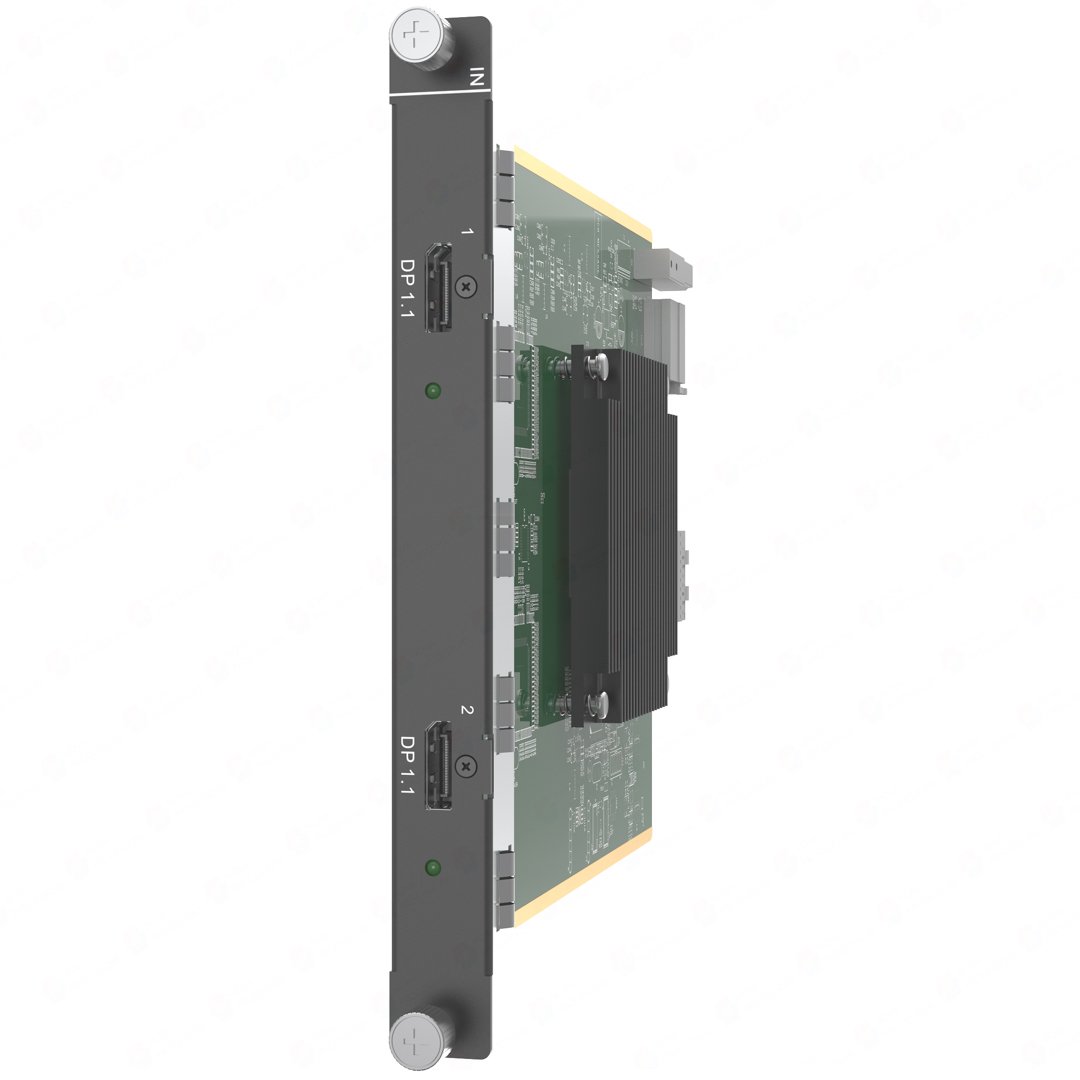
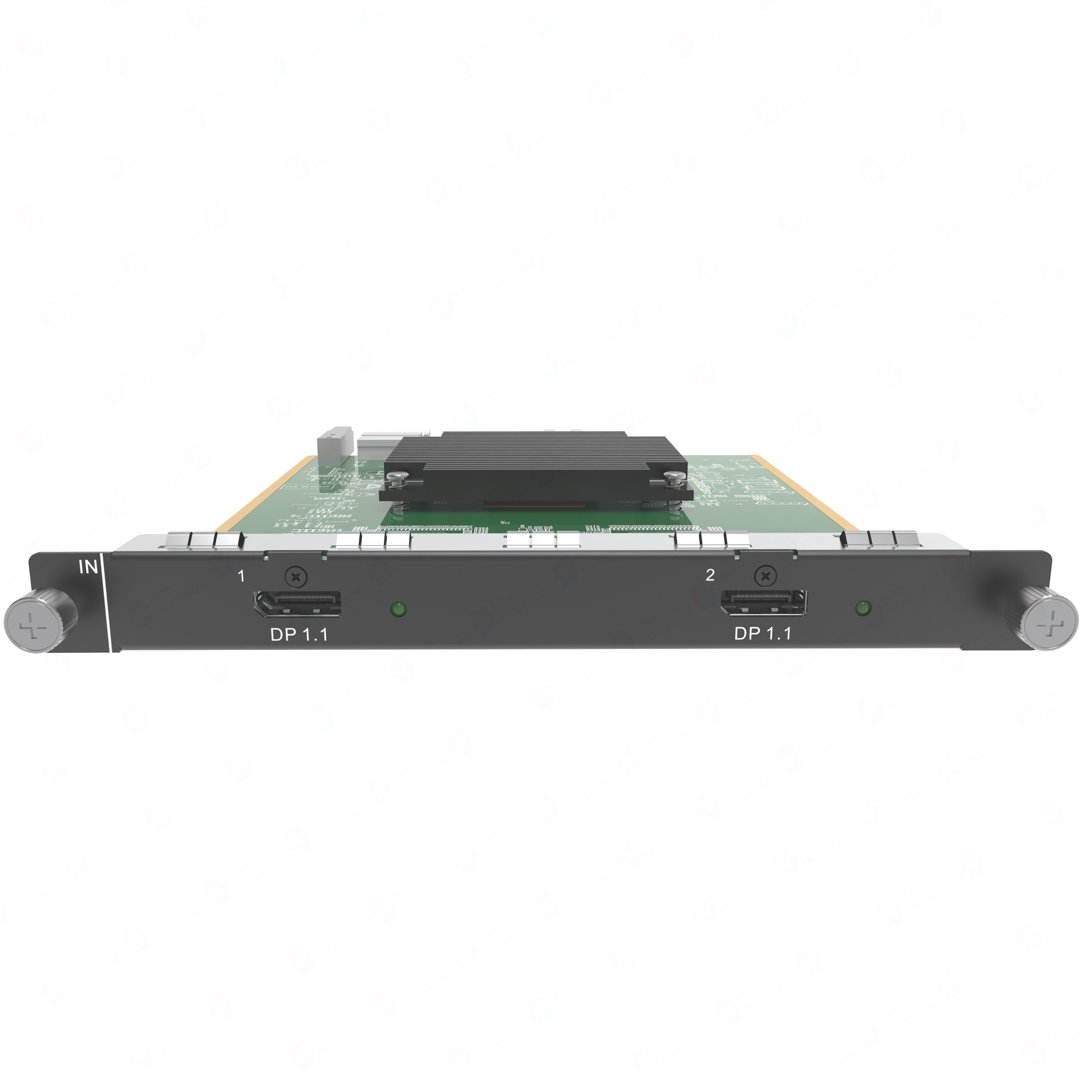
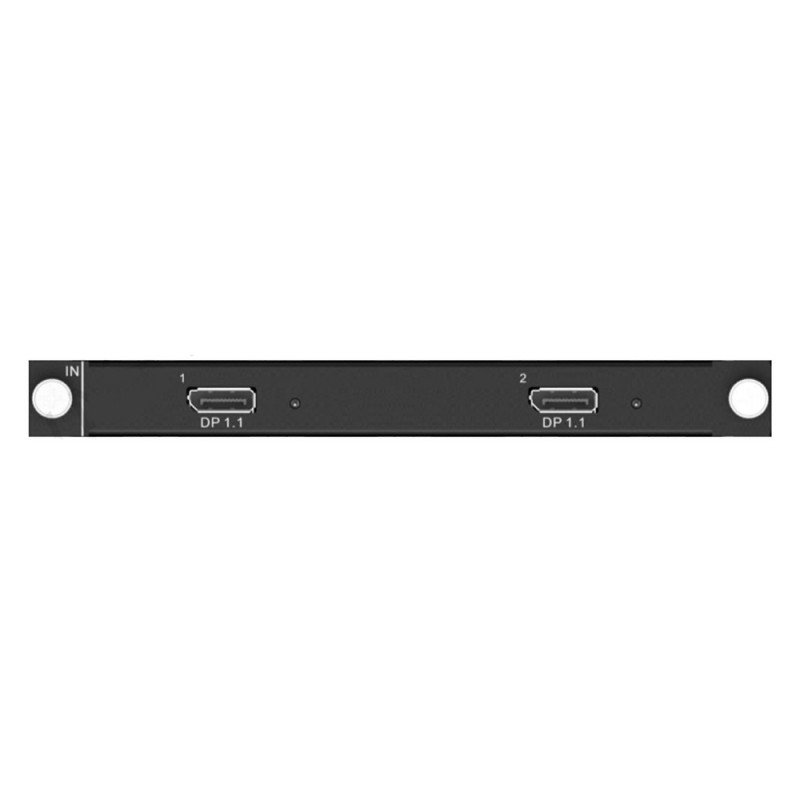
What is NovaStar H_2x DP1.1 input card?
The NovaStar™ H Series 2x DisplayPort 1.1 Input Card (H_2x DP1.1) is a two-port DisplayPort source input card for a compatible H Series video wall splicer. It uses one input-card slot to bring two progressive DP sources into the chassis. Each DP 1.1 connector supports up to 3840 × 1080 at 60 Hz or 3840 × 2160 at 30 Hz.
The card accepts the source signals; it does not build the LED layout or send data to LED cabinets. The chassis places the sources on the required layout, and a separately installed LED output card carries the finished picture to receiving cards in the cabinets. Choose H_2x DP1.1 when two existing DP sources fit those limits and the chassis has one compatible input-card slot available.
Before ordering, check each source’s actual output setting—not the connector shape alone: both sources must be progressive, each must fit the published per-connector timing, and the selected H Series chassis needs a free compatible input-card slot. A source that must stay at 4K60 needs a DP 1.2 input path instead.
Request H_2x DP1.1 bulk pricing →
For confirmed multi-card H Series or volume quantities.
NovaStar H_2x DP1.1 input card key features: two sources in one slot
- Keep two planned DP sources in one input-card slot: A presentation computer and a graphics workstation, or two suitable media players, can enter the same H Series chassis without taking two separate input-card positions.
- Choose by each source’s timing, not by the DP connector alone: Each input supports up to 3840 × 1080 at 60 Hz or 3840 × 2160 at 30 Hz. That fits wide 60 Hz desktop feeds or two 4K30 feeds, but not a source that must stay at 4K60.
- Progressive DP input only: The card does not accept interlaced signals. Checking the source setting before installation avoids discovering a timing mismatch during commissioning.
- Professional source support without extra translation: It accepts 8-bit and 10-bit inputs, supports HDCP 1.3 and accepts embedded audio from a compatible DP source.
NovaStar H_2x DP1.1 input card specifications
Every maximum below applies to one DP connector. The H Series chassis, its installed output card and the LED cabinet map determine what happens after the source enters the system.
NovaStar H_2x DP1.1 source timing: what fits and what does not
Check the timing reported by the actual PC, media server or playback device—not only the connector shape. This table separates a two-source DP 1.1 fit from a source that needs the higher-bandwidth DP 1.2 path.
How NovaStar H_2x DP1.1 source inputs reach the LED wall
- Connect the progressive DP sources. Use one or both front-panel DP 1.1 inputs after confirming the source timing is within the card’s per-input limit.
- Place the sources in the H Series screen layout. The chassis receives the signals and determines where they appear on the configured LED canvas or canvases.
- Send the finished layout to the cabinets. The installed H Series LED output card sends assigned parts of that layout to the cabinet receiving cards. Use NovaLCT for receiving-card settings and cabinet topology—not for choosing an incompatible source timing.
NovaStar H_2x DP1.1 vs H_1x DP1.2: two DP sources or one 4K60 source
These cards solve different source plans. H_2x DP1.1 gives an H Series chassis two DP 1.1 entries when each source fits 4K30 or 3840 × 1080 at 60 Hz. The H_1x DP1.2 Input Card accepts one higher-bandwidth DP source, including 4K60. Choose by the actual source timing first, then by how many DP inputs the chassis needs.
NovaStar H_2x DP1.1 input card applications
This card earns its place where the source outputs are already known. It is a practical way to retain two suitable DP 1.1 feeds in a larger modular LED system without paying for bandwidth those sources do not use.
Two operator computers
A presentation PC and a second graphics workstation can enter the same H Series chassis through one card when each source fits the published DP 1.1 timing limit. The chassis—not this card—then decides how those sources appear on the LED layout.
Wide control-room dashboard
A 3840 × 1080 progressive feed at 60 Hz fits a connector on this card. That makes it a practical match for a wide monitoring canvas when the existing output is DP 1.1.
Two 4K30 playback feeds
Two separate 3840 × 2160 sources at 30 Hz can be brought into the H Series system on one card, useful when smooth 60 Hz 4K playback is not the source requirement.
Upgrade around existing DP hardware
Keep suitable DP 1.1 computers or media players in an H Series LED system when their progressive timings fit. If a source is already 4K60, choose the DP 1.2 path before the rack is built.
NovaStar H_2x DP1.1 manual, specifications and H Series firmware
The first PDF contains the official H_2x DP1.1 Input Card section inside NovaStar’s current H20 specification. The manual, firmware and release notes are verified H Series family resources; their labels make the scope clear.
NovaStar H_2x DP1.1 specifications (PDF, H20 V1.8)
Exact H_2x DP1.1 connector, timing, source-format, dimension and power details inside NovaStar’s H20 specification.
NovaStar H Series user manual (PDF, V1.15.0)
Verified H Series family manual for source connection, card installation and screen configuration; it is not an H_2x DP1.1-only manual.
NovaStar H Series firmware (ZIP, V2.2.0.0)
Verified H Series family firmware package; it is not an H_2x DP1.1-only file.
NovaStar H Series firmware release notes (TXT, V2.2.0.0)
Version changes and update notes for the same verified H Series family firmware package.
NovaStar H_2x DP1.1 input card FAQs
Is H_2x DP1.1 a video wall splicer or an LED output card?
No. It is an input card. It accepts up to two DP source signals for a compatible H Series chassis; the chassis and a separately installed LED output card handle the LED layout and cabinet paths.
Can this card accept a 4K source at 60 Hz?
No. The published maximum for each DP 1.1 connector is 3840 × 2160 at 30 Hz. Select a DP 1.2 input path for a 4K60 source.
Can both DP connectors be used for separate sources?
The card provides two DP 1.1 source inputs. The H Series chassis determines how the connected sources are used in the configured LED screen layout.
Does H_2x DP1.1 accept interlaced DisplayPort signals?
No. Set the source to a supported progressive output before commissioning the H Series system.
How many chassis slots does this card use?
It installs in one compatible H Series input-card slot. Confirm the free compatible slot in the selected chassis before ordering.
Which software configures the LED cabinets?
The input card does not map cabinets. After the H Series screen is set, use NovaLCT for the receiving-card configuration and cabinet topology associated with the installed LED output card.
Is the firmware download a card-only H_2x DP1.1 file?
No. NovaStar’s available package is labeled as an H20 chassis/H Series family firmware file. Review the release notes and the selected chassis documentation before updating any system.
Does 144 Hz support mean this card accepts 4K at 144 Hz?
No. NovaStar lists supported input frame rates through 144 Hz, but every source timing must still stay within this card’s published per-connector limits. The listed 4K maximum is 3840 × 2160 at 30 Hz, so do not treat “144 Hz supported” as a 4K144 claim.
Reviews
There are no reviews yet.