
What is NovaStar H5 video wall splicer?
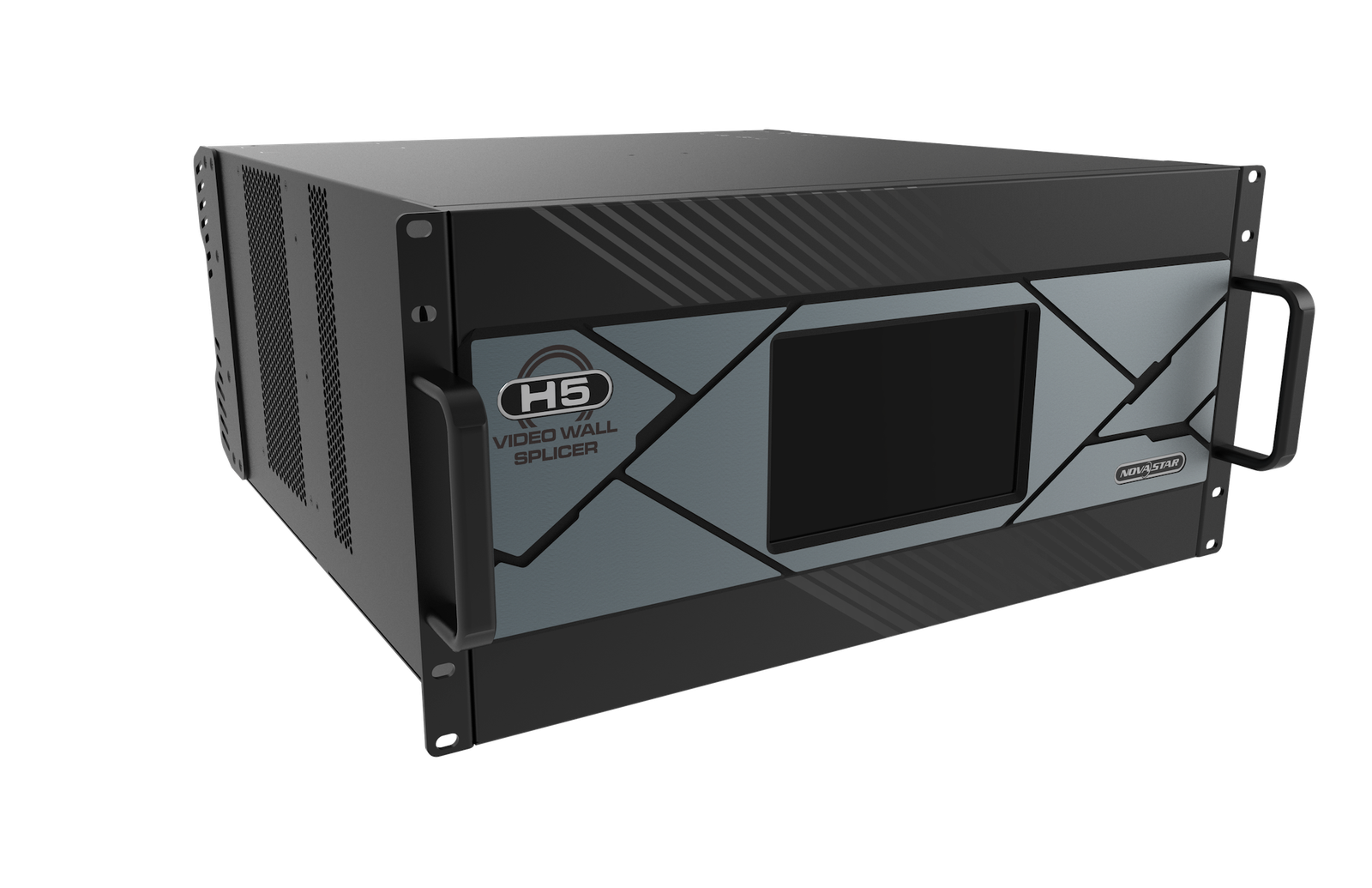
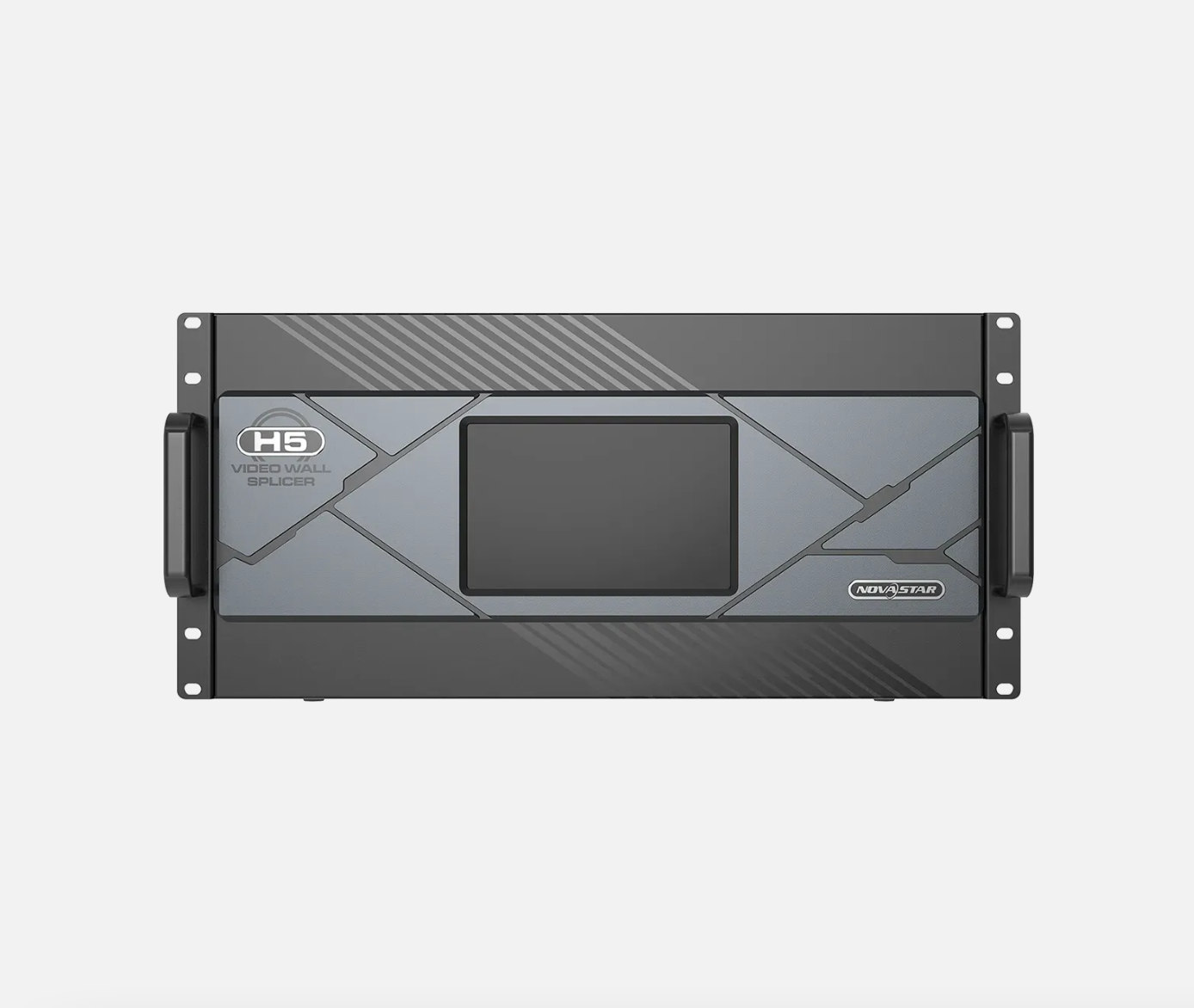
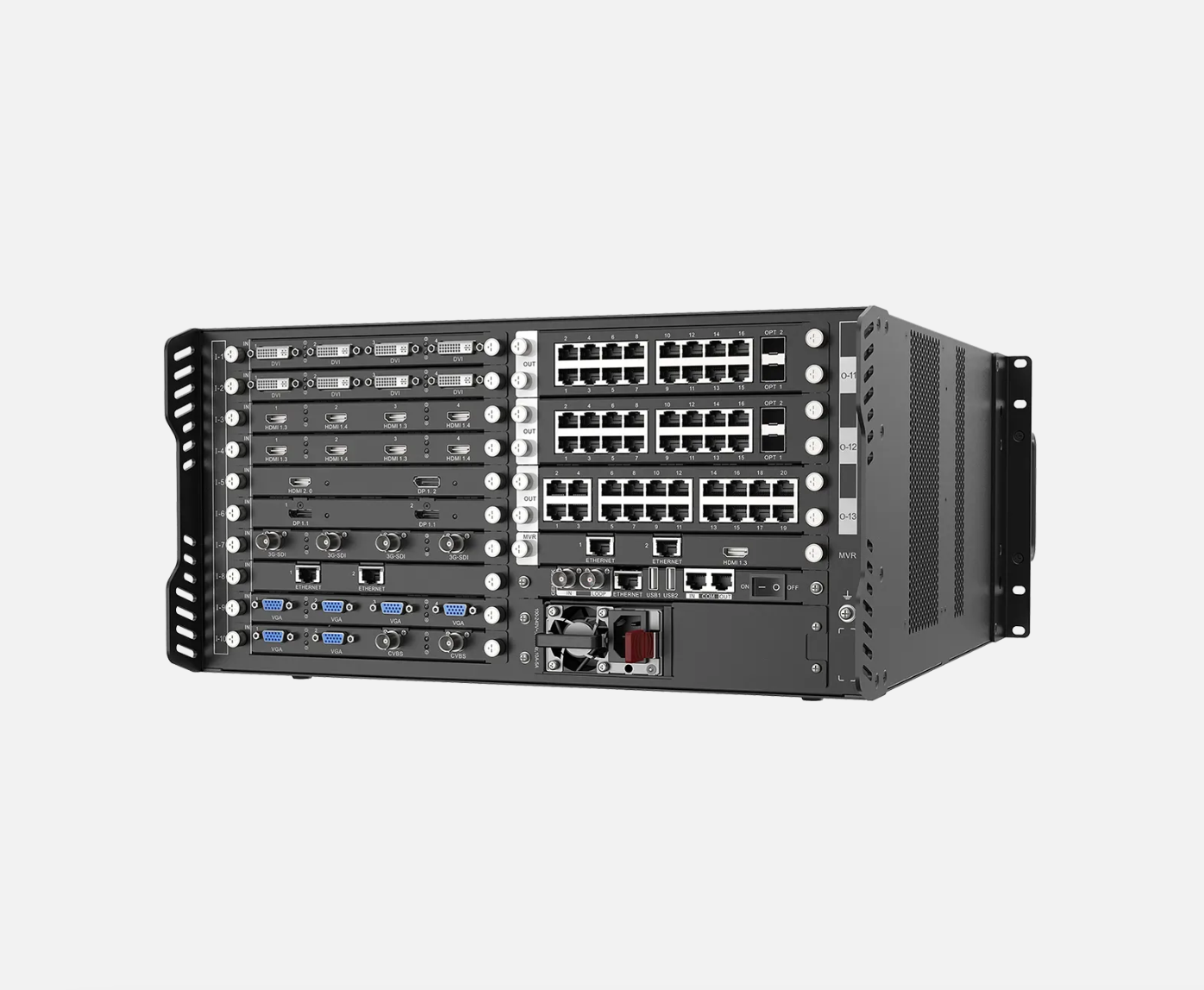
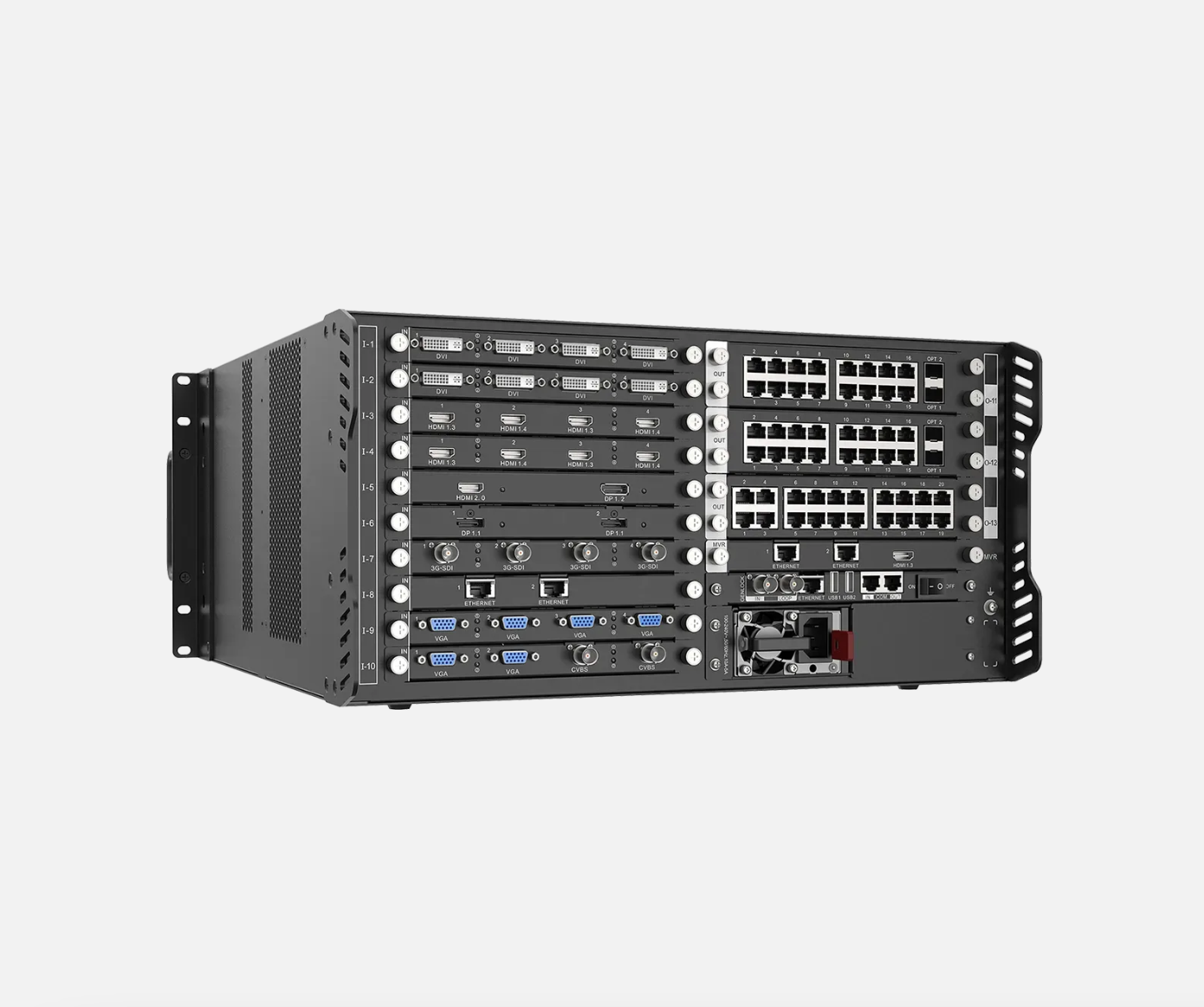
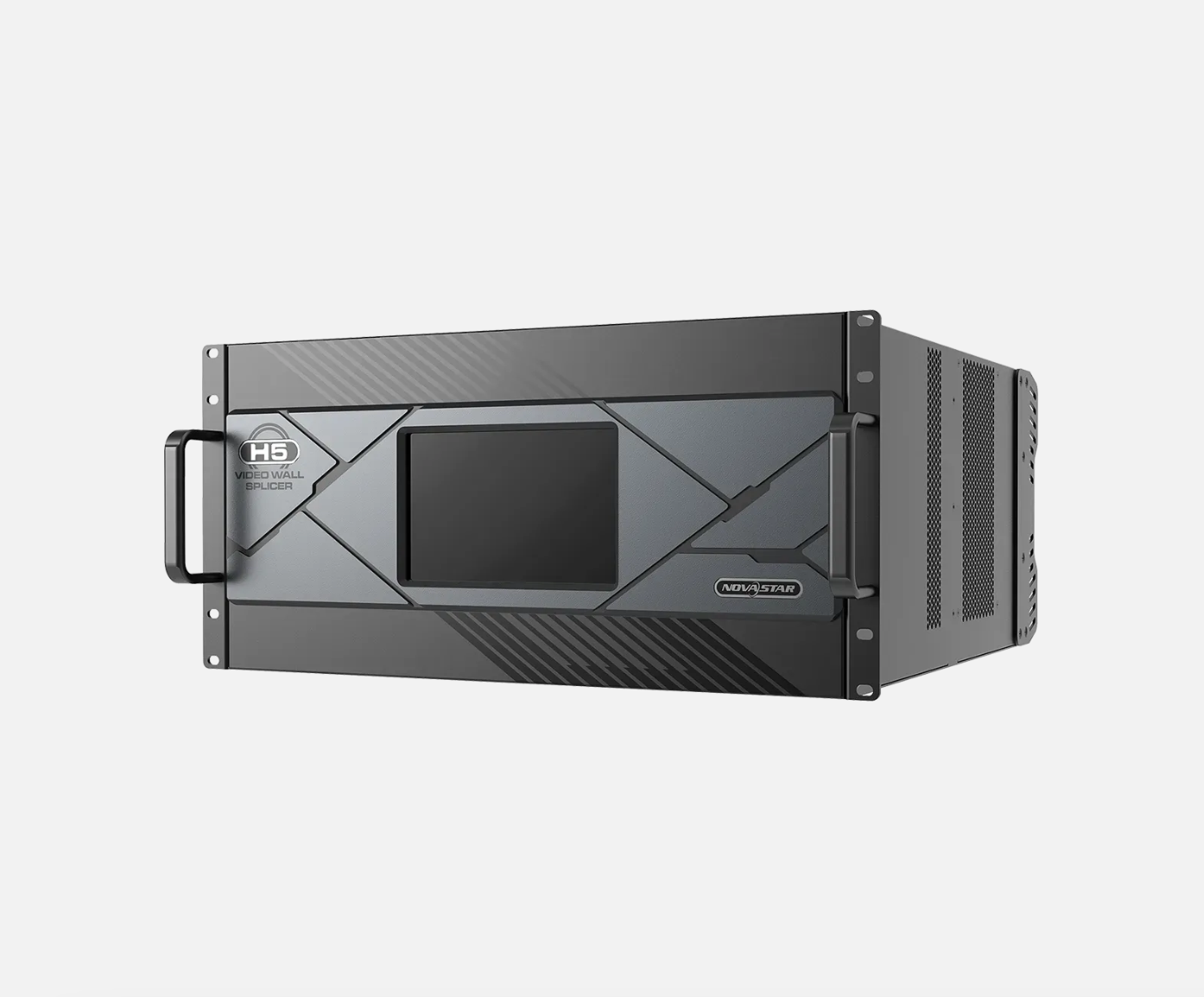
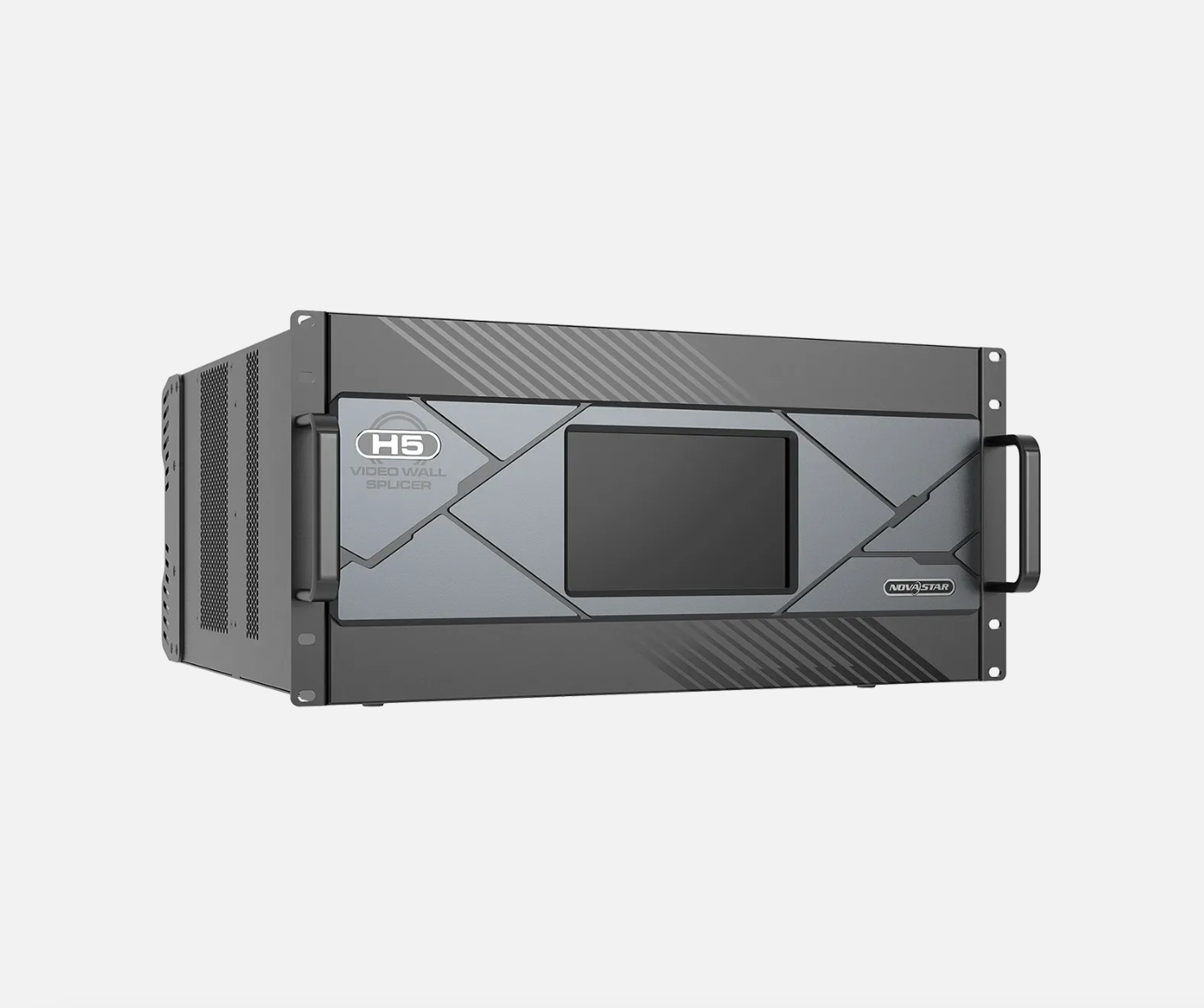
The NovaStar H5 video wall splicer is a 5U modular chassis for a permanent LED wall that needs several video sources shown in one planned layout. Selected input cards bring computers, media players, cameras or switcher outputs into H5. H5 then sizes and places those pictures on the LED canvas, while selected LED output cards send the completed layout to the cabinets.
Choose H5 when the confirmed design needs no more than ten input-card positions, three LED output-card positions and 48 layers. It suits a briefing wall, operations display or presentation space that needs several sources ready at once and has 5U of rack space available.
NovaStar H5 video wall splicer key features: what makes it different?
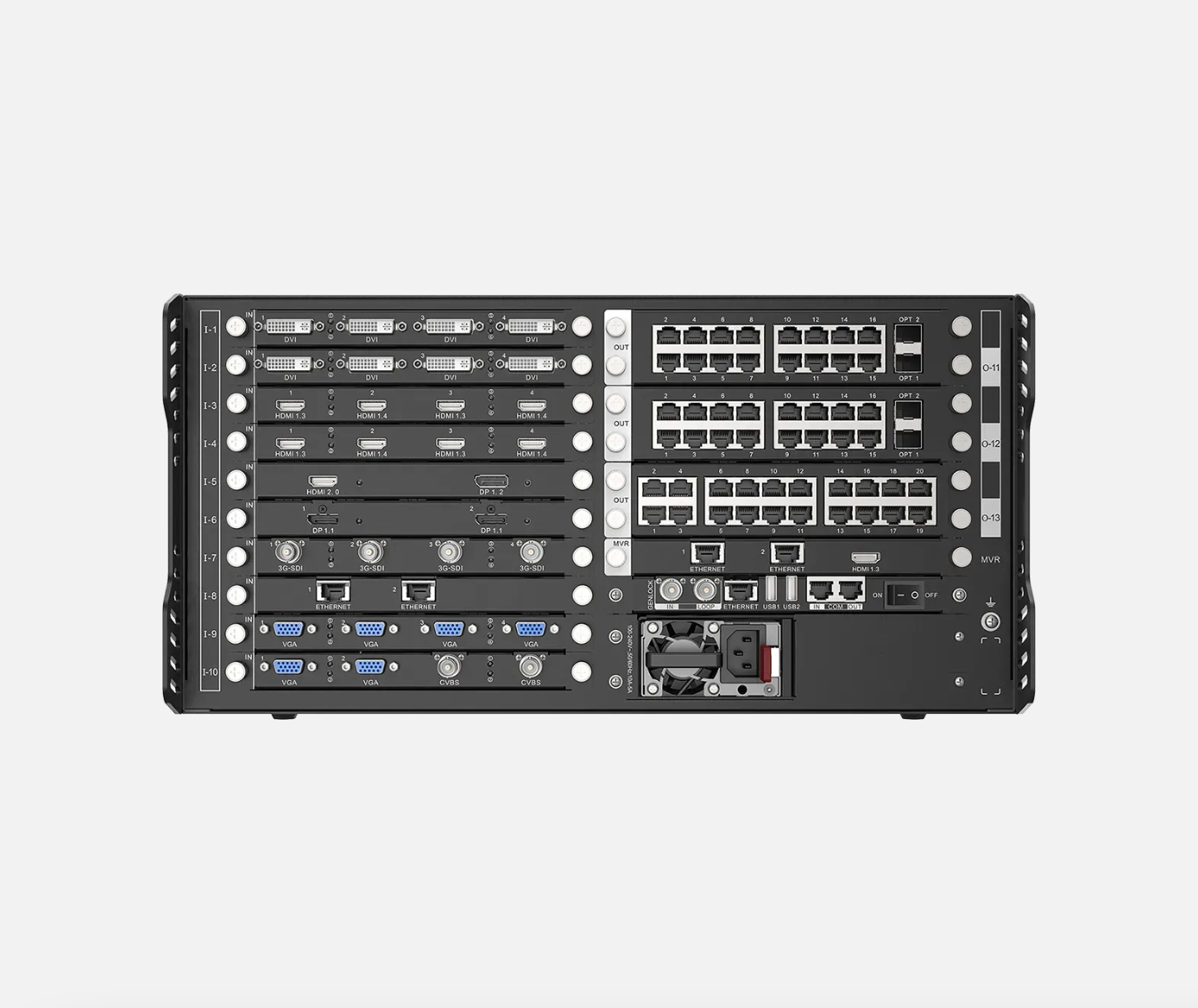
- Keep the sources for one room together: H5 supports up to ten input cards and 40 input channels, so a fixed installation can keep its presentation computer, media player, camera feed and switcher output available without replacing the chassis.
- Build a display instead of simply passing video through: up to 48 layers let an operator combine a full-wall program with a camera window, agenda or data view in the places the audience or team needs to see.
- Match the cabinet connection to the installed wall: three LED output-card positions let the system use the required RJ45 or fiber path. Those selected cards determine the cabinet route and usable pixel capacity; the empty chassis does not.
- Return a room to a known layout: H5 supports web control, presets and multi-screen management, so an operator can recall a planned layout instead of rebuilding it before every meeting or shift.
- Specify power backup when the installation needs it: H5 ships with one power supply, and a redundant supply is optional. Include that option when the system’s uptime plan requires protection against a power-supply failure.
NovaStar H5 specifications
Use these fixed chassis limits to decide whether H5 fits the rack, card count and layer count of the planned installation. The LED capacity is shown separately because it changes with the selected output cards.
NovaStar H5 input cards and LED output cards
H5 is a configurable chassis, so two choices must be made together. Input cards determine which sources can enter the system. LED output cards, also called sending cards, carry the completed H5 layout to the LED cabinets. Start with the source list and cabinet connection drawing, then check that both card groups fit the available H5 slots.
Browse the H Series category for the source connector and cabinet path that match the installation. If the source count exceeds ten input-card positions or the LED wall needs more than three output cards, choose a larger chassis before ordering; another card cannot create extra H5 slots.
How NovaStar H5 connects video sources to LED cabinets
After the cards have been selected, an H5 system handles the signal in this order. The input card receives the source, H5 arranges the picture, and the LED output card sends that completed layout to the cabinets.
Bring each planned source into H5
Connect each computer, media player, camera or switcher output to the matching installed input card. The chassis provides the slot; the input card provides the required connector.
Arrange the sources on the LED layout
In H5, place each source where it belongs: one source can fill the wall, while other sources remain as planned windows or layers.
Send LED data to the cabinet chains
The selected LED output cards create the RJ45 or fiber paths. NovaLCT then maps those paths to the actual receiving cards, cabinets and cable order.
NovaStar H5 maximum pixel capacity by LED output card
H5 has three LED output-card positions, and each card family has its own published pixel load. The table shows the total only when all three positions use the same card family. For a mixed-card system, calculate each installed card separately and confirm the cabinet port map.
The 78-million-pixel H5 total requires three enhanced H_4xFiber sending cards: one in every H5 LED output-card position.
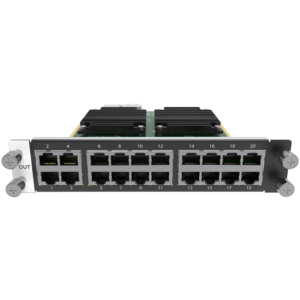
Compare the card-level details for the H_16xRJ45+2xFiber output card, H_20xRJ45 output card, H_4x Fiber output card and H_4xFiber Sending Card (Enhanced). Capacity is only one check: the ports, optical modules where used, cable route and cabinet receiving-card plan must also fit the installed wall.
NovaStar H5 applications for multi-screen LED walls
These are situations where H5’s 5U size, card capacity and 48 layers solve a real operating need. Each still starts with a confirmed source list and cabinet route.
Operations and monitoring room
Keep a dashboard, camera group, alert feed and presentation source ready in one planned layout. H5 suits this room when the actual input-card count stays within ten and the cabinet paths fit three output cards.
Executive briefing LED wall
A full-screen presentation can stay central while a live video feed, agenda or data window remains in a fixed location. The 48-layer ceiling gives the operator room to compose the intended view instead of changing cables during the meeting.
Showroom, training or experience space
Move between a welcoming canvas, product video and live computer demonstration using saved layouts. Select the source cards for the equipment that will actually be connected every day.
Planned LED rack upgrade
Use H5 when a compact H2 no longer leaves room for the final source plan or third cabinet-output path, but the installation still fits a 5U chassis rather than the H9’s 9U frame.
NovaStar H5 vs H9: when do five LED output-card slots matter?
The H5-versus-H9 choice comes down to the completed card plan and available rack space. H5 is the right size when three LED output-card positions and 48 layers cover the system. Choose H9 when the same design genuinely needs a fourth or fifth LED output card, more input-card positions or 80 layers.
Do not choose H9 simply to avoid a card plan. Choose the NovaStar H9 when the additional slots and layers are part of the actual final LED layout; otherwise H5 keeps the installation in a 5U chassis.
NovaStar H5 setup and receiving card compatibility
H5 and the LED cabinets are set up in two connected stages. The first stage defines the picture; the second stage maps that picture to the physical wall.
- Configure the H5 chassis: install the selected input and LED output cards, then set the screens, source layers and saved layouts in the H5 interface.
- Configure the cabinet side in NovaLCT: use the correct cabinet file and receiving-card configuration, then map each cabinet chain to the actual output-card port.
- Check the complete connection path before commissioning: the H5 output card, RJ45 or fiber route, receiving cards and physical cabinet order must describe the same LED wall. A correct H5 layout cannot fix a cabinet file or cable order that belongs to a different wall.
NovaStar H5 manual, datasheet and H Series firmware
The H5 specification is the model-specific source for chassis facts. The manual, firmware and release notes apply to the H Series family, so their card titles state that scope clearly.
NovaStar H5 specifications (PDF, V1.16)
Exact official H5 chassis facts, compatible-card list, capacity, dimensions and electrical specifications.
NovaStar H Series user manual (PDF, V1.15.0)
H Series family manual for screen layout, card configuration and operating procedures; it is not H5-only.
NovaStar H Series firmware (ZIP, V2.2.0.0)
Verified H Series family firmware package, not a file presented as H5-only firmware.
NovaStar H Series firmware release notes (TXT, V2.2.0.0)
Version changes and update notes for the same verified H Series family firmware package.
NovaStar H5 FAQs
Is the NovaStar H5 a complete LED wall system?
No. The H5 is the rack-mounted chassis at the center of an H Series system; by itself, it cannot accept a video source or send data to LED cabinets. A working LED wall also needs the selected input cards, LED output cards and cabinet receiving-card configuration.
Does the H5 price include input cards and LED output cards?
No. The listed price is for the H5 chassis. Input cards, LED output cards and any required optical modules are selected separately because they must match the actual sources and cabinet route.
How many sources can H5 accept?
H5 has space for up to ten input cards and up to 40 input channels. That does not automatically mean 40 sources: the final source count depends on the cards installed, because a one-input card and a multi-input card provide different numbers of independent inputs.
What do the 48 H5 layers help an operator do?
A layer is one picture or graphic placed on the LED layout. With up to 48 layers, an operator can keep a main program on the wall while placing camera, agenda, title or data windows where they need to appear.
What is the maximum LED pixel capacity of H5?
H5 has no single fixed LED-pixel capacity. Its total depends on the three installed LED output cards: the published same-card totals range from 31.2 million to 78 million pixels. The 78-million-pixel figure requires three enhanced H_4xFiber sending cards, one in every H5 output-card position.
Does H5 include redundant power?
No. H5 ships with one power supply; redundant power is an optional configuration. Include that option when the installation’s uptime plan needs power-supply backup.
Should I choose H5 or H9?
Choose H5 when the confirmed system fits ten input-card positions, three LED output-card positions, 48 layers and a 5U rack space. Choose H9 when the same installation needs more source capacity, a fourth or fifth LED output card, more layers or a 9U chassis.
Where are H5 receiving cards and cabinet mapping configured?
Build the source layout and screen arrangement in the H5 interface. Then use NovaLCT on the cabinet side to apply the correct receiving-card configuration and map each cabinet chain to the actual output-card port and cable order.
Are the H5 manual and firmware model-specific?
The H5 specifications PDF is model-specific. The user manual, firmware ZIP and release notes are verified H Series family resources, so they support H5 but are not presented as H5-only files.
Reviews
There are no reviews yet.