
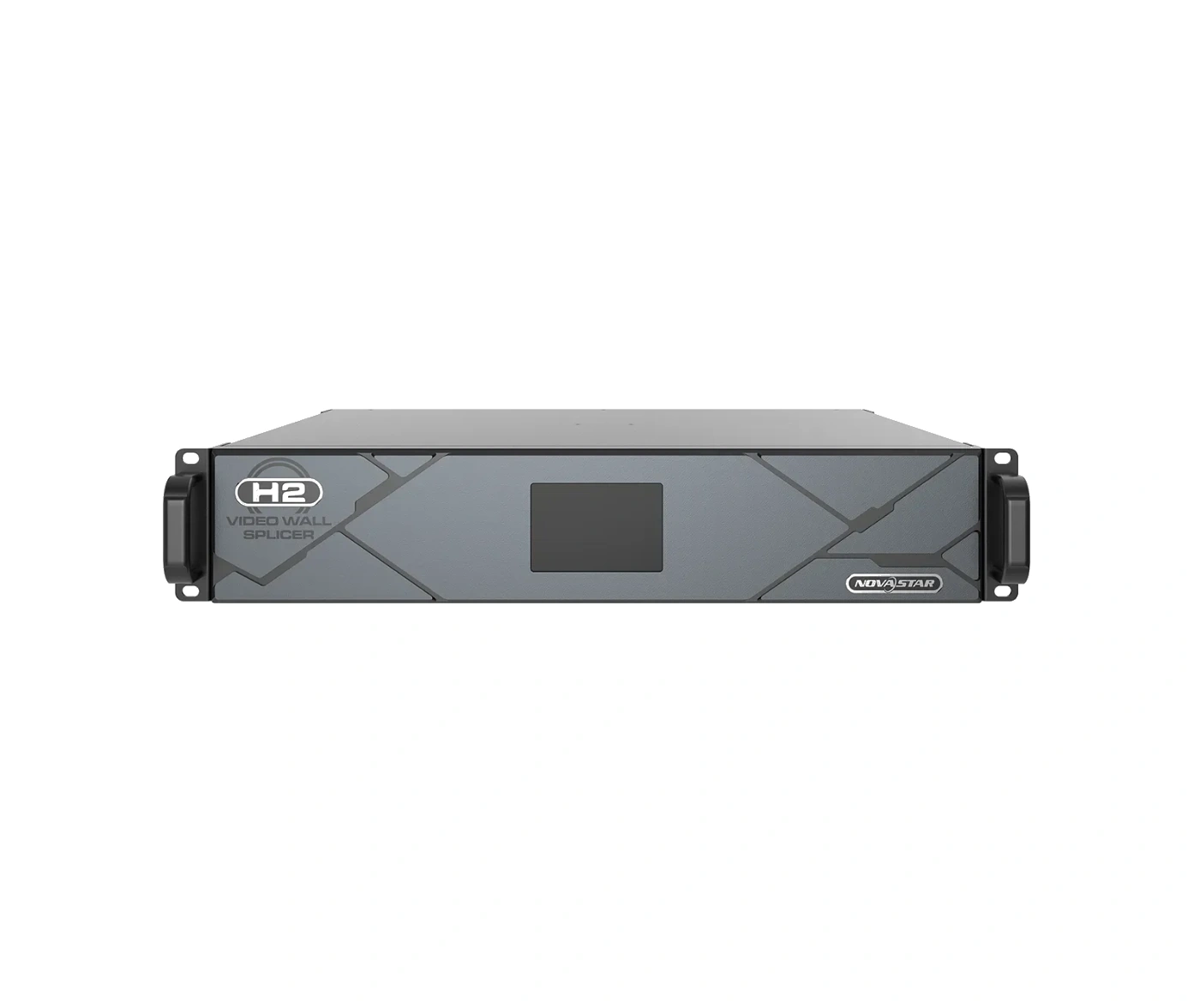
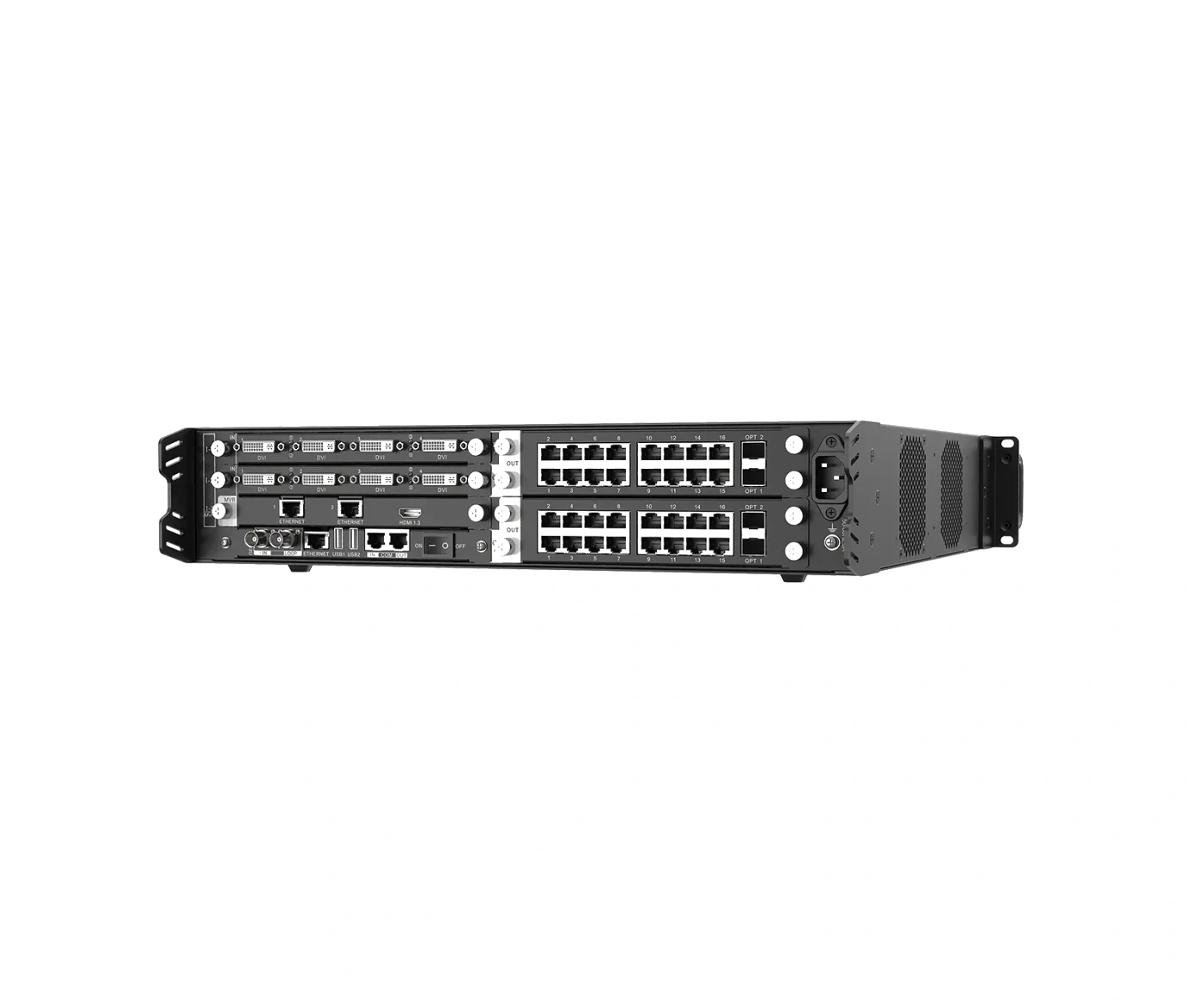
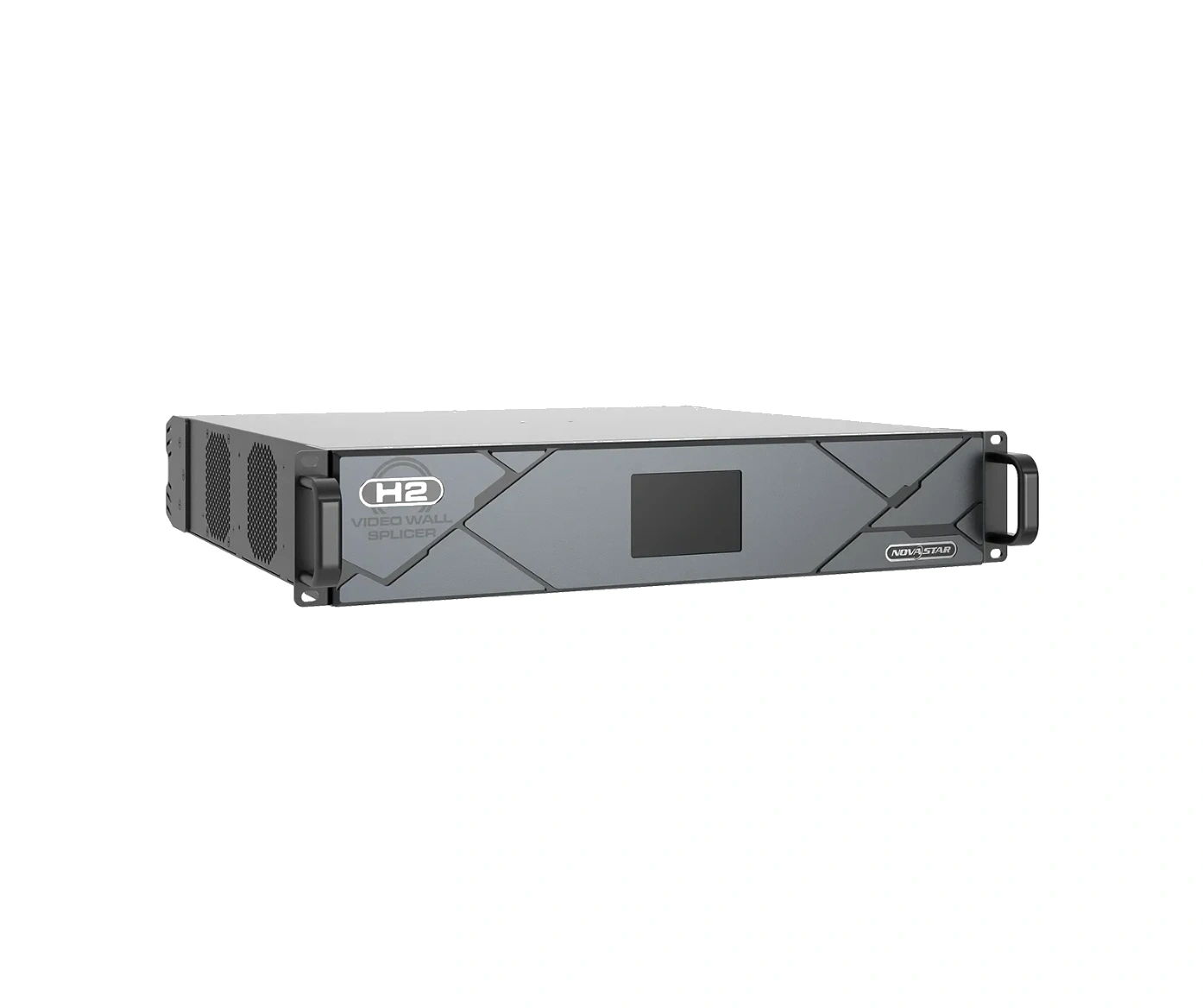
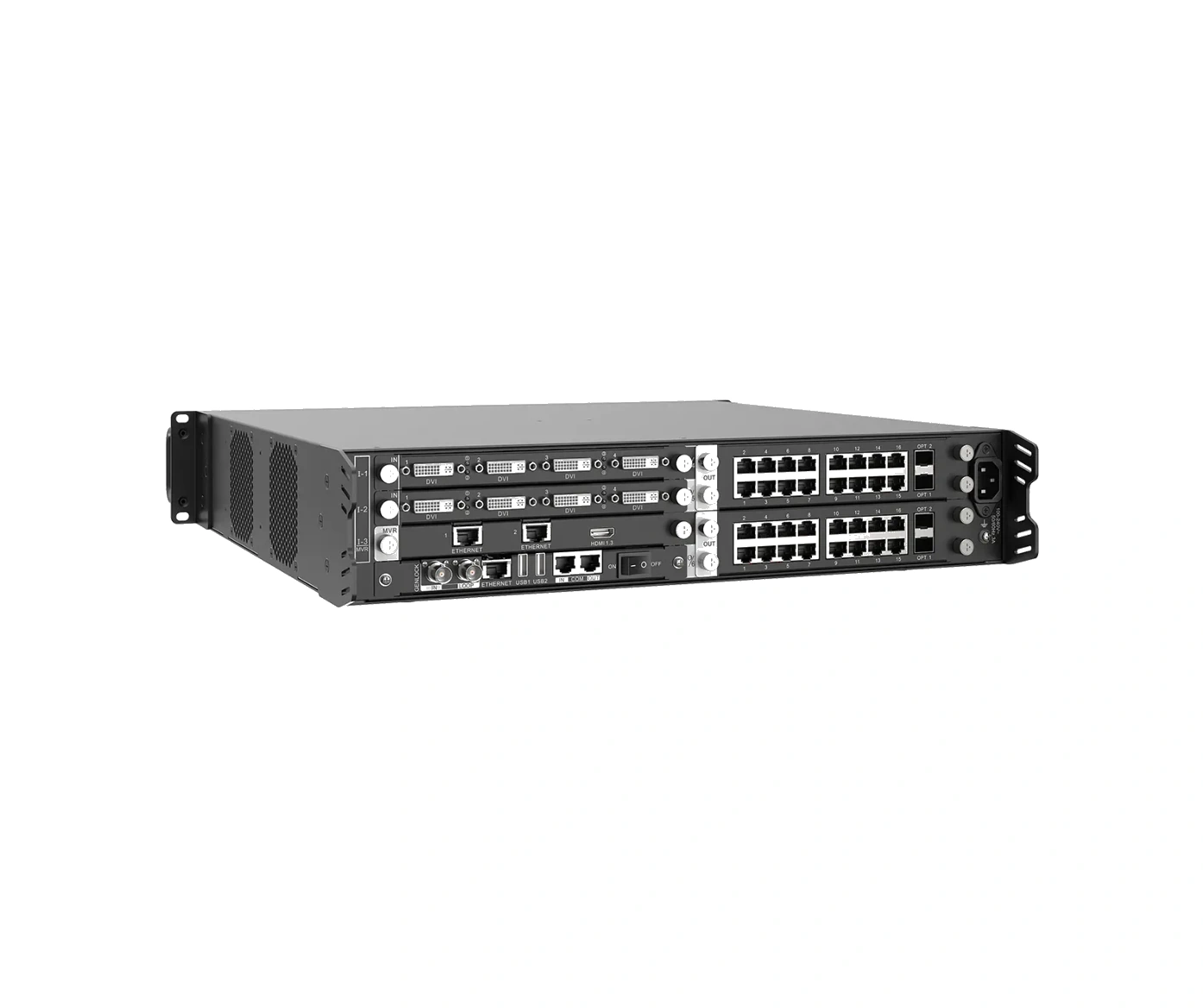
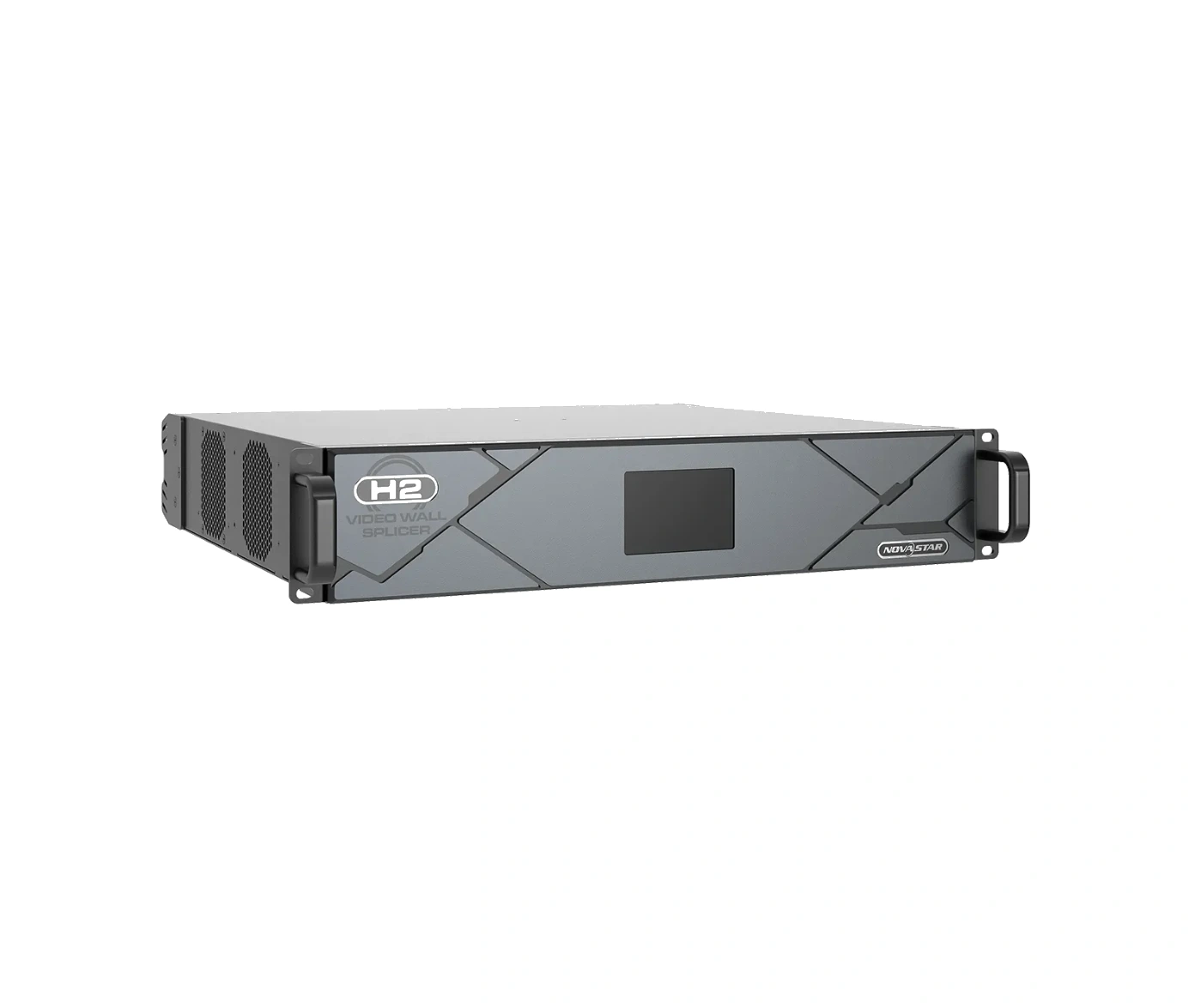
What is NovaStar H2 video wall splicer?
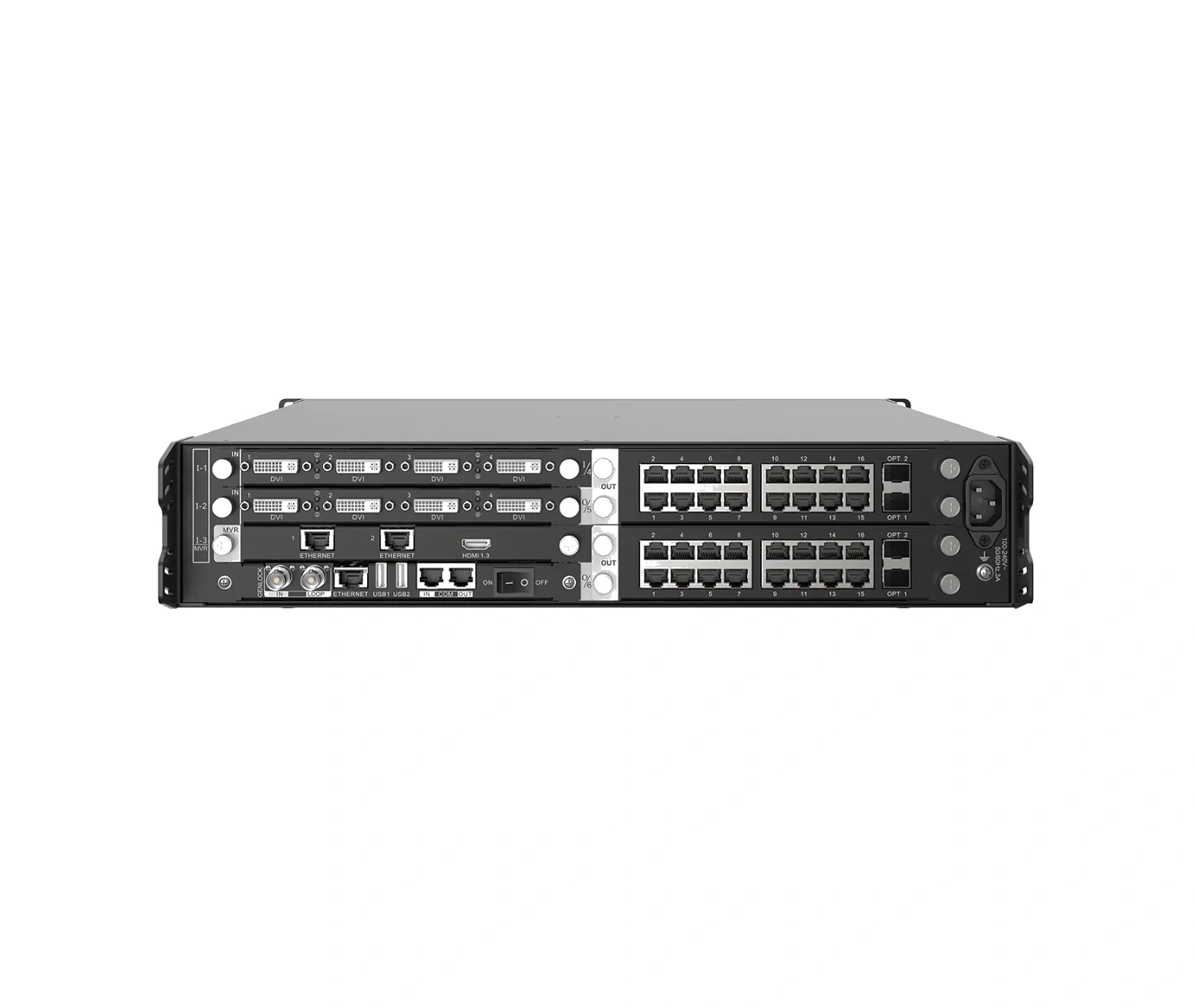
The NovaStar H2 video wall splicer is a 2U modular chassis for a permanent LED wall where known video sources need to appear in a planned layout, but rack space is tight. Installed input cards bring video into H2; H2 builds the screen layout; installed LED output cards send the finished picture to the cabinets.
Choose H2 when the whole system fits four input-card positions, two LED output-card positions and 32 layers. It is a strong fit for a briefing room, focused monitoring room or auditorium where every source and cabinet route is already known, and a 2U rack space genuinely matters.
Request H2 bulk pricing →
For confirmed multi-H2 or project quantities. Direct checkout remains available when the required card configuration is already known.
NovaStar H2 video wall splicer key features: what makes it different?
- Keep the rack compact without locking in the source mix: H2 takes only 2U, yet its four input-card positions let a buyer match the connectors that the installed sources actually use instead of adapting every source to a fixed port list.
- Build one planned LED picture from several sources: up to 32 layers give an operator room to place a presentation, program feed, camera view or media source where it belongs on the final canvas.
- Choose the cabinet path for the wall that is really installed: two LED output-card positions can be populated for RJ45 or fiber cabinet routes, and the card choice sets the usable pixel ceiling.
- Leave room for a deliberate upgrade: the plug-in input and output cards are hot-swappable, so a fixed installation can change a source or cabinet path without replacing the H2 chassis.
- Know when to step up before ordering: H2 is the compact answer when four input cards and two output cards are enough. A system that already needs more source-card positions or a third output card belongs with the NovaStar H5.
NovaStar H2 specifications
These are fixed H2 chassis limits. They answer the rack, card-slot and layer questions; the LED capacity itself comes from the installed output-card configuration, so it is shown separately below.
NovaStar H2 input cards and LED output cards
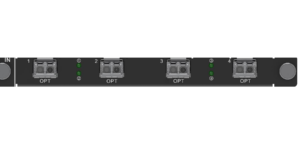
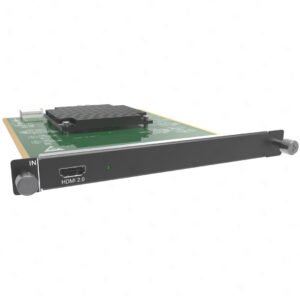
H2 is the central chassis in a complete LED wall, not a fixed-port accessory. Input cards determine which source signals enter H2. LED output cards—called sending cards in NovaStar documentation—send the finished H2 layout to the LED cabinets. The chassis does not include either card family, so choose them for the actual source connections and cabinet route.
Browse the H Series category when a different source connector or cabinet path is needed. The next decision is not “which card is biggest,” but whether the source connection, output path and card-slot count all match the installed LED system.
How NovaStar H2 connects video sources to LED cabinets
After the H2 cards have been selected, the signal follows three linked steps: the input card receives the source, H2 builds the LED layout, and the LED output card sends that completed layout to the cabinet chains.
Bring the selected source into the H2
Connect the presentation computer, player, switcher or camera to the matching installed input card. The card must match the real connector and source format.
Arrange the LED canvas and layers
The H2 places the live sources where the operator needs them: one source can fill the wall, while another appears as a window or backup view.
Carry the finished layout to the cabinets
The selected LED output card creates the RJ45 or fiber cabinet-side path. The cabinet receiving-card and port map are then configured for the real wall, including the connection order.
NovaStar H2 maximum pixel capacity by LED output card
H2 has two LED output-card positions, so its maximum pixel total depends on the cards selected. The published totals below use two matching cards—one in each H2 output position. If the two cards differ, size the wall from each installed card and the actual cabinet map.
For card-level details, compare the NovaStar™ H Series 16x RJ45 + 2x Fiber Output Card, NovaStar™ H Series 20x RJ45 Output Card, NovaStar™ H Series 4x Fiber Output Card and NovaStar™ H Series 4x Fiber Output Card (Enhanced). Pixel capacity is only one selection point: the ports, fiber route, cabinets and receiving-card configuration must also match the physical wall.
NovaStar H2 applications for compact LED video walls
H2 is a good fit when the source and cabinet plan are fixed, but the installation should not use more than 2U of rack height. Typical uses include:
Executive briefing LED wall
A presentation laptop, a media player and an AV-switcher feed can be kept ready in one compact frame when the required input cards still fit the H2’s four positions.
Focused monitoring room
A small operating room can keep selected camera, computer and dashboard sources available on the LED canvas without installing a larger chassis just for unused slots.
Auditorium or training space
A programmed video feed can occupy the whole wall while a live laptop or confidence window appears where the operator needs it, using the H2’s layout and layer controls.
Tight-rack LED retrofit
The 2U chassis helps when an existing rack has limited height but the new LED wall still needs a deliberate source-card and cabinet-output plan.
NovaStar H2 vs H5: four input cards or ten?
This comparison is about capacity before rack height: H2 is the right choice when the completed system fits four input-card positions, two LED output-card positions and 32 layers. H5 is the next chassis when the system needs more card positions or layers and can use a 5U rack space.
Choose H2 when its compact frame already covers the final source and cabinet plan. Choose the NovaStar H5 before a fifth input card, third output card or additional layer capacity becomes a retrofit problem.
NovaStar H2 setup and receiving card compatibility
H2 compatibility is a connection chain, not a generic list of receiving-card models. The input card must accept the real source. The selected LED output card must suit the RJ45 or fiber route. Each cabinet must then use its correct receiving-card file and physical port order.
- In the H2: install the selected cards, create the screen and place the sources/layers in the H2 interface.
- At the LED cabinet side: for the H_16xRJ45+2xFiber, H_20xRJ45 and H_4xFiber LED output cards, NovaStar’s manual calls for the LED screen configuration in NovaLCT.
- Before commissioning: match the output-card connector, actual cable/fiber route and cabinet’s NovaStar receiving cards configuration. A correct chassis does not correct a wrong receiver file or a reversed cabinet connection.
NovaStar H2 manual, datasheet and H Series firmware
The H2 specification is an exact model document. The manual, firmware and release notes below are published for the H Series family and are labeled accordingly, so a buyer can see exactly what each file covers.
NovaStar H2 specifications (PDF, V1.16)
Exact official H2 chassis facts, card capacity, dimensions and electrical specifications.
NovaStar H Series user manual (PDF, V1.15.0)
H Series family manual for screen layout, output configuration and operating procedures; it is not H2-only.
NovaStar H Series firmware (ZIP, V2.2.0.0)
Verified H Series family firmware package, not firmware presented as H2-only.
NovaStar H Series firmware release notes (TXT, V2.2.0.0)
Version changes and update notes for the same verified H Series family firmware package.
NovaStar H2 FAQs
Is the NovaStar H2 a complete LED wall system?
No. H2 is the rack-mounted chassis at the center of a compact H Series system; by itself, it cannot accept a source or send LED data to cabinets. A working LED wall also needs the selected input cards, LED output cards and the receiving-card configuration for the installed cabinet chains.
Does the H2 price include input and LED output cards?
The H2 is sold as the chassis. The installed input and LED output cards are chosen separately so the system matches the real source connectors and cabinet connection path.
How many sources can the H2 take?
The chassis accepts up to four input cards and up to 16 input channels. The number of live sources depends on the selected card types: for example, a one-HDMI card and a four-input card do not create the same source count.
What is the maximum LED pixel capacity of the H2?
It changes with the two installed LED output cards. The officially listed H2 totals range from 20.8 million to 52 million pixels in the configurations shown above; 52 million requires two H_4xFiber Output Cards (Enhanced).
Should I choose the H2 or H5?
Choose H2 when the full plan fits four input-card positions, two output-card positions and 32 layers in a 2U rack. Choose H5 when the system needs more source-card positions, a third output card or 48 layers.
Can the H2 connect directly to LED cabinets?
The chassis builds the screen layout, but a selected LED output card carries that layout toward the cabinets. Match the output card, cable or fiber route, and cabinet receiving cards as one connection chain.
Where are H2 receiving cards and cabinet mapping configured?
The H2 interface is used for the source and screen layout. For the H_16xRJ45+2xFiber, H_20xRJ45 and H_4xFiber LED output cards, NovaStar’s manual requires the LED screen configuration in NovaLCT, including the receiving-card and cabinet connection map.
Are the H2 manual and firmware model-specific?
The H2 specifications PDF is model-specific. The available manual, firmware ZIP and release notes are verified H Series family resources and are labeled that way above.
Reviews
There are no reviews yet.