
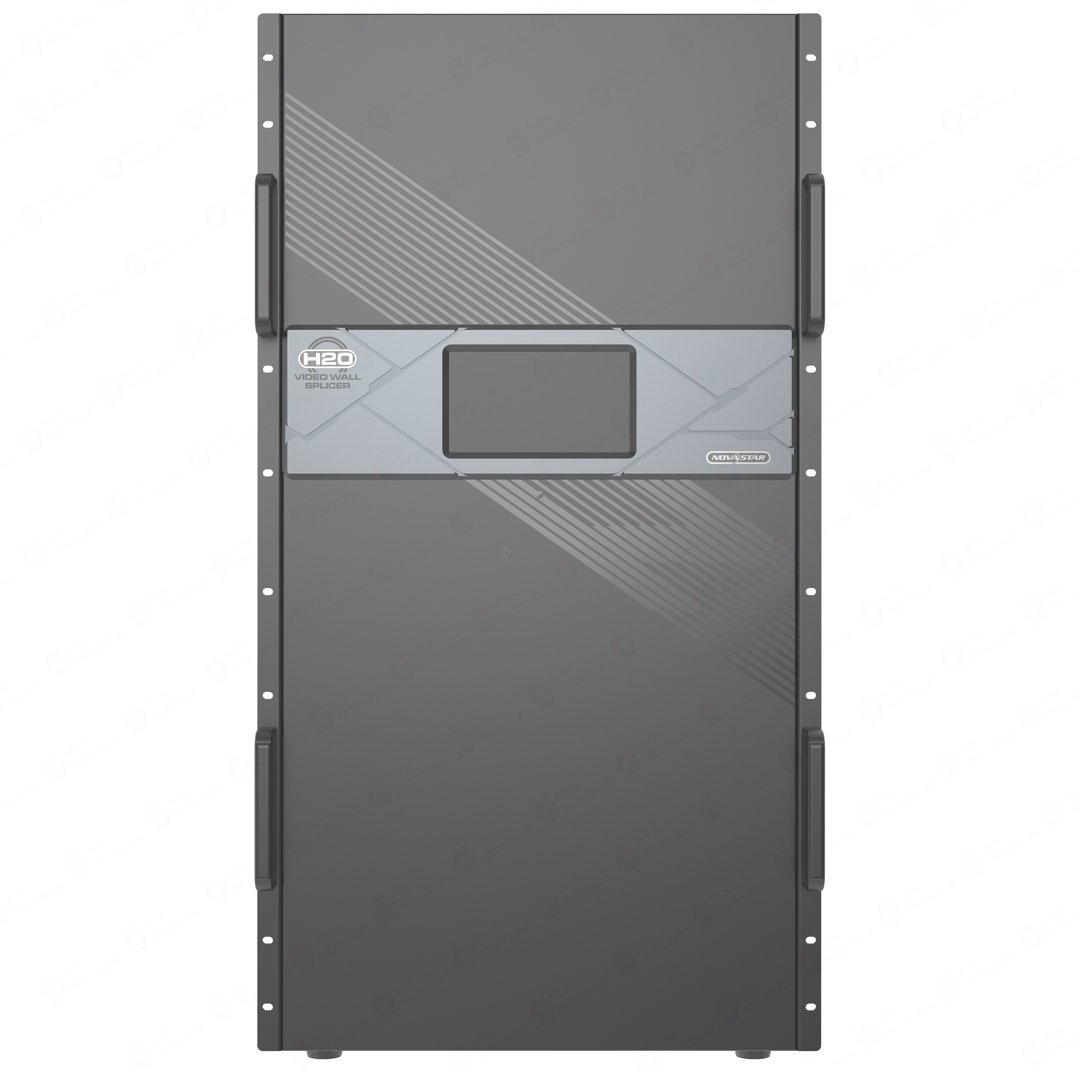
What is NovaStar H20 video wall splicer?
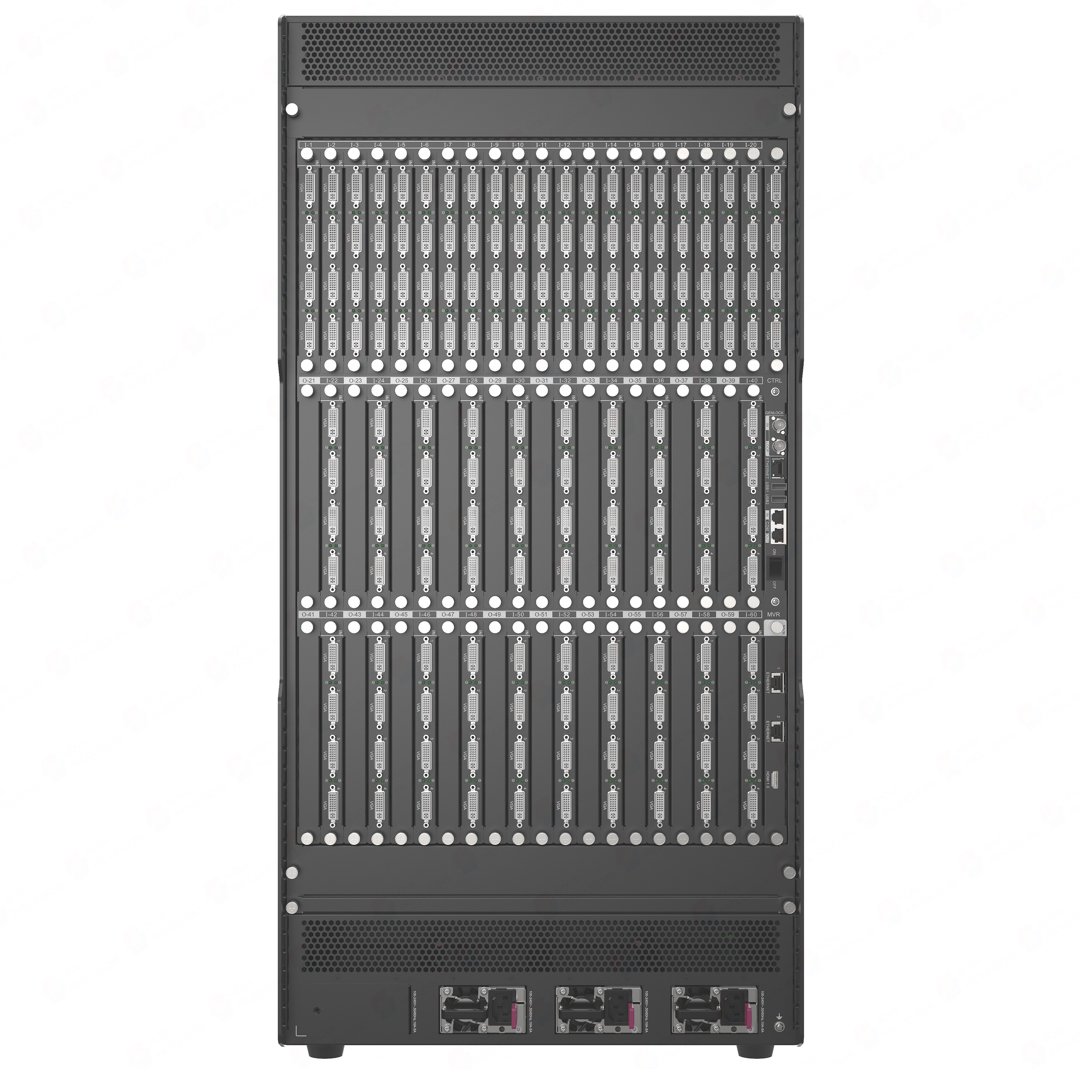
The NovaStar H20 video wall splicer is a 20U modular chassis for a large permanent display system that has outgrown a smaller card plan. Installed input cards bring the planned sources into H20. H20 arranges them into the required screens and layers; selected video output cards can deliver finished views to non-LED displays, while selected LED output cards deliver them to LED cabinets.
H20 earns its rack space when a room needs several prepared views at once. A network operations center can keep a large map on the main wall with camera views and workstation content around it. A venue can move between its welcome screen, live program and supporting LED displays without changing the cabinet cabling.
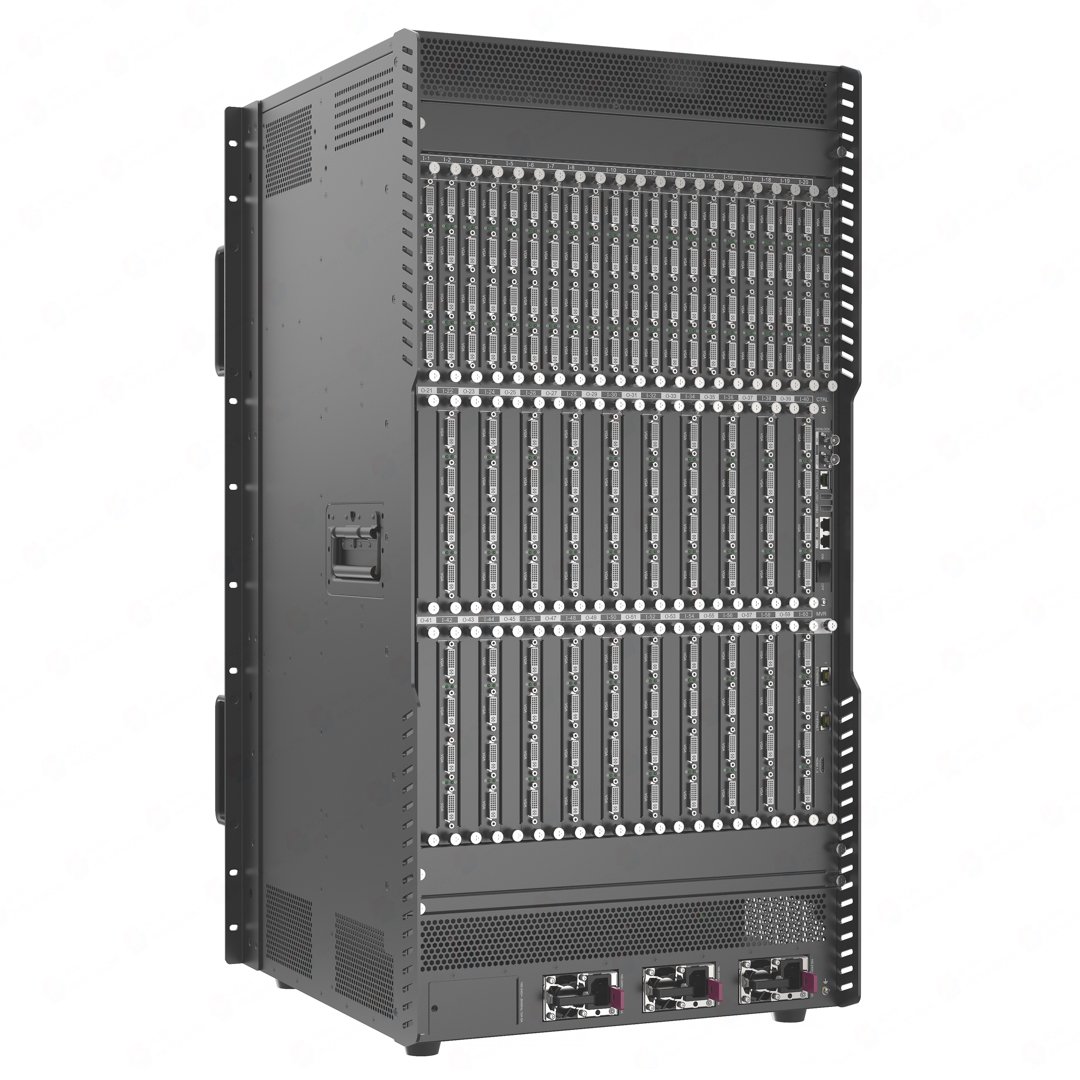
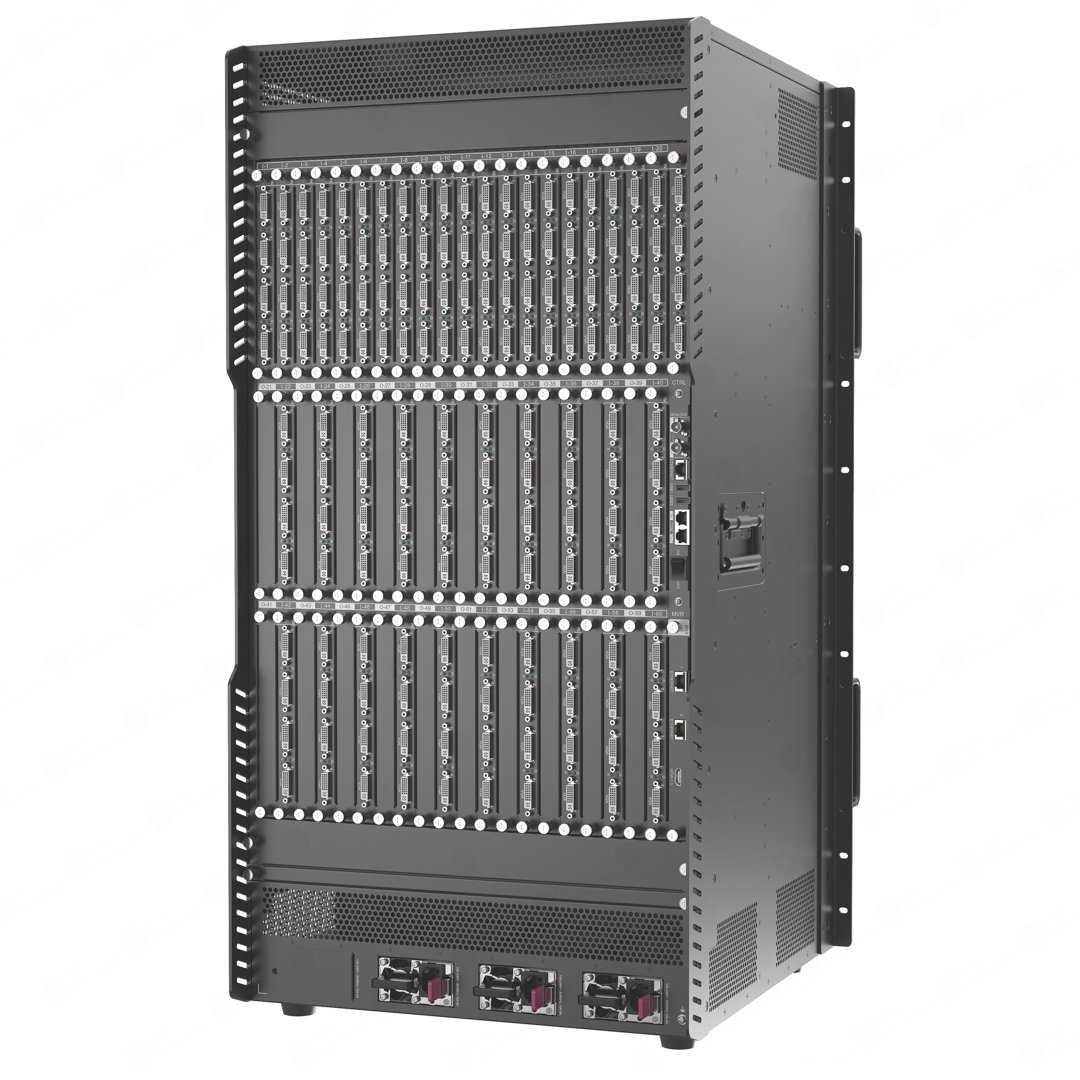
NovaStar publishes H20 chassis maximums of 40 input cards, 20 output cards and 320 layers. The chassis has dedicated input positions, dedicated output positions and shared I/O positions, so the final card mix must fit the physical slot plan as well as those published limits. That matters when the confirmed source list, cabinet route or screen layout has outgrown a smaller chassis.
Request H20 bulk pricing →
For confirmed multi-unit H20 systems or project quantities.
NovaStar H20 video wall splicer key features: what makes it different?
- Choose connectors for the sources already in the room. Select input cards for the confirmed cameras, presentation computers and media servers, then bring those sources into one LED system. H20 is not limited to one fixed connector set.
- Keep the important picture big while supporting views remain visible. H20 supports up to 320 layers. Think of a layer as one separate video area placed on a screen: the main program can stay large while a camera view, map, alert or presentation sits where the operator needs it.
- Run several LED areas as one planned display system. Each screen can have its own output resolution. A wide main canvas can sit alongside supporting LED displays at the same site, and the content layout can change without reworking the physical cabinet cabling.
- Recall the right layout when the moment changes. H20 stores up to 2,000 presets. A venue can keep welcome, live-program and presentation looks ready to call up. An operations team can move from its normal view to an incident view without rebuilding the layout in the middle of an event.
- Design availability into a large installation. H20 monitors installed input and output cards and provides documented backup options for devices, sources and LED sending cards. Three power supplies are included and a fourth can be added for redundancy, so resilience can be planned with the system rather than improvised later.
NovaStar H20 specifications
These are H20 chassis limits. The installed cards determine the available connectors and whether a finished view goes to a non-LED display or an LED cabinet. The LED pixel figure belongs to the selected LED output-card family, shown separately below.
| System role | 20U modular video wall splicer chassis for an H Series LED system |
|---|---|
| Published input maximum | Up to 40 input cards / 160 input channels; the actual mixed-card build must fit the H20 slot plan |
| Published output maximum | Up to 20 LED output cards / 80 output channels; the actual mixed-card build must fit the H20 slot plan |
| Layer capacity | Up to 320 layers; up to 16 layers per card |
| LED loading capacity | 208M to 520M pixels, depending on the selected LED output-card family |
| Presets | Up to 2,000 presets; official preset switching time is less than 60 ms |
| Power | 100–240 V AC, 50/60 Hz; three power supplies included; one optional redundant supply; 1,800 W maximum |
| Rack requirement | 20U; horizontal installation in a standard 19-inch rack |
| Chassis size and weight | 482.6 × 533.0 × 905.2 mm; 52.7 kg net |
| Operating environment | 0°C to 45°C; 0% to 80% RH, non-condensing |
How NovaStar H20 connects video sources to LED cabinets
Once the cards and cabinet route are selected, the signal moves through H20 in three connected steps: a chosen input card receives the source, H20 builds the screen layout, and the chosen LED output card sends that finished layout to the cabinets.
Bring the planned sources into H20
The selected input cards receive computers, cameras, media servers and other sources supported by the chosen cards.
Create each LED screen
Set the required output resolution, then create the screen areas the venue or room needs.
Arrange the content
Sources are cropped, sized and placed into the required layout: one large image, several separate screens, or a main picture with supporting views.
Send the completed images to the cabinets
The selected LED output cards carry each finished layout through its planned RJ45 or fiber route.
Map the real cabinets
NovaLCT matches the receiving cards, cabinet files and physical port order to the H20 screen, so the picture reaches the correct places on the wall.
NovaStar H20 input cards, video output cards and LED output cards
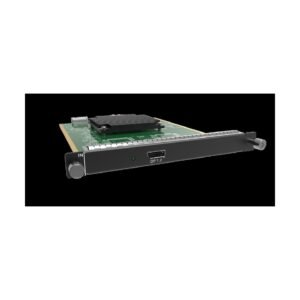
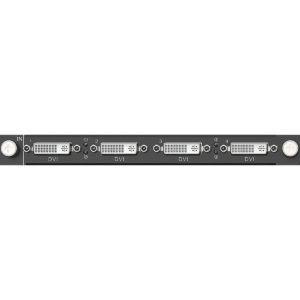
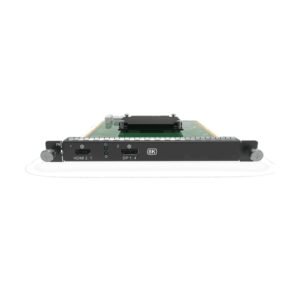
H20 becomes a working display system only after its cards are selected. Input cards bring in the real sources; video output cards feed separately connected displays; LED output cards carry the finished H20 layout to LED cabinets. Choose each group from the confirmed source and display plan, because one card type cannot replace the job of another.
| System part | What it does | What to confirm before ordering |
|---|---|---|
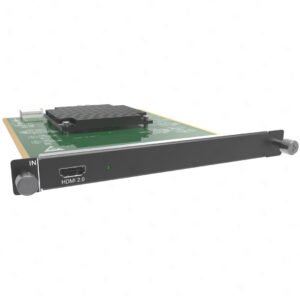
| Input cards | Bring video sources into H20. | Match each source’s connector, resolution and frame rate to the appropriate input card. A presentation computer may use the NovaStar H_1x HDMI 2.0 Input Card, while a camera feed or IP source may need a different card. |
| Video output cards | Deliver a finished H20 view to a separately connected, non-LED display. | Confirm the display connector, resolution and number of separately fed displays. These cards share the H20 output-card plan, but they do not create cabinet data paths. |
| LED output cards | Carry H20’s completed LED image to the cabinet data path. | Choose the card family from the cabinet route, required pixel load and number of cabinet paths. The NovaStar™ H Series 20x RJ45 Output Card (H_20xRJ45) and NovaStar™ H Series 16x RJ45 + 2x Fiber Output Card (H_16xRJ45+2xFiber) serve different routing plans. Confirm the physical H20 slot plan for the chosen input/output-card mix. |
| Optical modules and fiber route | Complete a planned fiber connection where the selected output card supports it. | Confirm the physical fiber path, endpoint and correct module type. Fiber carries an already-planned LED image; it does not create another screen by itself. |
| Receiving cards and cabinet files | Tell the physical LED cabinets how to display the H20 layout. | Confirm the receiving-card model inside the cabinet, cabinet resolution, cabinet file and physical cable order. The NovaStar receiving-card range is a product reference, not a claim that every card fits every cabinet. |
NovaStar H20 maximum pixel capacity by LED output card
H20 does not have one universal pixel capacity. NovaStar publishes a different H20 chassis maximum for each LED output-card family. The 520M figure belongs only to the Enhanced H_4xfiber card family; it is not the capacity of a bare chassis or of every H20 system.
| Selected LED output-card family | Maximum per card | Published H20 chassis maximum | What it means for the purchase decision |
|---|---|---|---|
| NovaStar™ H Series 20x RJ45 Output Card (H_20xRJ45) | 13 million pixels | 260 million pixels | Choose it when the cabinet plan calls for high-capacity direct RJ45 output paths. |
| NovaStar™ H Series 16x RJ45 + 2x Fiber Output Card (H_16xRJ45+2xFiber) | 10.4 million pixels | 208 million pixels | Choose it when the cabinet plan needs 16 RJ45 paths and two built-in fiber copies for planned eight-port groups. |
| NovaStar™ H Series 4x Fiber Output Card (H_4xfiber) | 20.8 million pixels | 416 million pixels | Choose it for the documented fiber-output architecture, with independent, copy or backup modes. |
| NovaStar™ H Series 4x Fiber Sending Card (Enhanced) | 26 million pixels | 520 million pixels | Choose it when the system needs the enhanced card’s fiber architecture, with documented copy or backup modes. |
Start with the cabinet route and screen load, then use the figure that belongs to the chosen card family. The third column gives NovaStar’s published H20 chassis maximum for that family; it is not a promise that every card SKU can occupy twenty positions. The installed card count, card mode, physical slot plan and cabinet map determine the actual system capacity. If one LED screen uses both the 20x RJ45 and 16x RJ45 + 2x Fiber cards, those cards must use the same frame rate. Fiber output-card families cannot load that same screen with either RJ45 card family.
NovaStar H20 layer capacity for multi-screen layouts
The 320-layer figure matters when the wall needs more than one picture at once. A layer is a separate video area placed on an LED screen; it is not a cabinet, input socket or cable.
For example, an operations room can keep a large map in the center while live cameras, system status and a presentation source remain visible around it. A live event can keep the program image on the main wall while a camera crop, a sponsor message and an arrival graphic appear in their own planned positions. H20 gives the system room to build these layouts without turning every additional view into another standalone processor.
NovaStar lists up to 320 layers across H20 and up to 16 layers per card. Layer size also matters, so a dense 4K or 8K layout must be checked against the documented per-card limit before the system is ordered.
NovaStar H20 vs H15: when the larger chassis is the right fit
Choose H20 when the confirmed design needs more source capacity, more output-card capacity or more layers than the standard H15 can provide. Compared with H15, it raises the published input-card maximum by 10 and doubles the published output-card and layer maximums, but it also needs a 20U rack position and the right power plan.
| Selection point | H20 | H15 |
|---|---|---|
| Rack chassis | 20U | 15U |
| Published input maximum | Up to 40 input cards / 160 input channels | Up to 30 input cards / 120 input channels |
| Published LED output maximum | Up to 20 LED output cards / 80 output channels | Up to 10 LED output cards / 40 output channels |
| Maximum layers | 320; up to 16 per card | 160; up to 16 per card |
| Choose it when | The final source list, screen count or cabinet-output plan needs the larger published capacity and fits the actual slot plan. | The system fits within the smaller chassis’s documented card and layer limits. |
H20 is not a default upgrade from H15. If the NovaStar H15 video wall splicer already covers the project, the smaller chassis is the more efficient fit. Browse the related chassis and cards in the NovaStar H Series category.
NovaStar H20 video wall splicer applications
H20 is for fixed installations where the source list, screen layout and cabinet routes genuinely need the room of a 20U chassis—not for a simple single-screen setup.
Network operations centers
Keep a central map or overview visible while cameras, incident information and operator workstations appear around it. H20 fits when those views must stay organized across one or more LED walls from one central system.
Broadcast stages and virtual studios
Bring planned camera, playback, graphics and presentation sources into one layout for a large LED background. Prepared presets let the operator move between program segments without changing cabinet cabling.
Executive briefing rooms and experience centers
Run a main presentation canvas with supporting LED displays in the same space. H20 helps a room move from branded welcome content to speaker material, camera views and a multi-screen demonstration without changing systems.
Touring productions and exhibit builds
Use one central system for changing show layouts, multiple LED areas and a planned mix of live and playback sources when the source list or cabinet plan has outgrown a smaller chassis.
NovaStar H20 setup and receiving-card configuration
H20 and the LED cabinets are configured in two connected stages. H20 creates the screen layout; NovaLCT maps that layout onto the actual cabinets. A system can be physically connected and still show the wrong image if those two stages do not match the installed hardware.
- Confirm the installed hardware. Record the input cards, LED output-card family, cabinet route, receiving-card model and cabinet resolution before configuration starts.
- Build the screen in H20. Add and name sources, set each screen’s output resolution, place the video layers and save the layouts operators will need.
- Map the cabinets in NovaLCT. Load the correct cabinet information, select the receiver configuration and map rows, columns and physical port order to the H20 screen.
- Save the known-good system. Export the working configuration before handover or firmware work. If backup is needed, configure the documented device, source or LED-sending-card relationship as part of the system plan.
H20 does not make every receiving card interchangeable. The cabinet-side match depends on the selected LED output card, the transport route, the receiving card inside the cabinet and the cabinet file used during configuration.
NovaStar H20 manual, datasheet and H Series firmware
The H20 specification is an exact model file. The manual, firmware and release notes are verified H Series family resources and are labelled that way.
NovaStar H20 specifications (PDF, V1.8.0)
Exact H20 chassis, card-family, layer, electrical and installation specifications.
NovaStar H Series user manual (PDF, V1.15.0)
Installation, card configuration and cabinet-mapping instructions. This is a family manual, not an H20-only file.
NovaStar H Series firmware (ZIP, V2.2.0.0)
Verified H Series firmware package. This is a family package, not H20-only firmware.
NovaStar H Series firmware release notes (TXT, V2.2.0.0)
Version changes and update notes for the same H Series firmware package.
NovaStar H20 FAQs
Does the NovaStar H20 chassis include input cards and output cards?
No. The H20 price covers the rack-mounted chassis, not a finished video-wall system. Select input cards for the sources, video or LED output cards for the display route, and any required optical components so the installed hardware matches the confirmed screen plan.
Does H20’s 20-output-card maximum apply to every output-card SKU?
No. Treat it as a published chassis maximum, not as permission to install twenty of any card. H20 has dedicated input positions, dedicated output positions and shared I/O positions, and some cards take more than one physical position. Confirm the finished card mix against the H20 slot plan before ordering.
What is the maximum pixel capacity of NovaStar H20?
It depends on the installed LED output-card family. NovaStar lists H20 maxima of 208M, 260M, 416M or 520M pixels for its listed card families. Use the number that matches the planned output-card family, not a single headline number for every H20 configuration.
What does 320 layers mean on H20?
It means H20 can manage up to 320 separate video areas across its screen layouts. A layer can hold a camera view, a map, a presentation source or another visible image element. Layer size still affects the per-card limit.
Can different LED output-card families load the same H20 screen?
Only certain combinations can. The 20x RJ45 and 16x RJ45 + 2x Fiber cards can load the same screen when they use the same frame rate. Fiber output-card families cannot load that screen with either RJ45 card family, and the standard and enhanced H_4xfiber cards cannot load one screen together.
Which software is used for H20 and for the LED cabinets?
Use H20’s web interface for sources, outputs, screen layouts, layers and presets. Use NovaLCT for receiving-card settings, cabinet files and physical cabinet mapping.
What backup options does H20 support?
NovaStar documents backup between devices, input sources and LED 4K sending cards. H20 includes three power supplies and supports one optional redundant supply. The required backup relationship must be planned and configured for the installed system.
When should I choose H20 instead of H15?
Choose H20 when the final system needs more than H15’s 30 input-card maximum, 10 LED-output-card maximum or 160 layers. Choose H15 when its documented capacity already fits the source list, screen layout and cabinet-output plan.
Can H20 feed both LED cabinets and non-LED displays?
Yes, when the confirmed card plan includes the needed routes. Video output cards feed separately connected displays. LED output cards, also called sending cards in NovaStar documentation, feed the LED cabinet data path. Count both routes against the actual H20 slot plan.
What should be confirmed before ordering an H20 chassis?
Confirm the actual source connectors, each display endpoint, LED cabinet route, chosen input and output cards, cabinet pixel map, required backup plan, power and available 20U rack space. Those choices determine the working H20 system; the chassis alone does not provide a fixed connector set.
Reviews
There are no reviews yet.