
What is the NovaStar ET2S-G media server?
If your screen is long rather than large — a concourse ribbon, a bar front, a 30-metre lobby wall — the NovaStar ET2S-G is the media server built for that shape. It runs Kompass FX2 on Windows and plays a canvas up to 8K×2K across three video outputs, instead of driving a single 4K screen.
That shape is the whole reason you would choose it. Long screens share one problem: no single connector carries them, so the film gets sliced in an edit suite and stitched back on site. Here you put one continuous picture across the length and hand it out in up to three pieces.
You also get eight playback layers and a separate pre-edit mode, which is what makes it usable in a venue where your content changes during the day rather than once a quarter.
You still need a sending card or video processor after it. The ET2S-G ends at DisplayPort and HDMI; converting that to the runs your cabinets take is the sender’s job.
ET2S-G key features
Three-connector mosaic
A screen longer than one connector can carry normally means slicing your film in an edit suite. You join the DP 1.2 and two HDMI 2.0 outputs into one mosaic up to 16,384 pixels along the long edge instead, so the film stays whole and the server decides where each output starts.
Output rotation
Portrait columns and angled fins get wired the way your fabricator found convenient, not the way the video arrives. You can split, merge and rotate the outputs, so a run of portrait screens takes its slice of a landscape canvas without anyone re-exporting your media sideways.
Layer keying and blurring
A logo delivered on a black background looks like a grey box on a bright wall. Your layers take masking, cropping, keying, blurring and opacity, so the black drops out and the caption strip sits on a soft edge instead of a hard rectangle.
Live and networked sources
Half of what your lobby wall shows was not finished last month. Kompass FX2 takes NDI, a web page, a streaming URL and text as layer sources, and plays your PowerPoint up to 1080p with laser-pointer control for a room that doubles as a briefing space.
The ET2S-G outputs, and how much canvas they really carry
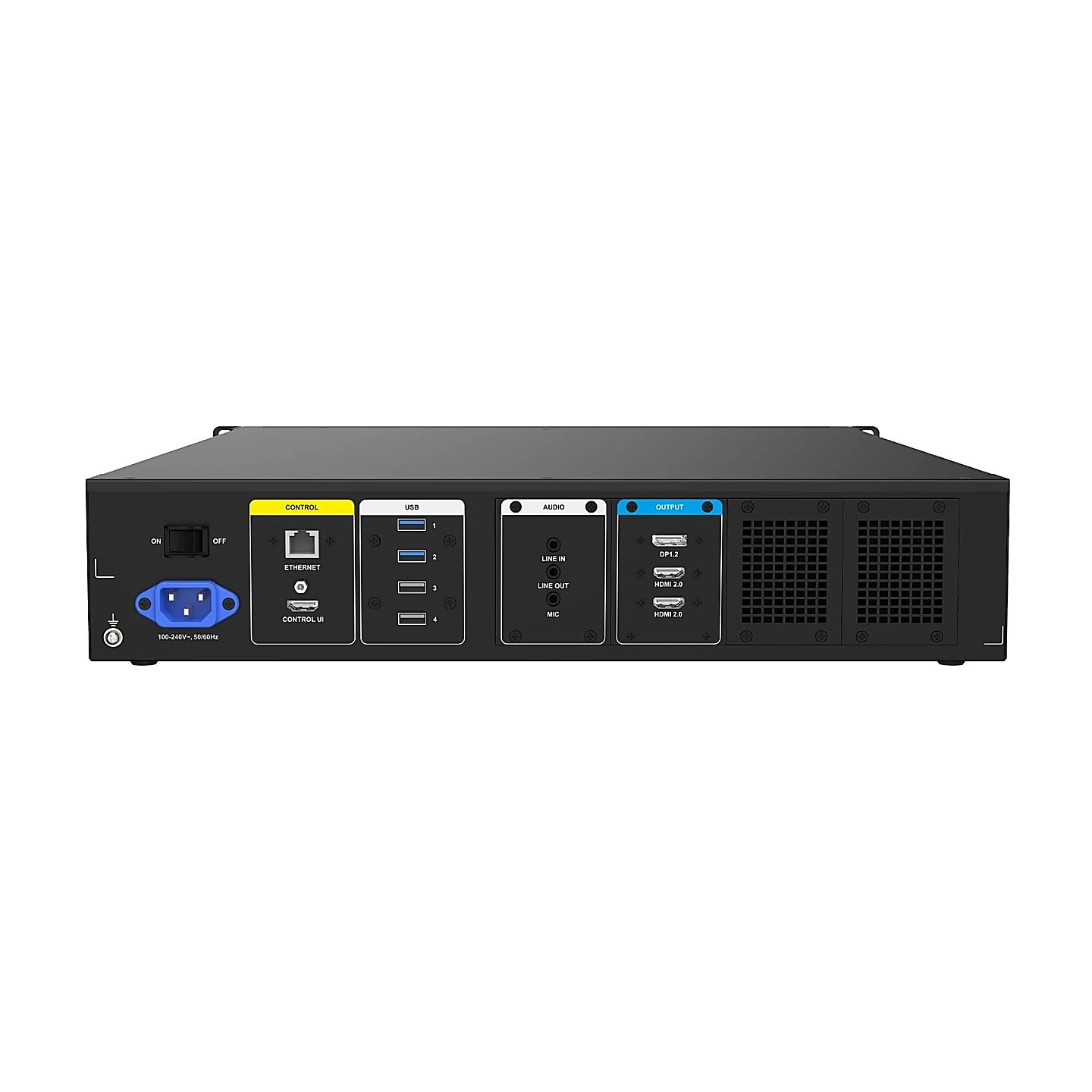
You get three connectors and one shared budget between them. DP 1.2 and both HDMI 2.0 outputs each reach 4096×2160@60Hz, they mosaic together up to 16,384 pixels wide or high, and the datasheet caps the whole machine below 8192×2160 at 60 Hz.
Do that arithmetic before you count ports. Below 8192×2160 is under 17.7 million pixels, and one connector at its own maximum is already 8.8 million. Two outputs at full size use up your ceiling on their own, so the third has to be smaller, or all three come down together.
Long and thin is where your budget goes furthest. A 16,384 × 1,024 ribbon is 16.8 million pixels and sits inside the limit; three full 4096×2160 screens come to 26.5 million and do not. The machine is wide, not big.
Decoding has its own ceiling and it will catch a design out. NovaStar rates hardware decoding at one layer of 8K×2K@60fps or two layers of 4K×2K@60fps SDR, so if you have built on three simultaneous 4K films you are asking for more than the datasheet promises.
Individual outputs stay flexible inside that budget. Each connector takes a custom width from 480 to 8192 pixels and a height from 300 to 8192, which covers a single tall portrait column as easily as a strip.
| What you are planning | The ET2S-G limit |
|---|---|
| One output | 4096×2160@60Hz, or a custom timing 480–8192 wide by 300–8192 high |
| Mosaic across all three | Up to 16,384 pixels on the long edge |
| Whole machine | Below 8192×2160@60Hz, so under 17.7 million pixels in total |
| Hardware decoding | One 8K×2K@60fps layer, or two 4K×2K@60fps SDR layers |
| Layers on screen | 8 video layers and 1 audio track |
Bring your wall’s pixel map rather than its diagonal to that ceiling row. It is the number that decides whether this server or the ET4S-G goes on your quote.
NovaStar ET2S-G specifications
These are the values that settle your rack drawing, your codec brief and your export paperwork.
| Output capacity | Up to 8K×2K, one canvas across three connectors |
|---|---|
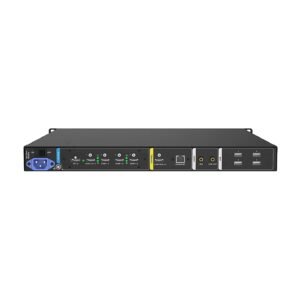
| Video connectors | 1× DP 1.2 and 2× HDMI 2.0, plus an HDMI CONTROL UI connector at 2K×1K@60Hz |
| Playback | 8 layers and 1 audio track; up to 64 partitions per output |
| Processor and memory | 12th-generation Intel Core i5-12400; 16 GB DDR4 |
| Storage | 500 GB M.2 SSD, shared with the operating system |
| Network and USB | 1× RJ45 at 2.5 Gb; 2× USB 3.0 front, 2× USB 3.0 and 2× USB 2.0 rear |
| Audio | 3.5 mm Line IN, Line OUT and MIC IN |
| Software | Kompass FX2 with licensing dongle, on Windows 10 Enterprise LTSC |
| Recommended codecs | H.265 or VP9 above 4K; H.264 at 4K and below |
| Power | 100–240V~, 60/50Hz; 400 W ATX open-frame supply; 400 W consumption |
| Environment | 0°C to 45°C operating; −10°C to +60°C storage; non-condensing |
| Dimensions and weight | 482.6 × 94.6 × 581.1 mm, 10 kg |
| Certifications | CE, FCC, IC, CB, KC, RoHS |
The drive is the row to watch if your job is 8K. NovaStar recommends 110 to 135 Mbps for 8K at 50 or 60 Hz, roughly 50 to 60 GB an hour, so 500 GB shared with Windows holds about eight hours of your finished content.
Eight layers and pre-edit mode: what changes on show day
Pre-edit mode is the difference between building your next program and broadcasting your mistakes. Kompass FX2 separates the two: in live mode every edit you make lands on the output as you make it, and in pre-edit nothing reaches the wall until you send it. Sending also restarts the program from the beginning, so send between shows rather than mid-film.
That matters if your wall changes between a morning conference, a lunchtime loop and an evening reception. Somebody rebuilds the schedule at 11am while the morning content is still up, and nothing flickers on the wall until they decide it should.
Eight layers is what makes rebuilding worth doing in place. A background film, a sponsor bar, a live NDI source from your stage camera, a clock, a caption strip and a holding logo can all live in one program, with size and priority set per layer.
The program that survives a power cut is the one saved to the machine. Kompass FX2 saves your project as you edit, and the server restarts into it on its own when power returns.
Rack space, power and depth the ET2S-G needs
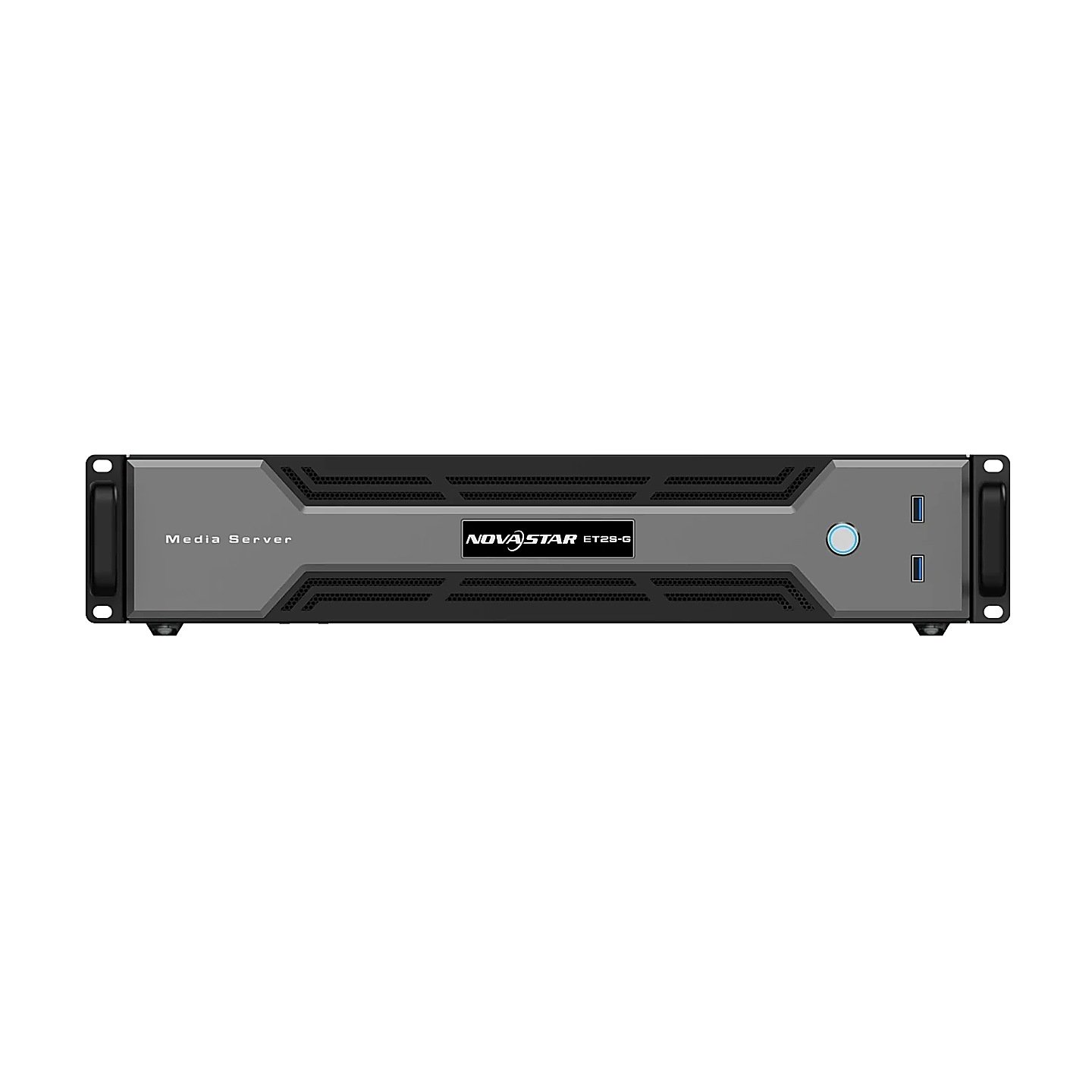
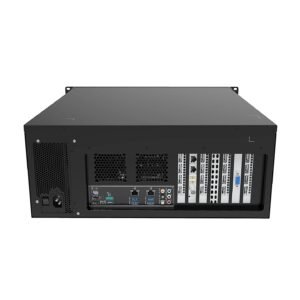
You need three rack units, 400 W and 581.1 mm of depth. At 94.6 mm the chassis is taller than a two-unit opening, so it takes three, and it is deeper than a shallow comms cabinet allows once your cable management sits behind it.
The power step is the one that surprises people coming from the small models. An ET1S-G draws 80 W; this one is specified at 400 W from a 400 W ATX open-frame supply, which is five times the load on your PDU and five times the heat into the same closet.
Mounting rules are unchanged from the rest of the family. Horizontal only, four M5 screws, in a 19-inch rack rated to carry four times the weight of everything you have mounted in it. The ET2S-G alone is 10 kg.
Measure your cabinet depth before the order, not on the install day.
ET2S-G vs ET1S-G vs ET4S-G: which one do you order?
Order the ET2S-G if your screen is long, an ET1S-G if it is a single 4K one, and the ET4S-G when your canvas has to be tall as well as wide. Shape decides this more often than budget does.
Choose the ET2S-G for a screen that is long rather than large. A canvas under 8192×2160 spread across up to three outputs, eight layers, and content you rebuild during the day rather than once a season is exactly what it was built around.
Step down to the ET1S-G or the ET1S-500G when one 4K×2K canvas and four layers cover your design. Those draw 80 W against 400 W and take half the rack height, which in a small comms cupboard decides it for you more often than the price does.
Step up to the ET4S-G when your canvas has to be tall as well as wide. It reaches 8K×4K across four DP 1.4 outputs, runs twelve mixing layers, and takes a graphics card you choose at order time rather than a fixed one.
| Model | Canvas | Outputs | Layers | Power |
|---|---|---|---|---|
| ET1S-G | 4K×2K@60Hz | 1 DP, 1 HDMI 2.0, 4 HDMI 1.3 | 4 | 80 W |
| ET2S-G | Up to 8K×2K | 1 DP 1.2, 2 HDMI 2.0 | 8 | 400 W |
| ET4S-G | Up to 8K×4K | 4 DP 1.4 | 12 | 500 W |
Software changes with the tier as well: Kompass FX1 on the ET1S models, FX2 here, FX3 on the ET4S-G. Your project file does not move between them.
ET2S-G datasheet, manual and Kompass FX2 licensing
The ET2S-G datasheet carries the connector limits, the mosaic ceiling, the hardware list and the recommended bitrates you encode against. The Kompass FX2 manual covers the software that runs on it: programs, layers, pre-edit mode and the Link function for a master and slave pair.
Kompass FX2 is licensed by a USB dongle, and the ET2S-G datasheet says it is included with the machine. Run it without one and your software stays in trial, printing its own name across the output; pull a recognized dongle and that text is back on your wall about five seconds later.
Linking two servers gives you a file and control arrangement, not a timing one. Kompass FX2 states that it does not do frame sync playback, so a picture that has to hold together across the seam belongs on one machine.
NovaStar ET2S-G FAQ
Can the ET2S-G drive three 4K screens at once?
No, not at full size. Each connector reaches 4096×2160@60Hz on its own, but the datasheet keeps the whole machine below 8192×2160 at 60 Hz, which two full-size outputs already use up.
Does the ET2S-G connect straight to LED cabinets?
No. It outputs DisplayPort and HDMI, and a sending card or video processor converts that into the runs your cabinets take. The controller calculator matches your pixel count to the senders we stock.
Is the Kompass FX2 dongle included?
Yes. The ET2S-G datasheet lists Kompass FX2 with the licensing dongle included, which is not the case for every model in the family.
Can an ET1S-G project be opened on an ET2S-G?
No. The ET1S models run Kompass FX1 and this one runs FX2. Rebuild your program rather than expecting the project file to travel.
How deep a rack does the ET2S-G need?
581.1 mm of clear depth plus room for your cabling, in a three-unit opening. The chassis is 94.6 mm high, 10 kg, and mounts horizontally on four M5 screws.
What codec should the content be delivered in?
H.265 or VP9 above 4K, and H.264 at 4K and below. NovaStar recommends 110 to 135 Mbps for your 8K material at high frame rates and 53 to 68 Mbps for 4K.
What warranty does the ET2S-G carry?
Three years of serial-tracked manufacturer coverage, supplied through our authorized US NovaStar channel.
Is there volume pricing on more than one server?
Yes. Tell us your count and your sites and we quote below the listed figure as a single order.
Can we buy on a purchase order or NET terms?
Yes, for approved buyers. Purchase orders and NET terms, Net 30 included, may be available to schools, government buyers, venues and established integrators.
How do I order the ET2S-G?
Add it to the cart and submit the order request, which takes no payment. We confirm the unit and the quantity, apply volume pricing and send the invoice for approval.
Reviews
There are no reviews yet.