
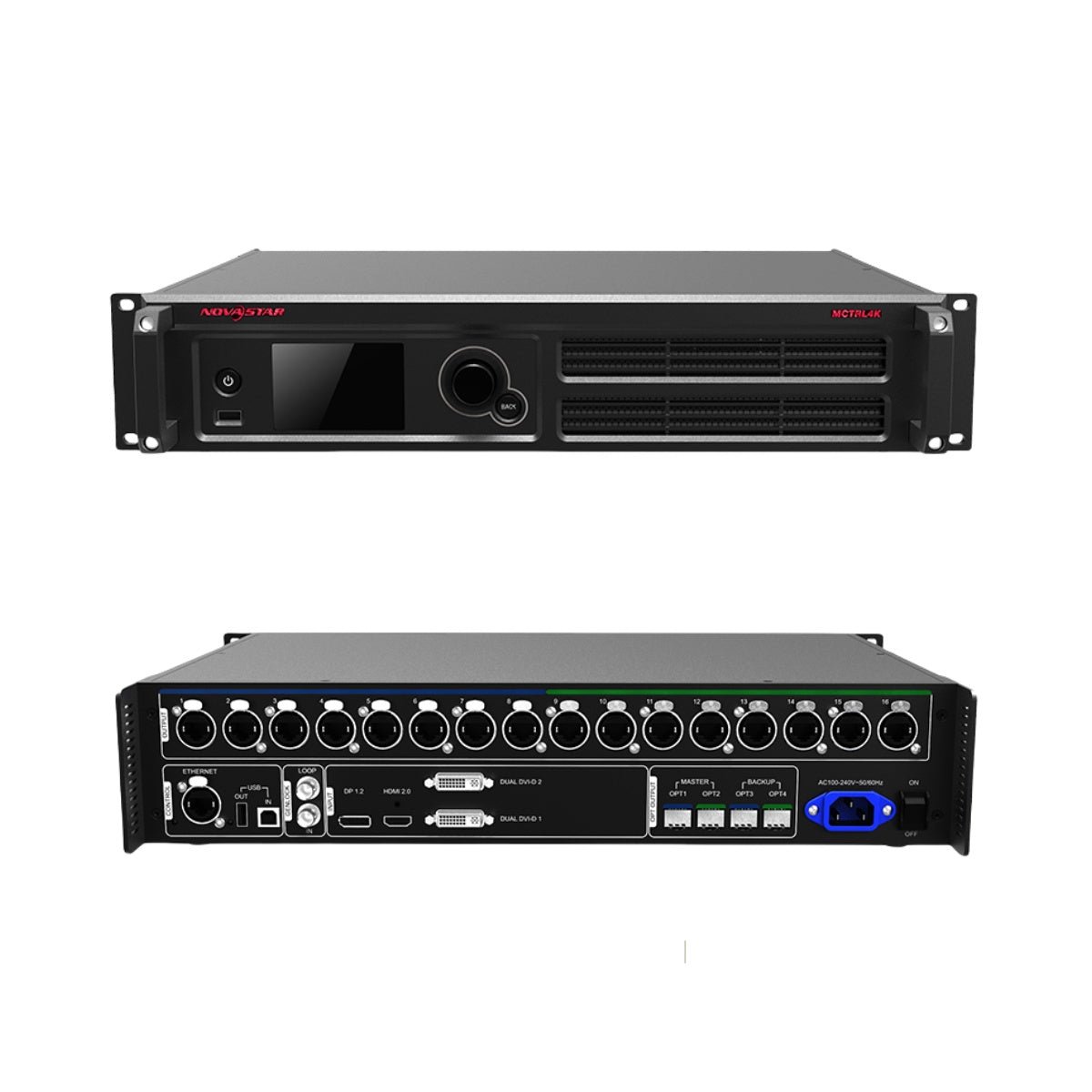
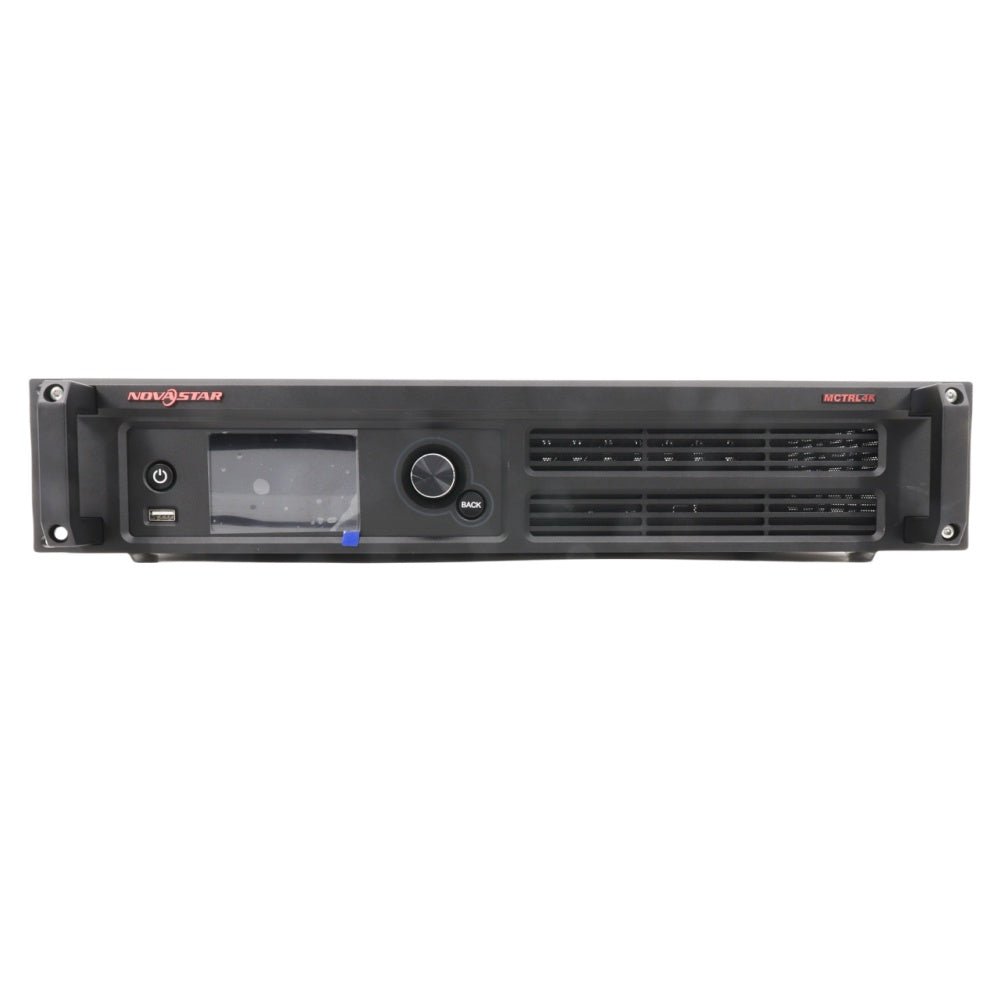
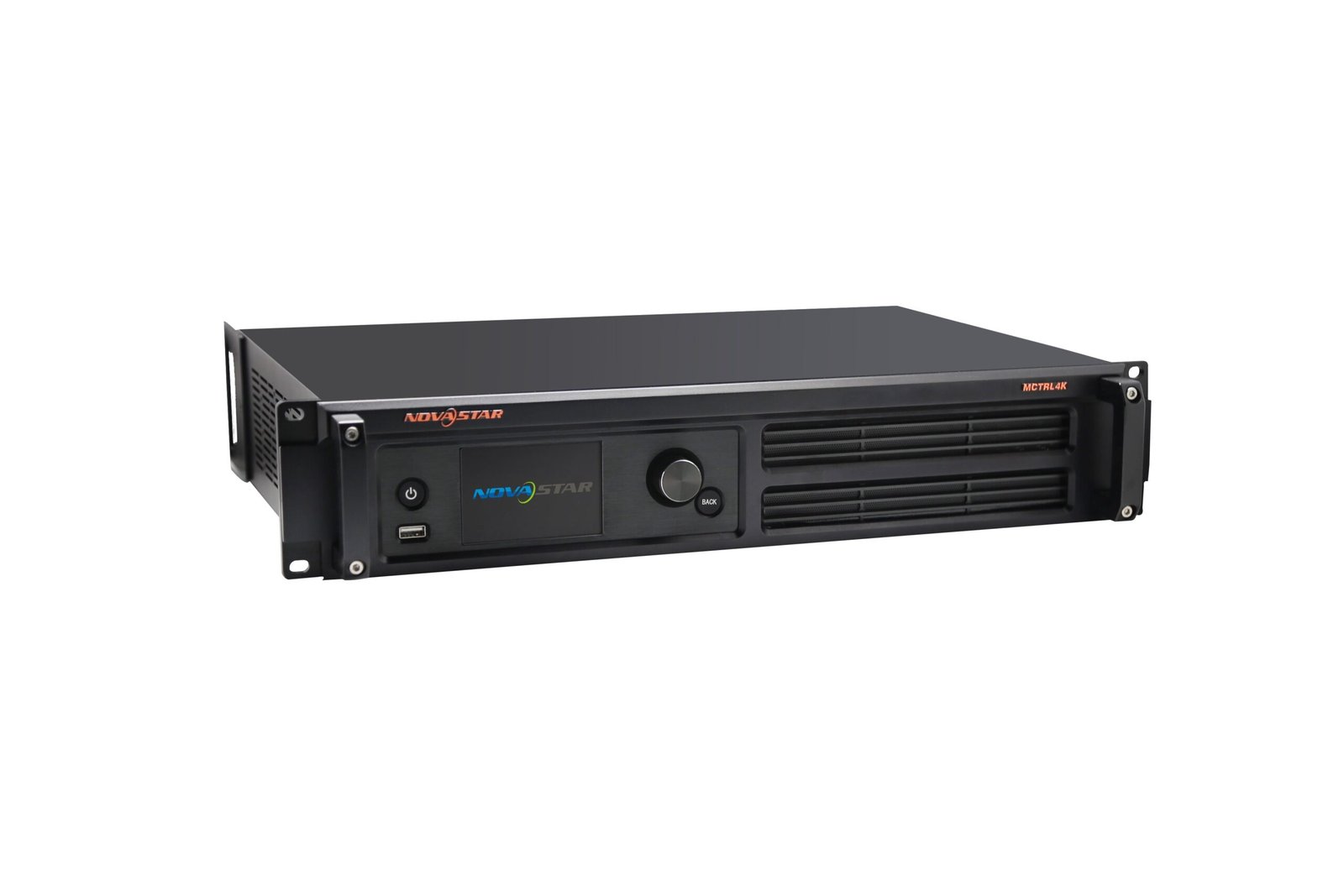
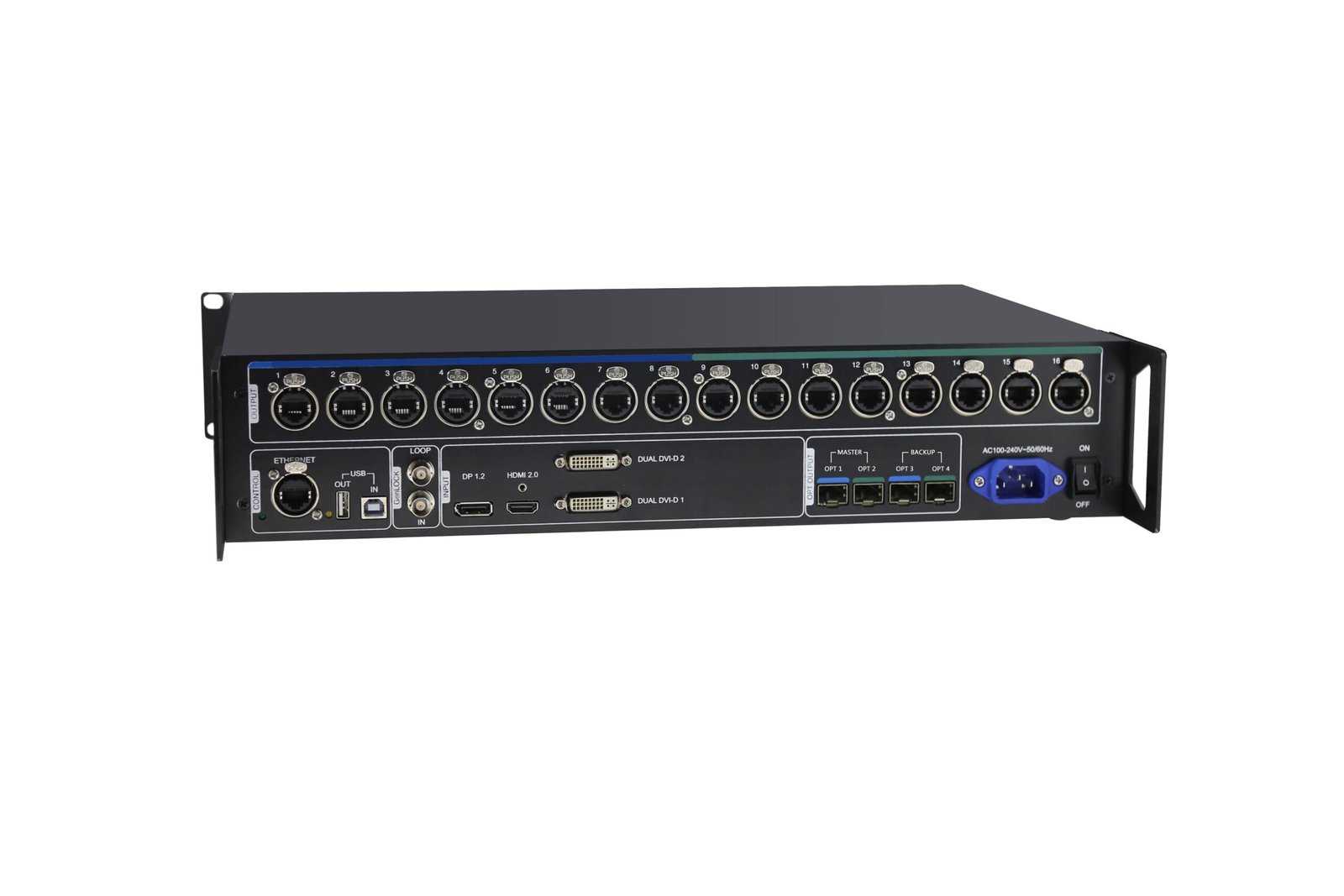
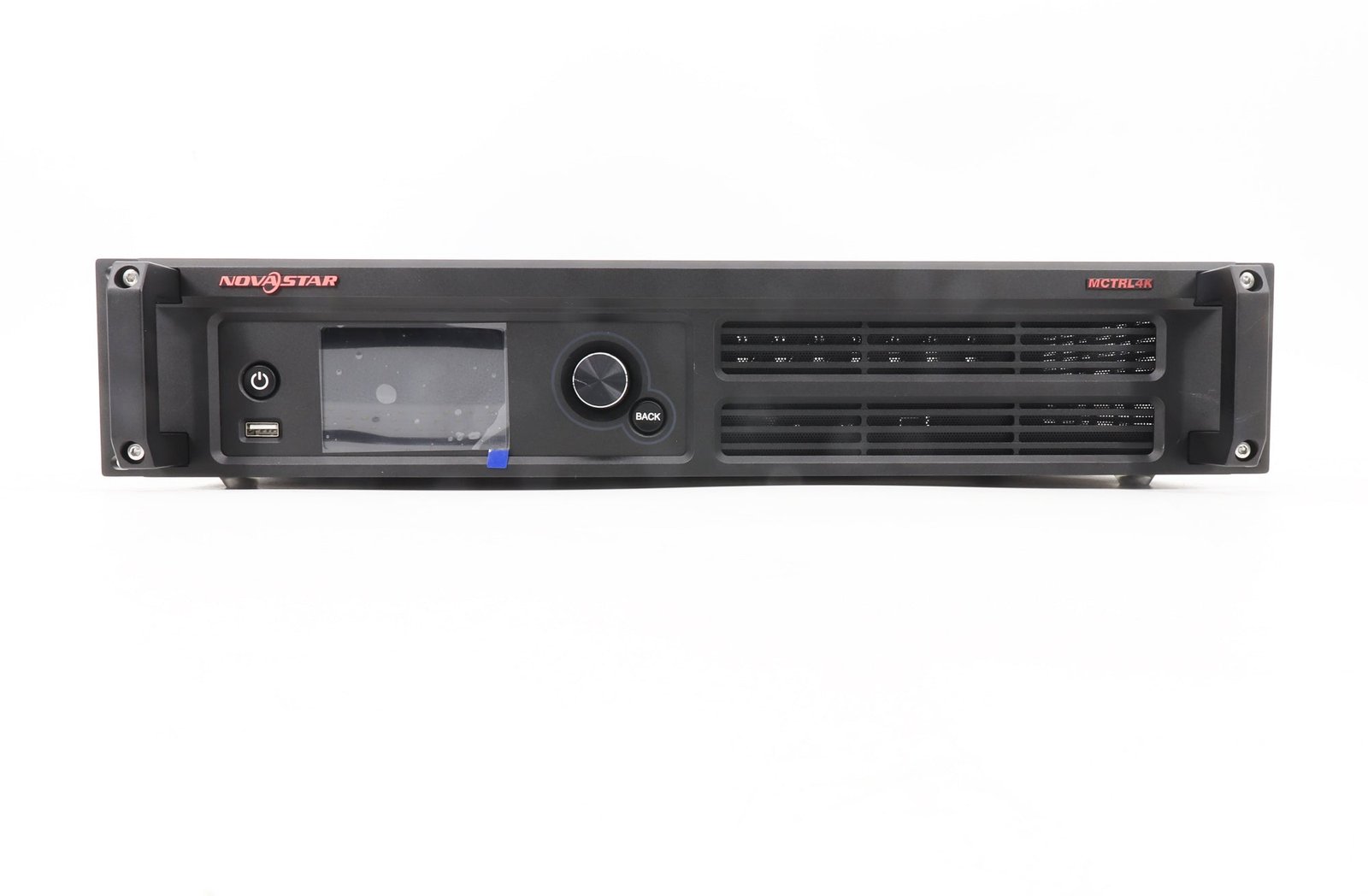
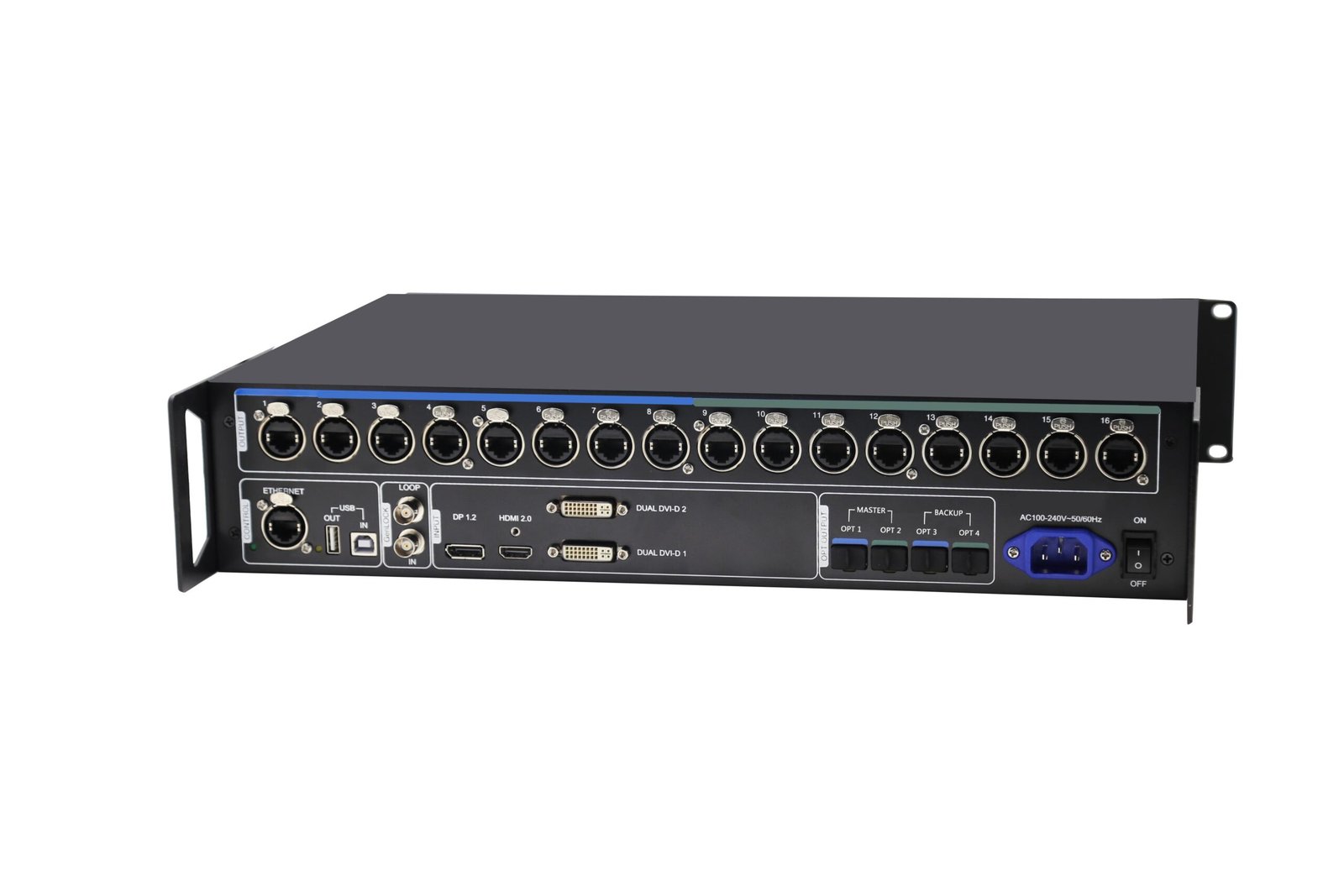
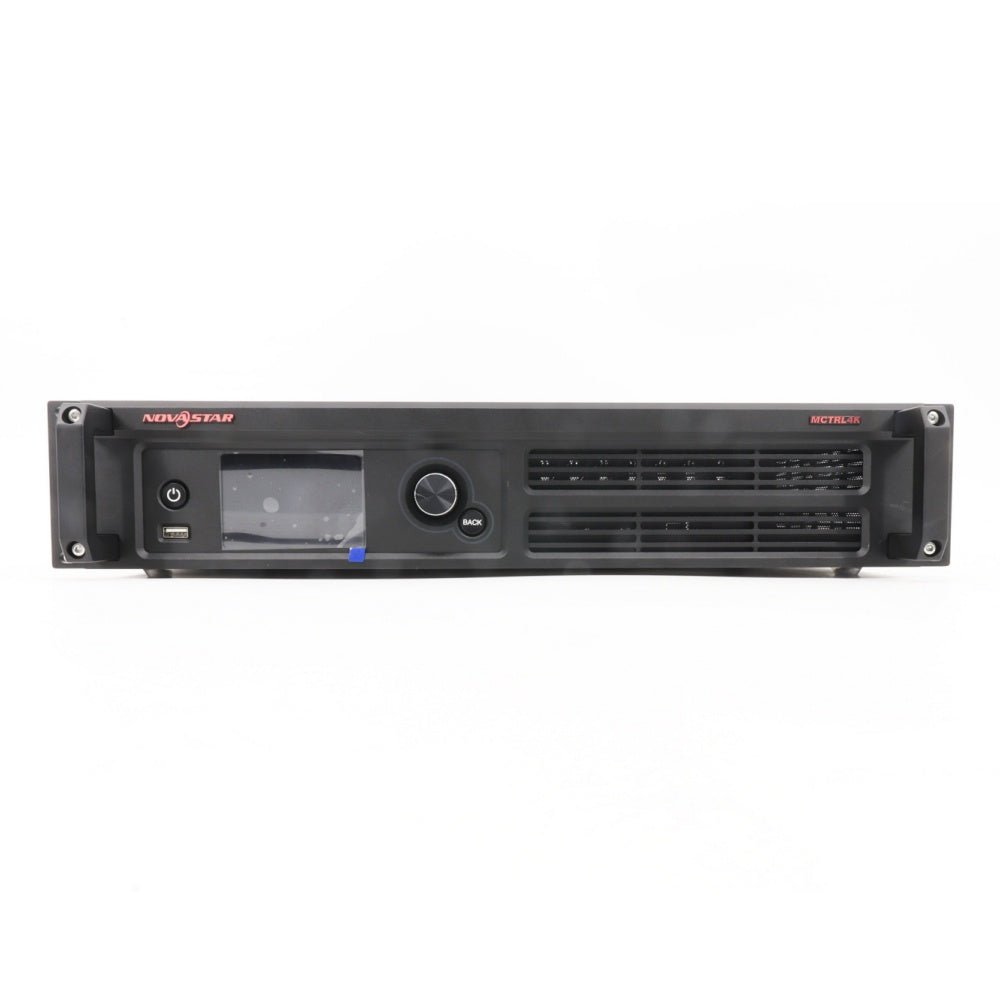
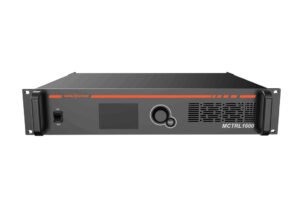
The NovaStar MCTRL4K is a high-capacity LED sending controller for large, ultra-wide and ultra-tall LED canvases. One unit accepts up to 4096 × 2160 at 60 Hz over HDMI 2.0 or DisplayPort 1.2 and loads up to 8.8 million pixels, then distributes the mapped canvas through 16 Gigabit Ethernet outputs or two primary 10G optical paths with matching backup paths.
Choose the MCTRL4K when your video canvas is already prepared and you need reliable 4K-class sending, Genlock, output redundancy, HDR support or unusually wide custom timing. If the source still needs to be scaled, switched or composed into multiple windows, place a suitable video processor or media server before the controller.
What is the NovaStar MCTRL4K?
The MCTRL4K takes one prepared 4K or custom canvas and divides it across 16 Ethernet outputs or two main optical groups. Choose it when the source already provides the wall's final resolution and the system needs high pixel capacity, fiber transport, backup paths or Genlock. It does not replace the scaler or switcher that prepares the content.
It is important to separate sending from video processing. The MCTRL4K does not provide the general-purpose scaling, picture-in-picture or multilayer composition found in an all-in-one processor. For a clean 1:1 result, the computer, media server or upstream processor should output the canvas resolution the wall needs.
MCTRL4K load capacity, source timing and bit depth
Start with the complete LED canvas, not only its 4K label. Add the width and height of the mapped canvas, confirm the source connector and frame rate, and then check how many pixels each output port must carry.
| Planning limit | MCTRL4K capacity |
|---|---|
| DP 1.2 or HDMI 2.0 total load | Up to 8,800,000 pixels |
| Dual-link DVI total load | Up to 8,300,000 pixels |
| Maximum DP/HDMI input | 4096 × 2160 at 60 Hz |
| Maximum custom width | 7680 × 1080 at 60 Hz |
| Maximum custom height | 1080 × 7680 at 60 Hz |
| Each Ethernet output with an 8-bit source | Up to 650,000 pixels |
| Each Ethernet output with a 10-bit or 12-bit source | Up to 320,000 pixels |
The 8.8-million-pixel headline applies to an appropriate DP or HDMI workflow. Higher bit depth reduces the per-port loading limit, and HDR also halves the load available on each Ethernet output. Build the port map around the real bit depth and feature set before ordering.
MCTRL4K inputs and supported source formats
| Input | Practical use | Key limits |
|---|---|---|
| DisplayPort 1.2 | 4K60 computer or media-server output; custom ultra-wide timing | Up to 4096 × 2160 at 60 Hz; HDCP 1.3; progressive sources only |
| HDMI 2.0 | 4K60 playback and HDR workflows | Up to 4096 × 2160 at 60 Hz; HDCP 1.4/2.2; HDR requires a compatible 10-bit HDMI source |
| 2 × dual-link DVI | Legacy sources, DVI mosaic, or two independent sending paths in multi-card mode | Each input up to 3840 × 1080 at 60 Hz; combined DVI load up to 8.3M; progressive sources only |
For a canvas wider or taller than the normal 4K timing range, the source computer may need a custom NVIDIA timing and the MCTRL4K Ultra-High Resolution Settings Generator. Confirm that the graphics hardware can produce the required resolution and pixel clock; the controller does not create missing pixels by scaling a smaller input.
MCTRL4K Ethernet outputs and 10G optical backup explained
The 16 Neutrik Gigabit Ethernet outputs connect directly to compatible NovaStar receiving-card networks. For longer rack-to-wall runs, the four 10G optical ports group those outputs in two sets:
- OPT1 carries Ethernet outputs 1–8.
- OPT2 carries Ethernet outputs 9–16.
- OPT3 duplicates OPT1 as its backup path.
- OPT4 duplicates OPT2 as its backup path.
This is a transport and redundancy layout, not four independent 10G groups. If the project uses fiber, confirm the optical modules, far-end conversion equipment, fiber type and backup route as one system. Ethernet-port redundancy can also be configured for a primary controller and a backup controller where the installation requires real-time takeover.
MCTRL4K HDR, low latency and 3D limitations
HDR10 and HLG can improve highlight, shadow and color performance when the MCTRL4K receives a compatible 10-bit HDMI signal and the LED wall uses HDR-capable receiving cards. Because HDR uses a 10-bit path, the loading capacity of every Ethernet port is reduced by half. Confirm the receiving-card model and redraw the port map before enabling HDR.
Low-latency mode can reduce controller delay to less than 1 ms when the image start position is zero. It is available for HDMI and DisplayPort sources, and each Ethernet output must load cabinets vertically. Low latency cannot be used at the same time as 3D or Genlock.
For stereoscopic playback, the MCTRL4K can work with the NovaStar EMT200 emitter and compatible 3D glasses. 3D also reduces per-port loading capacity by half and cannot be combined with low latency or advanced screen configuration. Treat HDR, 3D and low latency as engineered workflows rather than check-box features.
MCTRL4K setup: prepare the canvas before you map the cabinets
- Calculate the complete LED canvas and the pixels assigned to each Ethernet output.
- Choose HDMI, DisplayPort or DVI and make the source output the required resolution, refresh rate and bit depth.
- Select the input mode and resolution from the front panel. Use a supported custom timing when the canvas is not a standard format.
- Configure the receiving cards and cabinet data flow in NovaLCT. Irregular screens should be configured in NovaLCT rather than with the controller's quick-screen routine.
- Save the working configuration to hardware, then test signal loss, backup paths, power cycling and every source format required on site.
NovaLCT is the main tool for screen configuration, brightness adjustment, calibration, monitoring and firmware maintenance. The V1.2.1 manual specifies NovaLCT V5.2.0 or later and SmartLCT V3.4.0 or later. The controller can also be reached through its web interface when the computer or mobile device is on the same LAN.
Mosaic mode accepts DP, HDMI or a two-DVI mosaic as one canvas. Multi-card mode uses DVI1 and DVI2 as two independent sending paths, each with loading capacity up to 3840 × 1080 at 60 Hz. Multi-card mode is useful for two separately prepared DVI sources, but it is not a substitute for a scaler or multilayer switcher.
MCTRL4K applications and when to add a video processor
Typical MCTRL4K applications include:
Large concert and touring LED walls with a prepared media-server canvas.
Sports venues and control rooms that need Genlock and predictable 1:1 mapping.
Ultra-wide banners or ultra-tall displays that fit within the 8.8M load and custom-timing limits.
Fixed installations that need 16 copper outputs, long-distance fiber transport or redundant output paths.
Add an upstream processor or choose an all-in-one model when the operator must scale ordinary 1080p content to an unusual wall canvas, switch live between several source types, accept SDI directly, create picture-in-picture layouts or manage multiple independent layers. The MCTRL4K can still serve as the sending stage after a suitable processor when its output capacity and redundancy are valuable.
Browse our NovaStar video processors when the source needs scaling or switching, or compare the broader NovaStar controller collection when the canvas is already prepared.
MCTRL4K manual, datasheet, software and firmware
Firmware download: MCTRL4K firmware package. Match it to the exact hardware version, save the working configuration and read the release notes before updating.
Direct PDF links: MCTRL4K User Manual PDF · MCTRL4K Datasheet PDF
MCTRL4K vs MCTRL R5 and nearby system options
| Choose this direction | Best when | Check before ordering |
|---|---|---|
| MCTRL4K | You need 4K60-class input, up to 8.8M pixels, 16 Ethernet outputs, 10G optical paths, HDR or Genlock | Source must provide the prepared canvas; high bit depth/HDR changes port loading |
| MCTRL R5 | Rotation is the defining requirement and its lower capacity/output count fits the wall | Verify rotation workflow, total pixels and source resolution |
| All-in-one NovaStar processor | You need built-in scaling, source switching or simple compositing before sending | Match input types, layer count, output capacity and latency |
| H Series or a larger modular system | You need many inputs, multiple windows, splicing or a system designed to grow | Configure chassis, cards, sending outputs and redundancy together |
Do not choose only by the largest pixel number. The best model is the one that matches the source workflow, wall map, receiving cards, cabling distance and on-site operating needs.
MCTRL4K FAQs
Does the MCTRL4K scale a 1080p source to a 4K or custom LED canvas?
No general-purpose scaling engine is documented for the MCTRL4K. It maps and sends the pixels it receives, so the source or an upstream processor should create the required canvas. This is also why picture-in-picture and multilayer switching should be handled before the controller.
Can one MCTRL4K drive a full 4096 × 2160 wall at 60 Hz?
Yes, with a suitable HDMI 2.0 or DisplayPort 1.2 source at 8 bit, the documented input and total loading class is 4096 × 2160 at 60 Hz, up to 8.8 million pixels. The cabinet map must still fit the per-port loading limits. HDR or 10/12-bit operation reduces the available pixels per Ethernet output.
Can the MCTRL4K drive a canvas wider than 4096 pixels?
It supports custom dimensions up to 7680 pixels wide or tall within the documented bandwidth, such as 7680 × 1080 at 60 Hz. Ultra-wide timing may need a compatible NVIDIA graphics card and the NovaStar timing generator. Confirm the exact timing before the show or installation.
What do the four optical ports carry?
OPT1 carries Ethernet outputs 1–8 and OPT2 carries outputs 9–16. OPT3 and OPT4 duplicate those two groups for backup. They are not four additional independent groups of LED outputs.
What is required for HDR?
Use a compatible 10-bit HDR10 or HLG source through HDMI and receiving cards that support the HDR workflow. HDR halves each Ethernet port's loading capacity, so the port map must be planned for the reduced limit.
Which software is used to configure the MCTRL4K?
Use NovaLCT for screen configuration, cabinet files, brightness, monitoring, calibration and maintenance. The V1.2.1 manual specifies NovaLCT V5.2.0 or later and SmartLCT V3.4.0 or later. A web interface is also available when the controller and device are on the same LAN.
Can multiple MCTRL4K units be synchronized?
Yes. Up to 10 units can be cascaded for control, and Genlock input/loop supports synchronized output across devices. A multi-controller wall still needs a planned source split, canvas map and redundancy design.
Confirm your MCTRL4K system before ordering
Send us the LED canvas resolution, cabinet count and resolution, receiving-card model, source resolution and frame rate, bit depth, planned Ethernet-port map, fiber distance, and whether you need HDR, Genlock, 3D or low latency. We can help check whether the MCTRL4K fits the complete system and identify any upstream processing or fiber equipment the project needs.
Reviews
There are no reviews yet.