
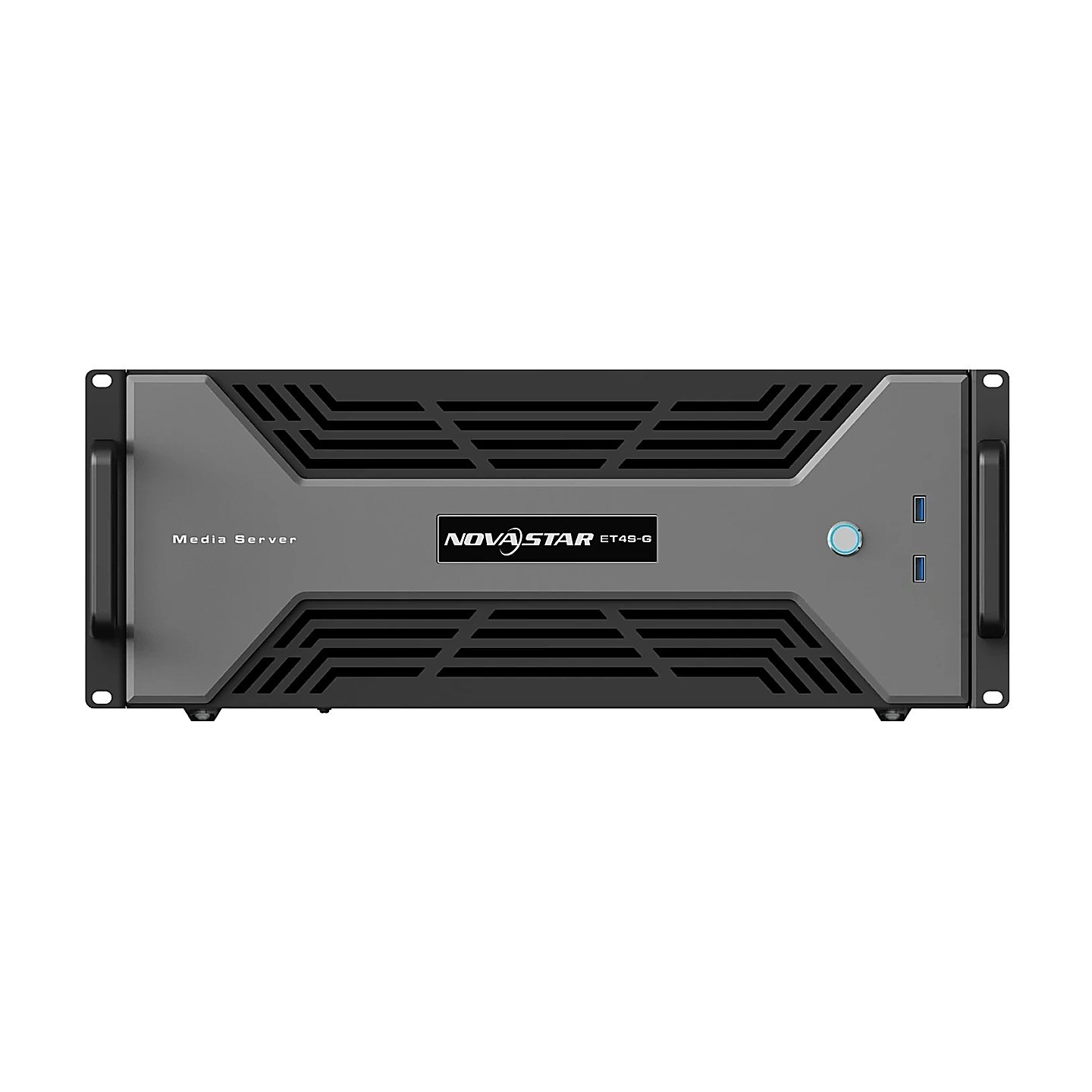
What is the NovaStar ET4S-G?
If neither ready-made ET4S-G build matches what you need, this is the one you configure. The NovaStar ET4S-G gives you the same chassis, processor, storage and Kompass FX3 license as the sealed builds, with the graphics card left for you to specify.
That is the reason it exists. Two sealed builds cover most projects, and this one covers yours if it needs a card neither build carries, a sync card fitted from new, or more than the standard one terabyte of media storage.
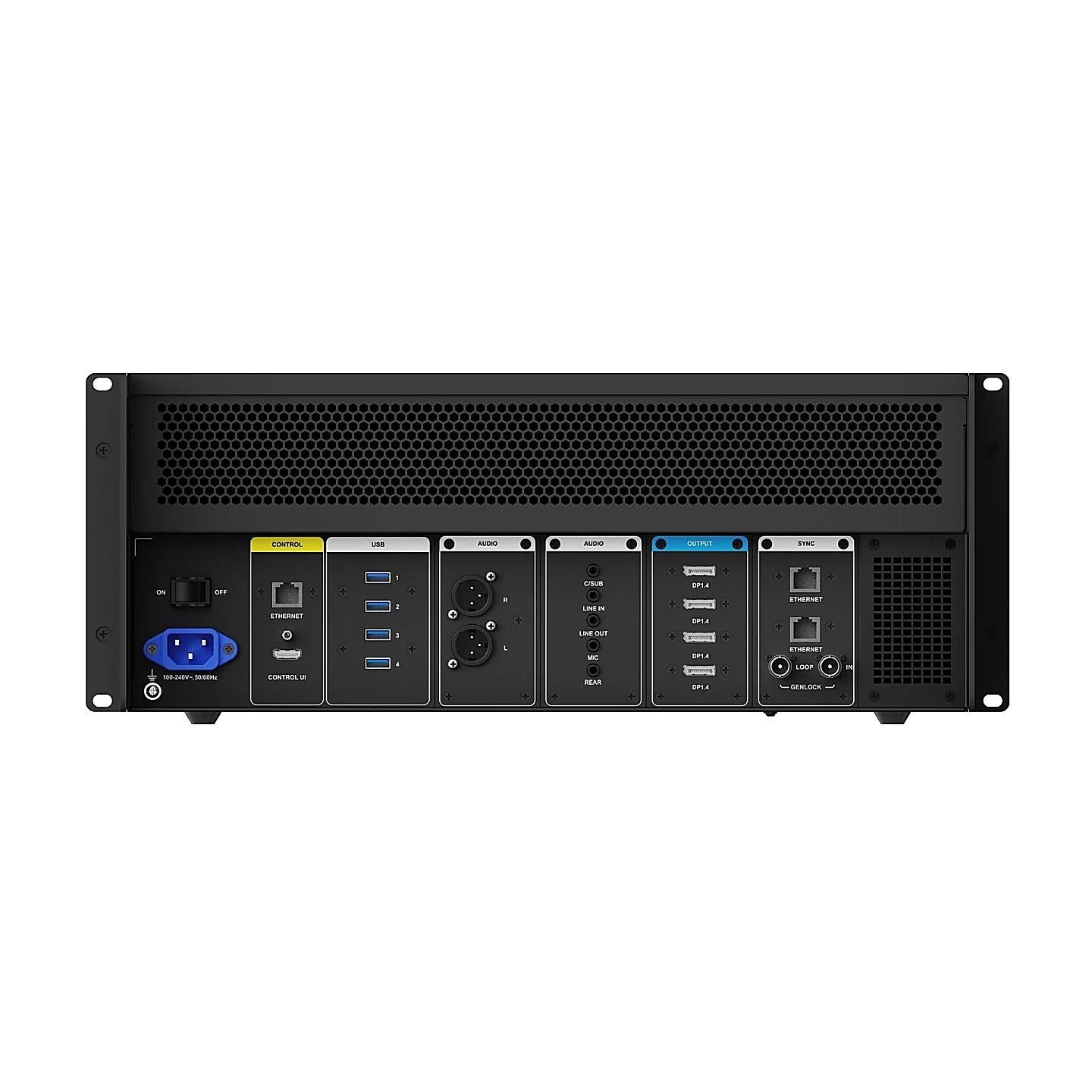
Everything else is fixed. Four DP 1.4 outputs, twelve mixing layers and external LTC and MTC timecode come with the chassis, and so do the XLR audio set, the 2.5 Gb control port and Windows 10 Enterprise LTSC.
You get a quote rather than a list price, because the card and the options change the number. Tell us the screen and the content and the build comes back specified.
The three graphics cards, and what each one changes
NovaStar lists three cards for this chassis, one of each at most. Your choice sets three limits at once: how many of your films decode in hardware, how wide the four-connector mosaic runs, and whether you can ever fit a sync card.
| Card | Hardware decoding | Mosaic limit | Sync card |
|---|---|---|---|
| P2000 | 1× 8K×4K@30fps, or 3× 4K×2K@60fps | 8192 px | Not paired with it |
| HPGA4000 | 1× 8K×4K@60fps | 16,384 px | Yes |
| HPGA4500 Ada | 1× 8K×4K@60fps or 4K×2K@60fps | 16,384 px | Yes |
Read the mosaic column first. A screen whose long edge passes 8192 pixels rules the P2000 out before any argument about frame rate begins, and no software setting recovers it for you. A wall commissioned on the wrong card and then extended needs a second card and a re-test of every output, which is rework rather than a settings change.
The sync column is the other one-way door. NovaStar pairs the sync card with the HPGA cards only, so a P2000 machine can never join a frame-locked pair however your budget changes later.
Between the two HPGA cards the decoding lines read the same, and memory is where they differ: NovaStar gives the HPGA4500 Ada 24 GB on a 192-bit bus. Its own document quotes two different memory figures for the HPGA4000 in two different tables, so treat that number as something to confirm rather than to design around.
Choose the card on your screen drawing, not on the price list. It is the one part of this server you cannot change by reconfiguring anything else.
When a ready-made build is the better order
Most of the time, honestly. NovaStar packages the two commonest card choices as sealed builds with a published price, and if your requirement lands on one of them you gain nothing by configuring it yourself.
Order the ET4S-G (P2) when your content is cut as 4K films, your screen stays inside an 8192-pixel mosaic and nothing has to be genlocked.
Order the ET4S-G (A4) when you have a true 8K master at 60 frames, a mosaic beyond 8192 pixels, or a sync card in the design.
Configure this chassis when your answer is the HPGA4500 Ada, when the sync card has to arrive fitted rather than follow later, or when 1 TB of media storage will not hold your library.
A build that matches a sealed configuration is quicker to price and quicker to ship, and a card specified wrong has to go back before you can commission anything. Configuring for its own sake buys you nothing.
ET4S-G key features
Timecode-driven playback
A show that starts from a lighting cue cannot start from a mouse click. External LTC and MTC inputs let your show controller or audio rig drive playback position, so the film sits where your cue sheet says rather than where somebody last pressed play.
Live and pre-edit modes
Editing a running program in front of an audience is how a wall ends up showing your half-built timeline. Pre-edit keeps the work off the output until you send it, and live mode is there when the change genuinely is meant to happen now.
Custom OSD
A closure notice or a session title normally means opening your program and re-publishing it. An on-screen display can be laid over whatever is already playing, which turns a content change into a message rather than an edit.
Remote and central control
The server nobody has to visit is the one that keeps working. Playback answers to UDP or TCP/IP commands, to a central control unit and to NovaStar’s VICP platform, so your room panel or building system starts the show without anyone opening the rack.
NovaStar ET4S-G chassis specifications
Everything below is the same whichever card you choose. Only the decoding and mosaic rows move with your configuration.
| Output capacity | Up to 8K×4K across 4× DP 1.4, each connector to 5120×2880@60Hz |
|---|---|
| Custom output timing | 480 to 8192 pixels wide, 300 to 8192 high, per connector |
| Playback | 12 mixing layers and 1 audio track; up to 64 partitions per output |
| Processor and memory | 12th-generation Intel Core; 32 GB DDR5 on a server-grade board |
| Storage as standard | 250 GB system SSD and a 1 TB media SSD |
| Control and network | 1× RJ45 at 2.5 Gb; HDMI CONTROL UI at 2K×1K@60Hz; UDP or TCP/IP; VICP |
| Audio | XLR left and right; 3.5 mm center and subwoofer, rear, line in, line out and mic |
| Timecode | External LTC and MTC inputs |
| Office and media formats | Video, image, audio, and PowerPoint, Excel, Word and PDF |
| Software | Kompass FX3 with licensing dongle, on Windows 10 Enterprise LTSC |
| Power | 100–240V~, 47–63Hz; 750 W supply; 500 W maximum consumption |
| Environment | 0°C to +40°C operating; −10°C to +60°C storage; non-condensing |
| Dimensions and weight | 482.6 × 183.5 × 642.0 mm, 17 kg; horizontal mounting only |
| Certifications | CE, FCC, IC, CB, KC, RoHS |
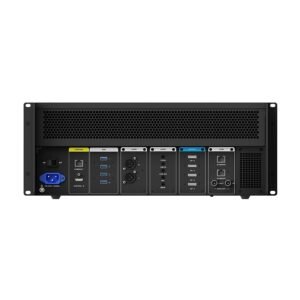
Five rack units, a deep cabinet and forced air. At 183.5 mm high and 642.0 mm deep with a 40°C ceiling, this is a machine you design the rack around rather than fit into one.
What else goes on the quote: sync card and storage
Two options are worth settling before your order rather than after. The sync card is what makes multi-server synchronization possible at all, and the storage drives are what stop an 8K library outgrowing the machine in its first year.
The sync card gives you two RJ45 ports that accept and pass on a frame-lock signal, one BNC input for an external reference and an indicator for each link. It fits alongside an HPGA4000 or an HPGA4500 Ada, and NovaStar names it as the requirement for synchronizing more than one server.
Leave it off and the seam between your two servers shows as a line that drifts, which no cable change will settle.
Storage starts at one terabyte of media space beside the 250 GB system drive, with further 1 TB or 4 TB drives listed as options. An 8K library is your reason to take one: at NovaStar’s recommended bitrate for 8K at 60 frames, an hour of finished content runs to roughly 50 to 60 GB.
Neither option arrives by software update. Both are parts, and fitting them later means opening a chassis on your live site to avoid a return.
ET4S-G datasheet, manual and Kompass FX3 licensing
One datasheet covers the configurable chassis and both sealed builds. The product-selection table defines the suffixes and their cards, and the optional-items table underneath holds the card specifications and the sync-card pairing rule you need.
The Kompass FX3 manual is the software document, shared with the ET16S-G servers. It carries the frame-sync modes, the media-format list and the bitrate tables your synchronized installation has to be encoded against.
Kompass FX3 is licensed by a dongle, and the datasheet lists it as included with the machine. Run the software without a recognized dongle and it drops to trial, printing its own name across your output about five seconds after the dongle leaves the port.
NovaStar ET4S-G FAQ
Why is the ET4S-G quoted instead of priced?
Because the graphics card is not fixed. The chassis, processor, storage and software license are the same in every build, and the card plus any sync card or extra drive is what moves your figure.
Does the ET4S-G ship without a graphics card?
Yes, in this configuration. NovaStar lists the card as an optional item you choose from the P2000, the HPGA4000 or the HPGA4500 Ada, one of each at most.
Can a graphics card be added or swapped later?
Treat it as a purchase decision rather than a field change. The card sets your mosaic ceiling and decides whether you can ever fit a sync card, so a later swap means re-testing the whole screen configuration.
Is the sync card needed for a single server?
No. NovaStar names it as the requirement for synchronizing more than one server, or for locking to an external reference over BNC. A single machine driving one screen does not need it.
How much media storage can the ET4S-G hold?
One terabyte as standard beside the 250 GB system drive, with additional 1 TB or 4 TB drives listed as options. Size against roughly 50 to 60 GB per hour of 8K at 60 frames.
Does the ET4S-G connect straight to LED cabinets?
No. It outputs DisplayPort, and a sending card or video processor converts that to the runs your cabinets take. The controller calculator matches your pixel count to the senders we stock.
What warranty does the ET4S-G carry?
Three years of serial-tracked manufacturer coverage, supplied through our authorized US NovaStar channel.
Is there volume pricing on more than one ET4S-G?
Yes. Give us your count and your sites together and the figure comes back below the single-unit price, with the cards and options priced once across the order.
Can we buy on a purchase order or NET terms?
Yes, for approved buyers. Purchase orders and NET terms, Net 30 included, may be available to schools, government buyers, venues and established integrators.
What do you need to quote an ET4S-G?
Your screen’s pixel map, how your content is cut, and whether anything has to be frame-locked. Those three answers pick the card, decide the sync card and settle the storage.
Reviews
There are no reviews yet.