
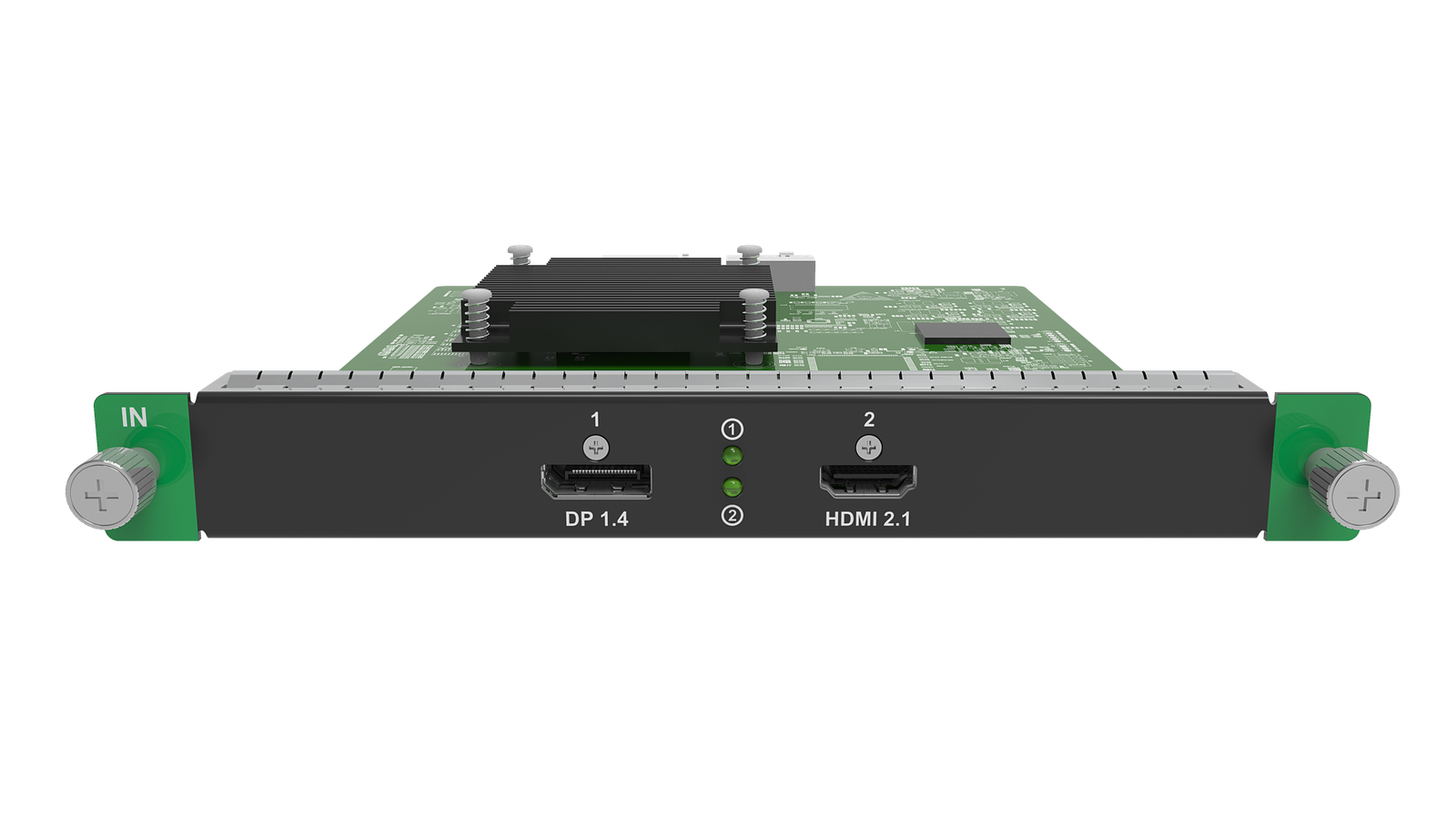
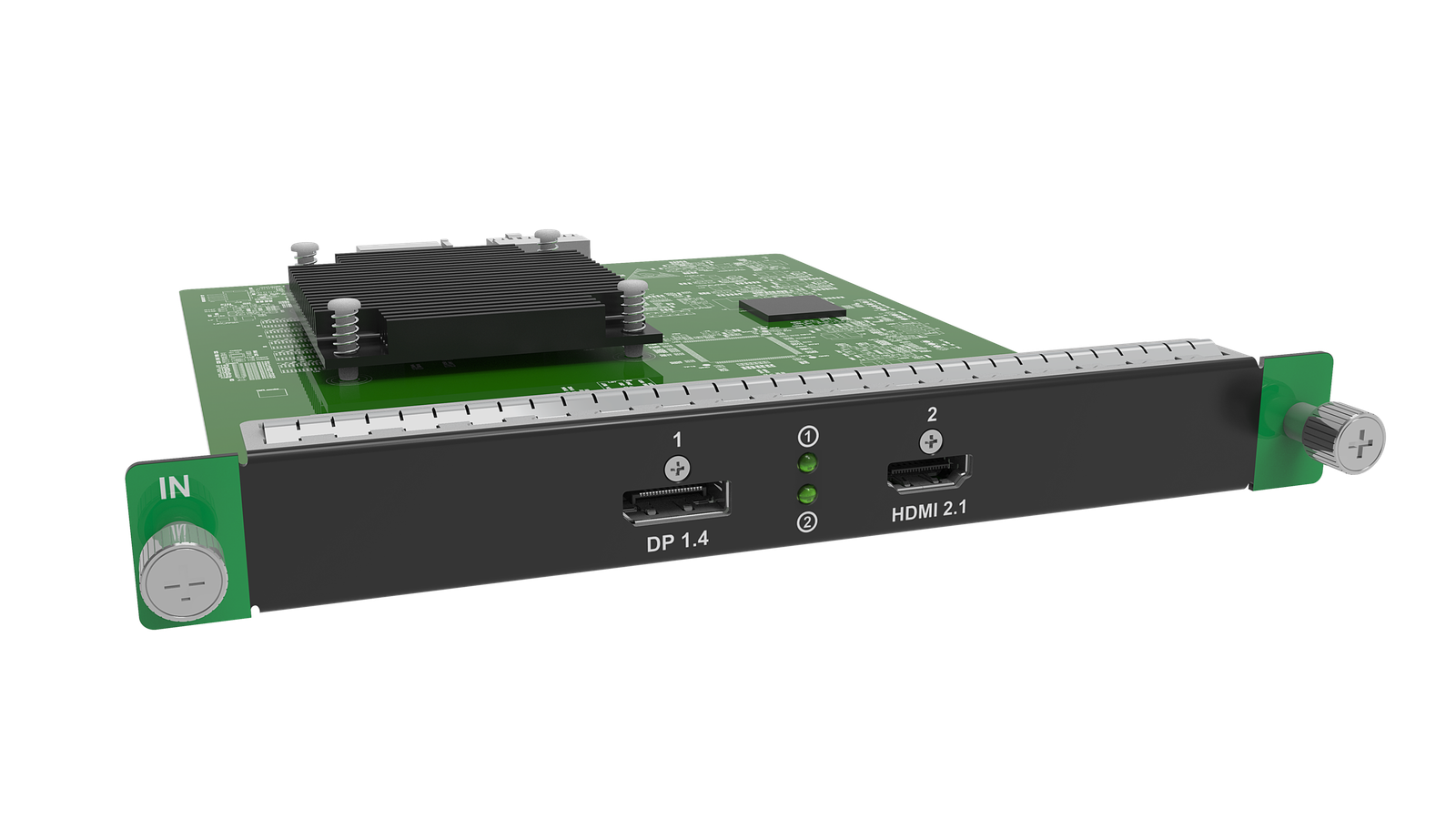
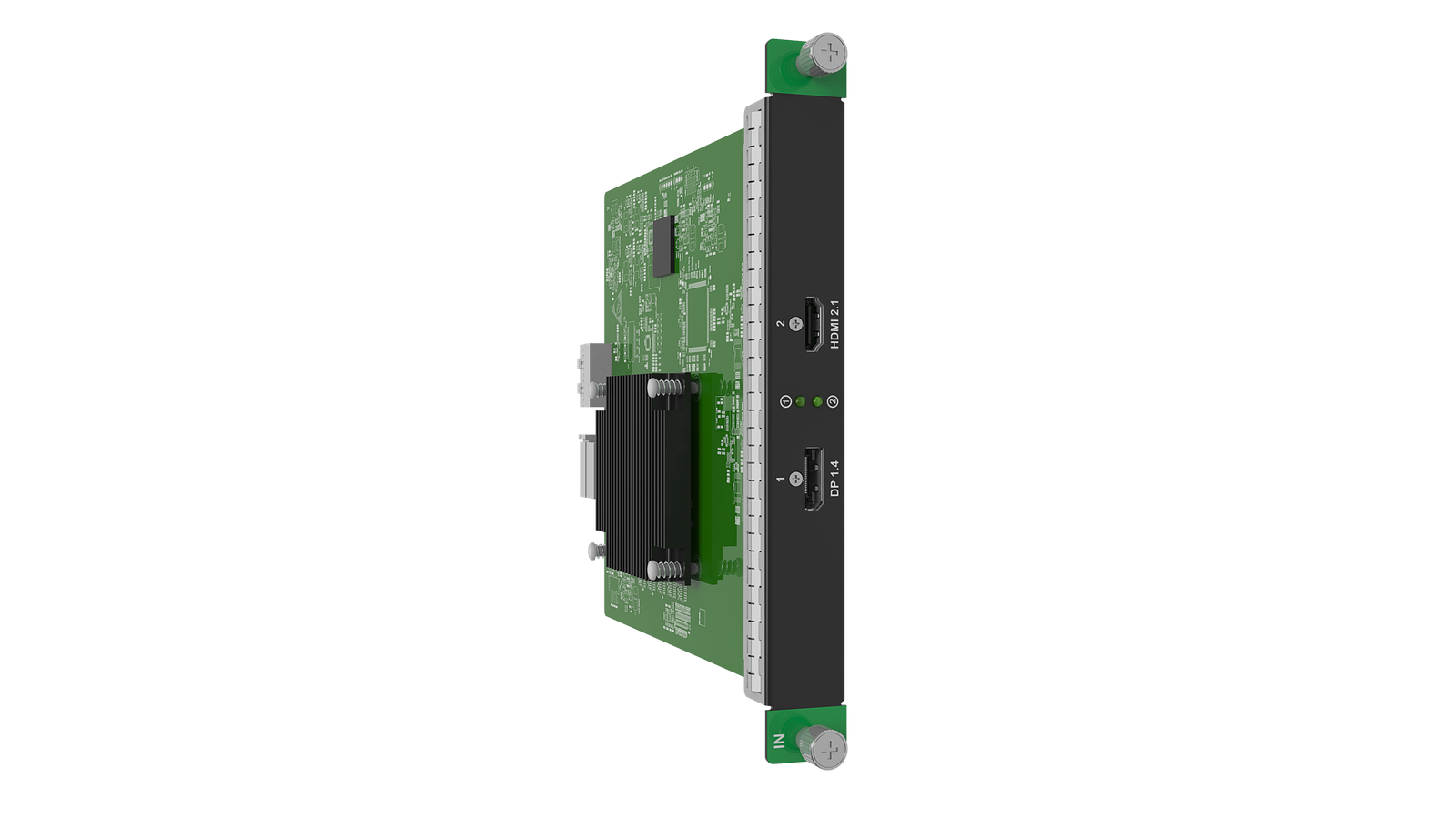
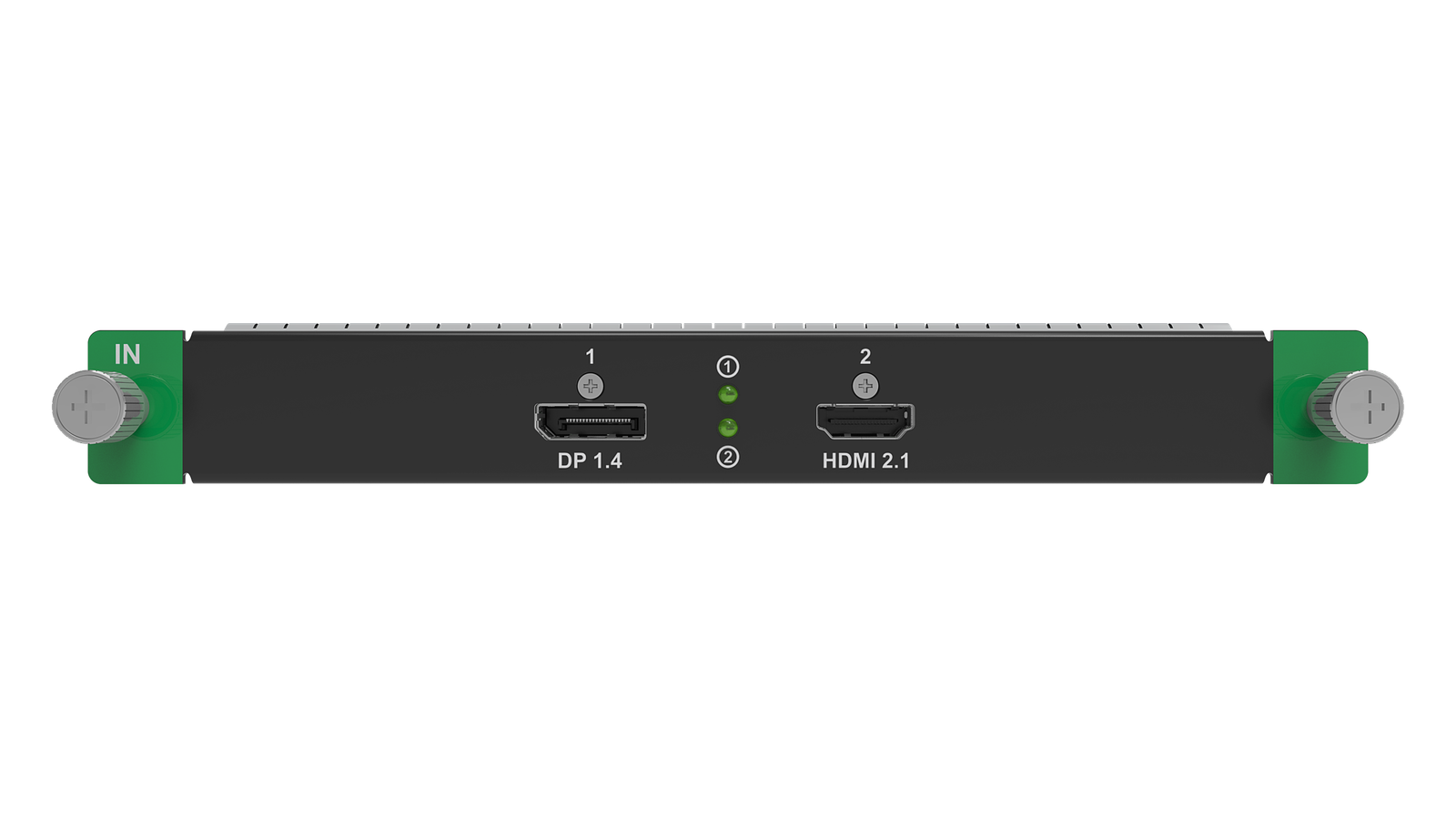
What is the NovaStar MX_1xDP1.4+1xHDMI2.1 Input Card for?
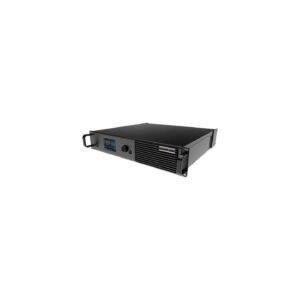
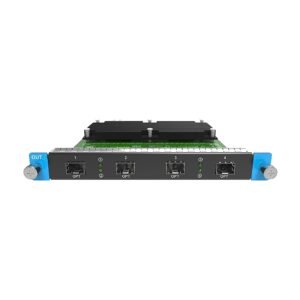
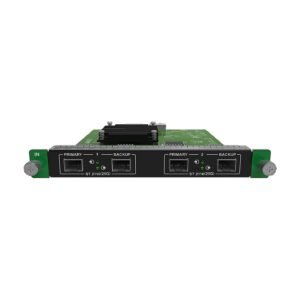
Choose this card when a project brings one DP 1.4 source and one HDMI 2.1 source into an available IN slot of NovaStar MX2000 Pro or MX6000 Pro. It solves connector diversity in one slot: source → input card → MX chassis → output card, receiving cards and LED wall.
It does not make the two feeds an automatic backup pair, add LED output ports or change the host’s wall capacity.
NovaStar MX_1xDP1.4+1xHDMI2.1 specifications: mixed DP and HDMI 8K30 inputs
Assign the DP 1.4 source to its documented 7680 × 4320@30 Hz forced path and the HDMI 2.1 source to its documented 8192 × 4320@30 Hz forced path. Both are 8K30-class inputs; neither is the single-source 8K60 DP path.
Both inputs document HDR10/HLG, custom resolutions and HDCP 2.3 backward compatibility, while interlaced input is not supported. NovaStar documents DP 1.4 and HDMI 2.1 cable paths up to 5 m.
Can the mixed DP and HDMI card fit your MX source plan?
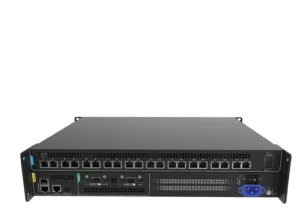
Yes, when an IN slot is available and the host, input-card model, slot number and firmware match the VMP project. MX2000 Pro has two input-card slots and MX6000 Pro has eight; this mixed card uses one slot while source backup and layer behavior remain complete-system decisions.
How one DP and one HDMI source reach the LED wall through an MX chassis
A show can keep a DP workstation and HDMI playback device native at the input stage, then assign the two feeds in the MX/VMP workflow before they continue to the output-card and receiving-card path. Validate the forced 8K30 mode and each 5 m cable route before the live signal check.
The mixed connectors solve source-side fit; they do not create two automatic backup paths.
Mixed DP + HDMI vs dual DP, dual HDMI and the 8K60 DP card
Choose the mixed card when connector diversity matters. Choose MX_2xDP1.4 or MX_2xHDMI2.1 when both sources share one connector, or MX_1xDP 1.4 8K60 when one DP source needs 60 Hz.
NovaStar MX_1xDP1.4+1xHDMI2.1 Input Card Manual, PDF and VMP Software
Use the model-named download page as the starting point, then verify the shared MX6000 Pro V1.5.0 input-card specification, the manual for the actual MX host and the matching VMP project version. The two inputs are connector choices, not automatic redundancy.
Direct PDF links: MX_1xDP1.4+1xHDMI2.1 (8K@30Hz) Input Card download page · Official MX6000 Pro V1.5.0 Specification PDF — shared input-card reference · MX2000 Pro User Manual PDF · VMP User Manual PDF.
MX_1xDP1.4+1xHDMI2.1 Input Card buying and commissioning FAQs
Does this card make the DP and HDMI sources a backup pair?
No. It provides one DP and one HDMI input. Define backup and operating behavior separately in the complete system.
Can both inputs run at 8K60?
No. The documented 8K-class modes for this card are 30 Hz.
Can the card accept interlaced sources?
No. The official DP and HDMI tables list interlaced signals as unsupported.
Which MX chassis accepts the card?
NovaStar MX2000 Pro or MX6000 Pro only, with an available IN slot and matched software/firmware.
MX_1xDP1.4+1xHDMI2.1 Input Card order check
Before requesting a quote, confirm which source uses DP, which uses HDMI, the required 8K30 modes, the cable routes and the MX host slot:
- List the DP and HDMI source resolutions, frame rates and color settings
- Confirm 8K30-class operation is sufficient
- Confirm a host IN slot is free
- Record VMP/host/card firmware versions
- Plan separate DP and HDMI cable routes
Send us the DP and HDMI source formats, required refresh rates, host model and receiving-card or screen plan through our contact page. We can then confirm the mixed-connector input path before you order.
Reviews
There are no reviews yet.