
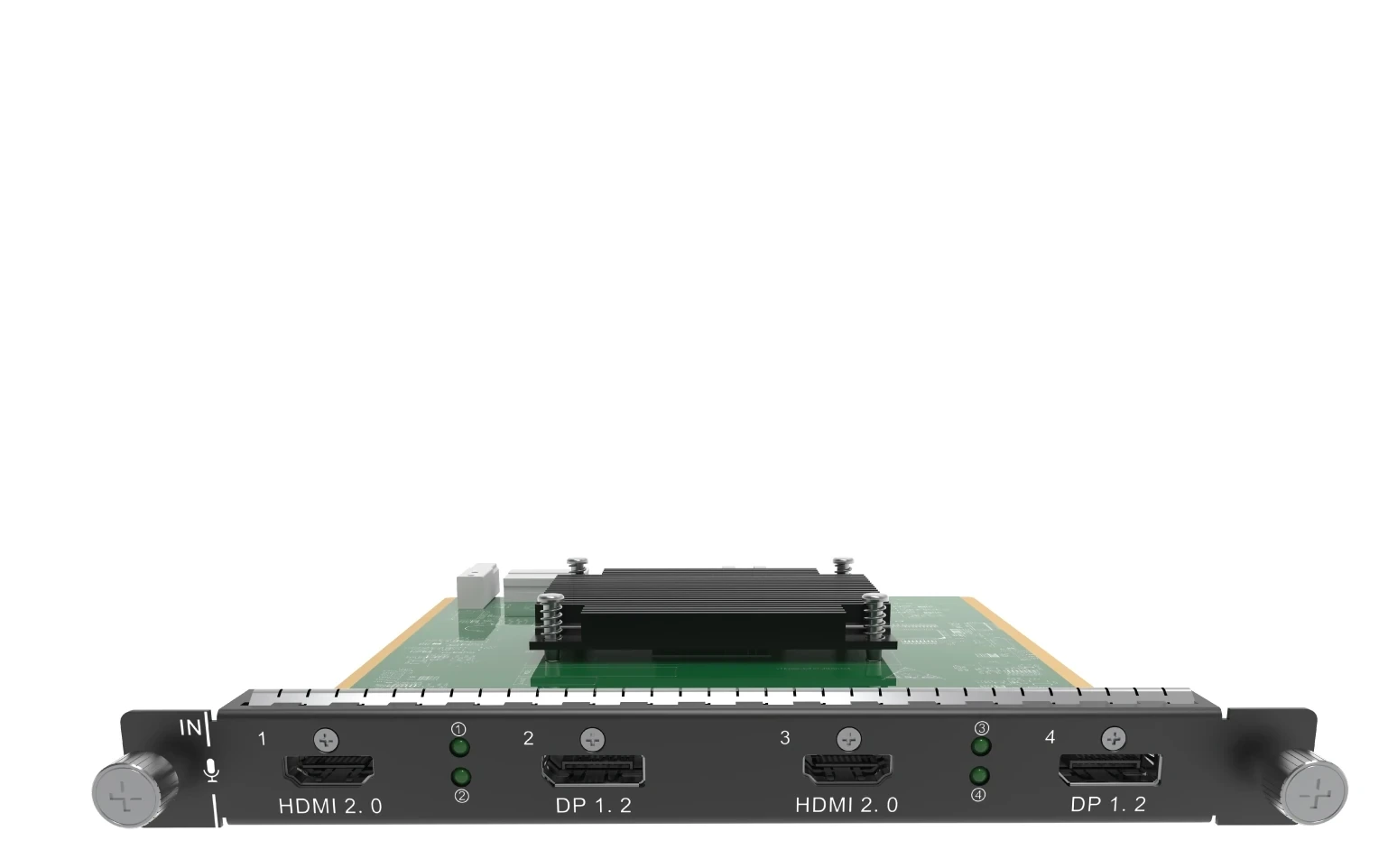
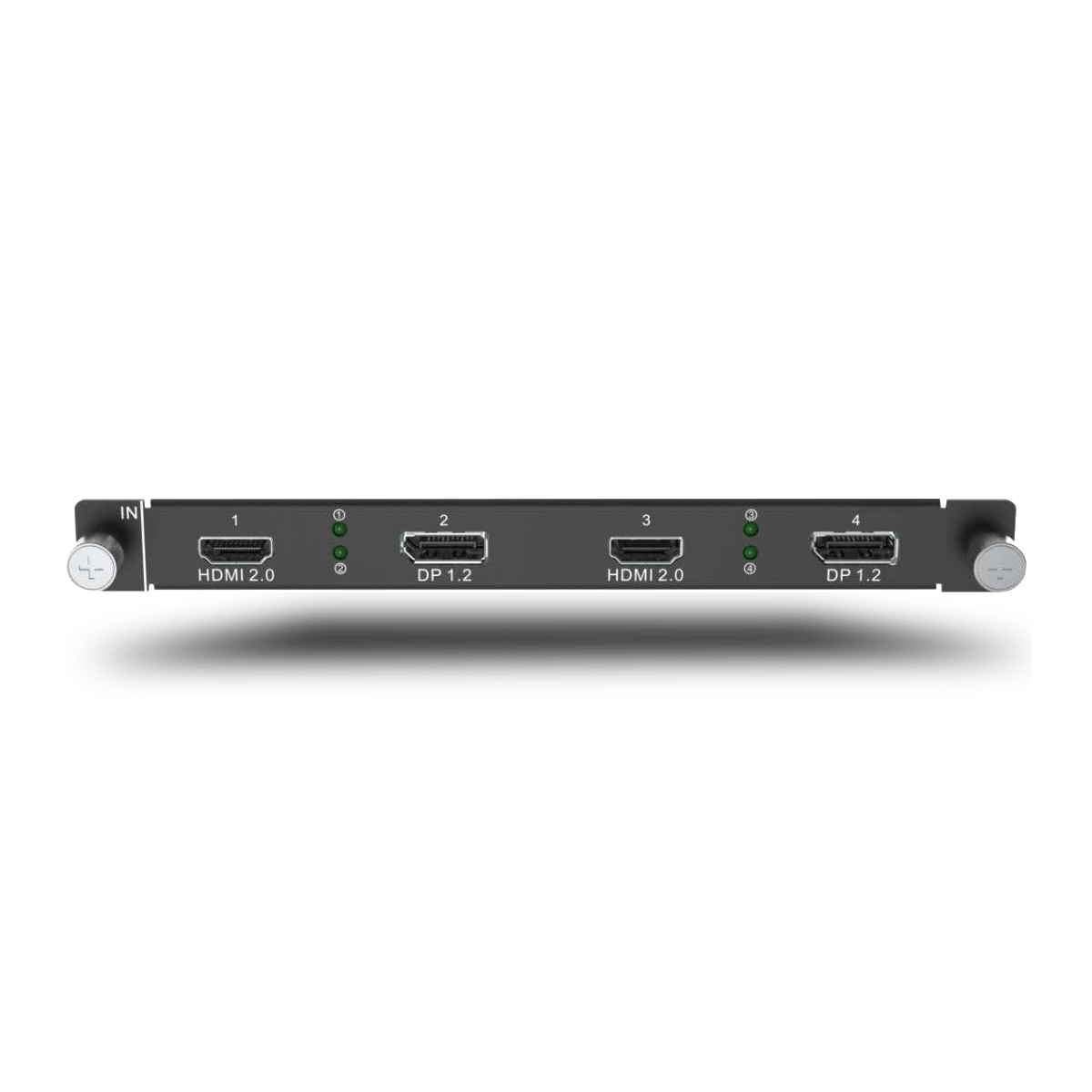
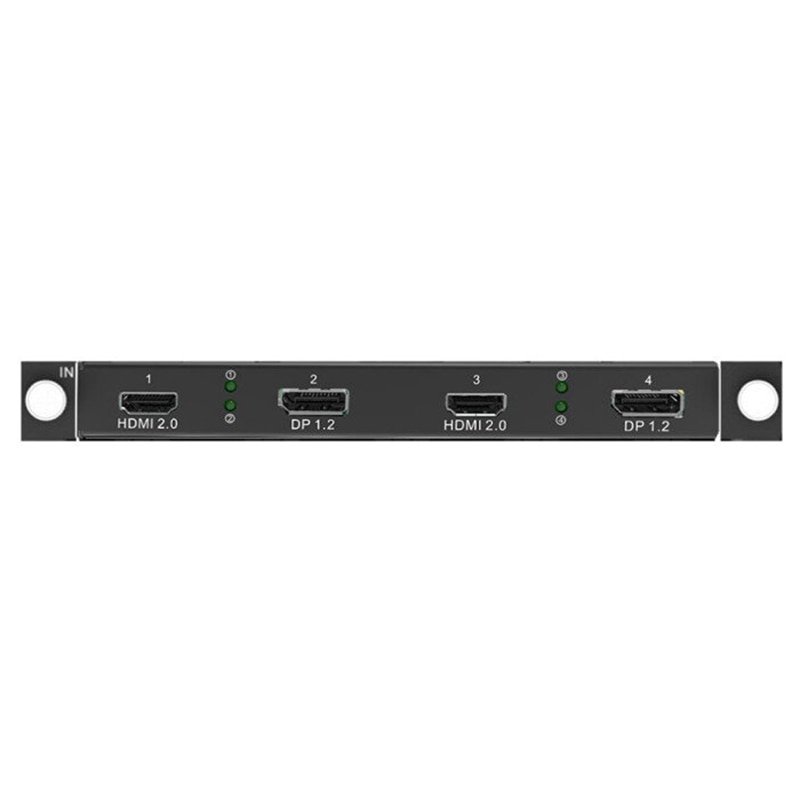
What is NovaStar H_2xHDMI2.0+2xDP1.2 input card?
The NovaStar™ H Series 2x HDMI 2.0 + 2x DisplayPort 1.2 Input Card is a mixed-connector source input card for a compatible H Series video wall splicer. It has two source positions. Each position offers one HDMI 2.0 connector and one DP 1.2 connector, and the H Series Web interface selects which connector is active for that position.
The important point is simple: the card has four physical connectors, but it provides two live source positions. In each HDMI/DP pair, use one connector at a time. That makes this card useful when a two-source LED system may need a laptop over HDMI, a graphics workstation over DP, or a different connector choice from one installation to the next. The card brings selected sources into the chassis; it is not a standalone video wall splicer and it is not an LED output card.
Before ordering, confirm three things: the system needs two live sources rather than four; each source fits the relevant HDMI or DP timing; and the selected H Series chassis has a compatible input-card slot. If both sources are already known to be DP or already known to be HDMI, a fixed-connector two-input card can be the simpler choice.
Request H_2xHDMI2.0+2xDP1.2 bulk pricing →
For confirmed multi-card H Series or volume quantities. Direct checkout is available when the two selected sources, their progressive timings and a compatible input-card position are already confirmed.
NovaStar H_2xHDMI2.0+2xDP1.2 input card key features: what makes it different?
- Two source positions with a connector choice: Each position can use HDMI 2.0 or DP 1.2. A meeting room can use an HDMI laptop in one position and a DP graphics system in the other, without using two different card types.
- A clear four-connectors, two-sources rule: Only one connector in each HDMI/DP pair is active at a time. This avoids buying a four-socket card for a design that actually needs four simultaneous sources.
- 4K60 HDMI and a wide DP option: The selected HDMI input supports up to 4096 × 2160 at 60 Hz. The selected DP input supports up to 4096 × 2160 at 60 Hz or 8192 × 1080 at 60 Hz, useful when a computer is prepared for a wide LED canvas.
- Designed for known source formats, not assumptions: HDMI 1.4/1.3 and DP 1.1 are backward compatible when their timing fits. Embedded audio, HDCP 2.2 and 144 Hz input are supported, but interlaced video is not. A 144 Hz listing is not a promise that every high-resolution 144 Hz source will work; check the actual timing before installation.
NovaStar H_2xHDMI2.0+2xDP1.2 input card specifications
These facts describe what can enter this source card. The H Series chassis creates the screen layout, while separately installed LED output cards and receiving cards carry that finished layout to the LED cabinets.
How NovaStar H_2xHDMI2.0+2xDP1.2 input card uses its two source positions
This card is built for connector flexibility at two source positions. Choose HDMI or DP inside each group on the H Series Web interface, then use the two selected inputs in the chassis layout. Do not count the four sockets as four simultaneous program feeds.
NovaStar H_2xHDMI2.0+2xDP1.2 input card setup and compatibility
Use this sequence to keep the purchase scope clear: the card selects two source connections, the compatible chassis creates their layout, and a separately selected LED output path carries that layout to the cabinets. The input card does not replace either of the other two parts.
- Choose one connector in each group. In the H Series Web interface, select HDMI or DP for Group 1 and Group 2 to match the two planned source devices.
- Connect the two prepared progressive sources. Confirm that each laptop, graphics workstation or media server is outputting a documented timing before it reaches the input card.
- Build the LED screen layout in the chassis. The H Series chassis crops, scales and places the selected sources across the configured LED screen or screens.
- Send the finished layout to the cabinets. A separately selected H Series LED output card sends its assigned picture data to the matching NovaStar receiving cards. Use NovaLCT for receiving-card settings and cabinet mapping once the output path is selected.
H_2xHDMI2.0+2xDP1.2 input card vs fixed HDMI or DP input cards
Choose the mixed card for two source positions that may need different connector types. Choose a fixed two-DP or two-HDMI card when both source formats are already known. The advantage is not a higher number of simultaneous sources; all three choices below are source input cards, not LED cabinet outputs.
See the H_2xDP1.2 Input Card for two known DP sources, or the H_2x HDMI2.0 Input Card for two known HDMI sources.
NovaStar H_2xHDMI2.0+2xDP1.2 input card applications
This card makes sense where the two live source positions are known, but their connector types need flexibility. The chassis and installed LED output card still determine the final LED layout and cabinet path.
Presentation plus graphics
Use HDMI for a presenter’s computer in one source position and DP for a graphics workstation in the other, then let the chassis place both on the planned LED screen layout.
Media server with a guest source
Keep one position ready for a DP media server and the other for an HDMI guest or presentation source when the final connector mix is part of the show plan.
Wide DP canvas plus HDMI playback
Bring a prepared wide DP canvas through one selected DP connector and keep the second source position for a suitable HDMI playback device.
Mixed-source system upgrades
Retain a suitable older HDMI or DP source while adding a newer device, as long as the selected connector and the actual progressive source timing are within the documented limits.
NovaStar H_2xHDMI2.0+2xDP1.2 input card manual, specifications and H Series firmware
NovaStar documents this card in the current H20 specifications and H Series family resources rather than publishing a card-only file. The exact card-containing reference and the family resources are labelled separately below.
NovaStar H_2xHDMI2.0+2xDP1.2 Input Card specifications (PDF, H20 V1.8.0)
Official H20 specification that documents this mixed HDMI/DP input card, its two source positions and timing limits.
NovaStar H Series user manual (PDF, V1.15.0)
H Series family manual for installation, card configuration and operating procedures; not an H_2x HDMI2.0+2xDP1.2-only manual.
NovaStar H Series firmware (ZIP, V2.2.0.0)
Verified H Series family firmware package, not H_2x HDMI2.0+2xDP1.2 Input Card-only firmware.
NovaStar H Series firmware release notes (TXT, V2.2.0.0)
Version changes and update notes for the same verified H Series family firmware package.
NovaStar H_2xHDMI2.0+2xDP1.2 input card FAQs
Does this card provide four simultaneous sources?
No. It has two input groups, and only one connector within each group can be used at a time. It provides two selected source positions.
Which connector is selected by default?
HDMI 2.0 is the default selection. Select HDMI 2.0 or DP 1.2 for each input group in the H Series Web interface before using the source in the layout.
Can one live source be HDMI and the other be DP?
Yes. Select HDMI in one group and DP in the other when those are the two planned source devices. The one-active-connector rule applies inside each individual group.
What is the maximum resolution for an HDMI source?
A selected HDMI 2.0 input supports up to 4096 × 2160 at 60 Hz. Confirm the actual output timing on the source device before installation.
What is the maximum resolution for a DP source?
A selected DP 1.2 input supports up to 4096 × 2160 at 60 Hz or 8192 × 1080 at 60 Hz. This does not make the card a four-source input card.
Can it accept an interlaced source?
No. Set the source to a supported progressive output before connecting it to this card.
Is this card a source input card or an LED output card?
It is an H Series source input card. The chassis creates the LED layout, and a separately installed LED output card carries the completed layout to the cabinets.
Does this card configure LED receiving cards?
No. After the H Series chassis and LED output path are set, use NovaLCT for receiving-card configuration and cabinet topology.
Is the firmware file a card-only update?
No. The available file is an H Series chassis/family firmware package. Review its release notes and the selected chassis documentation before any update.
Does 144 Hz input support mean a 4K144 source will work through either connector?
No. NovaStar lists frame rates through 144 Hz separately from each connector type’s maximum resolution. Confirm the actual resolution, refresh rate and progressive source format before ordering; the selected HDMI and DP paths have different documented limits.
Reviews
There are no reviews yet.