
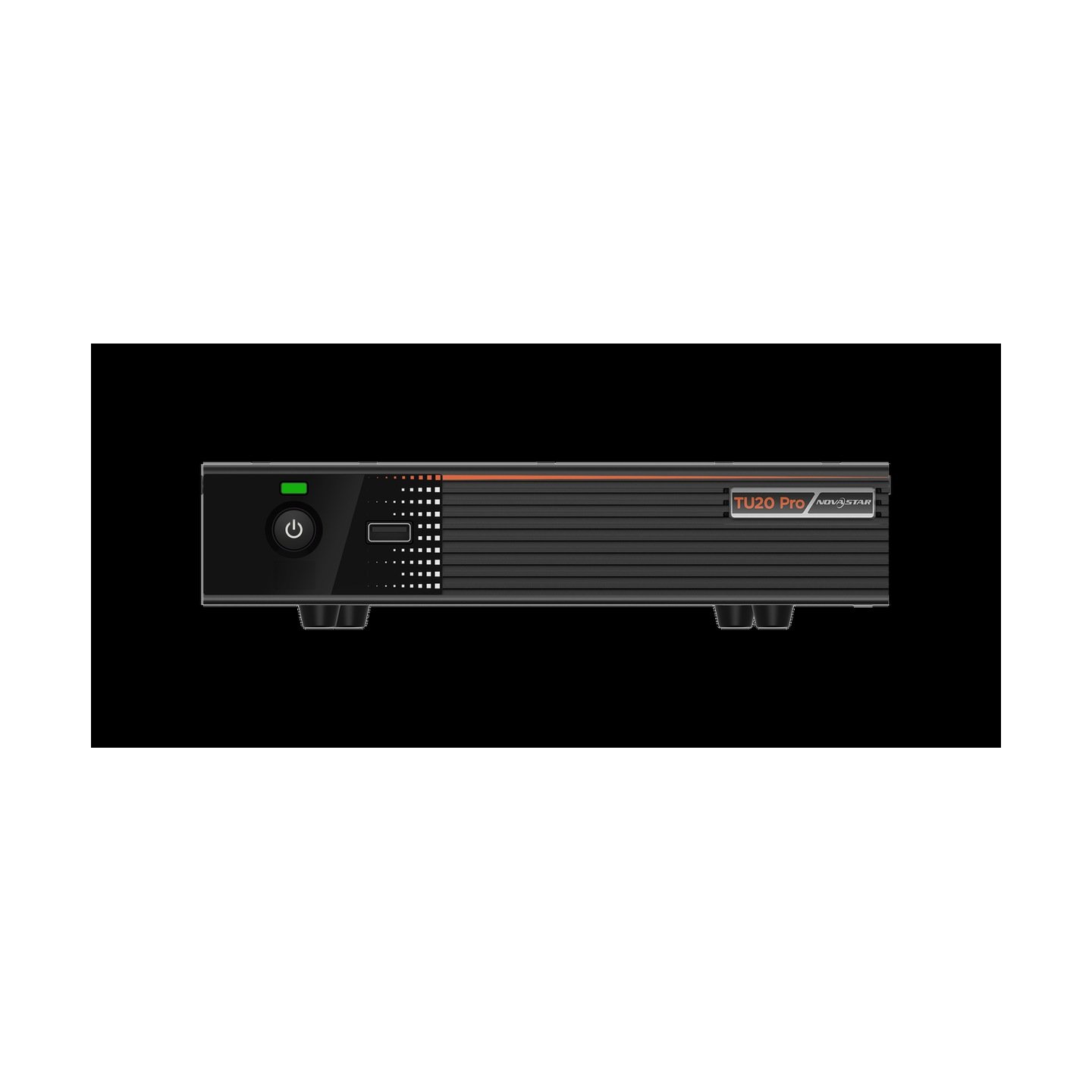
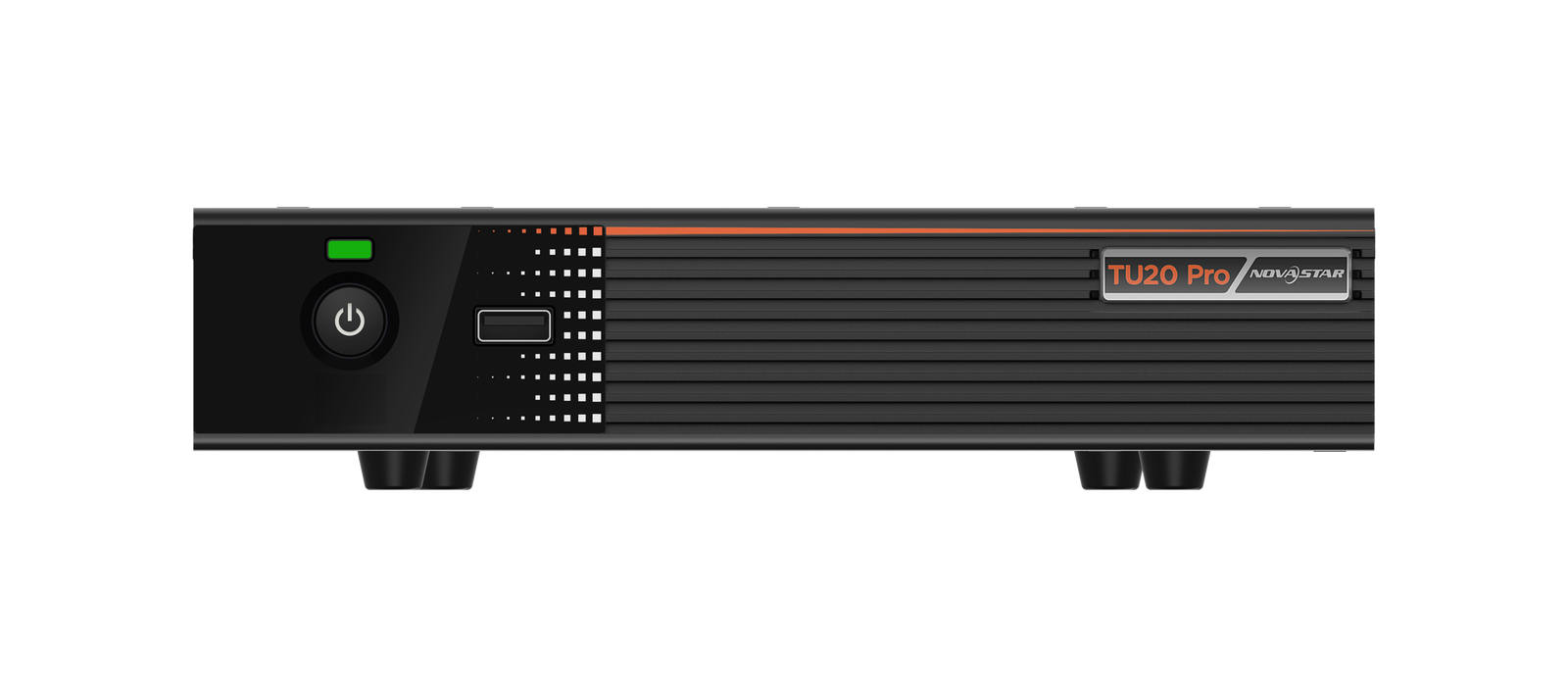
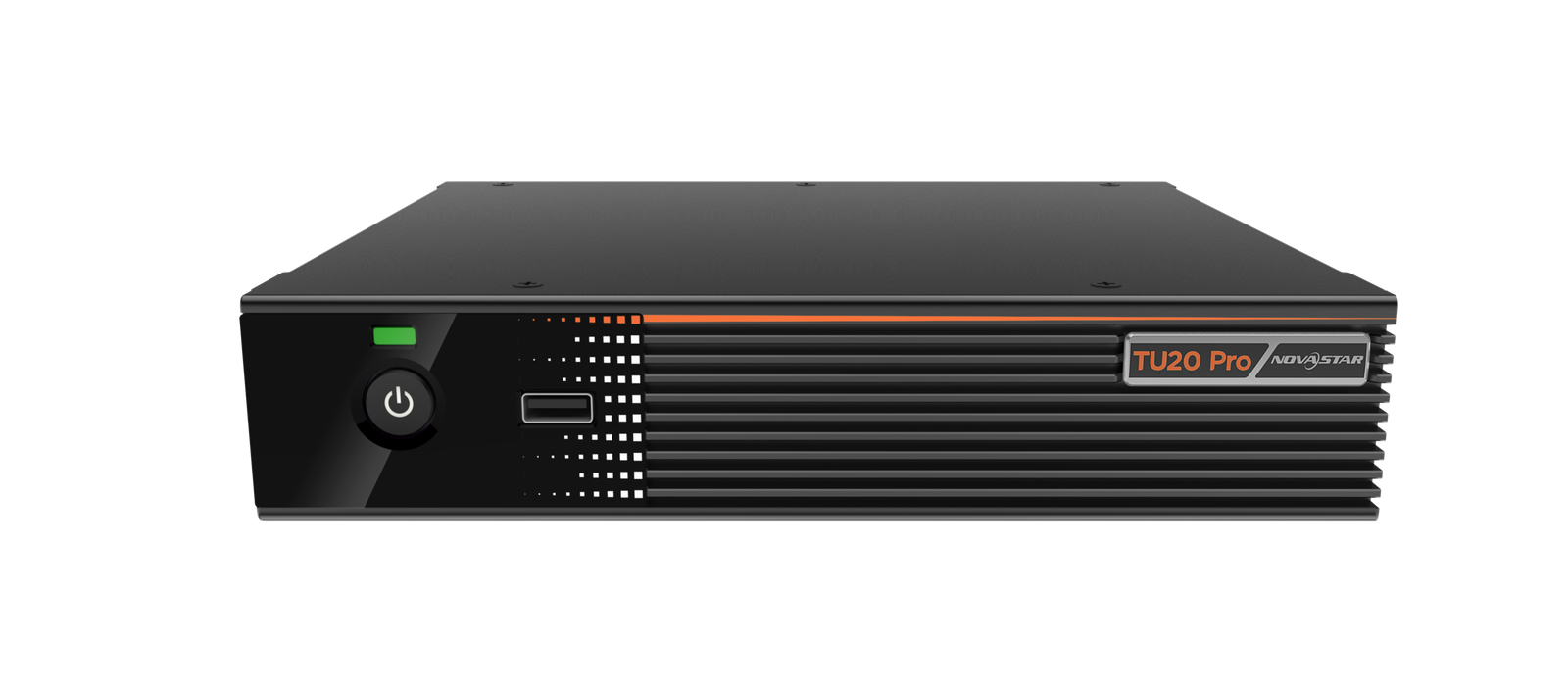
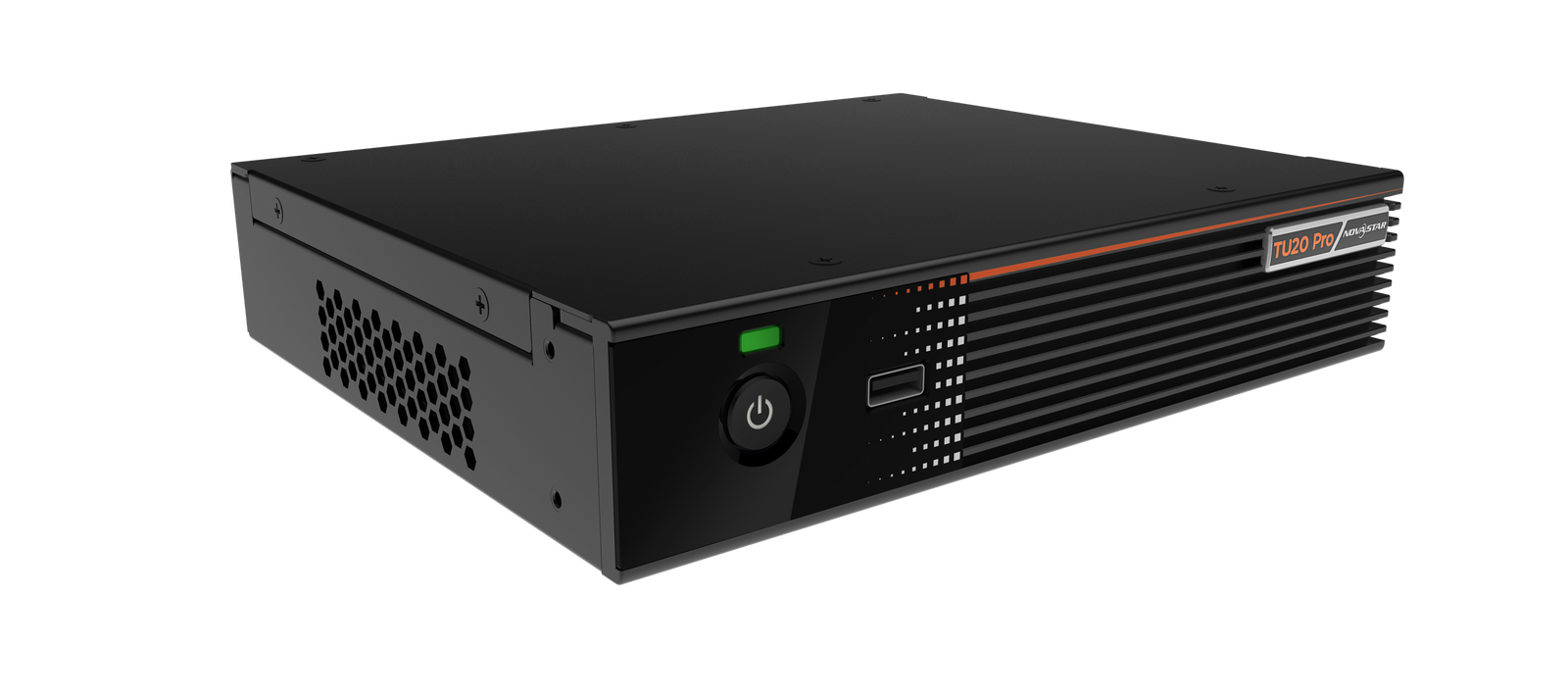
What is the NovaStar TU20 Pro?
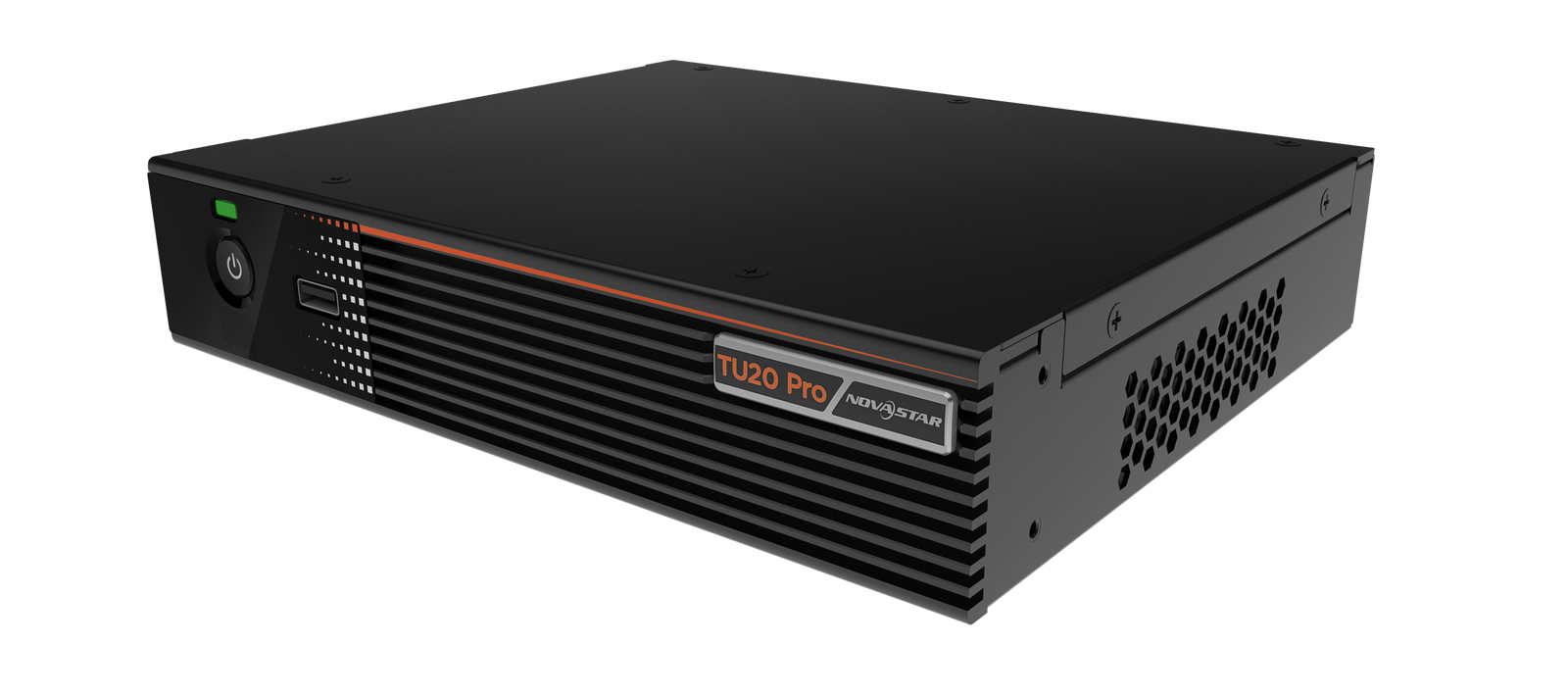
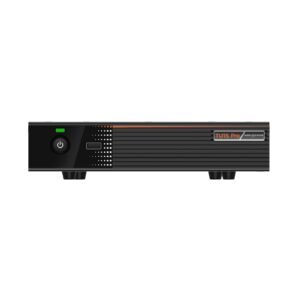
The NovaStar TU20 Pro is an all-in-one processor for a single indoor LED screen: an Android computer, a source switcher and the electronics that drive the wall, in one 1.12 kg box with six network outputs. It runs apps, takes two HDMI sources, and lets people in the room put their laptop on the screen without a cable.
It is built for rooms rather than for signage. Your meeting rooms, boardrooms, showrooms, training suites and lecture theaters — anywhere a fine-pitch LED wall has replaced a projector, and whoever walks in has to use it without training.
Your alternative is a media player, a switcher, a controller and a wireless presentation box, cabled together, each with its own handset. This one box replaces that stack. Your room ends up with one screen and one remote.
NovaStar TU20 Pro key features
Anyone in the room can put their laptop on the wall
Wireless mirroring works from Windows, macOS, iOS and Android. A visitor with the wrong adapter stops being a five-minute delay at the start of your meeting. Two HDMI inputs are there for the people who would rather plug in.
Your presenter can also drive the screen from a phone through the ViPlex Handy app. That suits a speaker standing away from the front row.
It wakes with the handset, like a television
In standby it draws under half a watt, and the remote brings it back. That is the behavior your room needs. Nobody hunts for a switch, and you leave nothing running overnight just to have it ready by nine.
The handset in your carton is a Bluetooth voice remote. You can pair up to seven Bluetooth devices at once: a keyboard, a mouse, a soundbar.
Your screen does not have to be a rectangle
You can arrange cabinets with gaps and steps instead of filling a strict rectangle, and the empty positions do not eat into what the processor drives. That matters for the shaped walls architects like: a band around a corner, a screen split by a doorway.
Not every cabinet type supports it, so confirm yours before your layout is signed off.
NovaStar TU20 Pro specifications
Read the two capacity rows together rather than separately. They answer different questions, and the lower one governs most of the rooms you will specify.
| Screen capacity, scaled | 3,900,000 pixels across six Gigabit outputs |
|---|---|
| Screen capacity, native | 2,880,000 pixels when the picture is shown at its natural size |
| Output sizing range | 64 to 4096 pixels wide, 64 to 1920 pixels high |
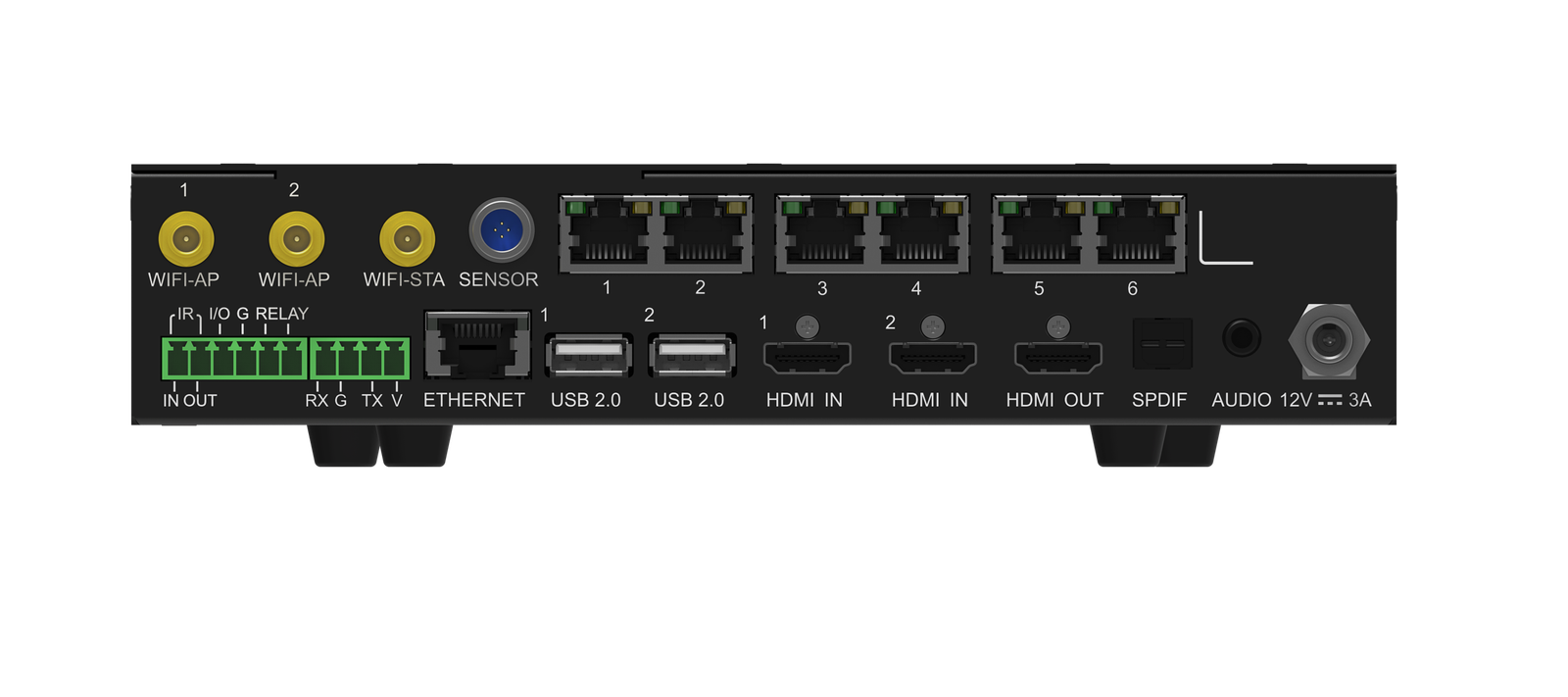
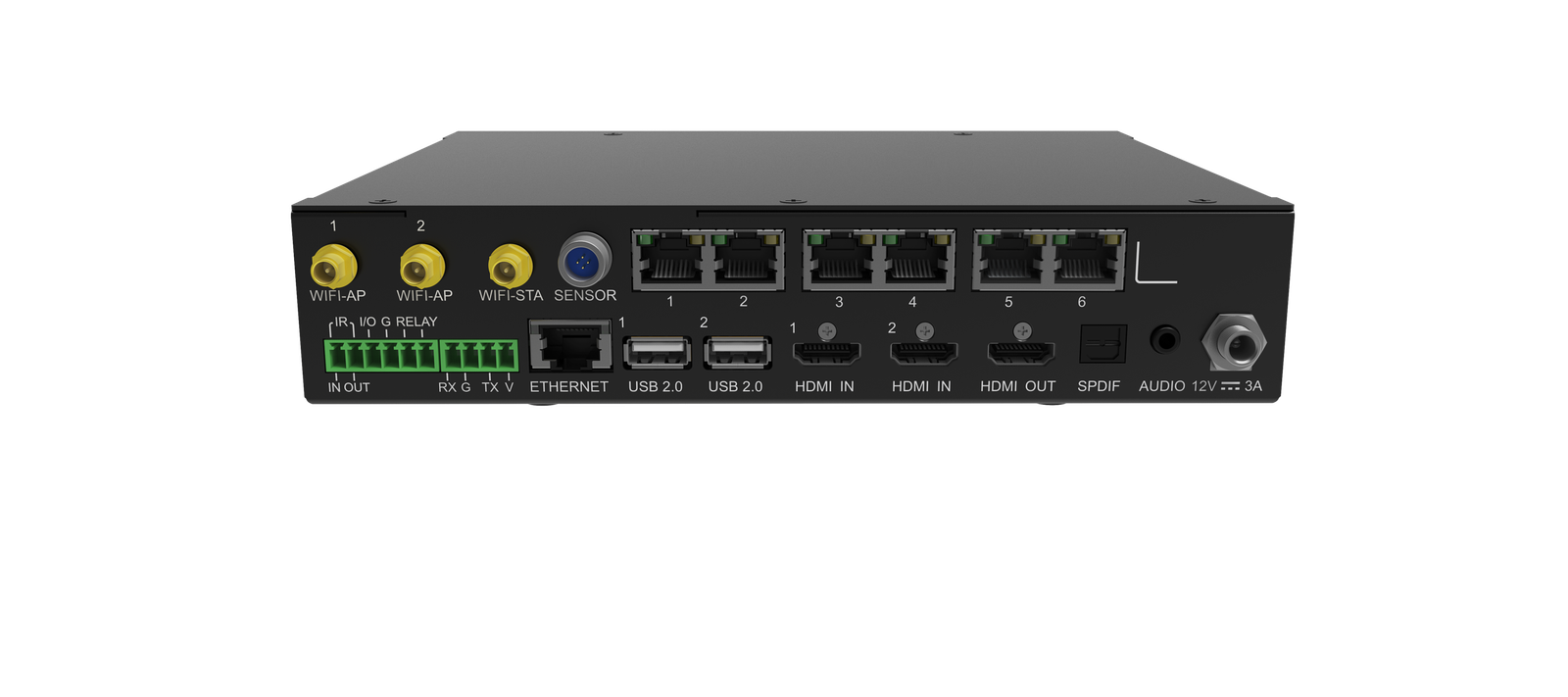
| Screen outputs | 6x Gigabit RJ45 |
| Live inputs | 2x HDMI 1.3, plus 3x USB 2.0 |
| Monitor output | 1x HDMI, standard 1080p |
| Sound outputs | 1x SPDIF and 1x 3.5 mm |
| Processor and memory | Quad-core ARM A55 at 1.8 GHz, 4 GB RAM, Android 11 |
| Internal storage | 32 GB |
| Video it can play at once | 2x 4K, or 5x 1080p, or 5x 720p, or 8x 480p, or 10x 360p |
| Wireless | Mirroring from Windows, macOS, iOS and Android; Wi-Fi and hotspot together; Bluetooth 5.1 for up to 7 devices |
| Room controls | Infrared and Bluetooth remote, relay contact for screen power, sensor connector |
| Standby draw | Under 0.5 W, woken by the infrared remote |
| Power in | DC 12 V 3 A from the supplied adapter; 21 W rated |
| Size and weight | 211.7 mm × 185.0 mm × 50.6 mm; 1.12 kg |
| Operating range | −20°C to +50°C, 0% to 80% RH, non-condensing |
| Approvals listed | CE, FCC, IC, MIC, KC, CB, RoHS, PSTI, NTRA, ANATEL |
Figures come from NovaStar’s TU20 Pro LED Playback Control Processor Specifications V1.6.3, dated 21 April 2026.
Two capacity figures, and which one applies to your room
NovaStar gives you two numbers: 3,900,000 pixels when the picture is stretched to fit your wall, and 2,880,000 when every picture pixel lands on one screen pixel. The trade calls that second mode pixel-to-pixel. It is the number most of your rooms will actually run to.
The gap matters because you normally feed a room screen a matching picture rather than a stretched one. Text is what gives it away. Scaling softens small type, and a wall that exists to show documents gets specified the other way.
Work out your own number. An 8-foot by 4.5-foot wall at 1.5 mm pitch is about 1625 by 914 pixels, or 1,485,000, and sits comfortably inside either figure. Take the same wall to 0.9 mm and it becomes 2709 by 1524, or 4,128,000. That is past both, and your decision is a second processor or a coarser pitch.
One more limit sits outside those totals. The picture it sends is between 64 and 4096 pixels wide and between 64 and 1920 high, so a very tall wall hits the height figure before it hits the pixel count.
What is in the box, and what still needs ordering
Your carton is unusually complete: the processor, a power adapter, a Bluetooth voice remote with batteries, an Ethernet cable, an HDMI cable, three antennas and two hanging brackets. You can commission a room from that alone.
One feature is not included. Drawing and annotating on the screen needs a whiteboard activation code, bought separately. If your brief mentions marking up a document during a meeting, put that line on the quote now rather than finding it at handover.
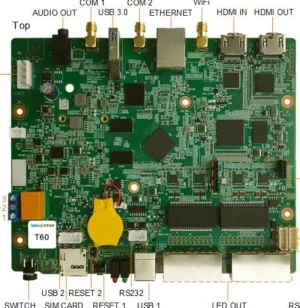
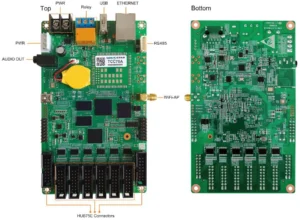
Two connectors on the six-pin block are labeled reserved: an infrared output and a general input and output. Leave them out of your design.
The relay position on that same block is live and worth using. Wire it to a contactor and your screen switches off with the room instead of running all night.
TU20 Pro or TU15 Pro — the same box with fewer outputs
These two are physically identical and give you every feature, socket type and accessory in common. Two rows separate them, and both are about how much screen you are driving.
| Model | TU15 Pro · TU20 Pro |
|---|---|
| Screen outputs | 4 · 6 |
| Capacity, scaled | 2,600,000 · 3,900,000 |
| Capacity, native | 2,600,000 · 2,880,000 |
| Size and weight | identical: 211.7 × 185.0 × 50.6 mm, 1.12 kg |
| Video at once | identical on both |
| Price | $669 · $1,075 |
Order the TU20 Pro if your wall passes 2,600,000 pixels, or if six cable routes into it would keep the runs shorter and the fault-finding simpler.
Order the TU15 Pro below that line and you save $406 for a box that does everything else the same. Note that at natural size the two are much closer than the headline numbers suggest, so run your own pixel count before paying the difference.
TU20 Pro datasheet, manual and setup
The user manual covers this model and the TU15 Pro together, and it is worth reading before you commission rather than after. You set the screen up from the processor itself or from a phone, and NovaStar puts a typical room at about ten minutes once the cabinets are hung.
Record your screen layout and the picture settings when you hand the room over. The four modes — standard, meeting, vivid and skin — are the ones an end user is most likely to change by accident and least likely to put back.
NovaStar TU20 Pro FAQ
Is the TU20 Pro 3.9 million pixels or 2.88 million?
Both, in different modes. It carries 3,900,000 when the picture is scaled to the wall, and 2,880,000 when the picture is shown at its natural size. A room screen used for documents normally runs the second way.
Do I still need a sending card or a controller?
No. The processor drives the receiving cards in your cabinets directly from its six Gigabit outputs, so there is nothing to rack alongside it.
Can people mirror their laptops to it?
Yes, from Windows, macOS, iOS and Android, with no cable and no dongle. Two HDMI inputs are there for anyone who would rather plug in.
Does the whiteboard feature cost extra?
Yes. Drawing and annotating on the screen needs an activation code bought separately from the processor, so add it to the quote if the room brief mentions marking up documents.
Can it run third-party apps?
Yes. It runs an Android 11 desktop, so a video-conferencing app or a room-booking client can sit on the screen alongside the presentation sources.
What comes in the box?
The processor, a power adapter, a Bluetooth voice remote with two AAA batteries, an Ethernet cable, an HDMI cable, three antennas, two hanging brackets, a QR card and a certificate.
Can the screen be an irregular shape?
Yes, on cabinets that support it. Gaps in the layout do not consume capacity and the arrangement does not have to be a strict rectangle, which suits a wall broken by a doorway or wrapped around a corner. Confirm your cabinet model first.
How much power does it use when the room is empty?
Under half a watt in standby, and the infrared remote wakes it. Wire the relay contact to a contactor and the LED wall itself can switch off with it.
What warranty covers a TU20 Pro?
Three years of serial-tracked manufacturer coverage, because these processors come through our authorized US NovaStar channel.
Can I get volume pricing or Net 30 terms?
Yes. Send the model and the quantity for volume pricing, which is worth asking about on a multi-room fit-out. Purchase orders and Net 30 terms may be available for approved schools, government buyers, venues and established integrators.
How do I order a TU20 Pro?
Pricing here is per processor. Orders placed before 3 PM ET on in-stock items ship the same business day from Florida. Contact us to confirm current availability.
Reviews
There are no reviews yet.