
What is the NovaStar TB30?
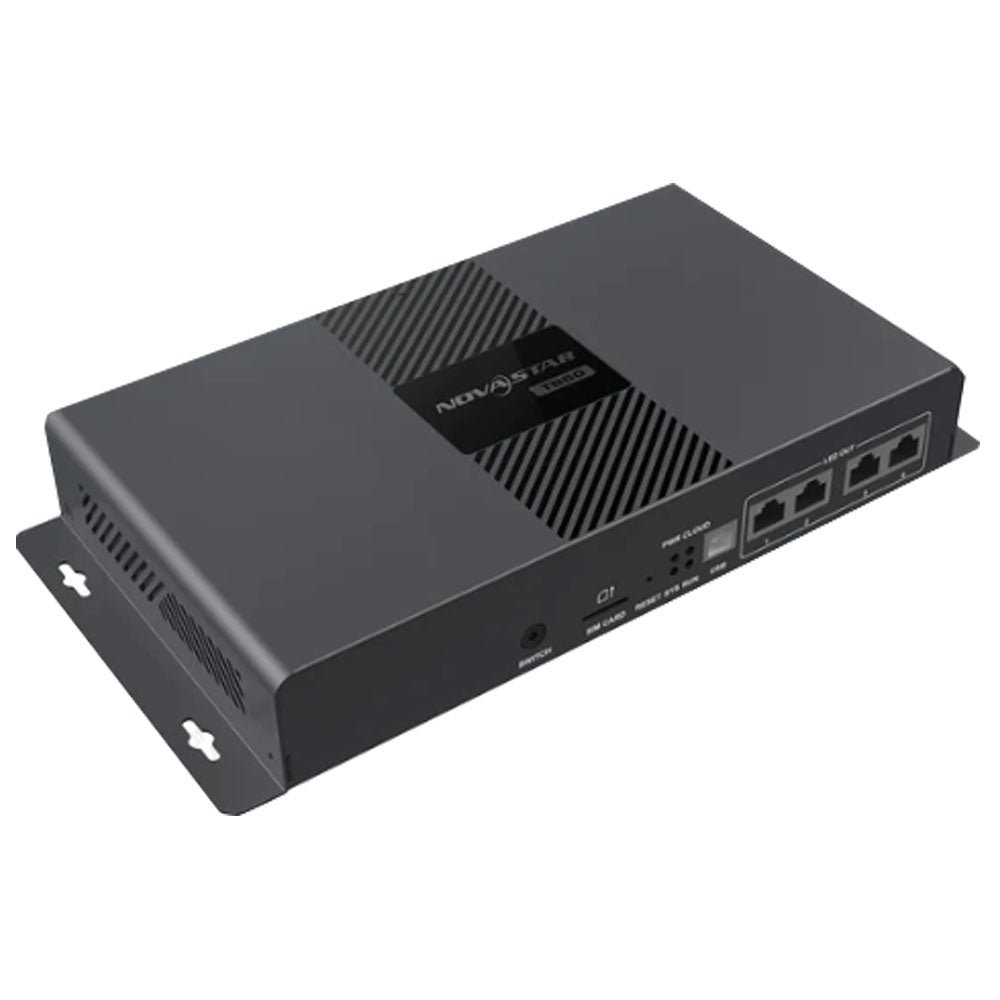
The NovaStar TB30 is a Taurus-series multimedia player that holds your content, plays it on a schedule and drives the LED screen from the same box, with nothing else in the chain. It is the model in the family built purely for screens that show prepared material, so it has no video input at all.
That makes it the right box for the majority of commercial screens: menu boards, pharmacy windows, estate-agent displays, car-park signs, anything whose content is planned a week ahead rather than fed live.
You publish a playlist once, over the network or from a USB drive, and the screen then runs from its own 32 GB whether or not your office is open, your internet is up or your laptop is anywhere near it.
NovaStar TB30 key features
Nothing has to stay plugged in for the screen to work
Once your playlist is on the player, the only cables that matter are power and the two going to the screen. No computer, no media box and no live feed sits behind a TB30, which removes most of the things that fail on an unattended site.
It also means a shorter parts list on the quote, and one power outlet instead of two.
Your screen sets its own brightness after dark
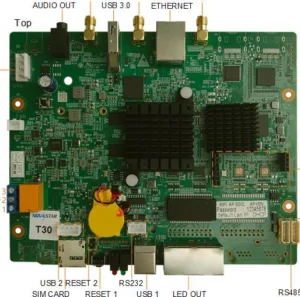
A screen at fixed brightness is unreadable at noon and blinding at midnight, and two sensor sockets on the back are how the TB30 answers that. Plug in a light sensor such as the NS060-5A and the screen follows the sky instead of a guess.
The same sockets take a temperature and humidity sensor, which is what you want on a sealed outdoor cabinet where nobody notices heat building up.
You can tell the state of the box from across the room
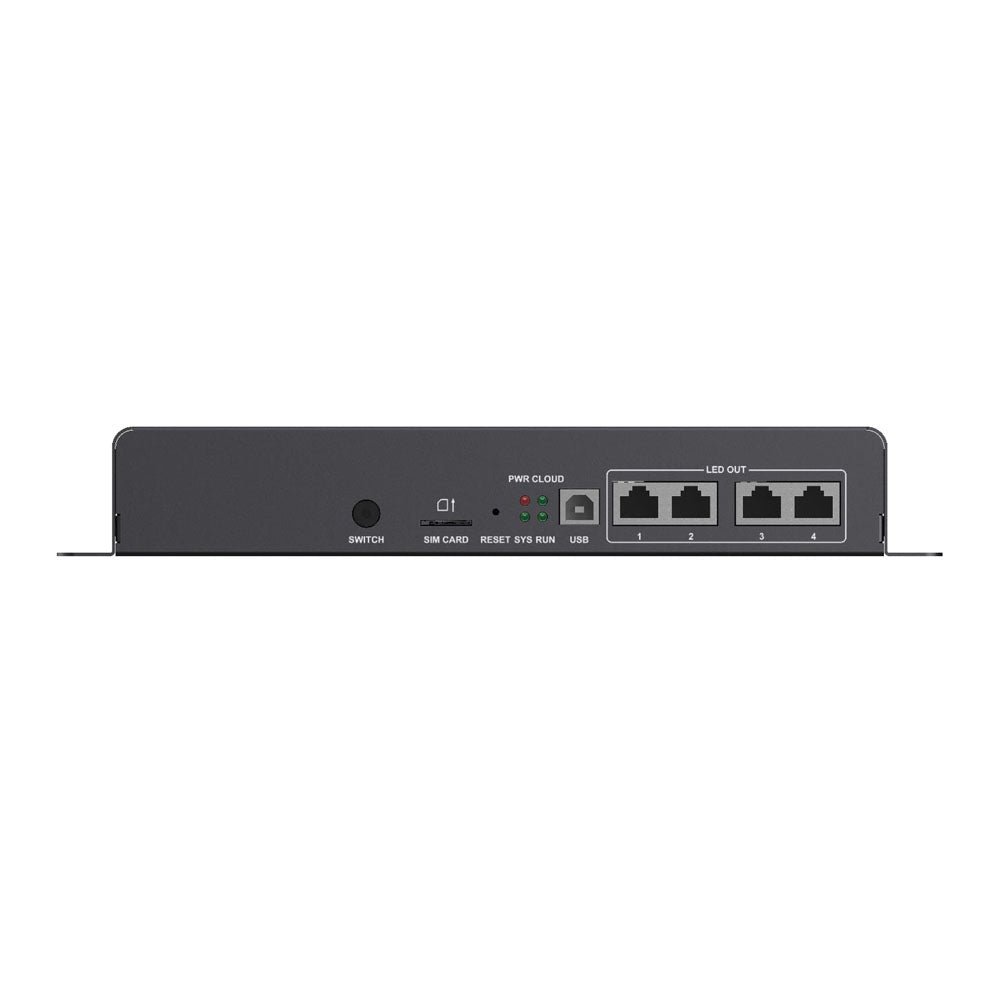
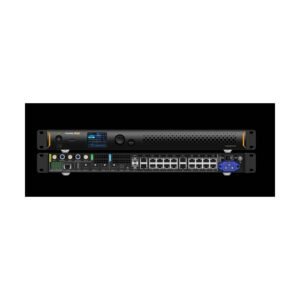
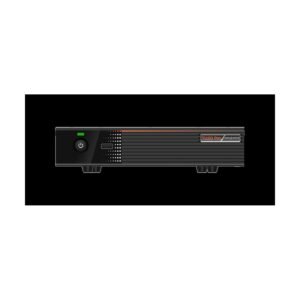
Four lights on the chassis report power, operating system, internet and picture separately, so a site visit does not start with a laptop. A slow blink on the picture light every four seconds means the player has no source to show, which points you at the schedule rather than the cabling.
The network sockets themselves carry no indicator lights, so link status is one thing you still read in software.
NovaStar TB30 specifications
Check the first row against the screen you are quoting, and the last row against what the mounting position can actually keep dry.
| Pixel capacity | 1,300,000 pixels; maximum 4096 wide and 4096 high |
|---|---|
| Long thin screens | Up to 23,040 pixels wide and 4096 high, inside the same total |
| Screen outputs | 2x Gigabit RJ45, both live by default, or one main and one spare |
| Video input | None; the player shows only what is stored on it |
| Sensor sockets | 2x, for a light sensor or a temperature and humidity sensor |
| Sound | 3.5 mm output, fixed 48 kHz; three-pole plugs only, no audio input |
| Processor and memory | Quad-core ARM A55 at 1.8 GHz, 1 GB RAM, Android 11 |
| Internal storage | 32 GB, plus a USB 3.0 socket for more |
| Video it can play at once | 1x 4K, or 2x 1080p, or 5x 720p, or 6x 480p, or 6x 360p |
| Wireless | 2.4 GHz; hotspot and network connection can run together |
| Mobile data | SIM slot and antenna connector fitted; the 4G module is bought separately |
| Power in | 100–240 V, 50/60 Hz, 0.6 A, with an on/off switch; 18 W maximum draw |
| Size and weight | 274.3 mm × 139.0 mm × 40.0 mm; 1,228.9 g |
| Operating range | −20°C to +60°C, 0% to 80% RH, non-condensing; IP20, so it lives inside something |
| Approvals listed | UL, FCC, IC, CE, UKCA, CB, PSE, KC, MIC, RCM, CQC, NOM-208 and others |
Figures come from NovaStar’s TB30 Multimedia Player Specifications V1.2.4, dated 31 July 2026.
The TB30 pixel ceiling doubled in July 2026
NovaStar rerated the TB30 from 650,000 pixels to 1,300,000 in the V1.2.4 revision of its specification, dated 31 July 2026. The same revision changed the two screen outputs from one-main-one-spare to both-live-by-default, which is what makes the higher figure reachable.
Almost every listing you will find still quotes the old number, because it comes from the January 2026 document. If you sized your project against 650,000 you may have specified a dearer box than you need.
What this changes in practice: a 1440×900 screen, a 2560×480 shopfront band or about 32 cabinets of 200×200 all now sit inside one TB30. Before the rerating, the same screens pushed you to a TB50 or a TB60.
One number did not move. Neither side of your screen may pass 4096 pixels, except on a long thin display, where the width allowance goes to 23,040.
What you give up by not having an HDMI input
Everything a TB30 shows comes out of its own storage, and that is the single real difference between it and the rest of the family. There is no socket for a camera, a laptop or a set-top box, and no front-panel button to switch to one.
For most commercial screens that costs you nothing, because the content was made in advance anyway. It costs you the job when a client later asks for a live camera at an event, a lectern feed in a lobby or a match clock on a sports wall — none of which a TB30 can be upgraded to do.
So the question to settle before ordering is not what the screen shows this month. It is whether anyone will ever want to plug something into it.
If the answer is yes, or even probably, the TB50 carries the same pixel count with an HDMI input and a loop-through output, and the TB40 does the same on 12 V.
What one TB30 looks after on its own
An unattended screen fails in a small number of predictable ways, and the TB30 has an answer to most of them without anyone visiting. Content and schedule sit in internal storage, so a power cut ends with the screen resuming where it was rather than waiting for someone with a laptop.
Three still images cover the rest. One appears at power-up, one appears if the schedule is ever lost, and one appears only when a web page or a live stream inside your playlist stops answering. That last image needs player software V4.7.7 or newer and must be 1920×1080 or smaller.
Scheduled restarts are set from the same software, which is worth turning on for a screen that nobody visits for months. Add a multifunction card and the schedule can cut power to the cabinets overnight instead of merely blanking them.
The one setting that catches people out is not on the box at all. Your player generates a picture at a resolution you choose, and it has to be larger than the screen you configured, or a strip of the wall never lights.
TB30 or TB50 — one question decides it
These two boxes are the same size, the same weight, the same processor and, since July 2026, the same pixel capacity. You are choosing between them on live sources and on nothing else.
| Model | TB30 · TB50 |
|---|---|
| Pixel capacity | 1,300,000 · 1,300,000 |
| Screen outputs | 2 · 2 |
| HDMI in and loop out | no · yes |
| Front-panel source button | no · yes |
| Weight | 1,228.9 g · 1,234.0 g |
| Price | $304 · $488 |
Order the TB30 if the screen will only ever show prepared content — you save $184 per screen and give up nothing you were going to use.
Order the TB50 if a live source is in the brief, or if the site is the kind that asks for one later. Retrofitting means replacing the player, so on a multi-screen rollout the safer choice is worth pricing both ways.
TB30 datasheet, ViPlex Express and firmware
Your screen layout is stored in the player, not on a memory card, so a replacement TB30 is set up rather than restored. You reconnect the cabinets, load the layout in ViPlex Express and publish the playlist again.
Keep the version of that layout you built during commissioning. It is the difference between a fifteen-minute swap and an afternoon of re-mapping cabinets on a ladder.
NovaStar TB30 FAQ
Can I connect a laptop or camera to a TB30?
No. The TB30 has no video input, so anything live has to come from a different model. The TB50 and TB40 are the same generation with an HDMI input added.
Is the TB30 650,000 pixels or 1,300,000?
1,300,000, on the current specification. NovaStar raised the figure in revision V1.2.4 of 31 July 2026; the 650,000 number that most listings still show comes from the January 2026 revision.
Does the TB30 need a separate sending card?
No. It drives the receiving cards in your cabinets directly from its two Gigabit outputs, so there is no controller to buy or rack alongside it.
How do I get content onto it without a computer on site?
Use a USB drive in the front socket, or the wireless hotspot the player creates. The drive must be FAT32 or NTFS, between 2 GB and 128 GB, with no single file reaching 4 GB.
Will it work without an internet connection?
Yes. Content is stored on the player, so a published schedule keeps running with nothing connected. You lose remote publishing and monitoring, not playback.
Can a TB30 stay in step with a second screen?
Yes, with other players of the same generation: T30, T50, T60, TB40, TB50 and TB60. NovaStar states that players from different generations must not be mixed in one synchronized group.
Can I mount a TB30 outdoors?
No, not by itself. Its IP20 rating means it belongs inside the screen enclosure, a cabinet or a weatherproof box, in air between −20°C and +60°C.
What is the SIM slot for?
Mobile data, once you fit a 4G module, which is not included. The player prefers a wired connection, then wireless, then mobile data, so the SIM is a fallback rather than the main route.
What warranty covers a TB30?
Three years of serial-tracked manufacturer coverage, because these players come through our authorized US NovaStar channel.
Can I get volume pricing or Net 30 terms?
Yes. Send the model and the quantity for volume pricing. Purchase orders and Net 30 terms may be available for approved schools, government buyers, venues and established integrators.
How do I order a TB30?
Pricing here is per player. Orders placed before 3 PM ET on in-stock items ship the same business day from Florida. Contact us to confirm current availability.
Reviews
There are no reviews yet.